Cover Rain
- Model
- Nano Banana 2
- Image
- 912 × 1168 px
Prompt
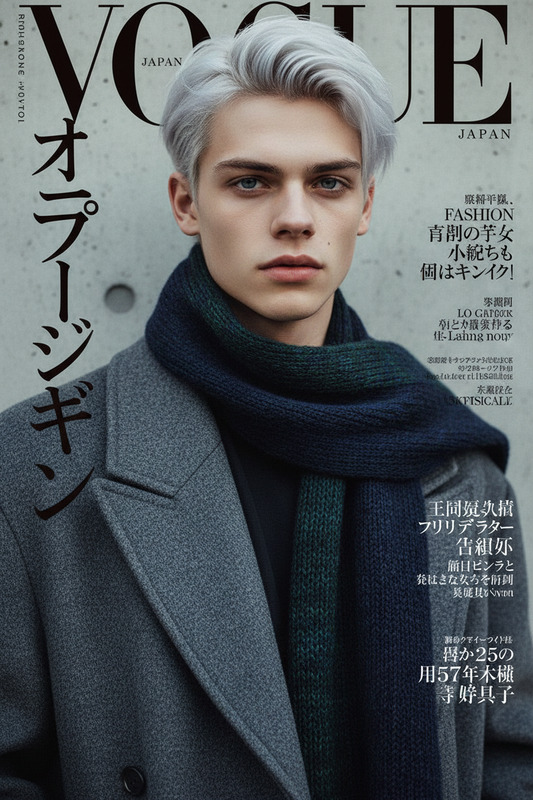
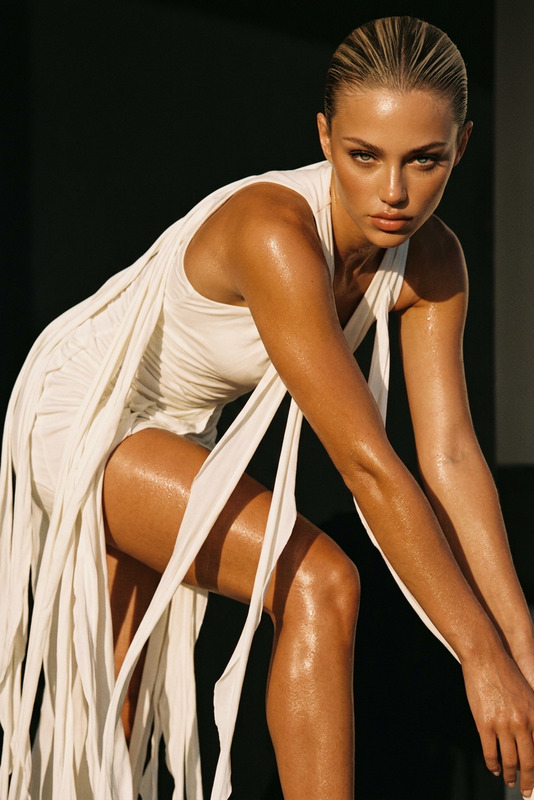
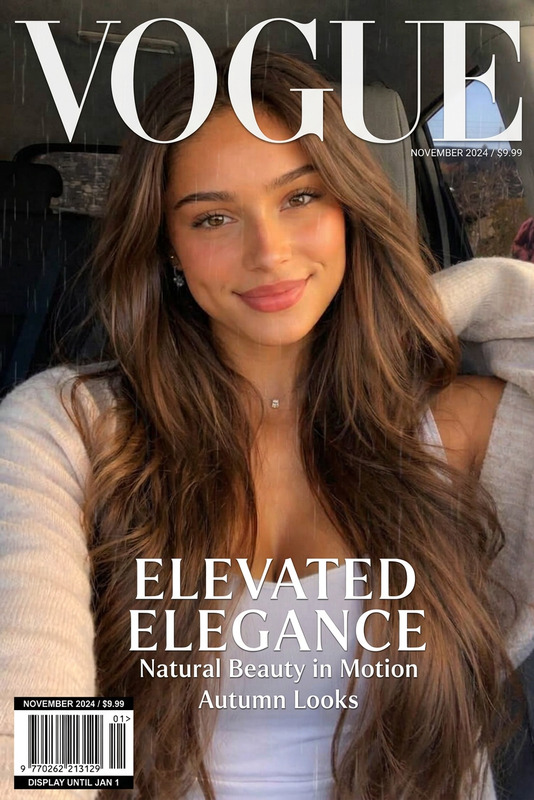
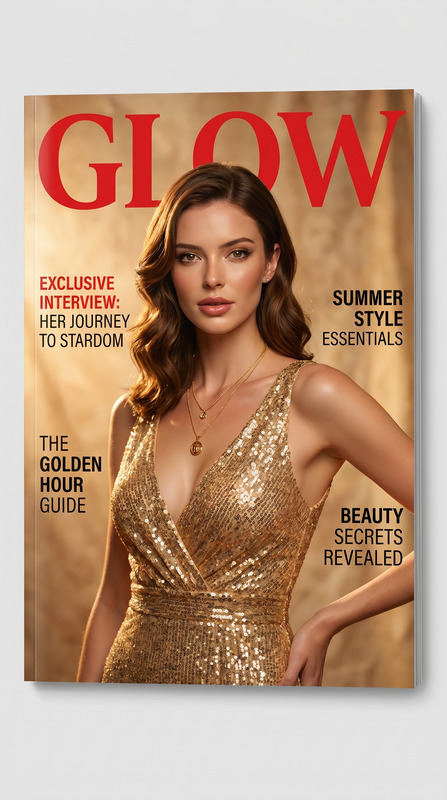
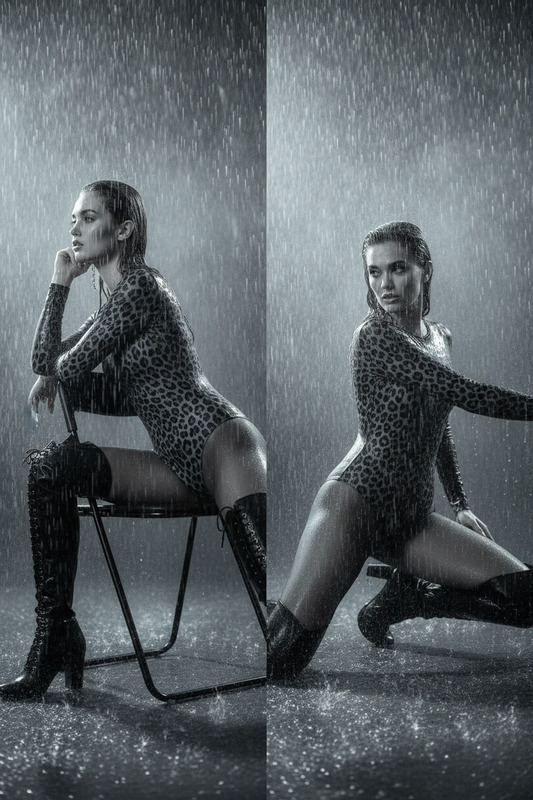
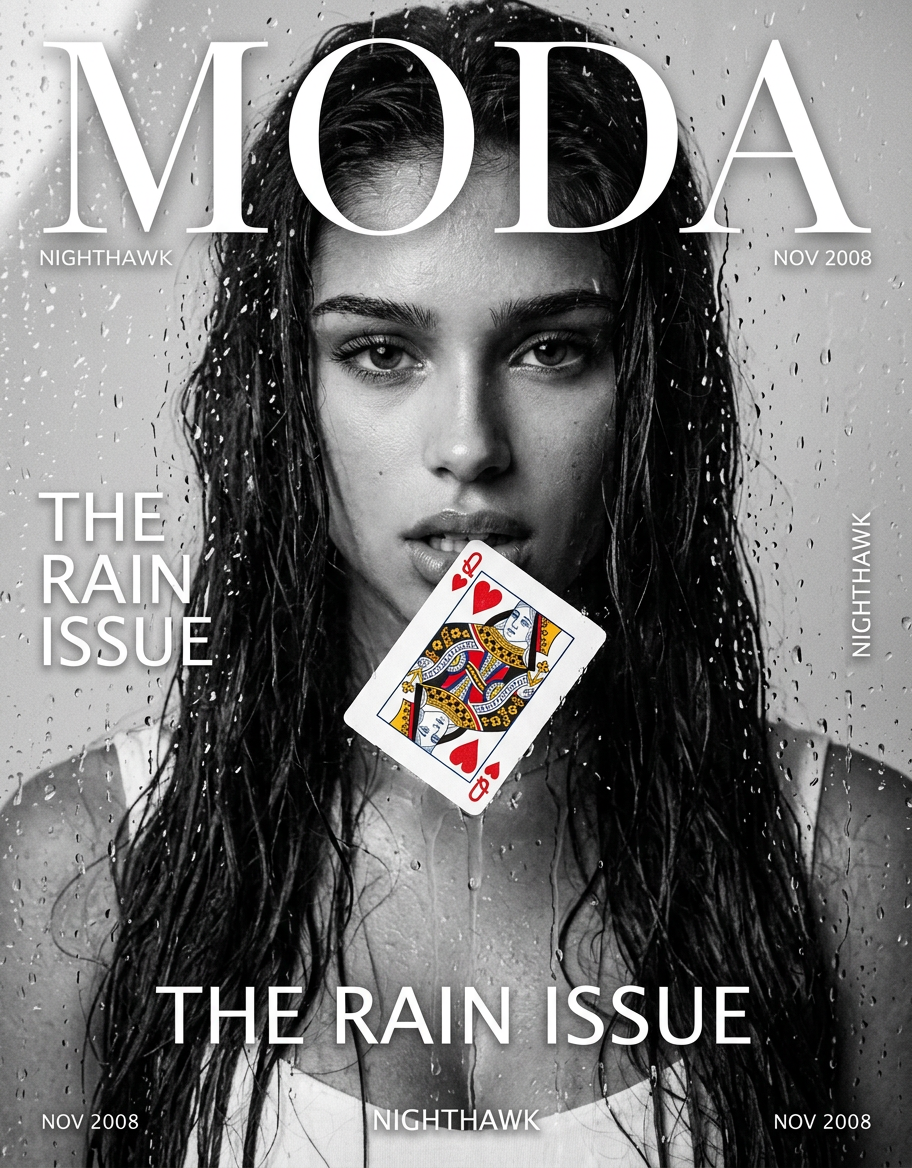
Photorealistic fashion magazine cover in the aesthetics of the late 2000s: the character from the reference is filmed waist-deep through wet glass with raindrops and water drips, with wet hair, heavy gaze at the camera and a queen of hearts playing card at slightly parted lips. Black and white high-fashion palette with a bright red and gold accent of the card, glossy studio retouching, film grain, large MODA logo and minimalistic editorial typography create the atmosphere of a premium alternative magazine cover.
Any aspect ratio
Overview
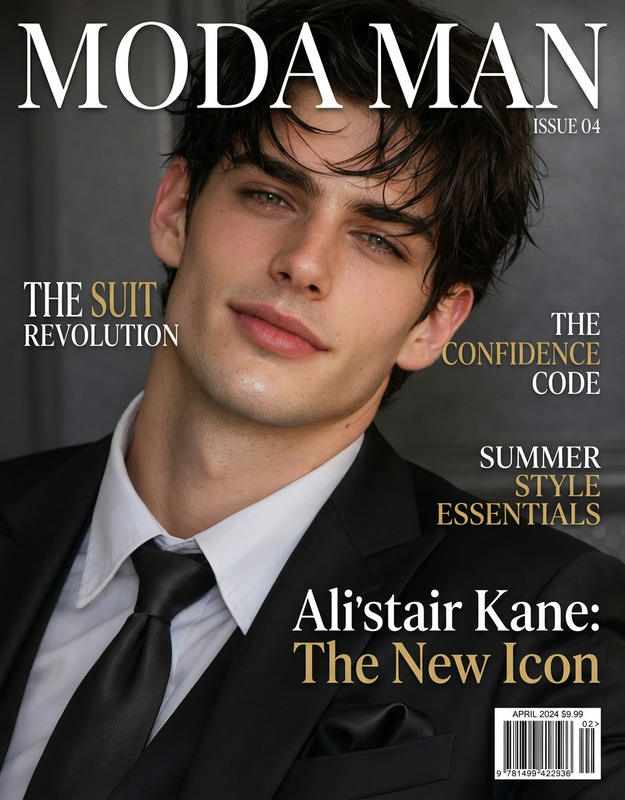
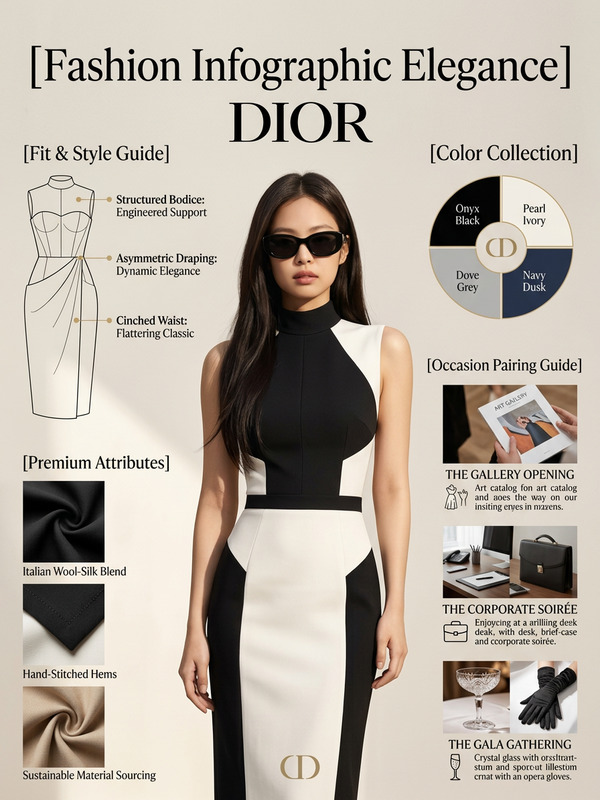
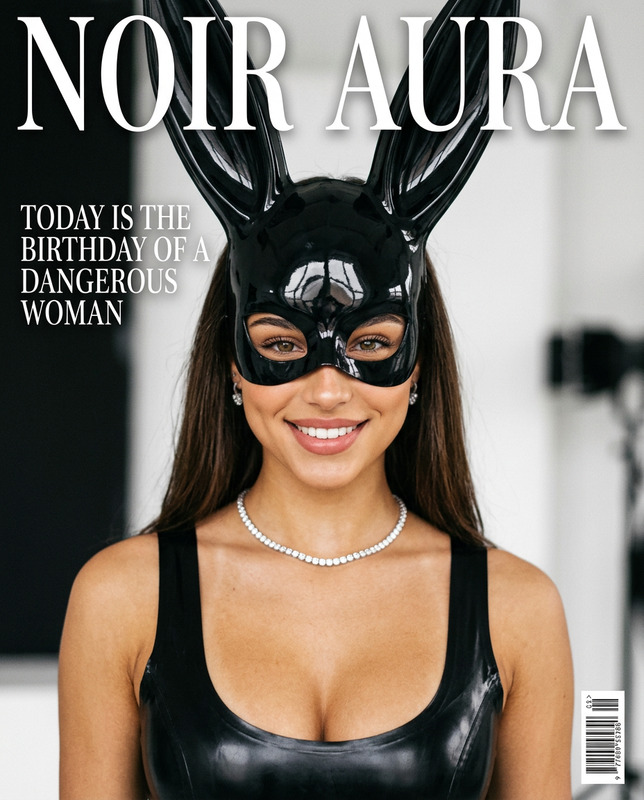
The Cover Rain template leverages the power of the nano-banana-2 model, part of Magic Hour's AI Image Editor suite, to transform your photos into high-fashion magazine covers. This specialized template crafts a scene captured through a rain-drenched lens, utilizing late 2000s aesthetics with bold visuals and film grain texture. It's perfect for creating compelling, photorealistic images with a distinctive mood and high-impact design.
What It Does
"Cover Rain" captures the essence of a fashion magazine cover from the late 2000s. The template focuses on creating a scene where your character is seen behind rain-slicked glass. Details like wet hair, heavy gaze, and a queen of hearts card at the lips are meticulously generated. The visual style incorporates a black-and-white palette with strategic accents in bright red and gold, offering a premium editorial look with glossy retouching and typographic elements.
Who It's For
This template is ideal for fashion photographers, graphic designers, and editors aiming to elevate their visual storytelling. It's a perfect tool for creating promotional material, magazine covers, or any project that demands a high-gloss, editorial aesthetic. Creatives in the fashion industry, especially those versed in digital photo manipulation, will find this template particularly effective.
Summary
Generate stunning magazine covers that channel the high-fashion vibe of the late 2000s using the Cover Rain template. This tool transforms images into photorealistic covers, complete with a striking visual narrative enhanced by the nano-banana-2 model's capabilities. Whether you're working in digital or print, this template provides a stylish, professional edge.
How To
Choose the Template

Customize Your Image

Generate and Download

Use Cases
Fashion Magazine Covers
- Use for digital or print magazine covers
- Enhance with bold typography and strategic color highlights
Promotional Material
- Ideal for marketing campaigns
- Creates a high-impact first impression
Creative Storytelling
- Incorporate into mood boards
- Visualize concepts for pitches
Best Practices
Select High-Quality Images
Begin with high-resolution images to fully leverage the AI's potential for detail.Highlight Key Accents
Use the accent colors of red and gold strategically to draw the viewer's eye.Experiment with Compositions
Try different perspectives and compositions to make your cover more dynamic and engaging.