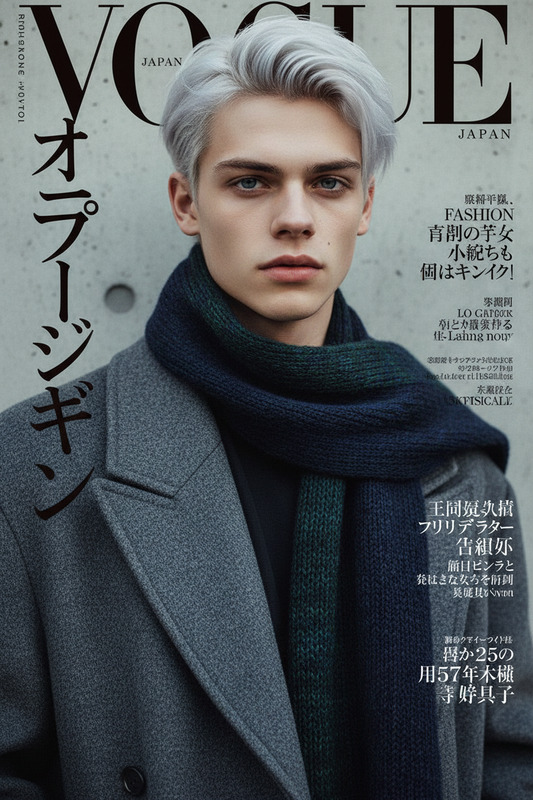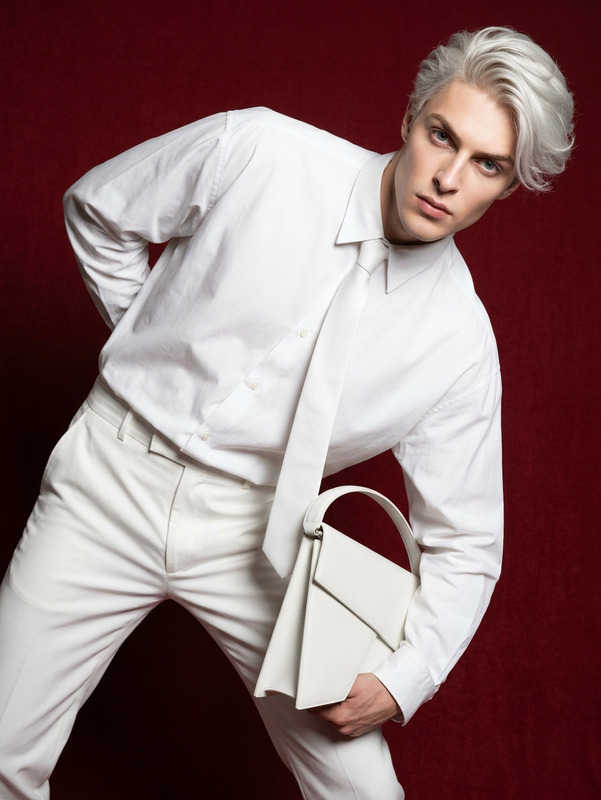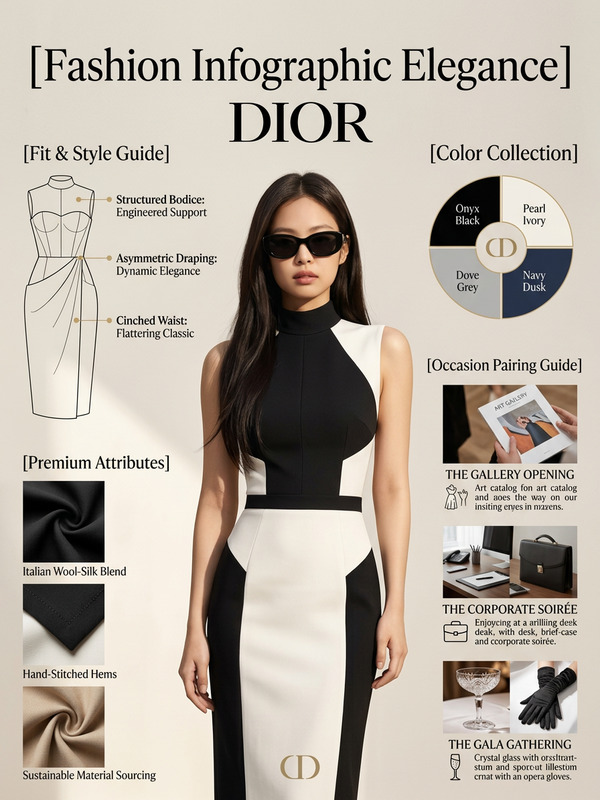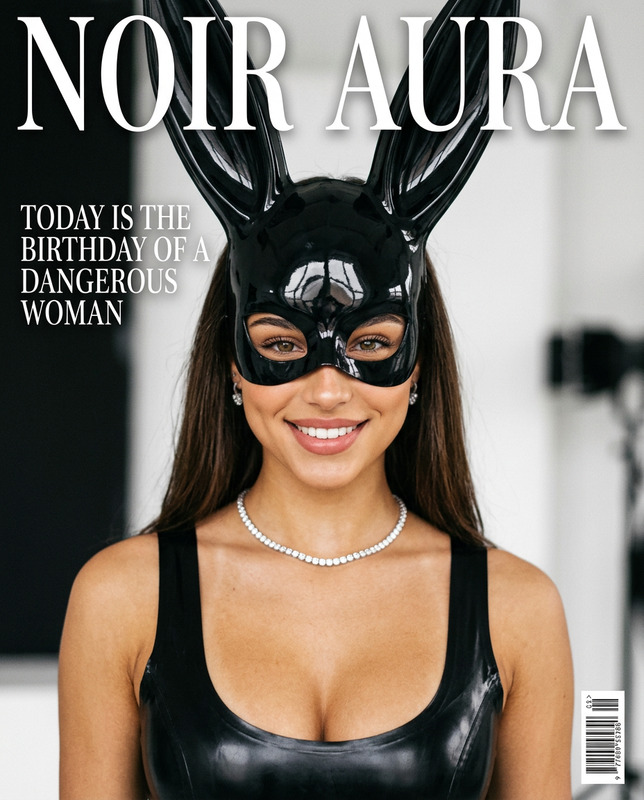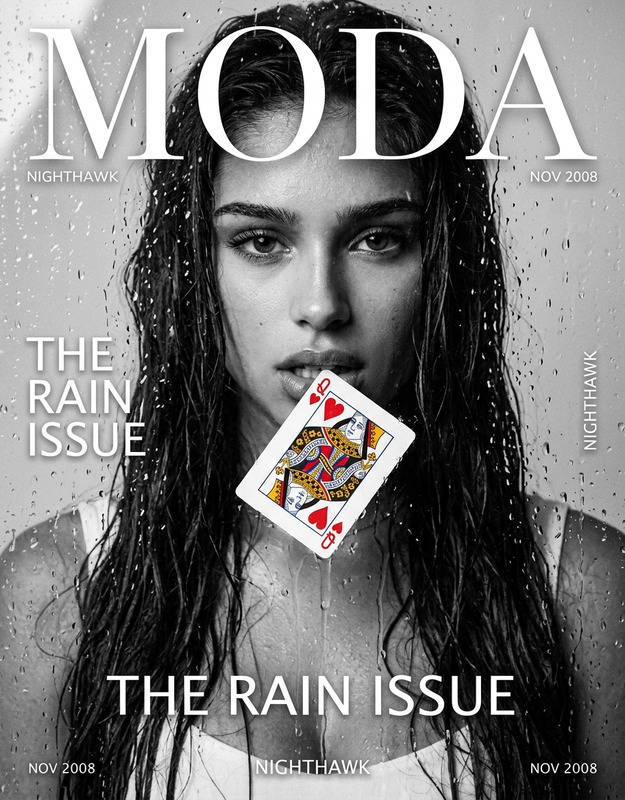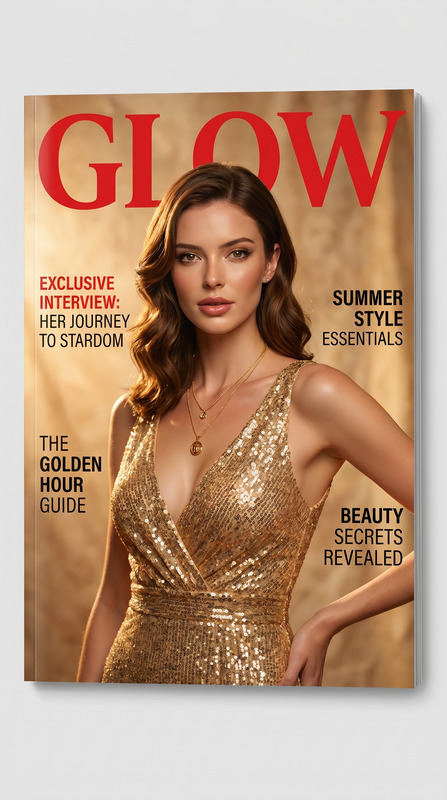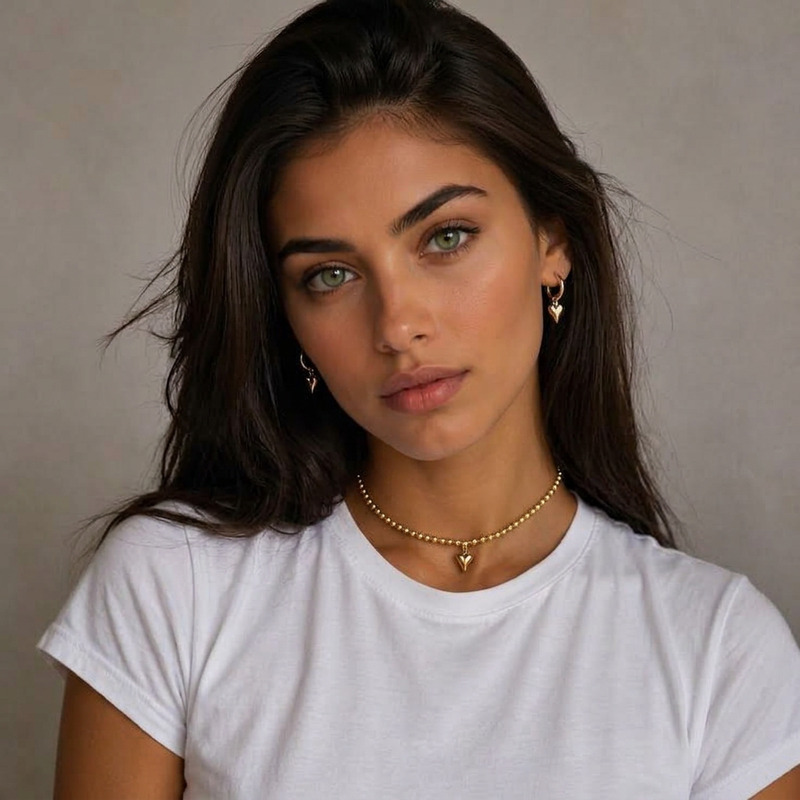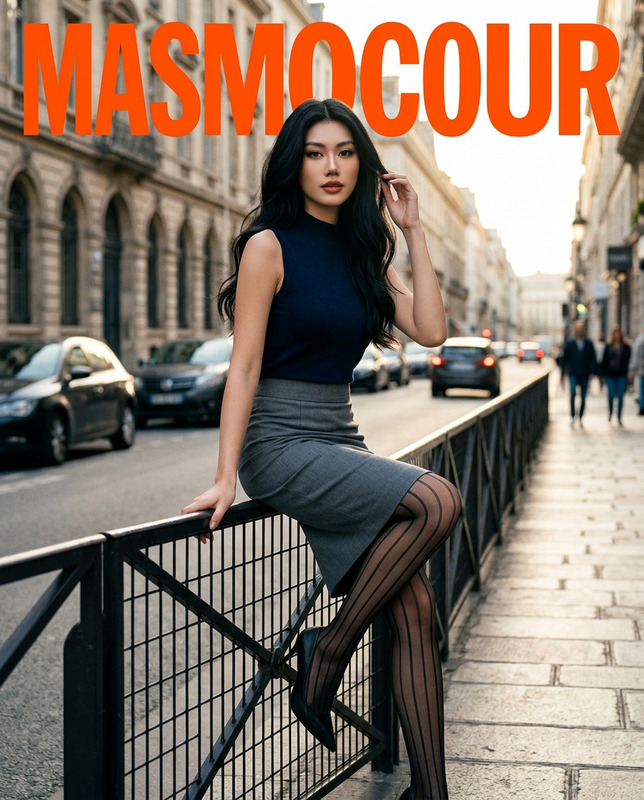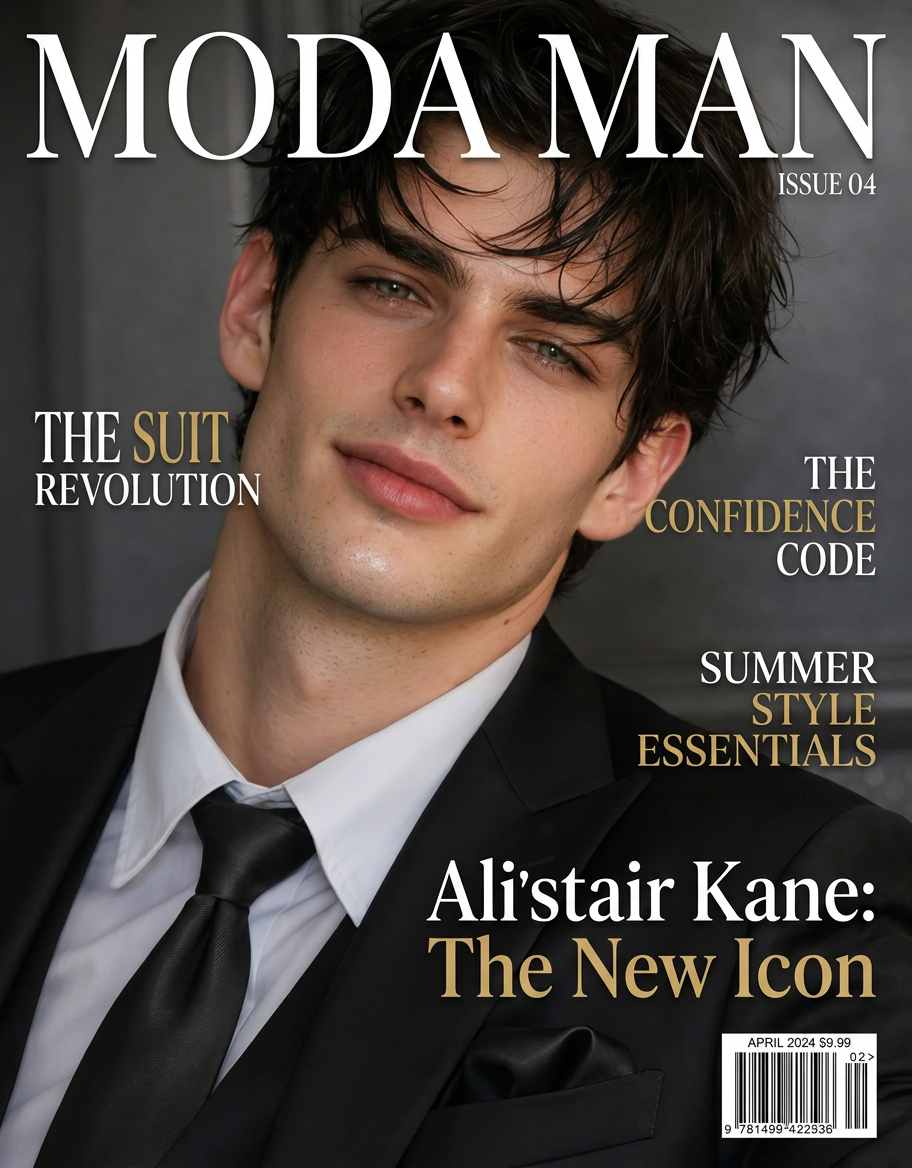
Fashion Magazine Cover
ai-image-editor
Any aspect ratio
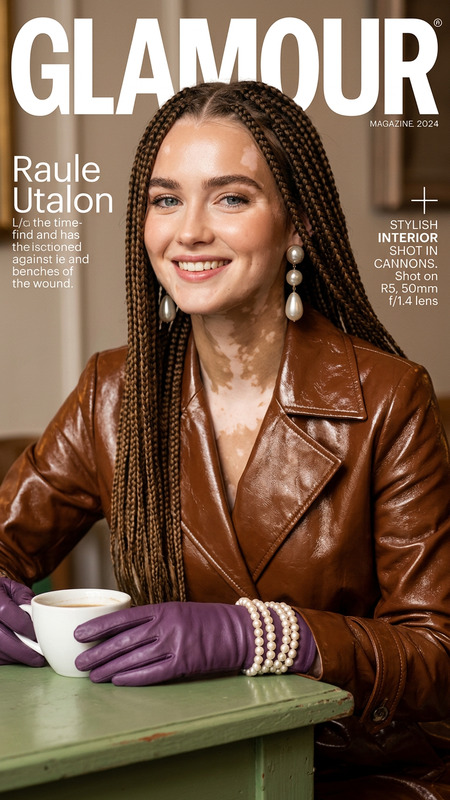
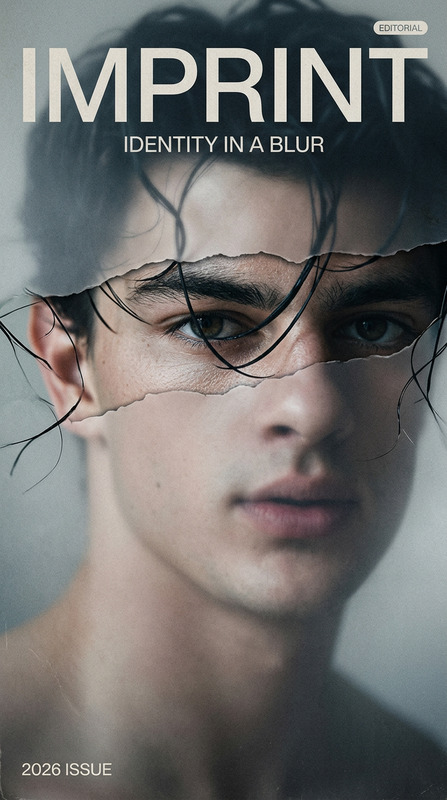
Create a high-end fashion magazine cover using the original image. Preserve the subject’s identity, facial features, and overall style. Adjust pose and expression slightly for a confident, editorial look. Style the composition with modern fashion aesthetics—clean layout, strong lighting, and sharp focus. Add realistic magazine elements: a bold, stylish magazine title at the top, cover lines/headlines along the sides, and a barcode. Ensure typography is elegant and well-balanced. Photorealistic, high detail, glossy magazine finish, 4K resolution, professional editorial vibe.
AI Image Editor Template: Fast, Precise Image Editing for Modern Creators
Use this template to quickly edit, enhance, and transform images with the AI Image Editor. It’s built for creators, developers, and marketers who need production‑ready visuals without spending hours in traditional design tools.
This template is ideal for:
- Removing or replacing elements in a photo
- Changing backgrounds cleanly
- Fixing small issues (objects, text, colors, blemishes)
- Creating multiple on‑brand variations of a single asset
- Preparing images for campaigns, product launches, or social content
What You Can Do with This Template
With the AI Image Editor, you can:
Edit any part of an image
Remove distractions, swap objects, or tweak details using AI-powered inpainting and outpainting.Replace backgrounds in seconds
Combine this with the image background remover or AI background generator to move subjects into new, on‑brand environments.Clean up and enhance visuals
Use the AI remover and remove-object-from-photo tools to get rid of logos, watermarks, or clutter, then sharpen and upscale with the AI image upscaler or unblur image.Generate new elements with AI
Combine with the AI image generator or AI art generator to add props, textures, or styles that didn’t exist in the original shot.Create campaign‑ready variants
Quickly test multiple visual directions: different backgrounds, outfits, compositions, crops, or graphic accents.
How to Remix This Template in Magic Hour
You can treat this template as a starting point and build your own workflow around it. A typical remix looks like this:
Load or duplicate the template
- Open the template in Magic Hour.
- Replace the sample image with your own product photo, portrait, or asset.
- Adjust the instructions to match your use case (e.g., “product shots on white background,” “LinkedIn headshot,” “album cover,” etc.).
Define your editing goal
Think in terms of the outcome:- “Turn this casual selfie into a professional headshot” → pair with AI headshot generator
- “Clean product photo on a clean studio background” → combine AI Image Editor + image background remover
- “Create 5 concept visuals from this single base image” → use AI Image Editor + AI photo generator
Add complementary AI steps (optional)
If you want a more advanced template, you can link in other Magic Hour tools:- Style & content creation
- AI art generator for stylized, artistic edits
- AI manga generator, AI anime generator, or Disney AI generator for stylized character transformations
- AI fashion generator or AI outfit generator to experiment with clothing changes
- Cleanup & restoration
- Watermark remover and AI remover for unwanted elements
- Old photo restoration and photo colorizer for archival or historical content
- Post‑processing & exports
- AI image upscaler for high‑resolution export
- Thumbnail maker for YouTube or social thumbnails
- Style & content creation
Document your “house style” in the template
For teams, include clear instructions in the template description:- Brand color usage
- Preferred backgrounds (e.g., studio, gradient, office, cityscape)
- Tone (playful, minimal, corporate, editorial)
- Cropping and aspect ratios (e.g., for ads, hero images, profile photos)
Save and reuse across projects
- Turn this into your “base image editor” template used for:
- Landing page hero shots
- App Store / Play Store assets
- LinkedIn and team bios
- Pitch decks and investor updates
- Encourage teammates to duplicate and adjust for specific campaigns while preserving your core structure.
- Turn this into your “base image editor” template used for:
Practical Use Cases
This AI Image Editor template is particularly useful for:
For marketers & growth teams
- Turn raw product photos into polished assets for:
- Landing pages, A/B tests, and ad creatives
- Social posts and email hero images
- App store screenshots and banners
- Quickly localize visuals for different markets by changing backgrounds, props, and context.
Pair with:
- AI meme generator for shareable formats
- Album cover generator or book cover generator for promo visuals
For founders & startup teams
- Produce investor‑ready slides: edit product screenshots, clean up office photos, and generate consistent founder headshots.
- Refine brand imagery without hiring a full‑time designer.
Combine with:
- AI logo generator for quick identity explorations
- AI icon generator for product UI assets
For creators & content designers
- Convert sketches or rough concepts into polished visuals using photo-to-sketch + AI Image Editor.
- Design comics, fantasy maps, or illustrations by mixing:
For character and avatar pipelines
- Start from a face or character base, then refine with:
You can then bring those characters into video or animation pipelines (see below).
Connect This Template to Video and Animation Workflows
Once you have edited images, you can plug them into Magic Hour’s video tools:
Turn edited images into motion
- Use image to video or text to video to create motion content from your edited stills.
- For stylized short loops, try the AI GIF generator.
Animate faces and characters
- Apply AI talking photo to make portraits speak.
- Use lip sync templates to sync a face to your audio.
- Blend with face swap or the face swap GIF for memes and concept tests.
Create sequences and full scenes
- Chain frames using video-to-video templates to keep style consistency across shots.
- Explore animation templates to convert static images into animated scenes.
If you want precise control over voice and performance, you can also integrate:
Advanced Editing Ideas for Power Users
If you’re building more sophisticated workflows, consider using this template as a core “image operations” block:
Persona & identity pipelines
- Create consistent personas with AI selfie generator + AI Image Editor + AI headshot generator.
- Maintain continuity across campaigns: same character, different outfits, scenes, and moods.
Design & architecture workflows
- Use AI interior design generator or architecture generator to generate concepts, then refine details with AI Image Editor (lighting tweaks, props, materials).
Niche creative tools
- Tattoo previews with AI tattoo generator and cleanup via AI Image Editor.
- Optical illusions, covers, and experimental visuals with:
Tips for Better Results
Start with a clear, high‑quality base image
Higher resolution, good lighting, and clear subjects give the AI more signal to work with. If your input is low‑res, run it through the AI image upscaler or unblur image first.Edit in focused passes
Instead of changing everything at once:- Remove or add key objects.
- Adjust background/environment.
- Fine‑tune small details and export variants.
Maintain consistency across assets
Use this template as your team’s shared standard, and remix it for:- “Product Images – E‑commerce”
- “Social Campaign – Q4 Launch”
- “Founder & Team Headshots”
Each variant can keep the same editing logic but adapt descriptions, usage, and output expectations.
Related Magic Hour Tools Worth Exploring
To extend this template further, many teams combine it with:
- AI clothes changer for fashion and apparel workflows
- Full body generator for complete character shots
- Gender swap for exploration and concept art
- AI face editor for detailed facial adjustments
- AI QR code generator to embed branding or visuals into scannable codes
Use this AI Image Editor template as your foundation for fast, controlled, and repeatable image editing across brand, product, and content workflows. Remix it, connect it to other Magic Hour tools, and adapt the instructions so your team can produce consistent, on‑brand visuals at scale.