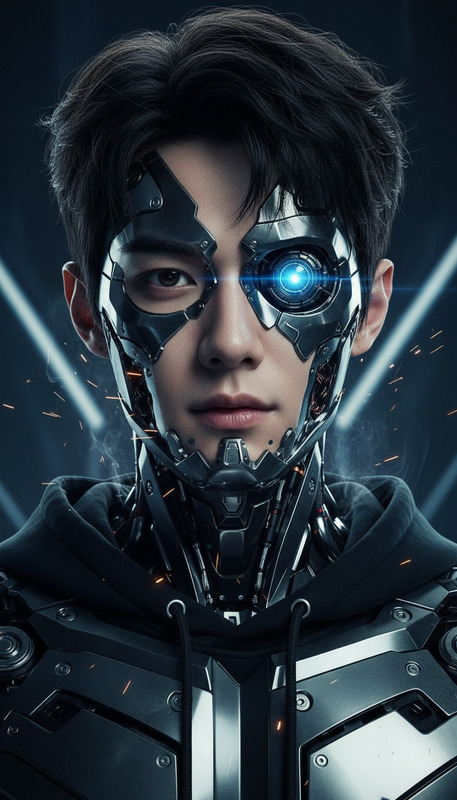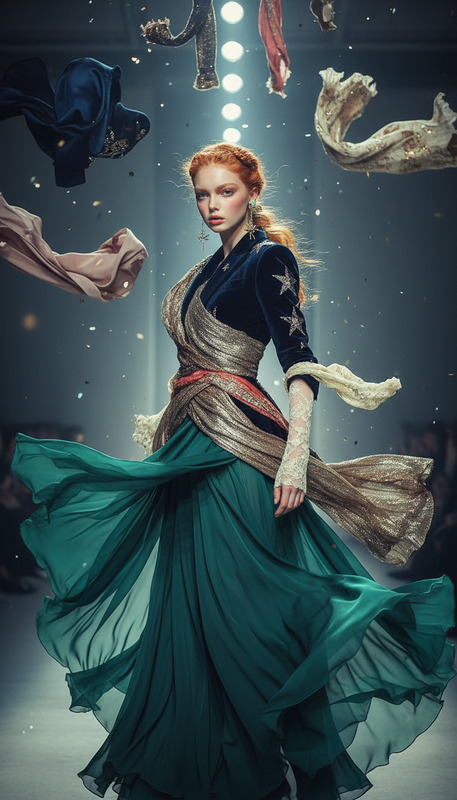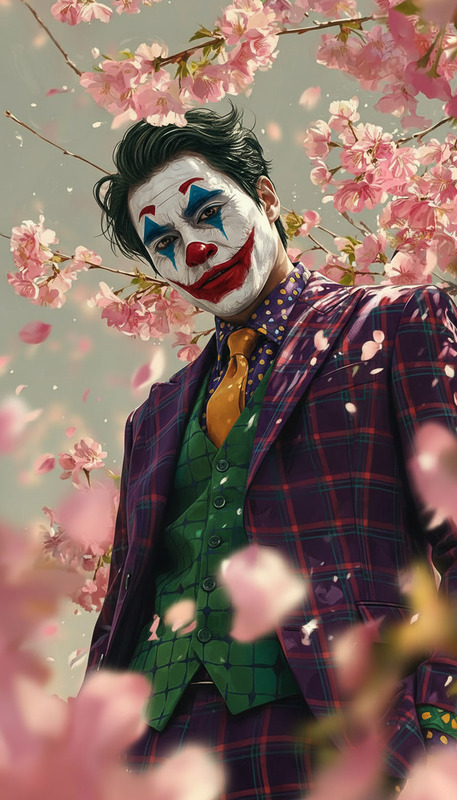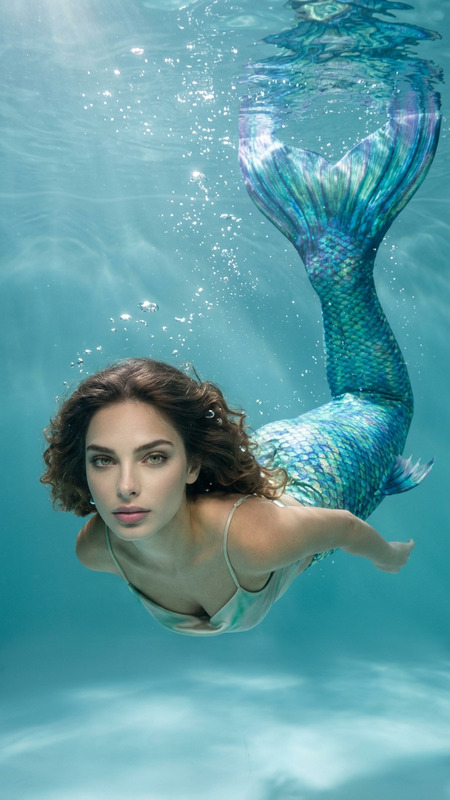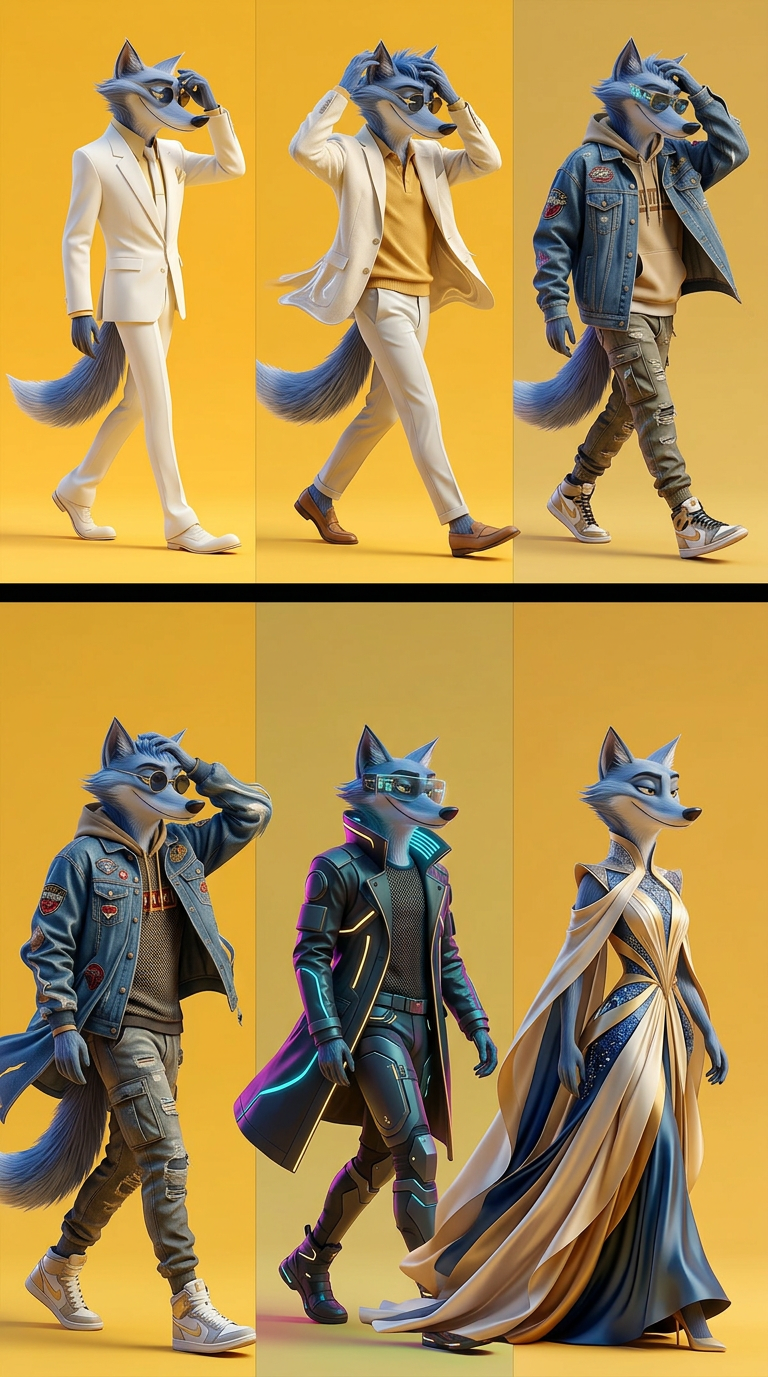
Style Shift
- Model
- Nano Banana 2
- Image
- 768 × 1377 px
Prompt
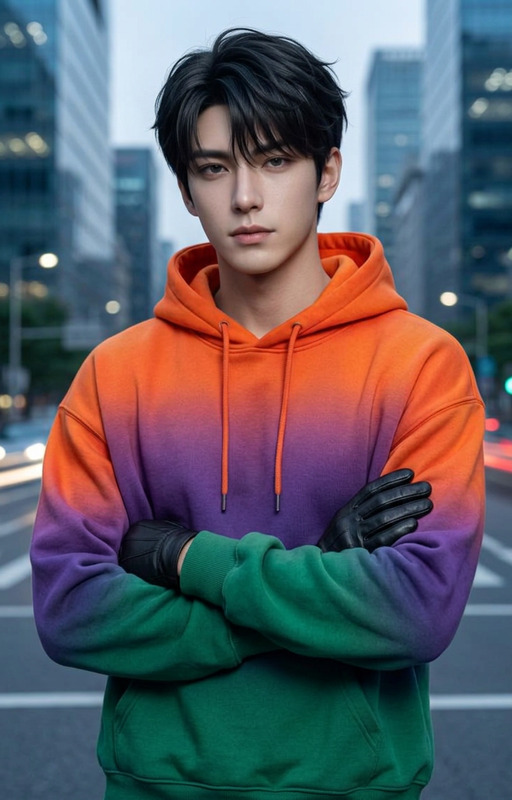
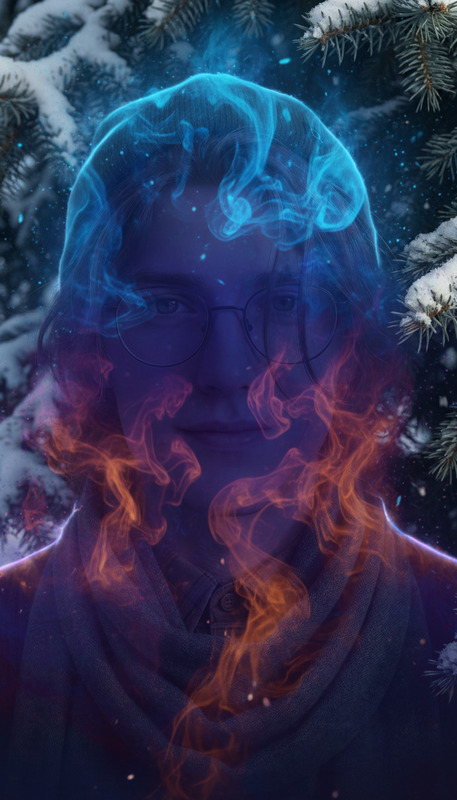
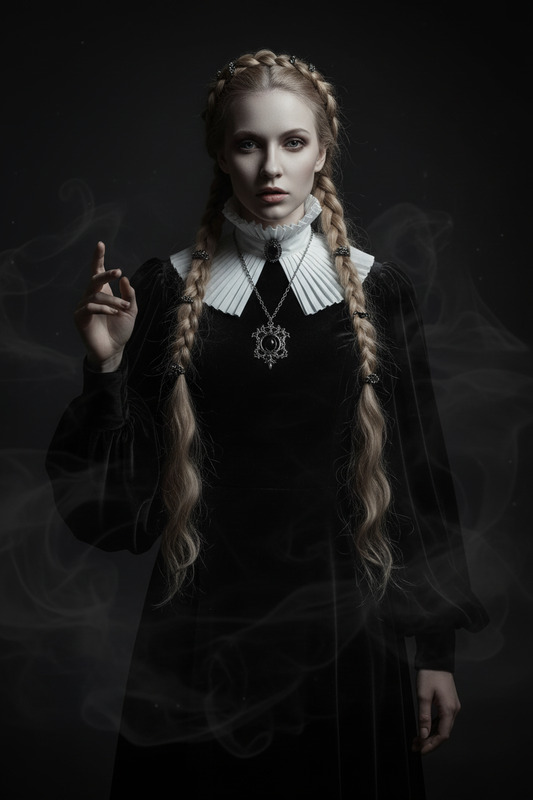
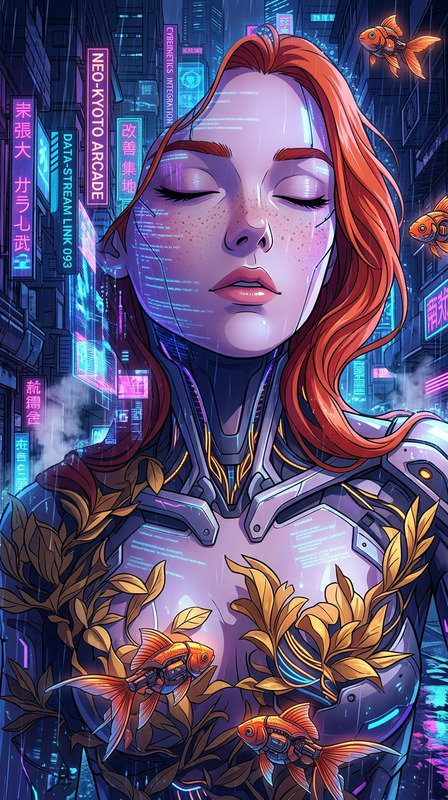
A full-body subject walking gracefully while running a hand through their hair, moving naturally across the frame. Their outfit continuously transforms with every step, cycling through casual, formal, streetwear, cyberpunk, and haute couture styles. Smooth seamless transitions, realistic motion, dynamic fabric flow, and lighting that adapts to each outfit change. Cinematic, high detail, vibrant colors, elegant and fluid fashion transformation.
Any aspect ratio
Overview
The Style Shift template is a versatile tool within our AI Image Editor that offers a transformative experience for visual creators. Designed using the nano-banana-2 model, this template enhances images with dynamic fashion transformations, seamlessly transitioning outfits in your visuals for a high-impact cinematic effect.
What It Does
The Style Shift template allows you to apply shifting styles to your subjects as they move, cycling their clothing through a range of fashion types such as casual, formal, and cyberpunk. With this tool, lighting and fabric responses are adjusted for a realistically immersive experience. It's particularly suitable for creating visually appealing character-driven videos, making use of natural motion and vibrant color transitions.
Who It's For
This template is perfect for filmmakers, advertisers, and fashion designers looking to explore creative expressions in their projects. It's also beneficial for video content creators aiming to enrich their material with dynamic fashion elements. Moreover, educators in fashion and design can employ this tool to offer students a visual exploration of style dynamics.
Summary
With the Style Shift template, you gain access to a powerful AI-driven solution for creating complex, style-transitional videos. Part of the AI Video Generator suite, this tool not only expands your creative palette but also offers seamless integration into your workflow, ensuring top-tier production quality for dynamic visual storytelling.
How to Use Style Shift

Customize

Generate

Use Cases
Fashion Shows
- Virtual runway shows
- Product launch videos
Music Videos
- Genre-blurring styles
- Artist branding
Advertising Campaigns
- Brand storytelling
- Social media ads
Best Practices
Plan the Motion Path
Carefully plan the movement of the subject to make the most of the style transitions. A clear path with ample room for outfit changes enhances visual continuity.Light Consistency
Make sure that lighting conditions are considered for each transition for a cohesive look throughout the video.Test Style Timing
Test the timing of each costume change to verify that the transitions are seamless and enhance the motion's natural flow.