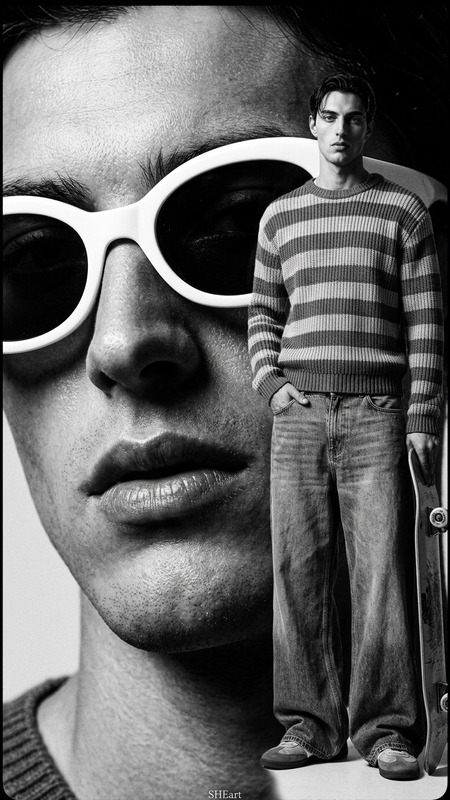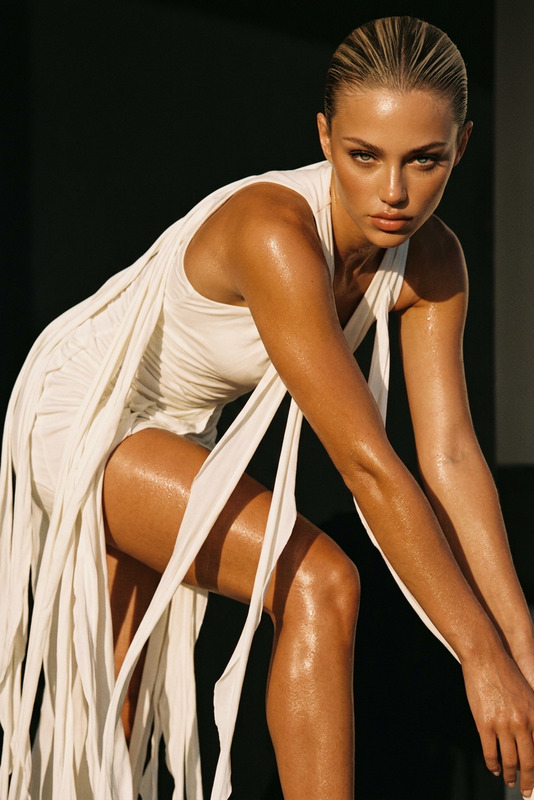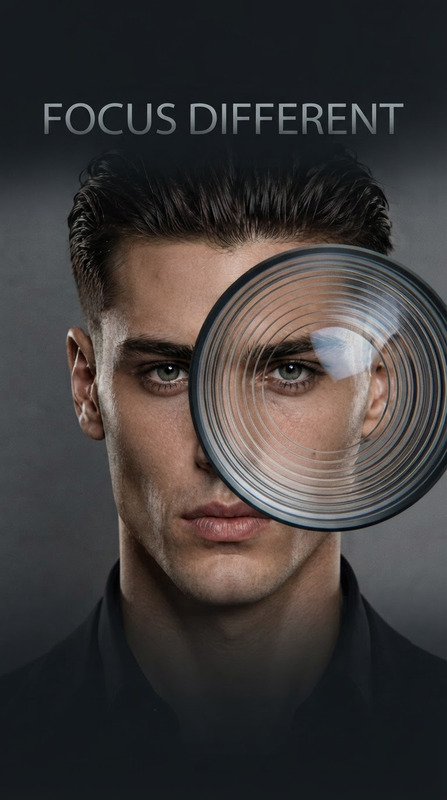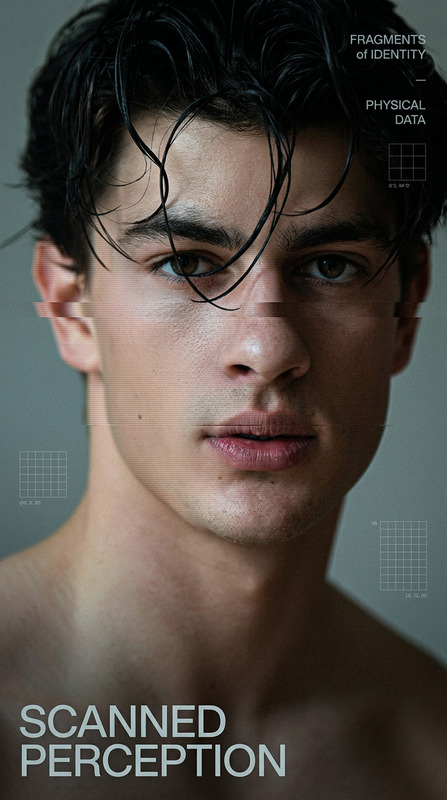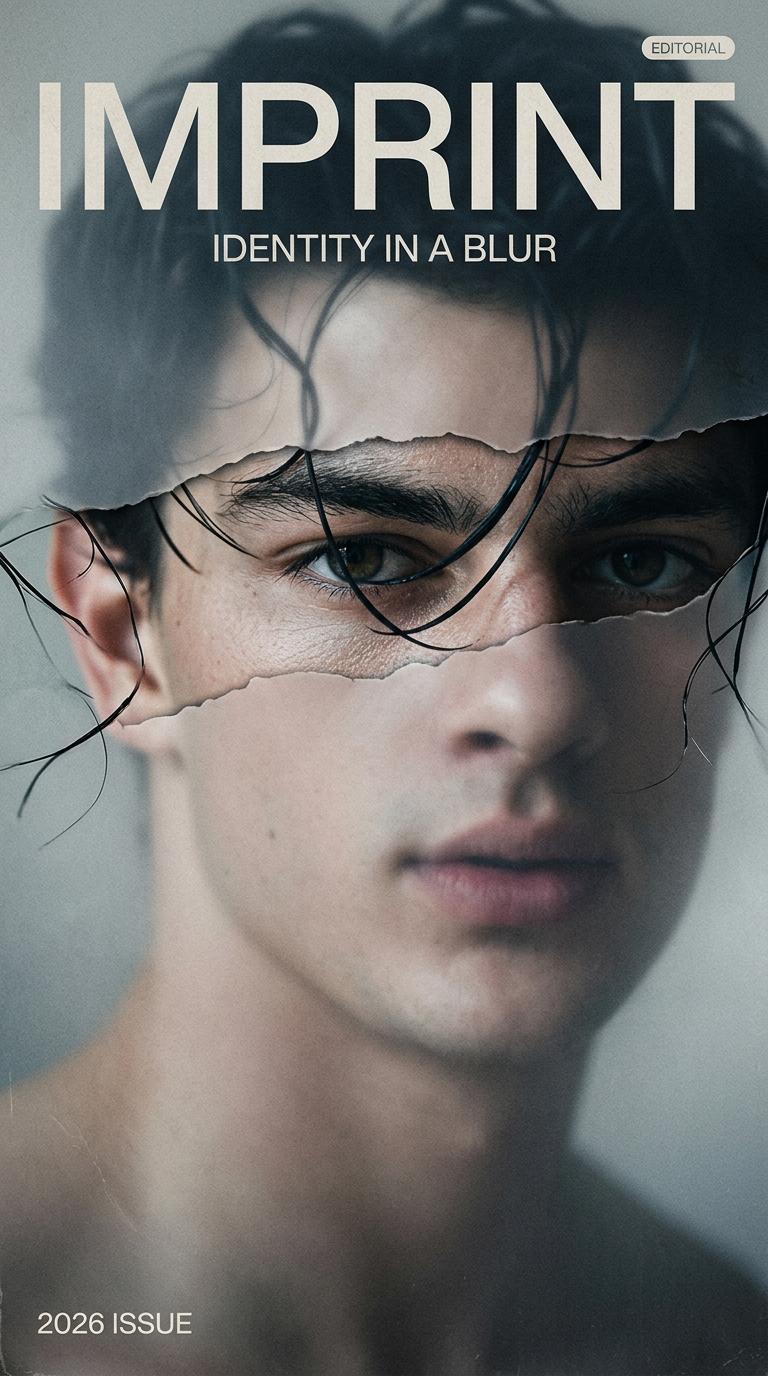
Focus Window Editorial
- Model
- Nano Banana 2
- Image
- 768 × 1376 px
Prompt
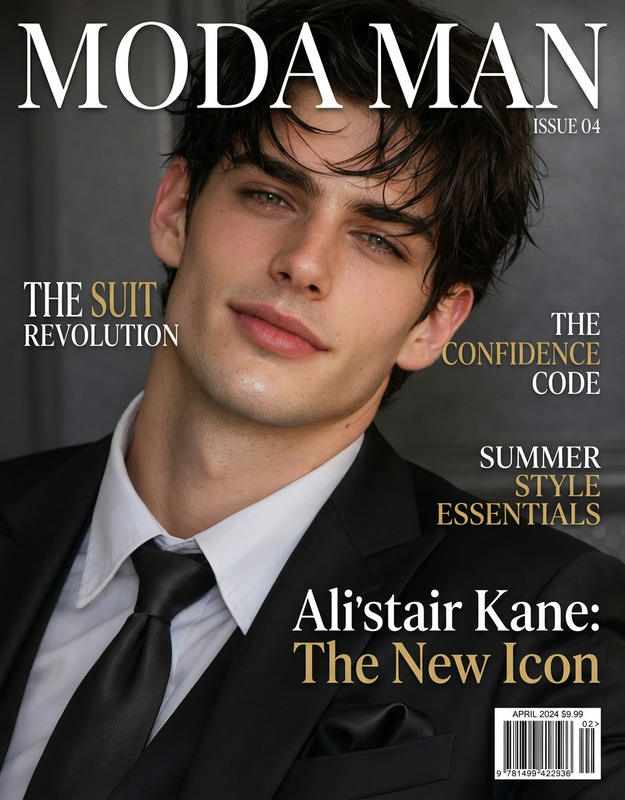
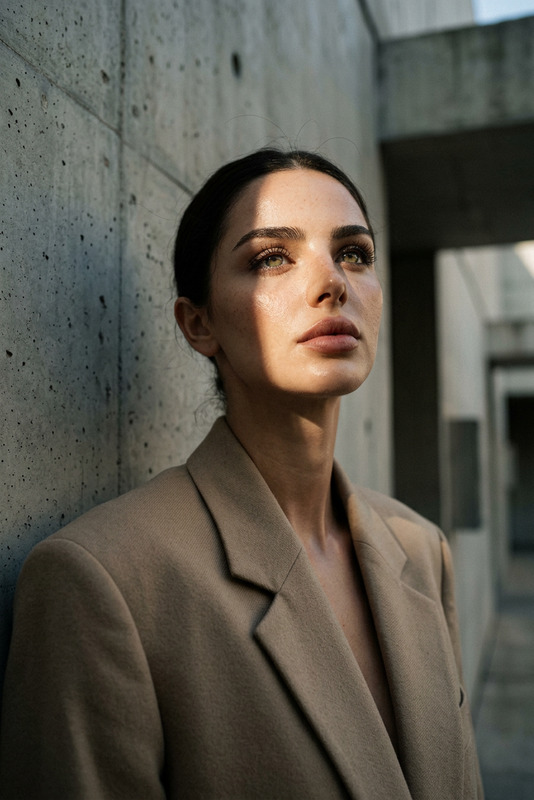
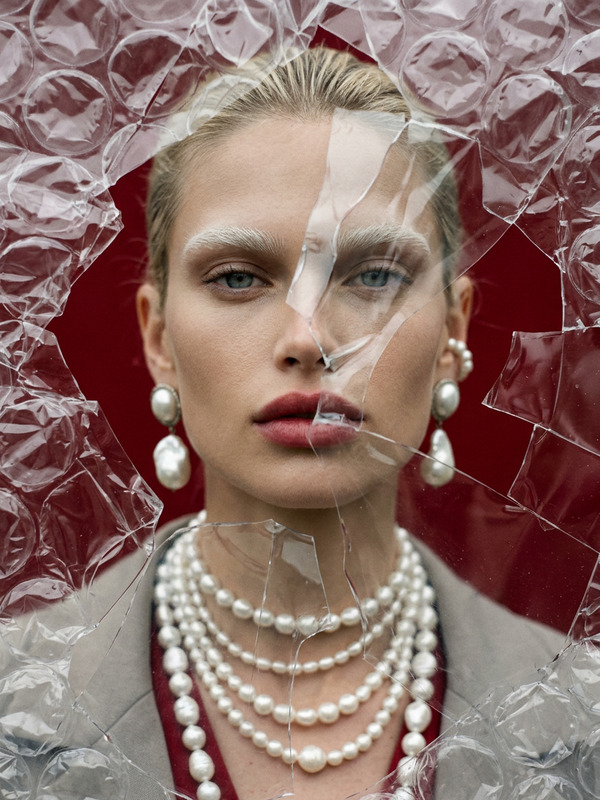
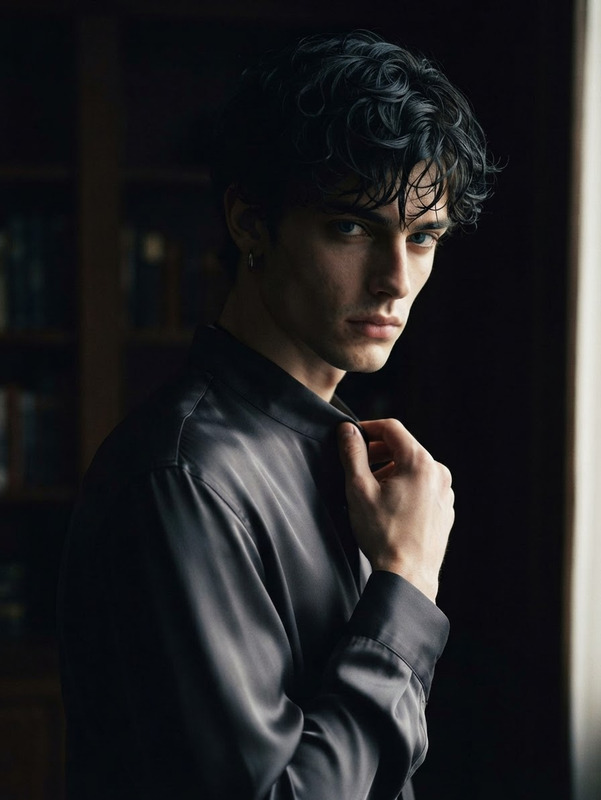
Create a 9:16 cinematic fashion editorial portrait cover featuring the subject as a single continuous portrait, with most of the face and body softly blurred through mist, grain and subtle motion softness while one narrow focus window reveals a sharp, memorable facial fragment such as the eyes, eyebrow, cheekbone, lips or half-face. Keep the focused fragment perfectly aligned with the original portrait rather than creating a second face. Use realistic skin texture, natural hair strands, soft film grain and subtle paper texture, combined with refined minimal typography featuring a dominant title, short supporting text and “2026”. Use strong negative space and a sophisticated magazine-cover composition with a restrained cinematic palette and psychological fashion-editorial mood.
Any aspect ratio
Overview
The "Focus Window Editorial" template is a sophisticated tool ideal for creating fashion editorial portraits with cinematic flair. Using the advanced capabilities of the AI Image Editor, this template delivers a unique visual experience by incorporating blurred mists and motion softness, while maintaining a sharp focus on a memorable facial fragment. Perfect for magazine covers, it combines realistic skin textures and minimal typography to craft compelling fashion narratives.
What It Does
This template employs the AI Image Editor technologies to enhance portraits with a mix of soft blurring and pinpoint focus. It adds mist, grain, and motion softness effects around the subject, reserving sharp clarity for a specific facial feature such as the eyes or lips. By preserving realistic skin textures and implementing sophisticated typography, it creates a fashion-editorial mood fit for cinematic and magazine-style compositions.
Who It's For
Fashion photographers, magazine editors, and graphic designers will find this template especially useful. It’s designed for professionals seeking to elevate their visual storytelling with a cinematic editorial touch. Whether aiming for a magazine cover or high-concept fashion photography, this template offers tools to create compelling imagery that resonates.
Summary
The "Focus Window Editorial" template provides a refined approach to fashion photographic editing. It highlights the power of the AI Headshot Generator to enhance a single continuous portrait with cinematic effects, focusing on sharp, memorable details. The result is an image that balances artistic softness with precision, perfect for modern fashion editorials.
How To
Choose Your Template

Adjust Your Inputs

Generate Your Portrait

Use Cases
Magazine Covers
- Perfect for fashion and lifestyle magazines
- Use high-detail portraits with soft cinematic effects
Fashion Photography
- Highlight specific features for artistic flair
- Blend fashion and storytelling seamlessly
Social Media Campaigns
- Promote brand identity through unique imagery
- Engage audiences with impactful fragmented focus
Best Practices
Select a Meaningful Focus Point
Choose a facial fragment that adds emotional depth to your portrait. This could be the subject's eyes or lips, lending personality to the image.Balance Blur and Clarity
Ensure the blur enhances the narrative rather than distracting from it. The focus point should seamlessly integrate with the surrounding softness.Optimize Typography Placement
Place text elements strategically to complement the image's composition, using Text-to-Video features for animated social media adaptations.