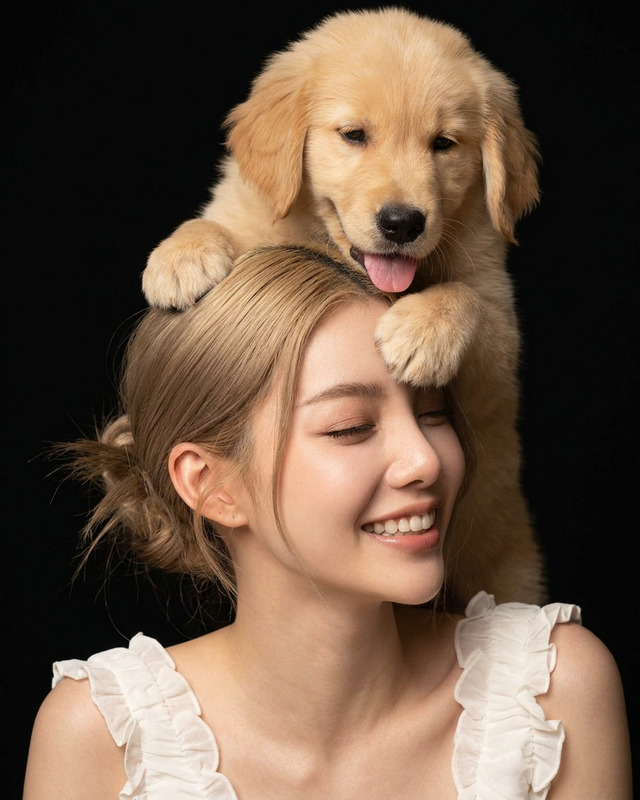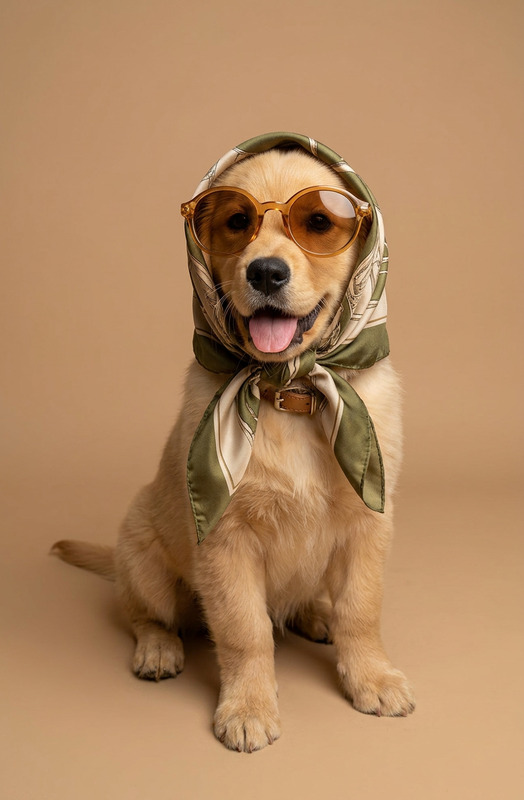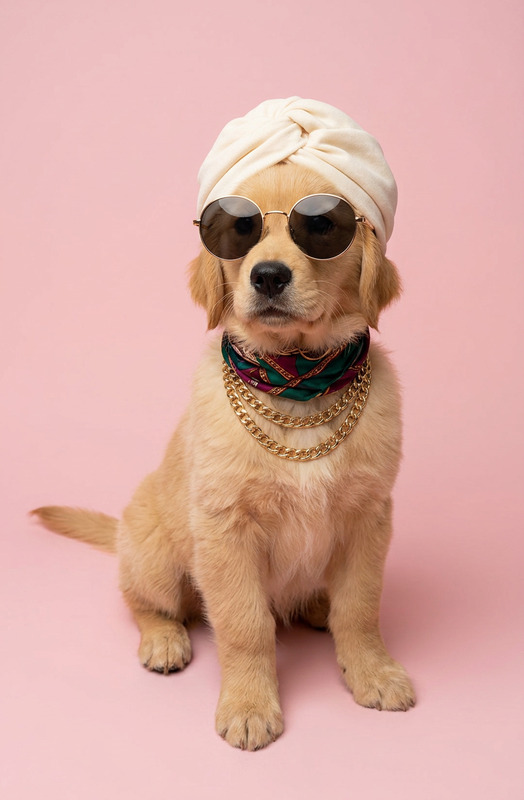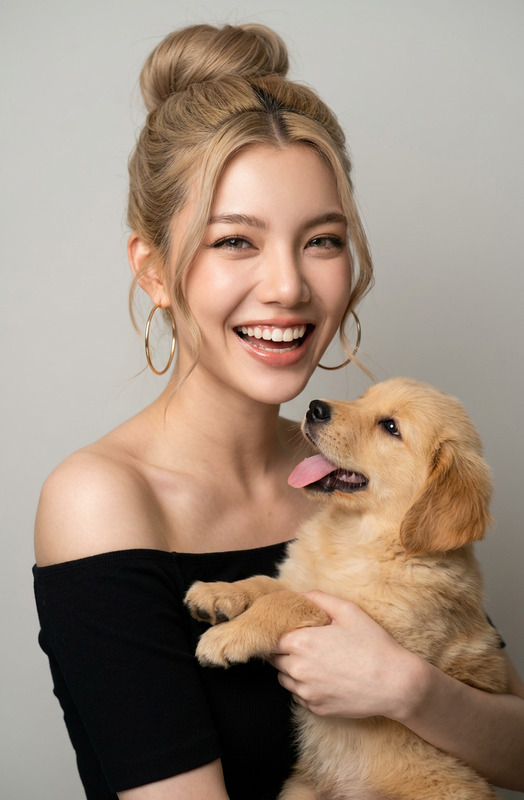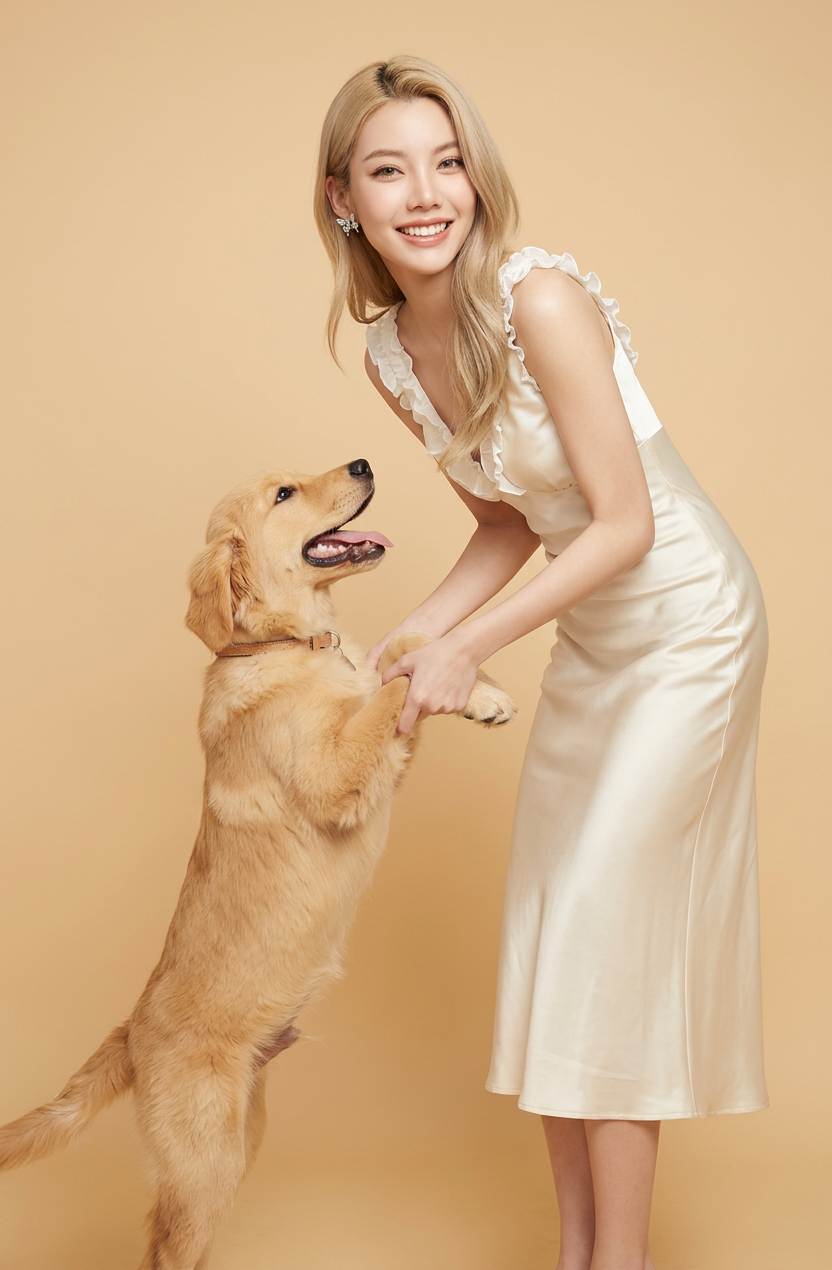
Happy Duo
- Model
- Nano Banana 2
- Image
- 832 × 1270 px
Prompt
Full-body studio photo of a smiling subject 1 wearing a sleek cream midi dress. subject 1 is leaning down to hold the paws of subject 2 that is standing on its hind legs to dance with subject 1. The background is a solid warm light beige color. Clean and bright studio lighting, creating a warm, elegant fashion and pet photography vibe.
Any aspect ratio
Overview
The Happy Duo AI Image Editor template is designed to bring joy to your photography projects. By focusing on warm and engaging full-body studio photos, this template blends fashion with pet-friendly moments, tapping into the energetic connectivity between subjects.
Available on the Magic Hour platform, this template allows you to create stunning, bright images where fashion meets pets in a delightful ensemble.
What It Does
The Happy Duo template takes a creative leap into the world of fashion and pet photography. It utilizes the nano-banana-2 model, harnessing its advanced AI capabilities to render subjects in a chic and polished aesthetic. The template includes a defined prompt that guides the AI to create images with a sleek cream midi dress and a warm, elegant backdrop.
This template is particularly effective for those looking to craft images where subjects interact in a charming dance, making use of AI Image Editor tools to perfect every detail.
Who It's For
The Happy Duo template is ideal for photographers, fashion designers, and pet lovers looking to combine elegance with playful interactions. If you're working in fashion marketing or pet-related campaigns, or if you're a content creator aiming to highlight joyful moments, this tool is tailored for you.
Even if you're involved in AI Product Photography, this template provides the versatility to explore new artistic visions.
Summary
The Happy Duo template offers a unique AI-driven approach to capturing vibrant and heartfelt scenes with a fashionable and pet-friendly twist. Use the AI Voice Changer to further personalize your projects, complementing the visual charm with customized audio elements.
Join our platform today to explore the full suite of creative possibilities Magic Hour offers.
How-To
Choose the Happy Duo Template

Customize Your Inputs

Generate Your Image

Use Cases
Fashion Photo Ops
Pet Campaigns
- Include pets in product launches
- Highlight clothing or accessories designed for pet owners
Storytelling
Best Practices
Select the Right Subjects
Pick subjects that naturally exude warmth and joy to ensure the AI amplifies these qualities.Adjust Lighting
Use the editor to fine-tune lighting, enhancing the sleek and elegant studio effect.Verify Outputs
Review generated images to ensure alignment with your creative vision and make adjustments as necessary in the AI editor.