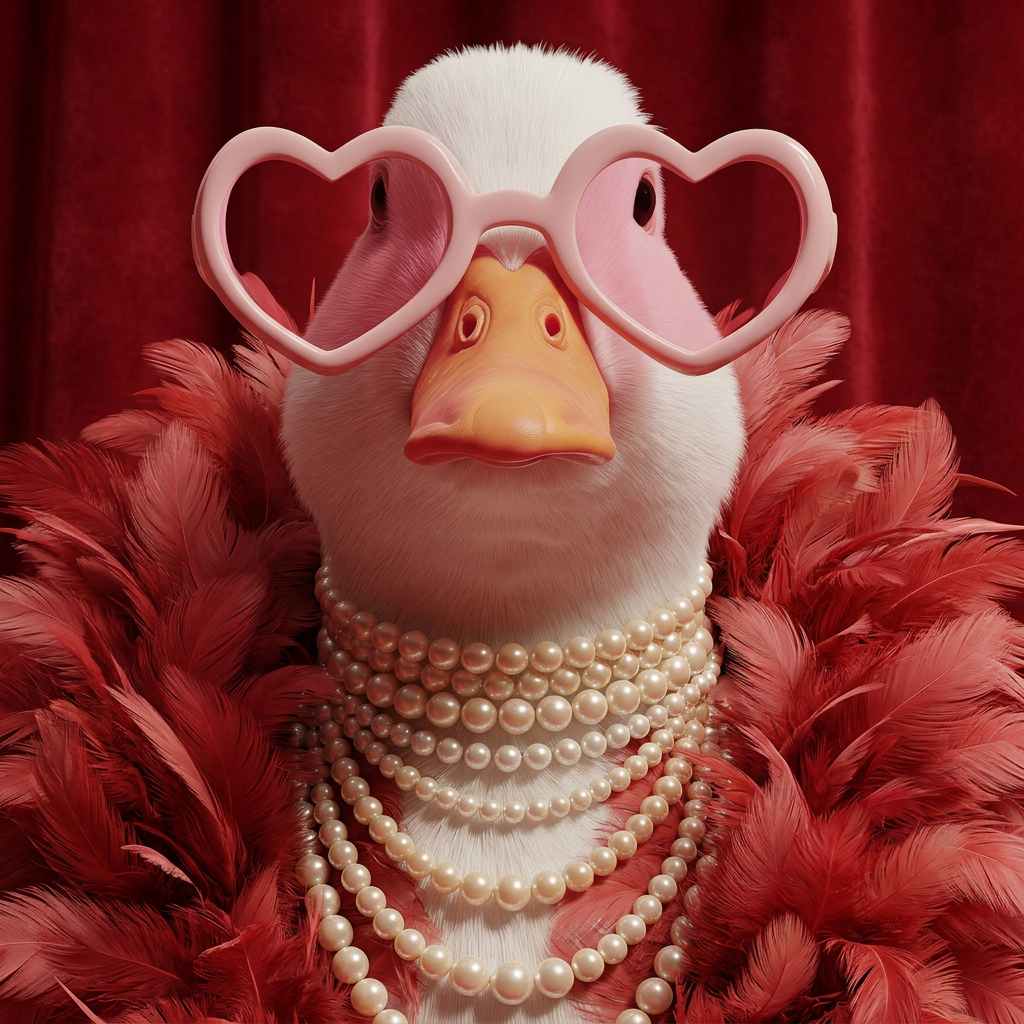
Crimson Feather Elegance
- Model
- Nano Banana 2
- Image
- 1024 × 1024 px
Prompt
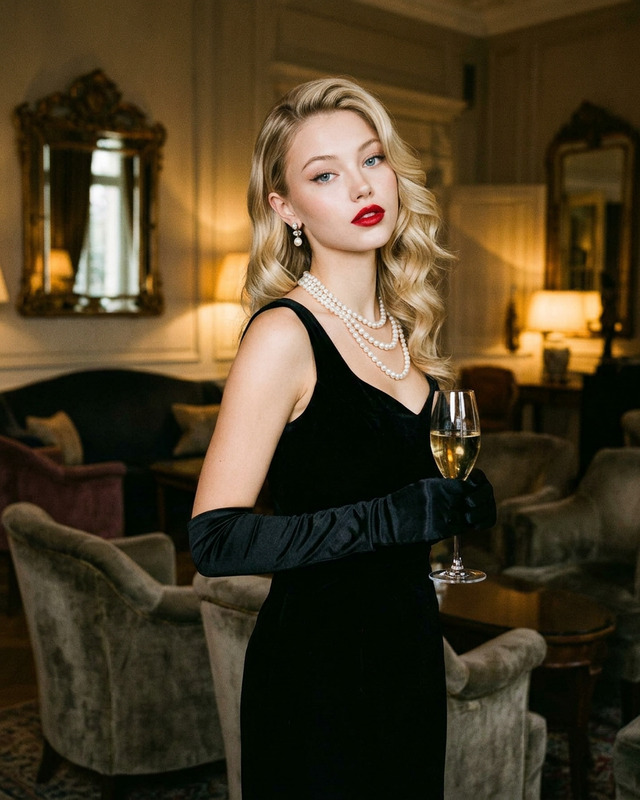
A glamorous subject adorned with layered pearl jewelry and an extravagant feather boa, posed against a soft red background with elegant studio lighting. The composition feels luxurious and vintage-inspired, blending old Hollywood glamour with high-fashion editorial aesthetics. Soft textures from the feathers contrast beautifully with the smooth luminous pearls and natural skin tones. Minimal yet dramatic styling, cinematic atmosphere, refined color harmony, ultra-detailed portrait photography, soft shadows, sophisticated and timeless mood.
Any aspect ratio
Overview
The Crimson Feather Elegance template in our AI Image Editor category transforms your images into vintage-inspired works of art. Featuring luxurious aesthetics, it captures the timeless glamour of old Hollywood with a modern twist. This template uses the nano-banana-2 model to provide ultra-detailed portrait photography that is ideal for those seeking to create strikingly elegant visuals.
What It Does
This template allows users to edit images by infusing them with a sense of elegance and extravagance. By applying studio-like lighting, it emphasizes soft textures such as feathers, while enhancing the smoothness of pearls and skin tones. The result is a sophisticated and dramatic image with high-fashion editorial appeal and cinematic atmosphere.
Who It's For
Perfect for photographers, fashion editors, and creative professionals, the Crimson Feather Elegance template suits anyone aiming to convey luxury and refinement in their photoshoots. It's also ideal for marketing campaigns focused on elegance or vintage-inspired themed projects.
Summary
The Crimson Feather Elegance template stands out for its ability to create images that are both timeless and contemporary. Offering a powerful combination of vintage glamour and modern editorial flair, this template is your go-to tool for achieving a sophisticated and aesthetically pleasing outcome. Explore more in our AI Image Editor suite.
How to Use
Choose the Template

Customize Your Inputs

Generate Your Image

Use Cases
Fashion Editorials
- Highlight vintage glamour
- Integrate ultra-detailed textures
Luxury Branding
- Enhance perceived value
- Create an opulent aesthetic
Personal Photography Projects
- Capture soft, dramatic lighting
- Emphasize elegance in personal storytelling
Best Practices
Focus on Lighting
Ensure your initial image captures good natural or artificial lighting as it complements the template's focus on soft shadows and highlights.Embrace Minimal Styling
Keep styling elements minimal yet impactful to let the main features, such as pearls and feathers, stand out.Maintain a Balanced Composition
Arrange elements to lead the viewer’s eye effectively, ensuring that the sophistication of your image is immediately apparent.