Quiet Love
- Model
- Nano Banana 2
- Image
- 832 × 1270 px
Prompt
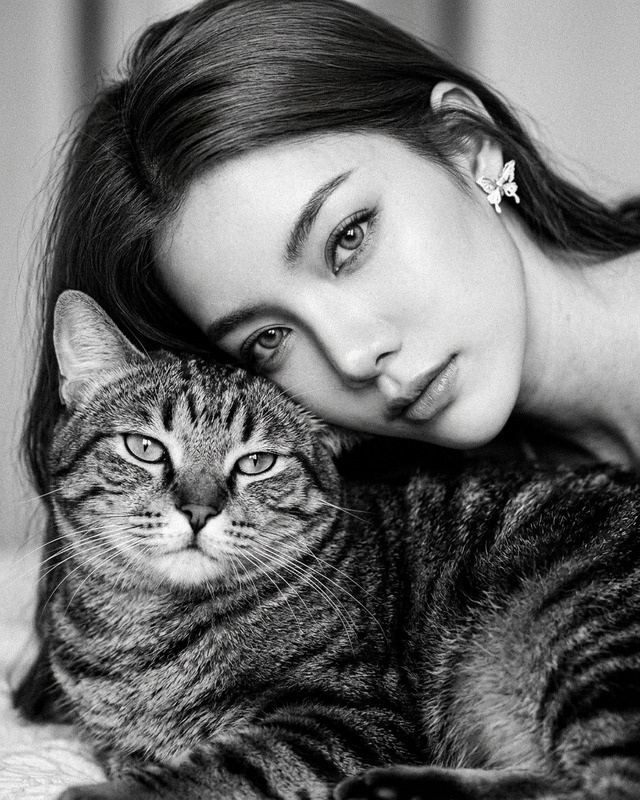
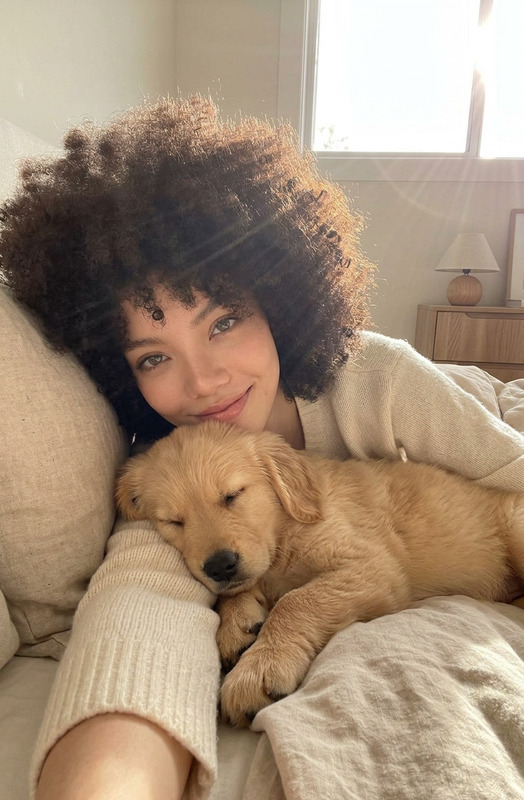
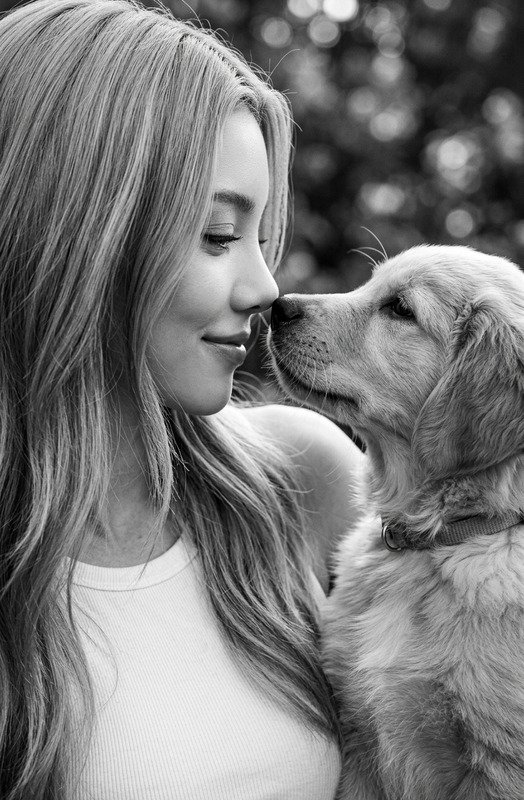
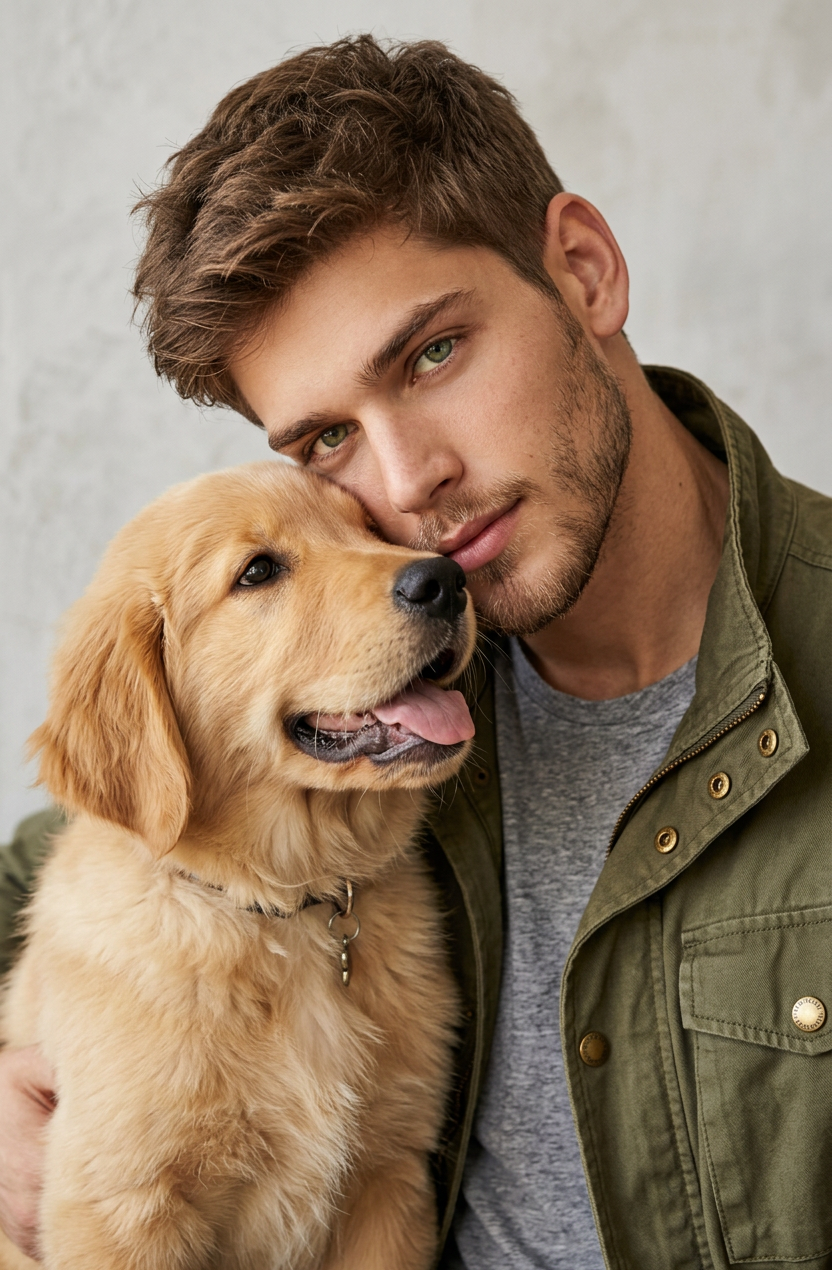
A beautiful close-up portrait of a subject 1 with short hair and a light beard leaning his head against subject 2. The subject 1 has green eyes and is wearing an olive green jacket over a gray shirt, looking at the camera. The background is a simple textured light gray wall. High-quality photography with soft lighting and a warm, loving vibe between 2 subjects
Any aspect ratio
Overview
The "Quiet Love" template allows you to create intimate and emotive images using advanced AI editing capabilities. It is designed to craft beautiful, high-quality portraits capturing the emotional closeness between two subjects, perfect for romantic storytelling in various digital formats.
What It Does
This template leverages the AI Image Editor to transform ordinary photos into high-quality portraits with a warm, loving vibe. Featuring soft lighting and a close-up composition, it enhances facial features and textures for a more authentic feel. The output is ideal for creating compelling visuals that communicate intimacy and connection.
Who It's For
"Quiet Love" is tailored for photographers, digital artists, and creators aiming to enhance their romantic and storytelling projects. It offers a sophisticated solution for generating promotional content, personalized gifts, or creative assets for creative professionals or anyone passionate about visual storytelling.
Summary
Whether you're producing content for social media, editorial pieces, or personal projects, the "Quiet Love" template helps you deliver evocative and memorable imagery. This tool is part of our comprehensive suite of AI editing products, including our popular AI Profile Picture Generator and the versatile Image to Video solutions.
How To
Choose

Customize

Generate

Use Cases
Romantic Photography
Storytelling Visuals
Personalized Gifts
Best Practices
Image Input Quality
Ensure your input image is clear and well-lit to fully leverage the AI's capabilities.Prompt Specificity
Refine your prompt to include specific details about the subjects' features for optimal output.Consistency in Style
Keep the style consistent with soft lighting and subtle tones to achieve the desired warm ambiance.