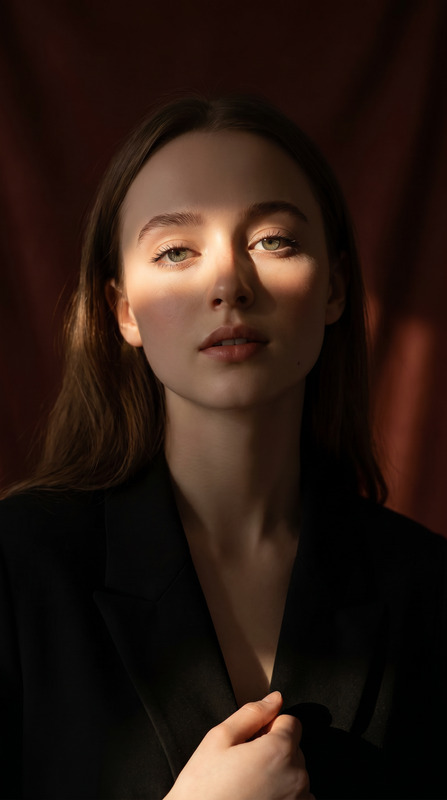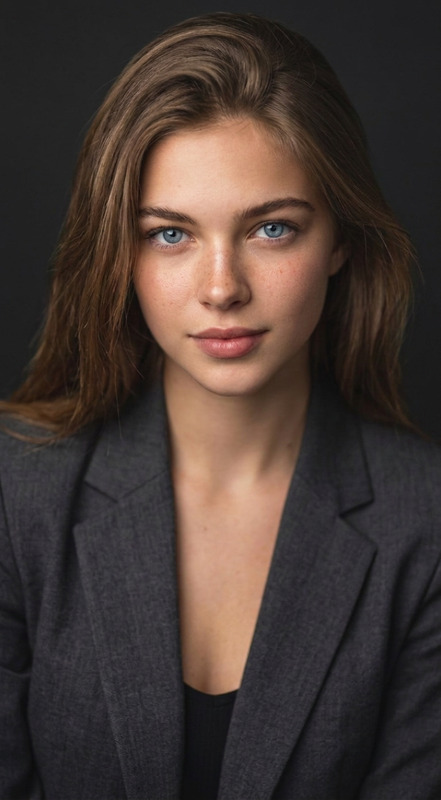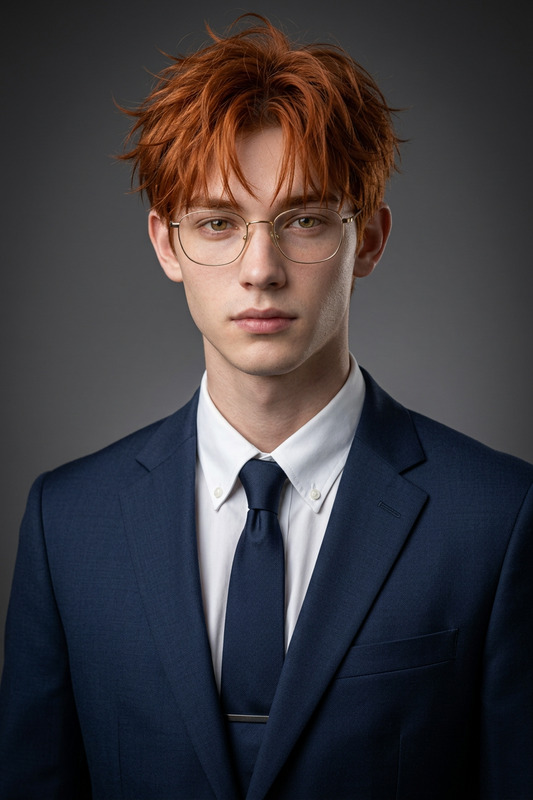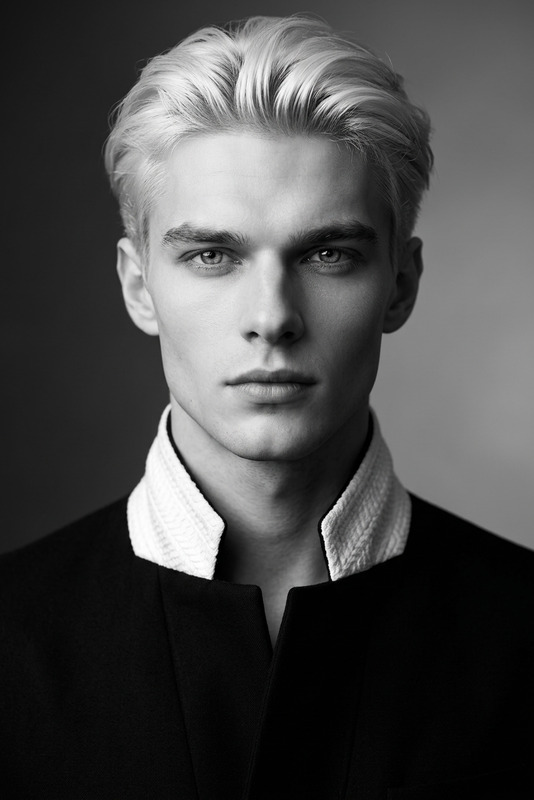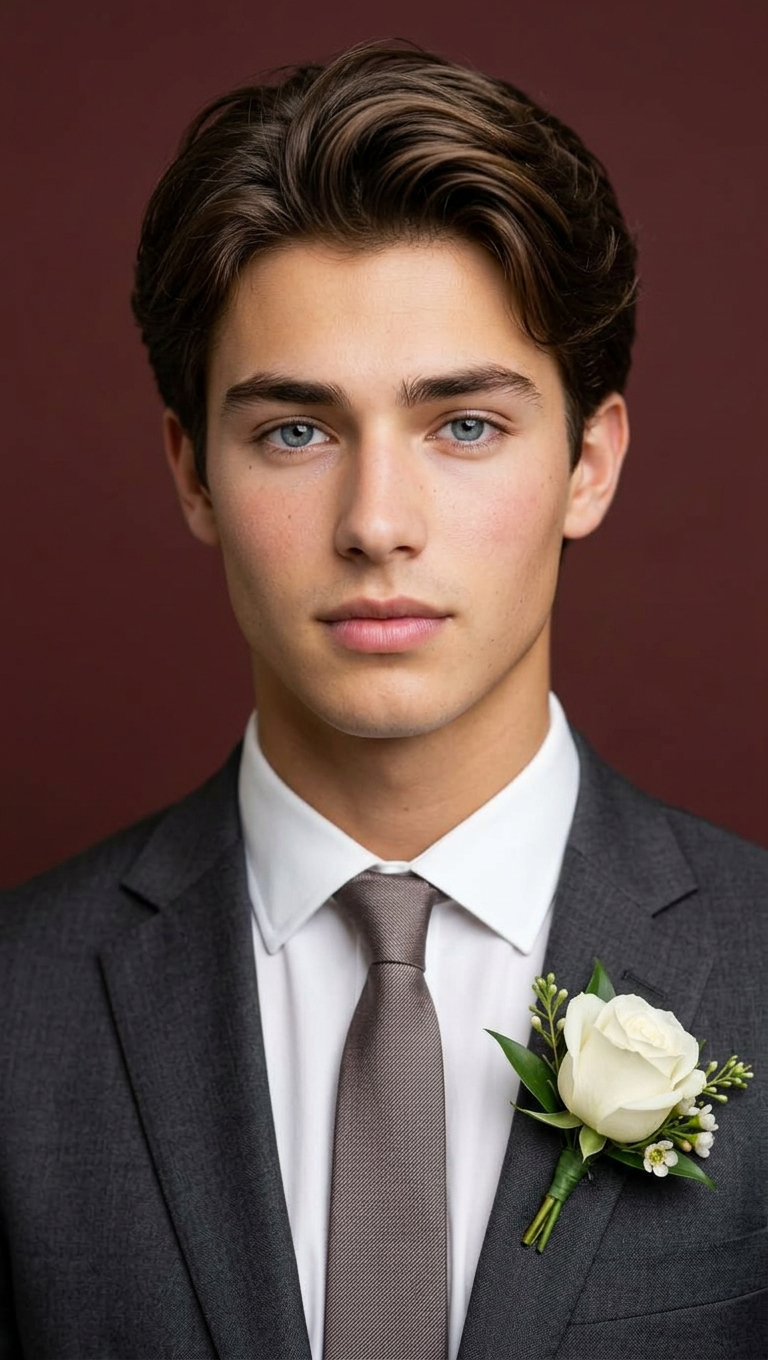
Elevated Groom Studio Portrait
ai-image-editor
Any aspect ratio
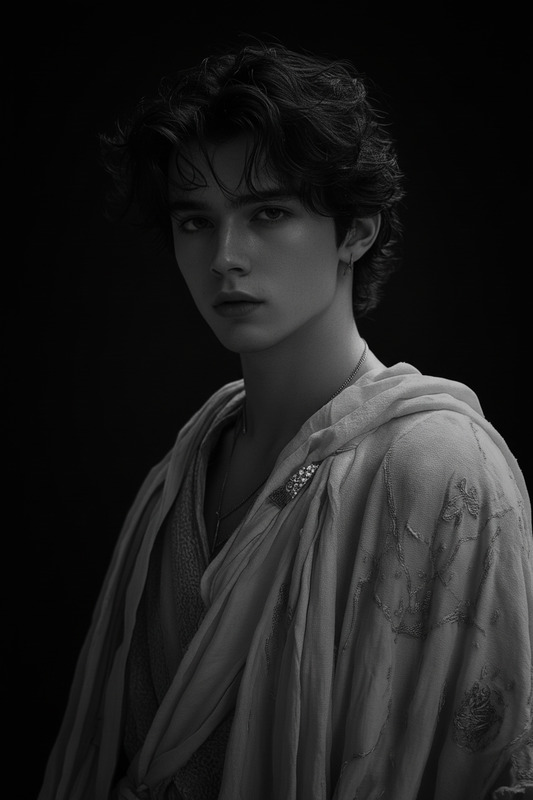
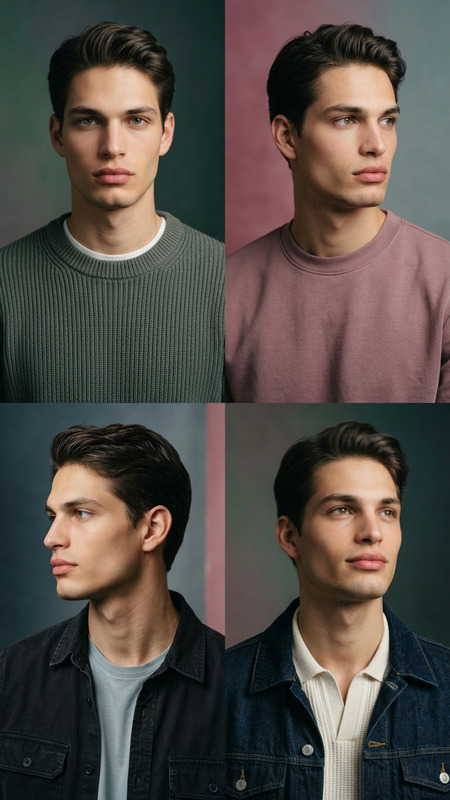
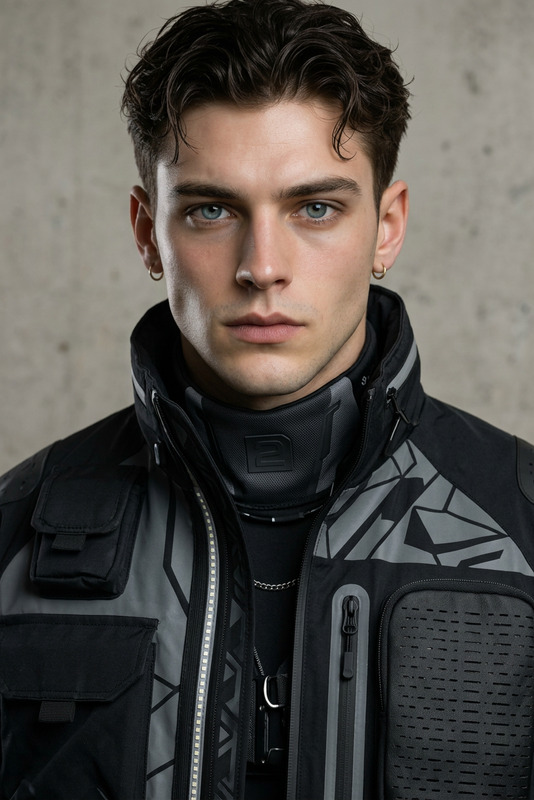
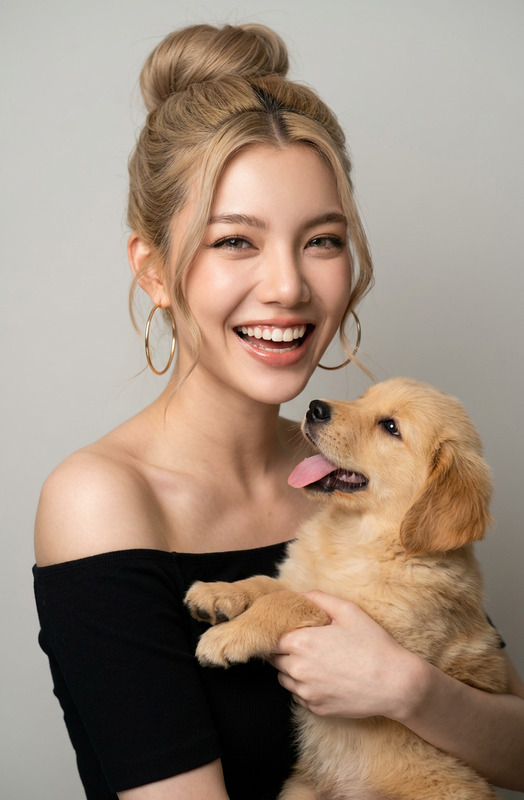
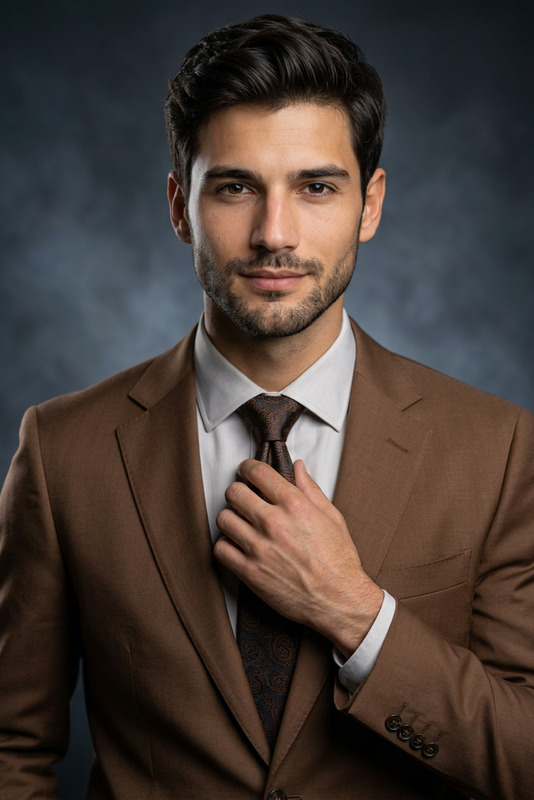
A high-resolution professional studio portrait that preserves the subject’s exact facial structure and identity, framed from the chest up with ample headroom, looking directly at the camera. The subject is styled as a groom, wearing a premium charcoal gray blazer, crisp white dress shirt, refined tie or bow tie, and a subtle boutonnière. Captured with an 85mm f/1.8 lens, featuring shallow depth of field, sharp focus on the eyes, and soft bokeh. Shot from a slightly high angle with bright, airy, diffused studio lighting. The background is a solid #562226 color, with clean, cinematic color grading, subtle warmth, and balanced tones. Emphasize crisp details in fabric texture and hair, conveying a polished, confident, and elegant atmosphere.
AI Image Editor Template: Turn Any Photo Into High-Impact Visuals in Minutes
Use this template as a starting point to transform, clean up, or redesign any image with the AI Image Editor. It’s built for fast, production-quality edits—perfect for marketers, product teams, designers, and creators who need scroll-stopping visuals without a full design stack.
What You Can Do With This Template
This template is designed around common, high-value editing tasks you’d normally send to a designer or retoucher:
Remove distractions and objects
Clean up products, portraits, and social content by removing people, logos, or clutter. For more targeted removal workflows, you can also use the dedicated AI Remover or Remove Object from Photo.Replace or redesign backgrounds
Instantly swap dull or noisy environments for clean, branded, or cinematic scenes. For more specialized background workflows, see the AI Background Generator or Image Background Remover.Refine faces and portraits
Clean up selfies or professional photos with natural-looking edits. For portrait-heavy work, combine this template with:- AI Headshot Generator for business profiles
- AI Selfie Generator for social content
- AI Face Editor for detailed face adjustments
- AI Face Generator to create new faces from scratch
Upgrade resolution and clarity for publishing
Enhance older or low-res images before you share or print. For restoration or upscaling, pair this template with:- AI Image Upscaler
- Unblur Image
- Old Photo Restoration
- Photo Colorizer for black-and-white photos
Create content-ready assets for campaigns
Quickly turn one base photo into multiple campaign variations—different crops, backgrounds, and visual styles—without a full re-shoot or redesign. For more campaign-oriented visuals, explore:- Thumbnail Maker for YouTube and social
- Album Cover Generator
- Book Cover Generator
- AI Logo Generator
- AI Icon Generator
How to Remix This Template in Magic Hour
You can use this template as-is, or treat it as a blueprint to build your own version inside Magic Hour:
Start from the template
- Open this template in the AI Image Editor.
- Upload any image you want to improve: product shots, portraits, social graphics, screenshots, or UGC.
Edit by describing changes in plain language
- Use short, goal-driven instructions (e.g., “remove the person in the background”, “change the background to a clean studio white”, “make this look like a professional LinkedIn headshot”).
- The AI applies edits non-destructively, so you can iterate quickly.
Experiment with multiple variations
- Duplicate your edit flow inside Magic Hour and try alternative instructions: different backgrounds, styles, or crops.
- This is especially useful for A/B testing ad creatives, thumbnails, or social posts.
Chain tools for advanced workflows
For more complex pipelines, you can:- Start with AI Image Generator or AI Photo Generator to create a base image from text.
- Refine that image with this AI Image Editor template (clean up, adjust, replace elements).
- Then:
- Turn it into short motion with AI GIF Generator
- Animate it with Image to Video or Text to Video
- Add talking motion with AI Talking Photo
Save your remix as a reusable workflow
- Once you have a version that fits your brand (consistent lighting, backgrounds, and framing), save and reuse that workflow for future images.
- This is especially effective for teams producing recurring content: weekly product drops, campaign refreshes, or content series.
Example Use Cases for Creators & Teams
This template is optimized around real workflows used by marketers, designers, and startup teams:
E-commerce and product marketing
- Clean up product photography, remove props, or place items in new environments.
- Use with AI Clothes Changer, AI Fashion Generator, or AI Outfit Generator to test new looks and styles.
- Upscale final images for marketplaces and landing pages with AI Image Upscaler.
Brand, social, and content teams
- Standardize social visuals by removing messy backgrounds and replacing them with on-brand colors or textures.
- Generate consistent avatars for your team with the Avatar Generator and refine them with AI Image Editor.
- Create memes or quick social assets, then refine layout or cleanup with this template plus the AI Meme Generator.
Founders, marketers, and growth teams
- Build fast, testable creatives for paid ads, landing pages, and emails.
- Combine this template with:
- Video to Video to restyle ads or product demos
- Face Swap Video or Face Swap for creator-led content variations
- Lip Sync and AI Voice Generator for localizing campaigns
Developers and technical creators
- Use this template as a reference for how non-technical teammates can describe edits in natural language.
- Prototype visual ideas quickly, then move to production once you’ve validated a direction.
- Align it with other tools like AI QR Code Generator or AI Voice Cloner to build end-to-end AI-powered experiences.
Going Beyond Static Images: Animate, Talk, and Scale
This AI Image Editor template is a strong entry point into the rest of Magic Hour’s creation tools. Once you’ve cleaned up or redesigned an image, you can:
Turn it into animated or video content
- Animate a character or scene with Animation templates.
- Convert stills into moving visuals using Image to Video or Text to Video.
- Use Animated Characters Generator or AI Character Generator for more stylized animation-ready characters.
Add voice and lip movement
- Make your edited image speak using AI Talking Photo.
- Align speech and mouth movement with Lip Sync.
- Generate or clone voices with AI Voice Generator and AI Voice Cloner.
Prepare content for distribution and analytics
- Improve video quality with Video Upscaler.
- Auto-generate captions with the Auto Subtitle Generator.
Creative Exploration: Styles, Genres, and Experiments
Once you’re comfortable with the core editing flow, this template becomes a flexible base for more creative or niche experiments:
Artistic and illustrative looks
- Combine with AI Art Generator, AI Illustration Generator, or Comic Book Generator for stylized visuals.
- Explore specific aesthetics like AI Anime Generator, AI Manga Generator, Disney AI Generator, Dark Fantasy AI, or Graffiti Generator.
Niche and fandom content
- Turn portraits into superheroes, fantasy characters, or stylized avatars with tools such as:
Photo transformations and effects
- Generate sketches or line art from photos with Photo to Sketch.
- Explore optical tricks via the Optical Illusion Generator.
- Try stylistic edits like AI Tattoo Generator, Gender Swap, or AI Face Generator to design entirely new identities.
Best Practices for High-Quality AI Image Edits
To get consistently strong results when remixing this template:
Be explicit about goals, not just style
Instead of “make this better,” describe the outcome:- “Remove the clutter on the table and make the background plain white.”
- “Make this look like a professional portrait with soft studio lighting.”
Iterate in small steps
Apply a focused change, review, then refine. This keeps results controlled and closer to your original vision.Use the right specialized tools when needed
For tasks like watermark removal, scaling, or object deletion at scale, you may get better results by combining this template with:Keep a consistent visual system for your brand
Once you land on a background type, color palette, and lighting that work, reuse those instructions across your remixed workflows so all your creatives feel cohesive.
How This Template Fits Into a Full Magic Hour Stack
This AI Image Editor template is often used as a middle step in a broader pipeline:
Generate the base visual
Edit and refine using this template in the
AI Image Editor.Extend or animate
Polish and prepare for publishing
By remixing and customizing this template in Magic Hour, you get a repeatable, scalable way to go from raw photos to production-ready assets—without needing specialized design skills or a heavy creative pipeline.