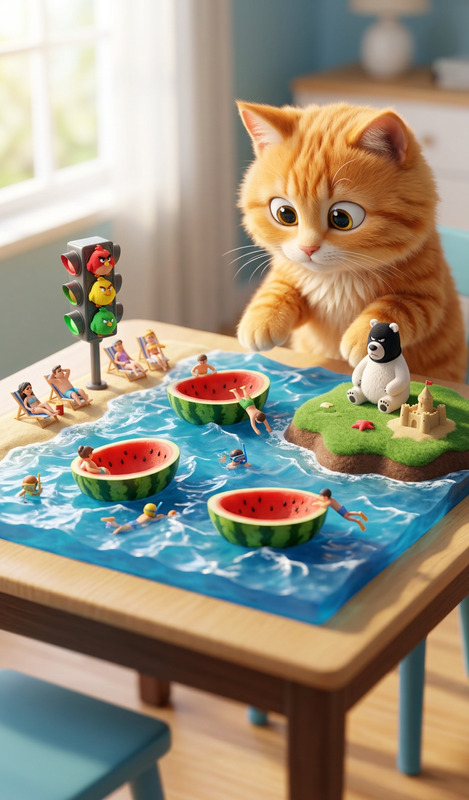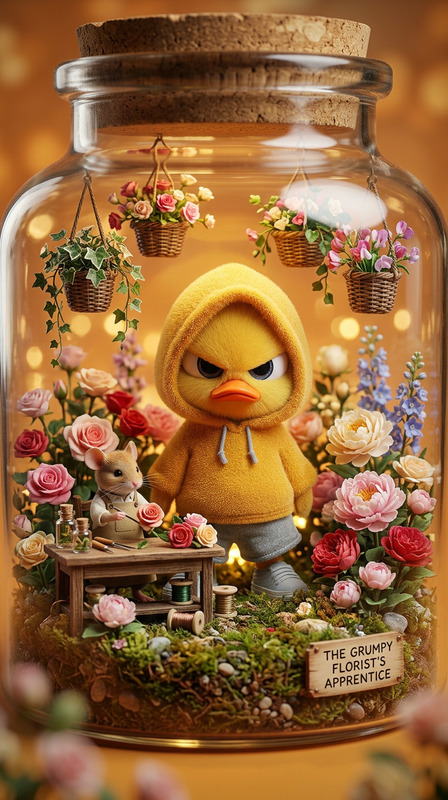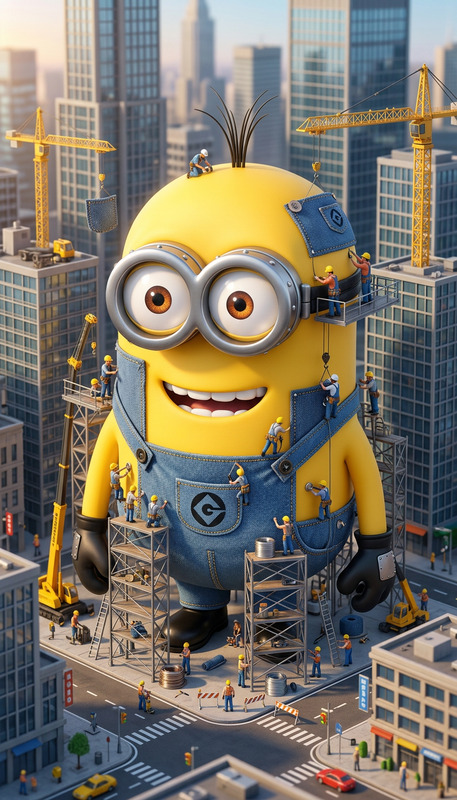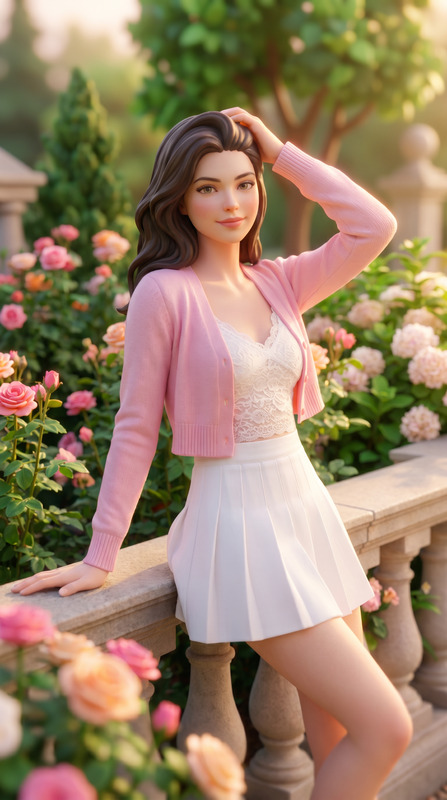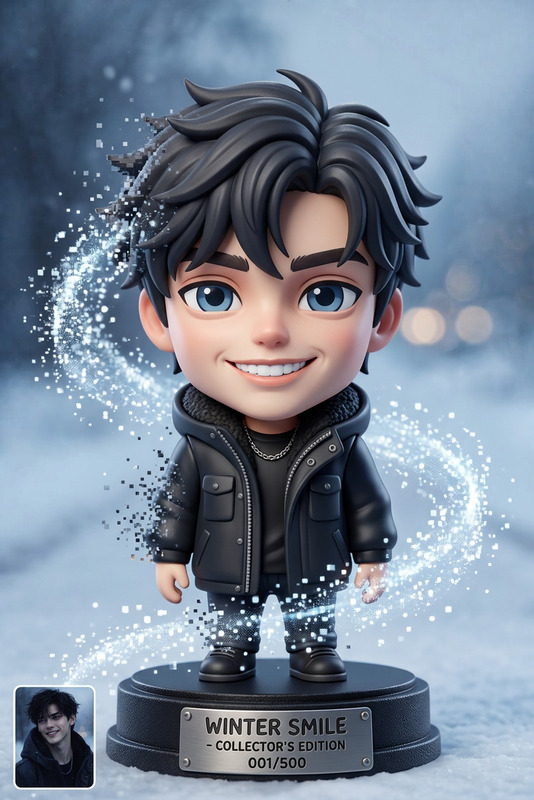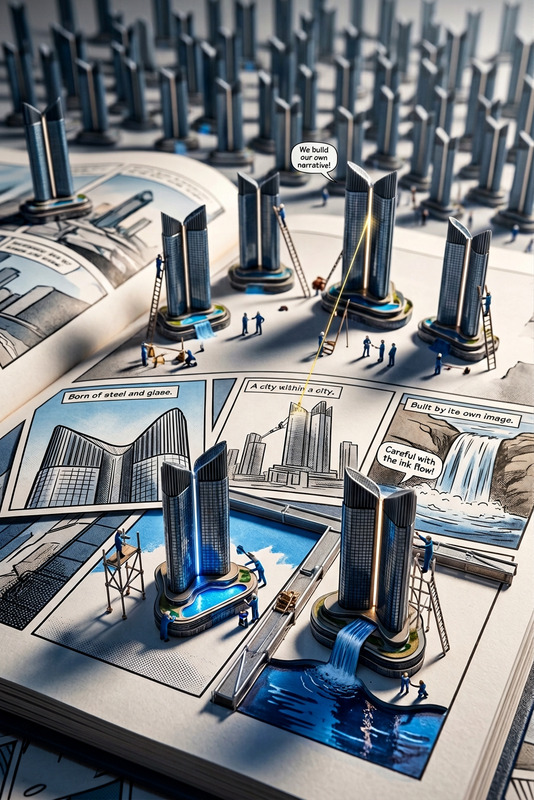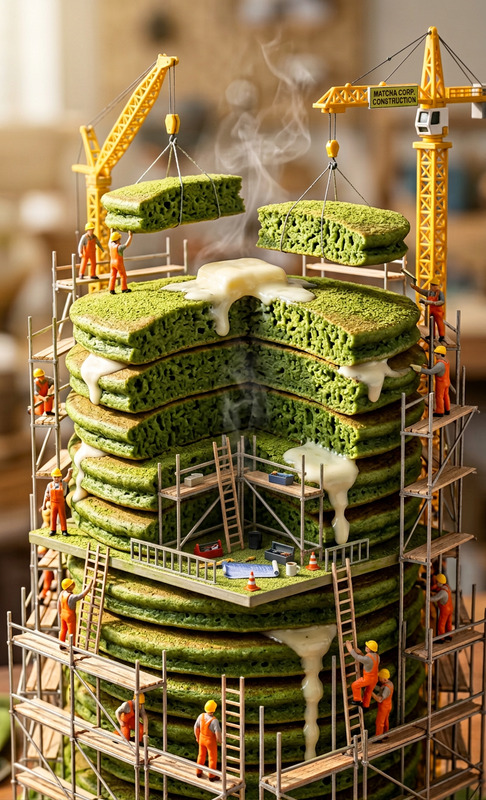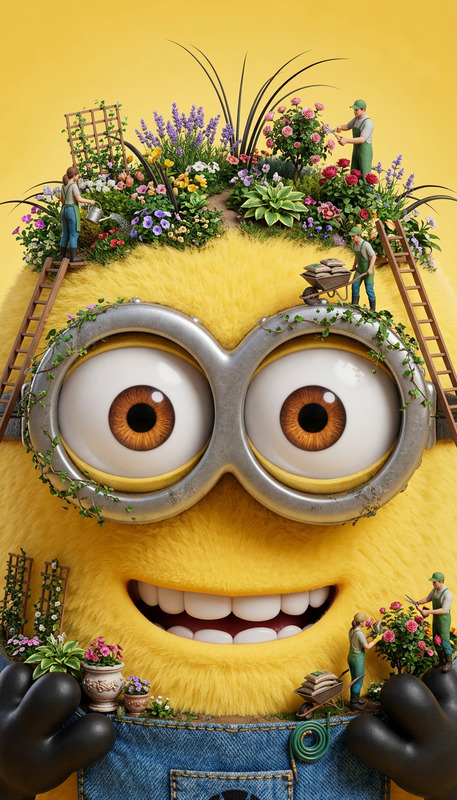
Tiny vs Giant
- Model
- Nano Banana 2
- Image
- 843 × 1264 px
Prompt
"Subject is a miniature diorama where tiny {argument name=""PEOPLE / CHARACTERS"" default=""people or characters""} struggle with a giant {argument name=""EVERYDAY OBJECT"" default=""everyday object""}; exaggerated scale contrast with expressive poses; ultra-detailed props and textures; cinematic lighting; macro lens perspective with shallow depth of field; handcrafted, realistic miniature style, high detail."
Any aspect ratio
Overview
Unleash your creativity with the Tiny vs Giant template, designed for the AI Image Editor. This template brings your vision to life by transforming ordinary scenes into dramatic miniaturized dioramas. Experience the impact of visual storytelling through contrasting scales and detailed textures.
What It Does
The Tiny vs Giant template utilizes the nano-banana-2 model to create images that showcase exaggerated contrasts between tiny people or characters and oversized everyday objects. The macro lens perspective and ultra-detailed props contribute to a cinematic, realistic miniature style. These images are ideal for creating engaging visual content that captures viewers' attention instantly.
Who It's For
This template is perfect for content creators, marketers, and designers looking to produce striking visuals for marketing campaigns, social media, and artistic projects. Whether you're crafting a memorable ad, a viral social media post, or an imaginative editorial, this tool aids in producing exceptional, scroll-stopping imagery. Consider integrating with products like the AI Clothes Changer to further tailor characters' appearances.
Summary
Get ready to explore a world of extremes with the Tiny vs Giant template. By leveraging advanced AI technologies, this tool allows you to create visually compelling narratives that juxtapose the minuscule with the massive. Perfect for those aiming to maximize impact and engagement in their visual content initiatives.
How To

Customize Your Scene

Generate Your Image

Use Cases
Social Media Content
- Increased follower interaction
- Higher shareability
Marketing Campaigns
- Improved ad recall
- Higher conversion rates
Editorial Design
- Distinctive editorial graphics
- Enhanced storytelling
Best Practices
Select Recognizable Objects
Choose everyday objects that your audience can easily recognize and connect with.Focus on Lighting
Utilize cinematic lighting to enhance the mood and drama of your scene.Experiment with Angles
Try different macro perspectives to find the most engaging view of your diorama.