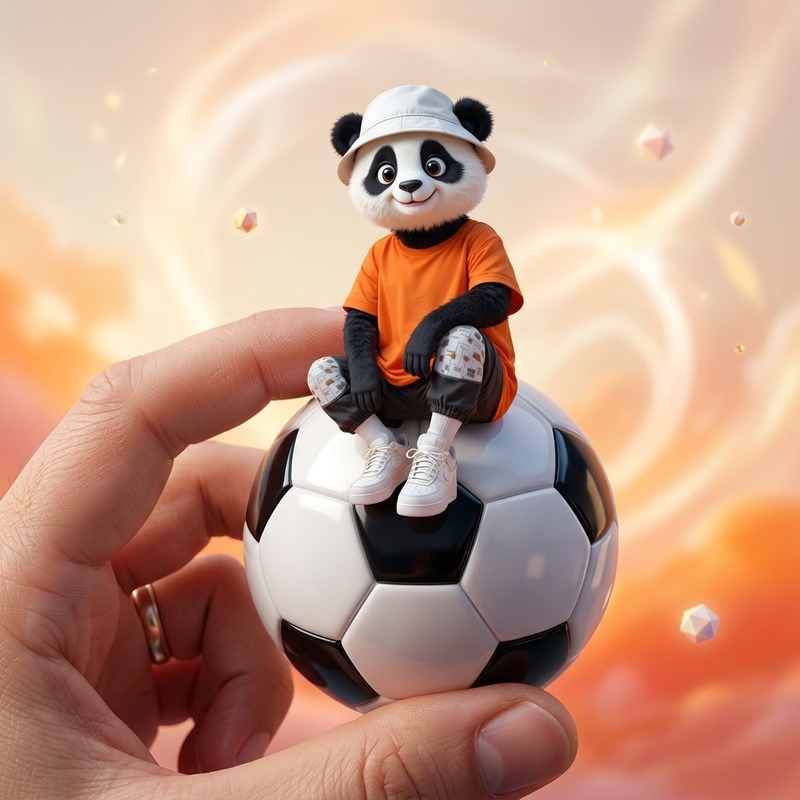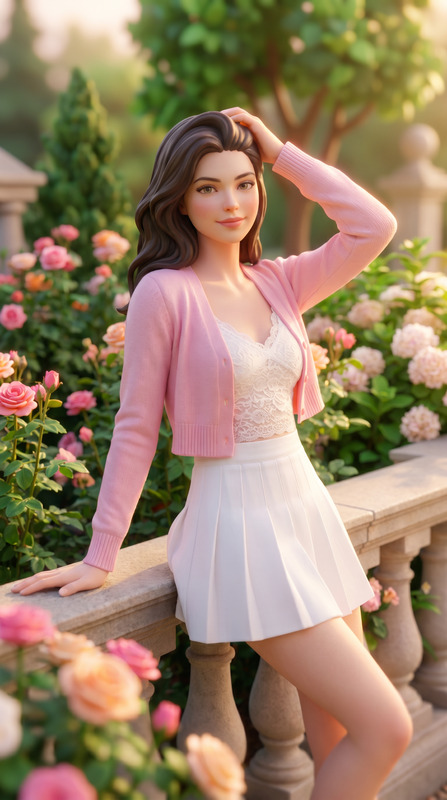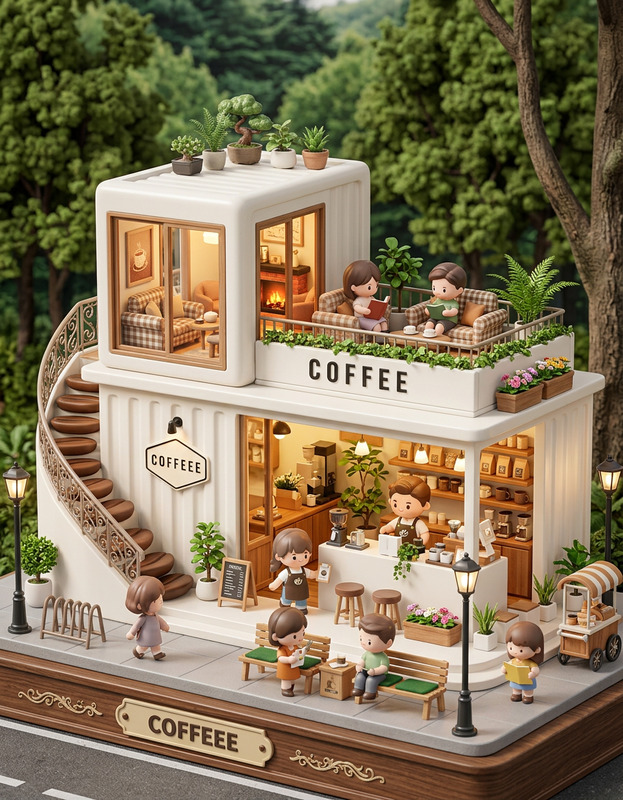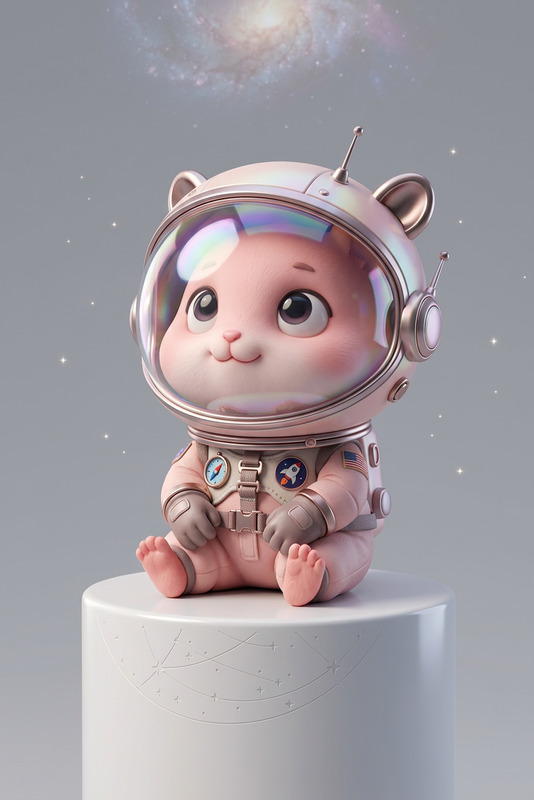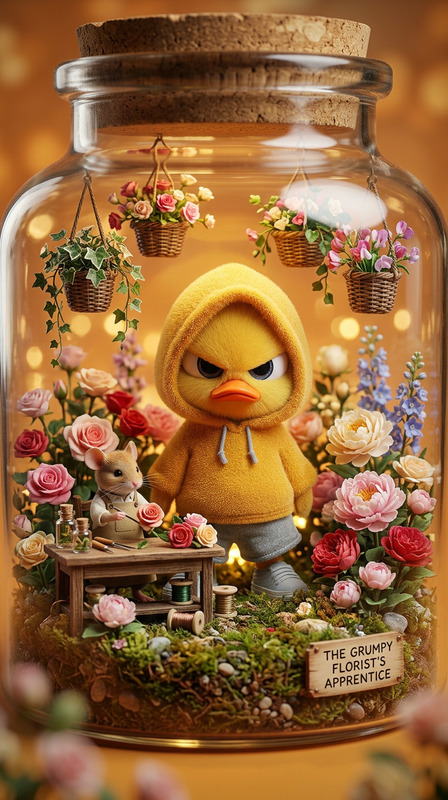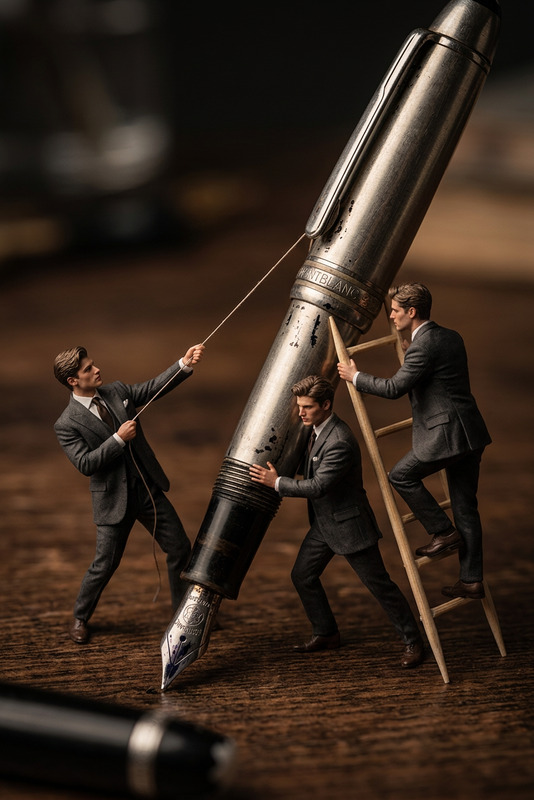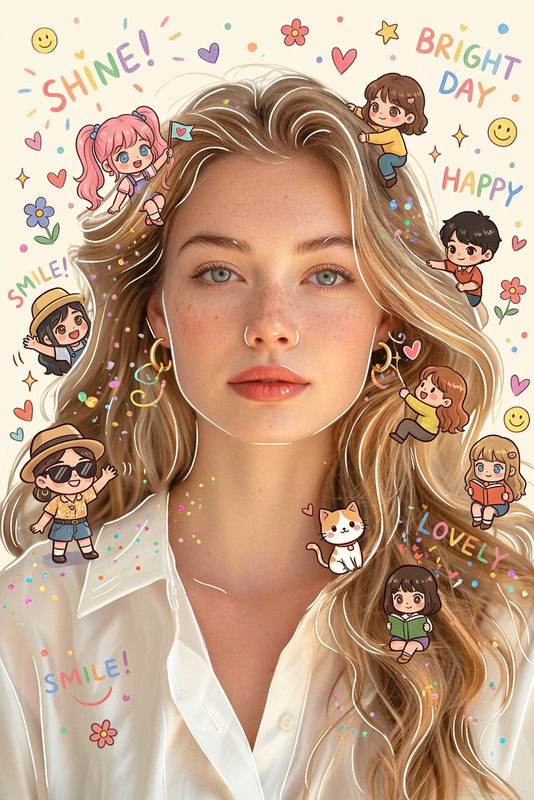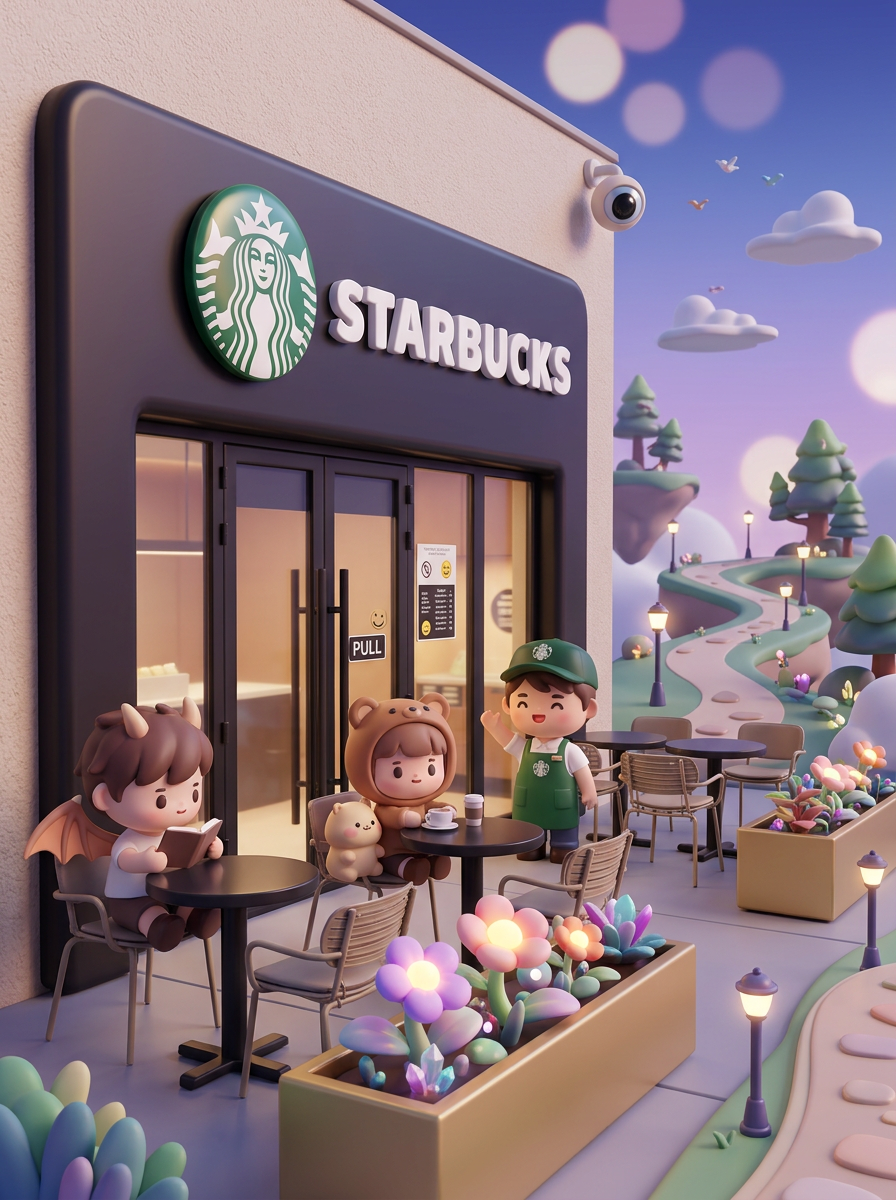
3D chibi-style miniature

3D chibi-style miniature

ai-image-editor

1 clip
0 uses

Any aspect ratio

Prompt

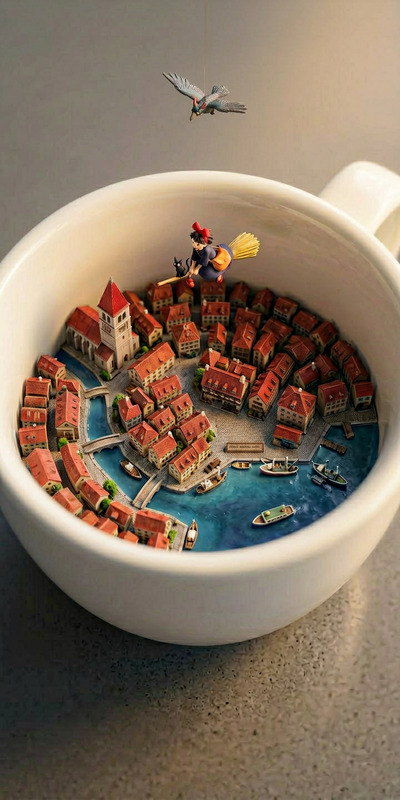
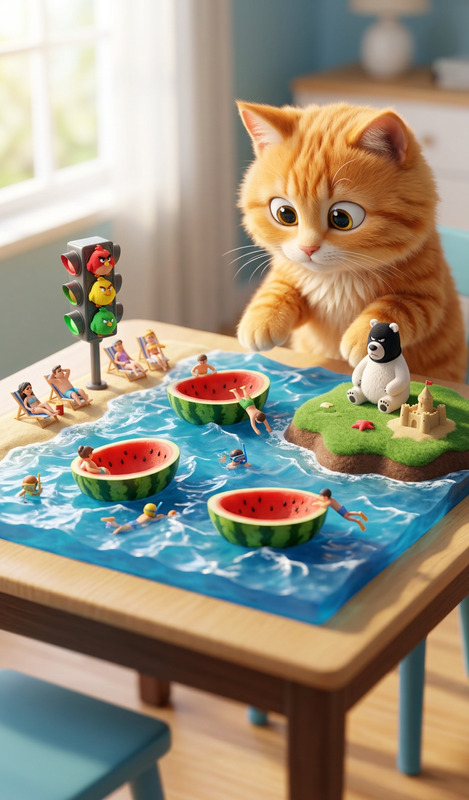
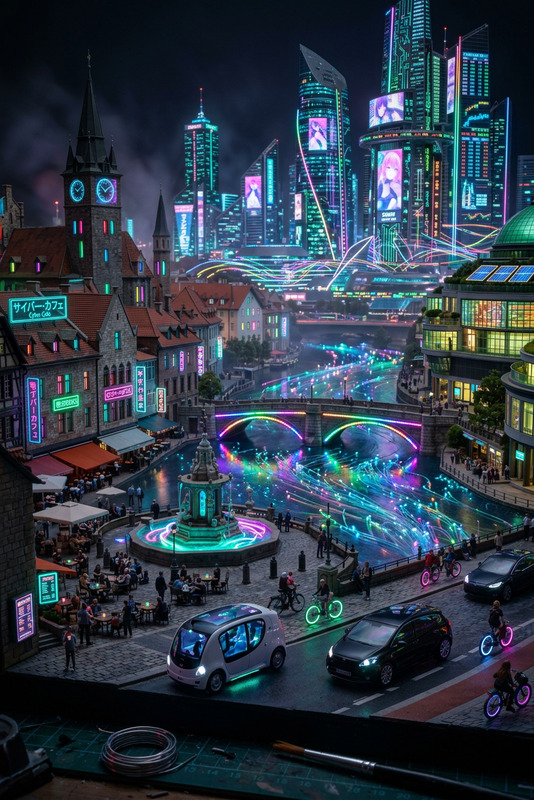
Subject 3D chibi-style miniature scene of a playful fantasy world, with adorable tiny characters in cute proportions interacting within a dynamic environment. The entire scene is stylized with soft rounded shapes and toy-like details, featuring floating elements, layered depth, and a lively composition. Background fully transformed into a miniature setting with soft gradients, glowing bokeh lights, and decorative props like plants, street objects, or abstract shapes. Everything appears as a cohesive small-scale diorama with rich detail and depth. Cinema 4D render, blind-box toy aesthetic, highly detailed yet cute, soft diffused lighting, vibrant colors, relaxing atmosphere, ultra-clean, 8K, --ar 3:4

Transform Portraits with AI Image Editor (Template)

Use this template to turn any portrait into a polished, on‑brand visual in seconds—no Photoshop, no manual masking, no layers. It’s built on Magic Hour’s AI Image Editor, so you can precisely edit faces, backgrounds, lighting, and style while keeping skin texture and identity intact.


What This Template Is For

This AI Image Editor–based template is optimized for:

  • Creators and marketers who need clean, consistent portraits for social, ads, and landing pages
  • Startup teams building visual brands fast (pitch decks, founder pages, product launches)
  • Developers and technical teams who want repeatable, prompt-based visual systems

Use it to:

  • Upgrade casual photos into professional-looking portraits
  • Restyle existing images to match a specific brand, campaign, or mood
  • Create multiple variations from a single source image for A/B testing

If you need fully generated faces instead of editing existing ones, combine this with tools like the AI Face Generator, AI Headshot Generator, or Avatar Generator.


How the Template Works (Conceptually)

This template uses the core capabilities of AI Image Editor:

  • Source image as anchor – You upload a photo. The model preserves subject identity (face, pose, composition) while allowing controlled changes.
  • Prompt-driven restyling – You describe the target look (“cinematic golden-hour portrait”, “clean LinkedIn headshot”, “bold, high-contrast editorial lighting”), and the AI applies that direction.
  • Localized editing – You can focus on specific regions (face, background, clothing, lighting), ideal for subtle but impactful changes.
  • High-res outputs – For print, landing pages, and social, you can pair this with the AI Image Upscaler or Unblur Image when you start from low-quality photos.

Under the hood, this follows the same class of diffusion-based image-editing techniques described in research like Prompt-to-Prompt Image Editing (Hertz et al., 2022) and SDEdit (Meng et al., 2022), but wrapped in a workflow that doesn’t require any ML knowledge.


How to Remix This Template in Magic Hour

You can treat this template as a starting point and build your own editing system around it. Here’s a practical pattern you can follow inside Magic Hour:

  1. Start with AI Image Editor

    • Open AI Image Editor.
    • Upload your base portrait (selfie, product model, team member, etc.).
    • Use a prompt that describes the final use case (e.g., “professional SaaS founder headshot, soft studio lighting, neutral background, realistic skin texture”).
  2. Define Your Style System
    To make this template your own, decide on a few reusable style “blocks”:

    • Brand tone: “minimalist, bright, clean tech aesthetic” vs “moody, cinematic, high-contrast”
    • Color palette: reference your brand colors in the prompt (“soft teal accents, warm highlights”)
    • Medium: “studio photography”, “editorial fashion photo”, “digital illustration”, “anime style”, etc. (pair with AI Art Generator or AI Anime Generator if you want drawn or stylized looks)
  3. Lock Identity, Change Context
    Use the template as a base each time you want to:

  4. Create a Multi-Step Visual Workflow
    For a more advanced remix, chain tools around this template:

  5. Turn Static Portraits into Video or Talking Content
    Once your portrait style is dialed in with this template, you can:


High-Value Use Cases

1. Founder & Team Headshots for Startups

  • Start from any decent photo, then use this template to:
    • Standardize background (same color, blur, or office aesthetic)
    • Align lighting and color grading across the whole team
    • Generate multiple “takes” per person for pitch decks, LinkedIn, and PR kits
  • If you don’t have photos yet, generate candidates with AI Selfie Generator or AI Headshot Generator, then refine them with this editor.

2. Creator Branding (Thumbnails, Covers, Avatars)

Pair this template with:

Workflow example:

  1. Edit your portrait with the template (consistent lighting/style).
  2. Export, then drop into Thumbnail Maker or a cover generator.
  3. Iterate on color grading or vibe purely via prompts—no manual design.

3. Ad Creatives & Landing Page Experiments

  • Use the template to produce multiple portrait variants: different backgrounds, moods, or clothing, while keeping the same person.
  • Combine with:

This is especially effective for performance marketers testing creative at scale.


Quality, Realism, and Cleanup

To get studio-grade results from average source images, combine this template with:

You can also shift personas and identity features with tools like Gender Swap or AI Face Editor, then refine the result back in AI Image Editor with this template.


Advanced Creative Directions

Once you’re comfortable with the base template, explore more stylized edits:

You can route final portraits through Animated Characters Generator or Full Body Generator when you need consistent full‑body shots.


Turning Edited Portraits into Rich Media

Once you’ve used this AI Image Editor template to lock in your portrait style, extend outputs into richer formats:


Tips for Consistent, Reusable Results

  • Save a prompt pattern: Reuse a core prompt like “high-resolution professional portrait, soft studio lighting, neutral background, realistic skin, subtle color grading” and only tweak small parts for campaigns.
  • Keep identity sources stable: Pick 1–2 strong base photos per person and always start from those for new edits.
  • Document your visual system: Treat prompts as part of your brand guide, alongside color and typography specs. This makes it easier for teams to replicate results.
  • Chain tools intentionally: A reliable pattern is:
    1. Generate or clean a base photo
    2. Refine with this AI Image Editor template
    3. Upscale/restore
    4. Extend to video, GIFs, or talking avatars

By remixing this template and combining it with other Magic Hour tools, you can build a repeatable, prompt‑driven pipeline for portraits that stays on brand, scales with your content demands, and doesn’t require a design team to maintain.

More Like This