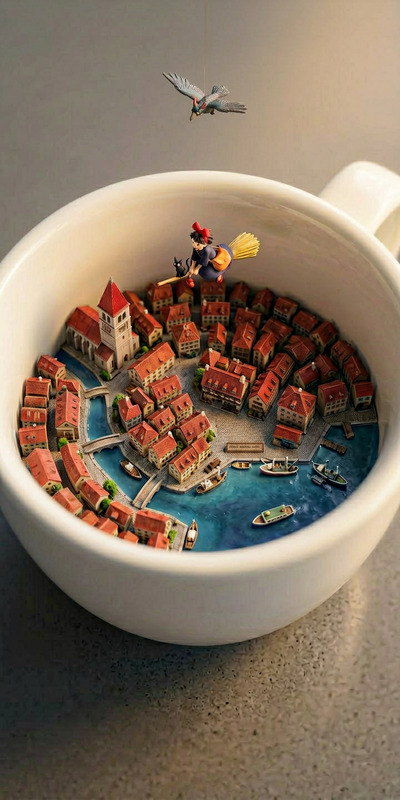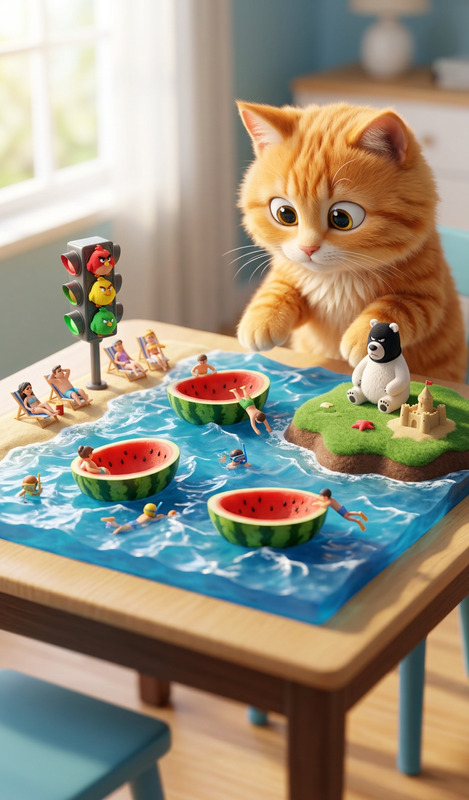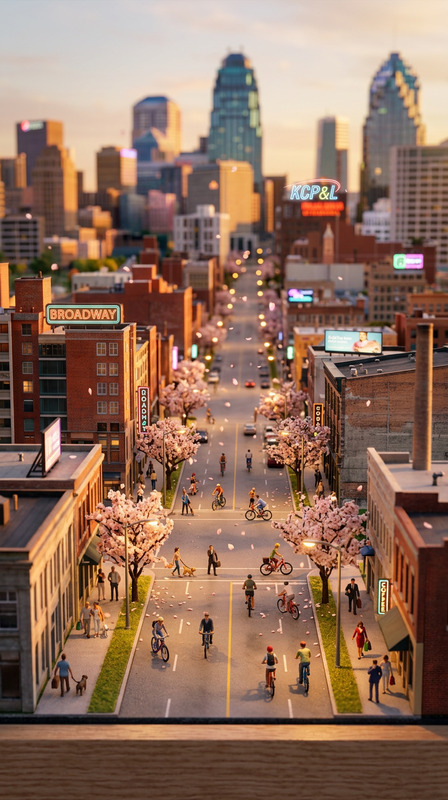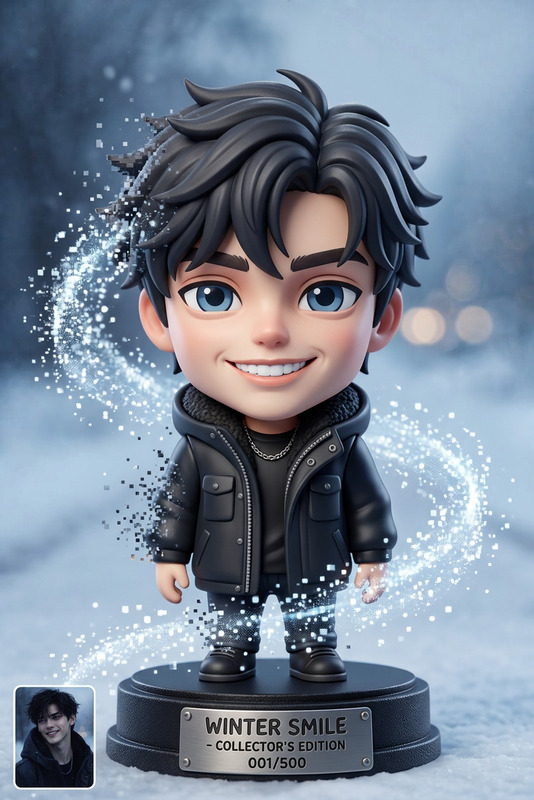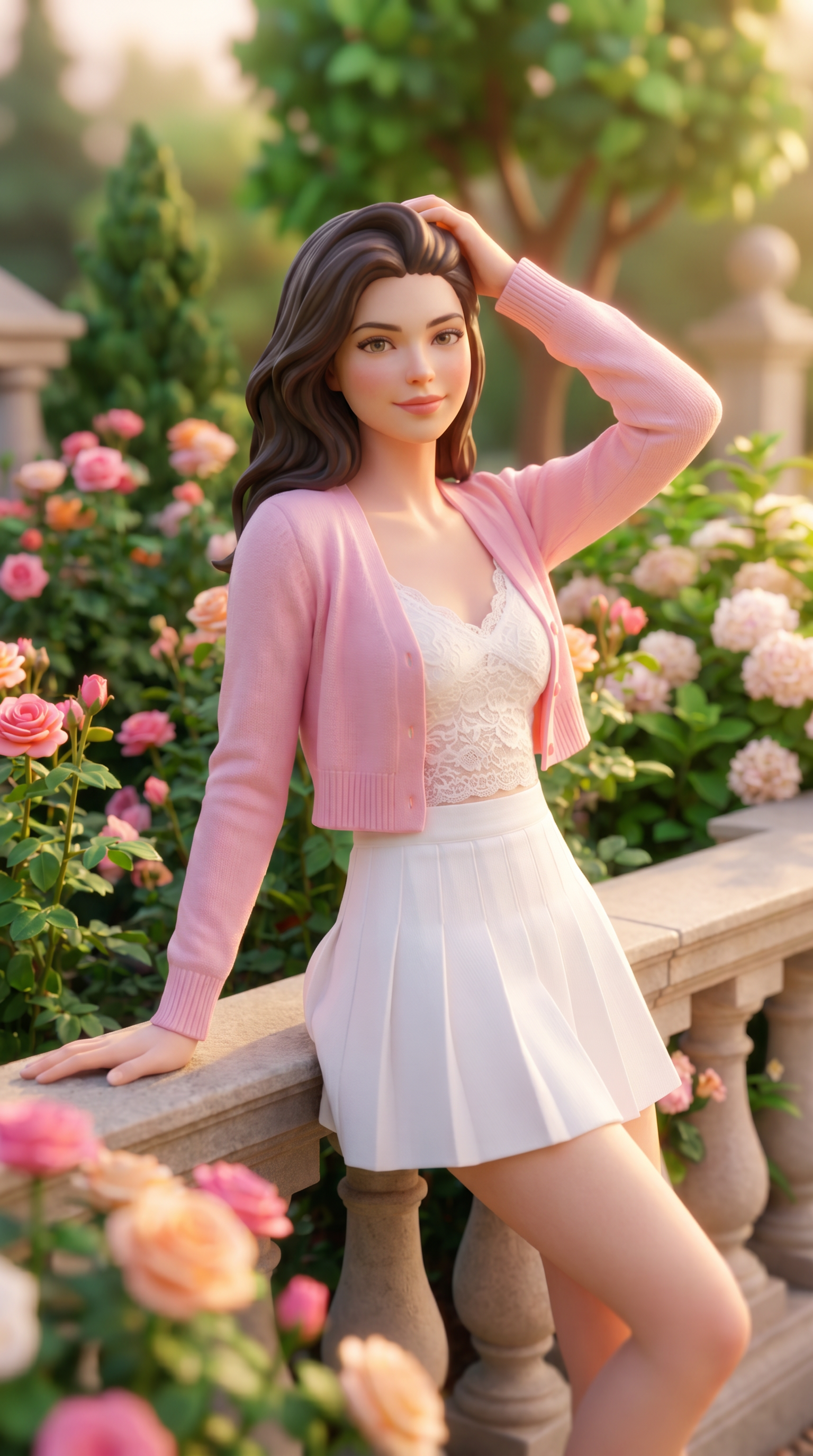
Hyper Stylized 3D Mini World
- Model
- Nano Banana Pro
- Image
- 1536 × 2752 px
Prompt
Convert this image into a tiny 3D miniature world, toy-like environment, soft lighting, tilt-shift effect, highly detailed, cute aesthetic, diorama style, vibrant colors
Any aspect ratio
Overview
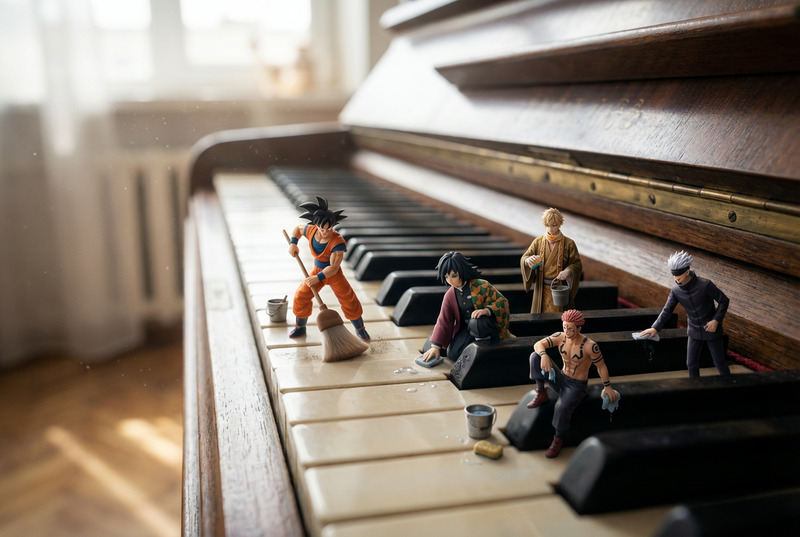
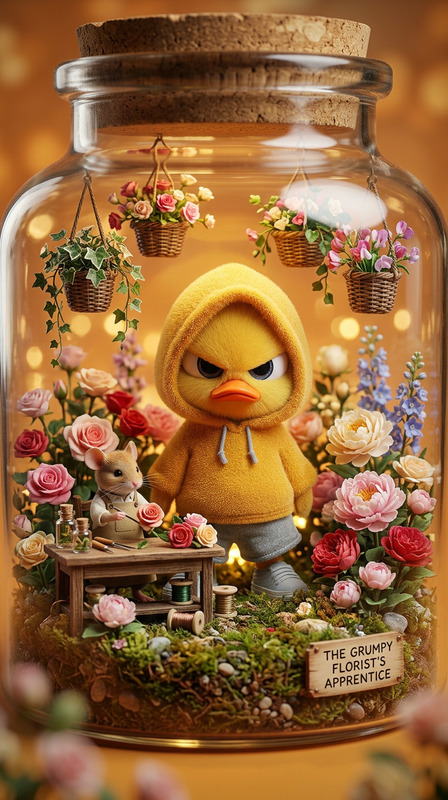
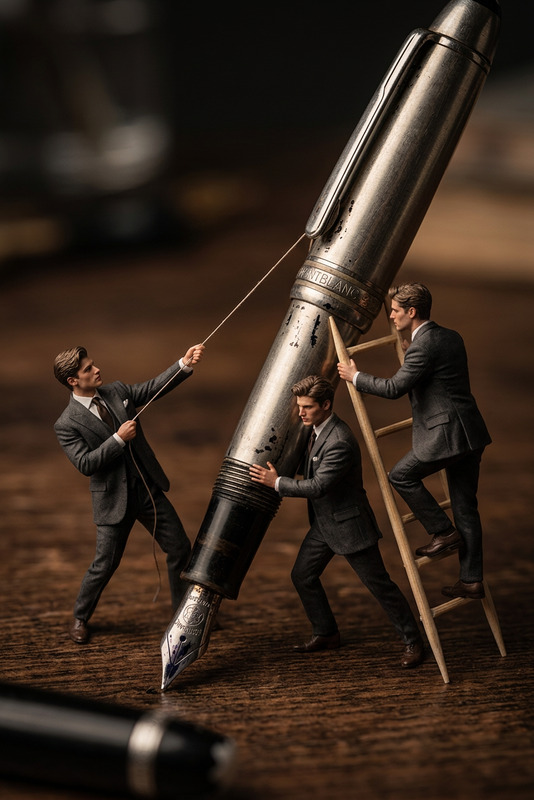
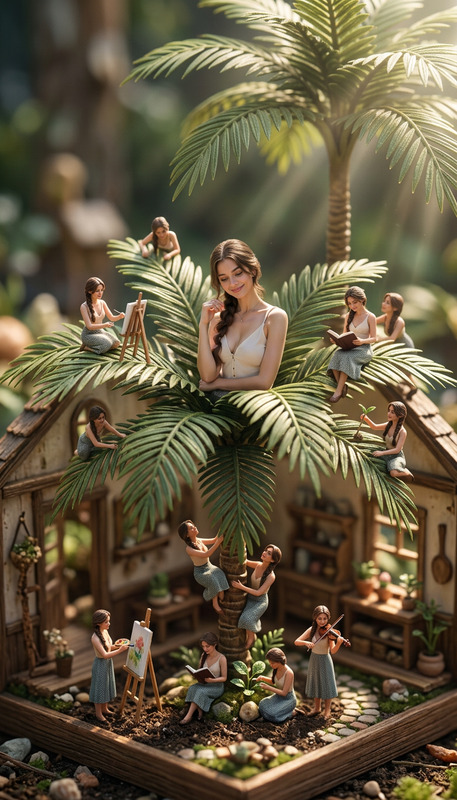
The "Hyper Stylized 3D Mini World" template is an advanced AI Image Editor tool designed to transform any ordinary image into an enchanting 3D miniature universe. Using the nano-banana-pro model, this template applies a toy-like aesthetic with soft lighting and a tilt-shift effect to enhance detail and vibrancy, offering a captivating diorama style.
What It Does
This template takes your selected image and metamorphoses it into an intricate miniature world. The focus on toy-like environments and vibrant colors brings your visuals to life with a playful twist. By employing the nano-banana-pro model, it ensures high detail and a cute, aesthetically pleasing result.
Looking for ways to enhance your visual storytelling? The AI Talking Photo and AI Face Editor tools might also interest you with their unique image transformation capabilities.
Who It's For
This template is perfect for creative professionals, visual artists, and content creators who want to add a magical touch to their images. Whether you're working on a video style transfer project or creating mood boards, this template offers a novel way to bring your concepts to life.
Additionally, educators and marketers using AI Talking Photo can incorporate these stylized images for more engaging presentations and marketing materials.
Summary
Transform your images into charming dioramas with the "Hyper Stylized 3D Mini World" template. Leveraging the nano-banana-pro model, this AI Image Editor tool is designed for creators aiming to captivate with detail-rich, vibrant visuals. Enhance your project by exploring features from tools like Image-to-Video and AI GIF Generator for comprehensive media production.
How To
Choose Your Template

Customize Your Input

Generate Your Mini World

Use Cases
Visual Storytelling Enhancement
Creative Content Development
Marketing Materials
Best Practices
Choose High-Quality Images
Start with high-resolution images to ensure detailed and vibrant final output.Experiment with Lighting
Adjust lighting in the prompt settings to achieve the desired soft or dramatic effect.Consider Composition
Pay attention to object placement in the original image for a more believable miniature world.