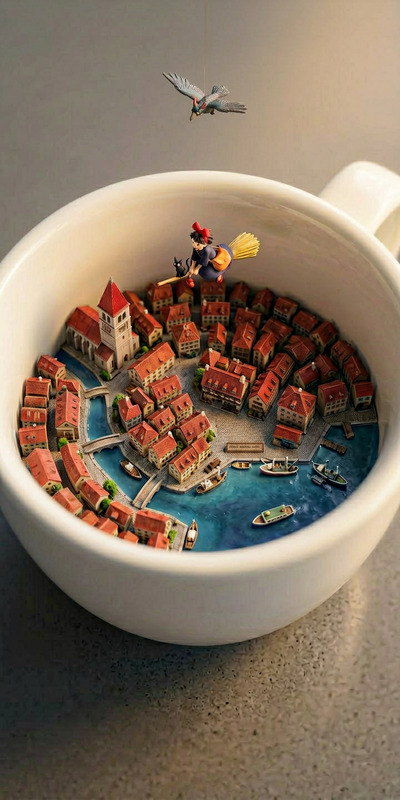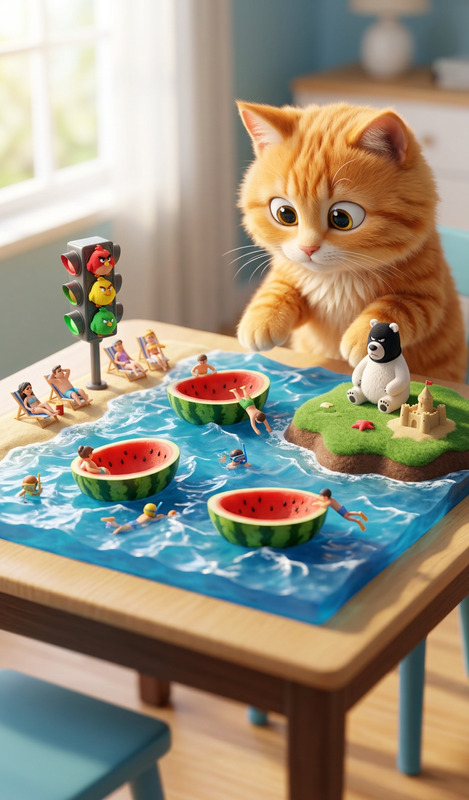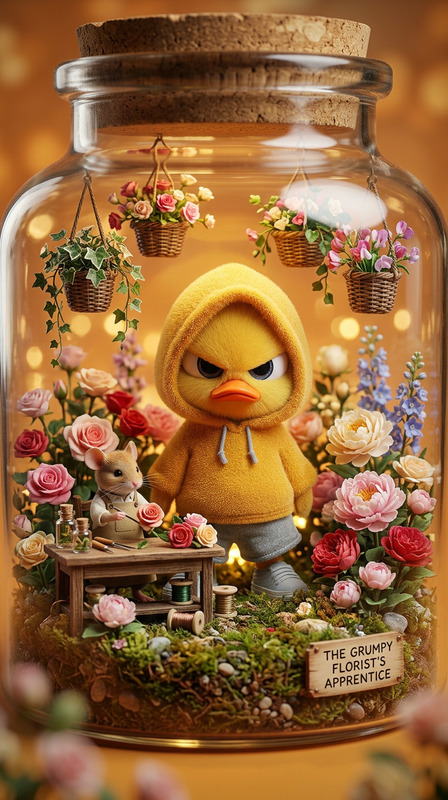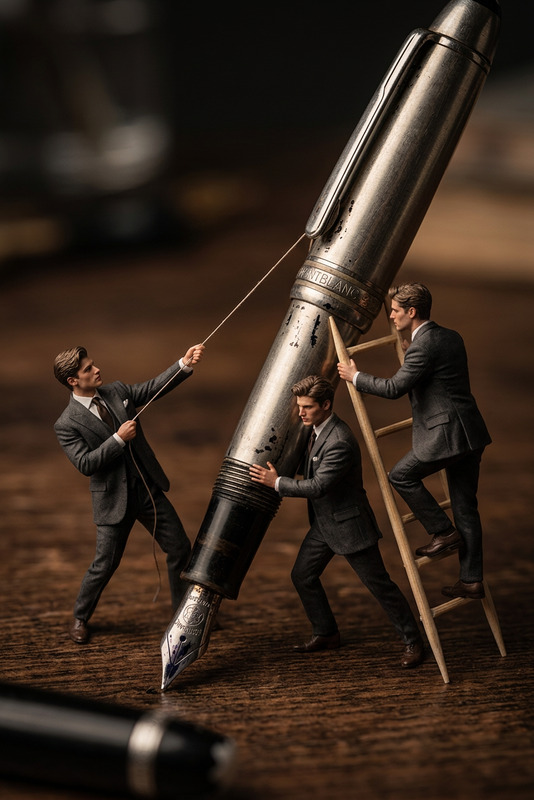
Mini City Diorama
- Model
- Nano Banana 2
- Image
- 768 × 1370 px
Prompt
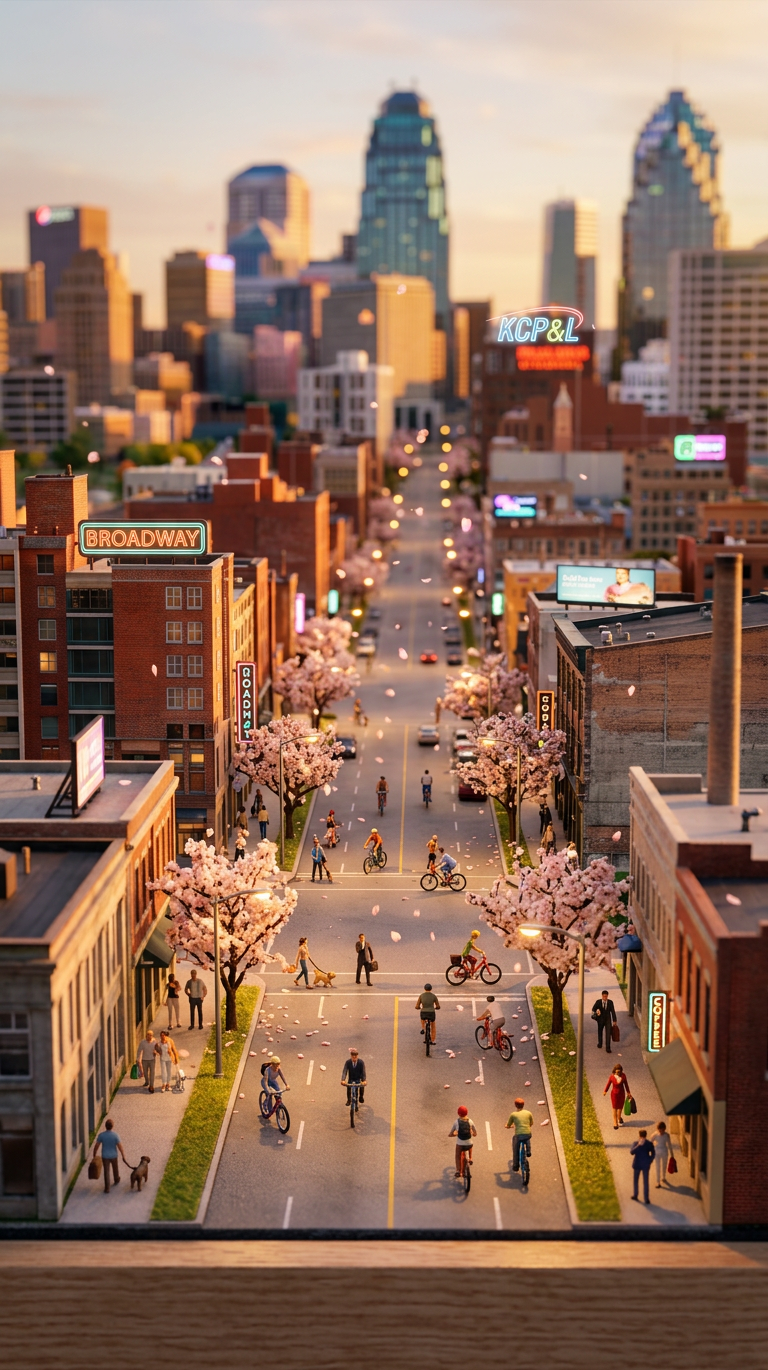
"Subject is a tilt-shift 3D diorama at {argument name=""time of day"" default=""sunset""}; miniature city scene with tiny pedestrians and cyclists moving through busy streets; cherry blossoms gently falling; soft glowing neon signs and billboards in the background; warm cinematic lighting, shallow depth of field, toy-like scale effect, highly detailed"
Any aspect ratio
Overview
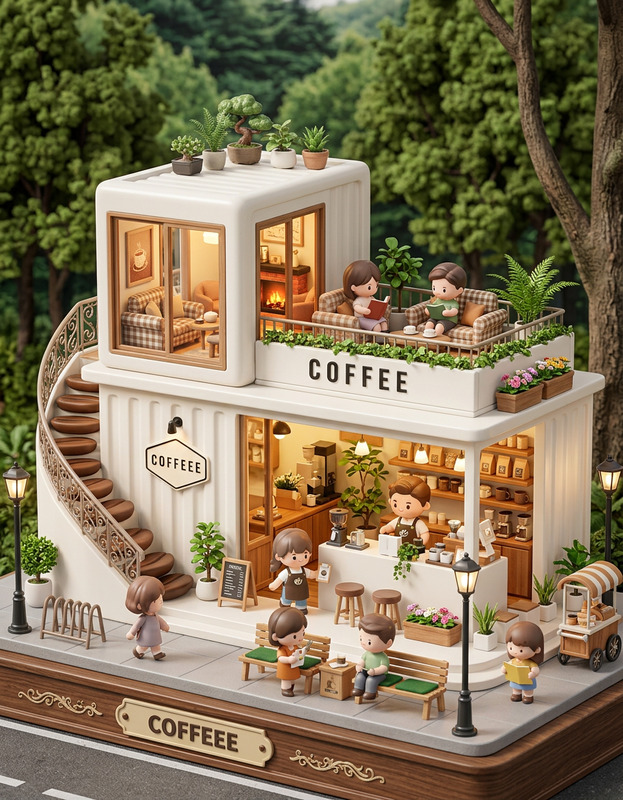
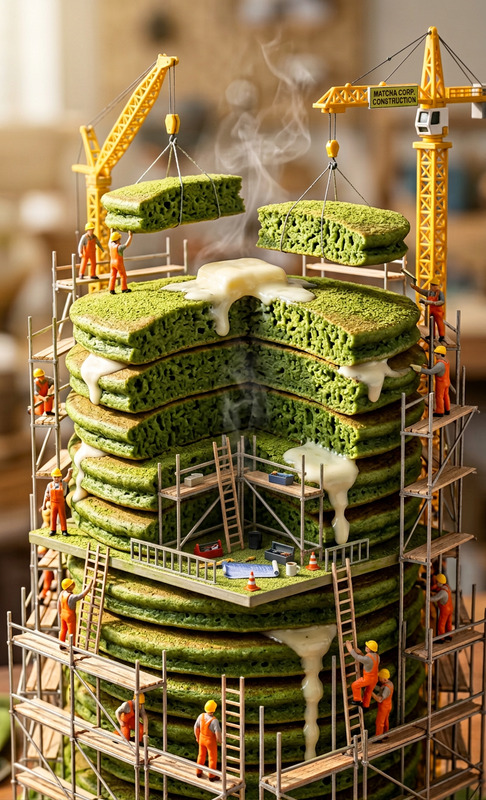
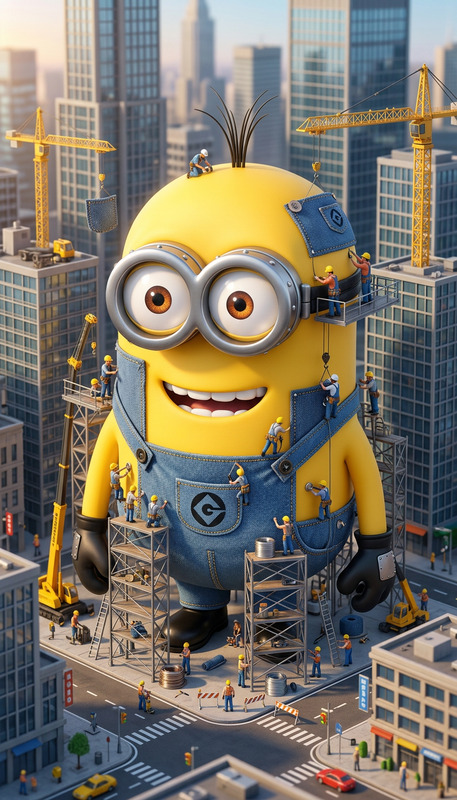
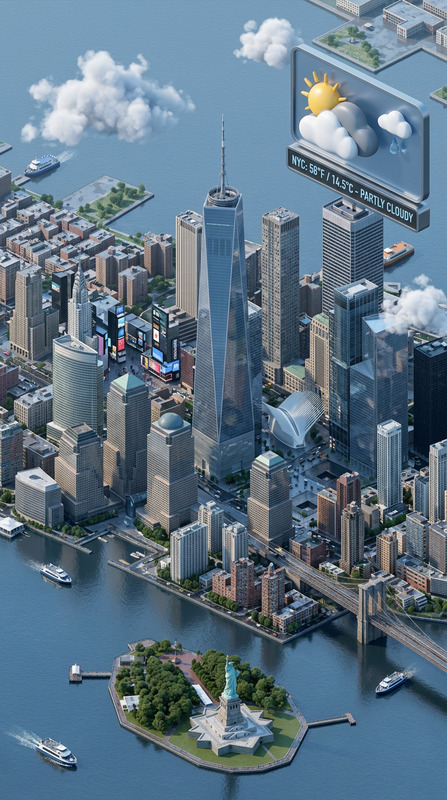
The Mini City Diorama template utilizes the AI Image Editor to transform your creative vision into a captivating 3D miniature scene. With advanced AI capabilities, this template allows for the crafting of detailed urban landscapes with a toy-like scale effect. Ideal for generating images that are both visually stunning and conceptually innovative.
What It Does
This template creates a tilt-shift 3D diorama that highlights intricate city details. Users can simulate different times of day, enhancing the scene with vibrant neon signs and natural elements like cherry blossoms. The model achieves a shallow depth of field and warm lighting, making your miniature city come alive with a cinematic feel.
Who It's For
The Mini City Diorama template is perfect for designers, artists, and hobbyists interested in creating engaging miniaturized cityscapes. Whether you're a graphic designer wanting to showcase urban themes, or a hobbyist looking to visualize miniature worlds, this tool is designed for you. It’s also useful for educational purposes, enabling visualization in architecture and urban planning.
Summary
With the Mini City Diorama template, users can transform simple ideas into mesmerizing artistic scenes. Combined with the AI Photo Relighting tool, these scenes can be further enhanced to play with lighting effects and moods. The detailed imagery offered by this template supports the creation of unique compositions, welcoming creativity to flourish.
How to Use
Choose Your Template

Customize Your Scene

Generate and Download

Use Cases
Graphic Design Projects
- Marketing graphics
- Portfolio pieces
- Client presentations
Educational Tools
- Lecture visuals
- Student projects
- Research illustrations
Hobbyist Creations
- Diorama projects
- Model train settings
- Miniature displays
Best Practices
Adjust Lighting Effects
Experiment with the time of day to see the impact of different lighting effects on your diorama's ambiance. Combine with AI Profile Picture Generator for personalized elements.Enhance with Details
Focus on adding detailed elements like pedestrians or neon signs to enrich the cityscape, making it more lifelike and engaging.Preview Changes Iteratively
Use the preview function to iteratively refine your scene, ensuring your final output is precisely as imagined before generating the final image.