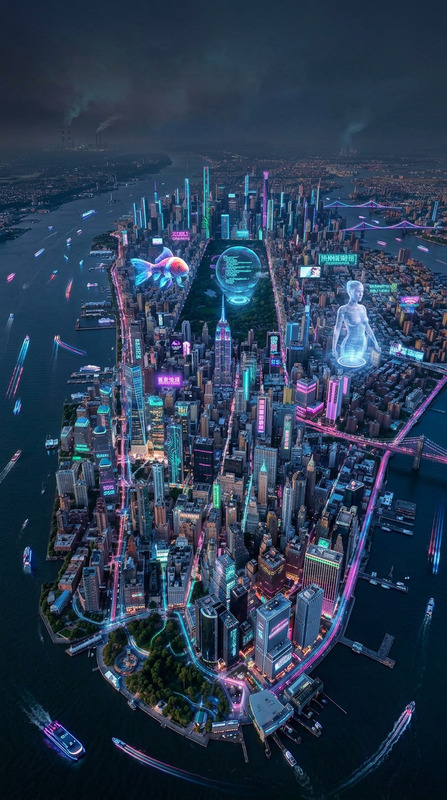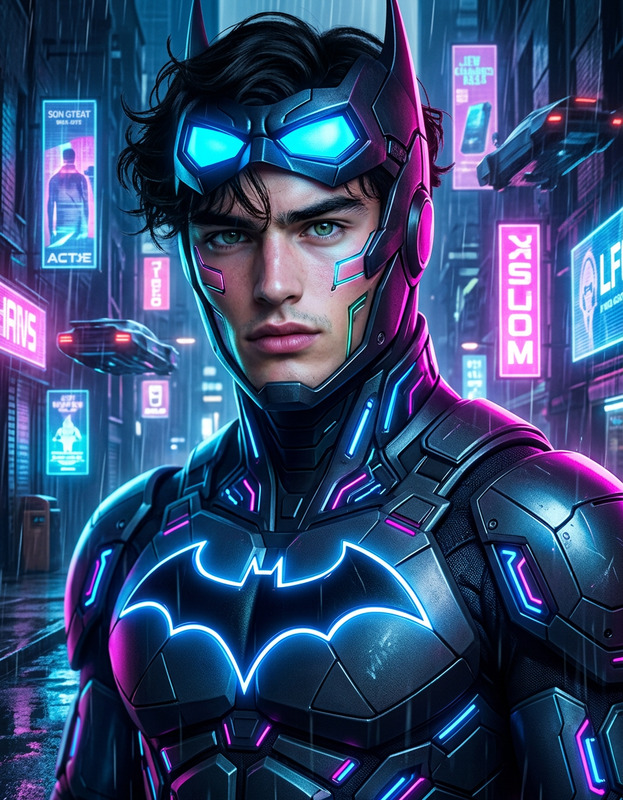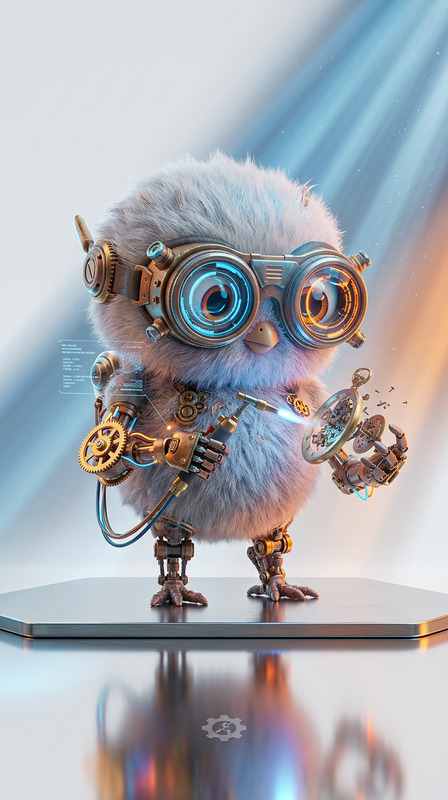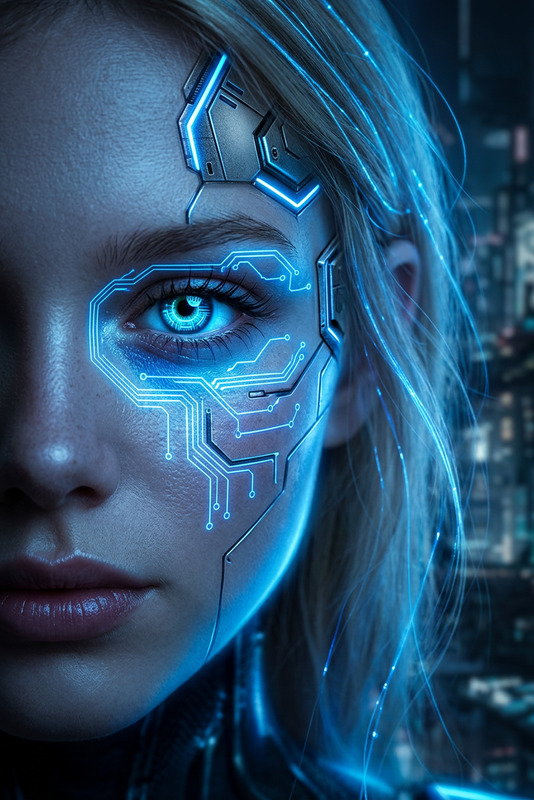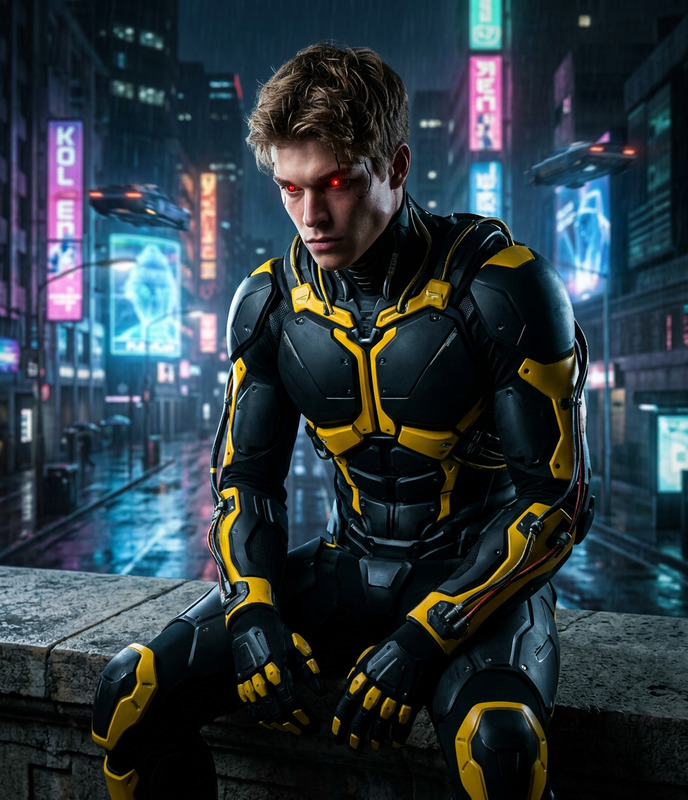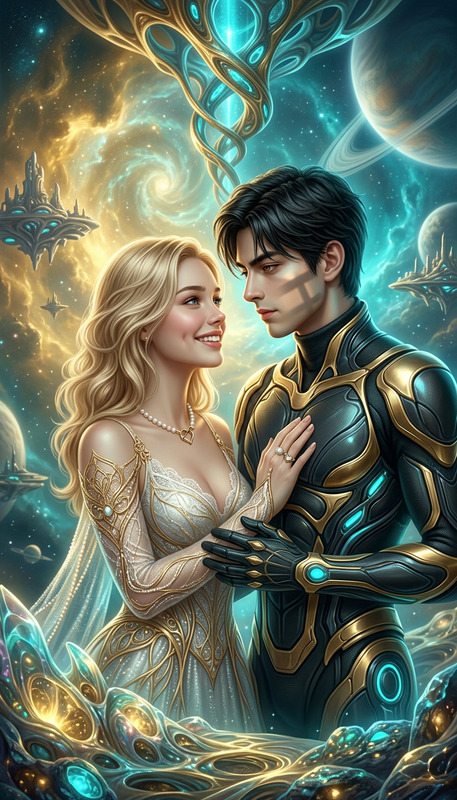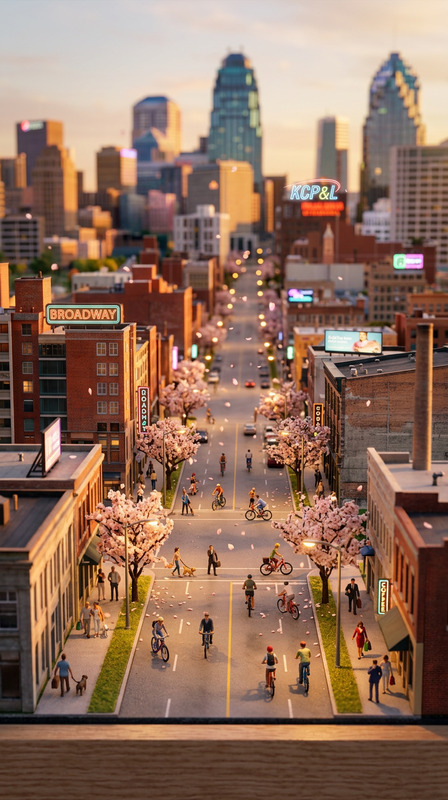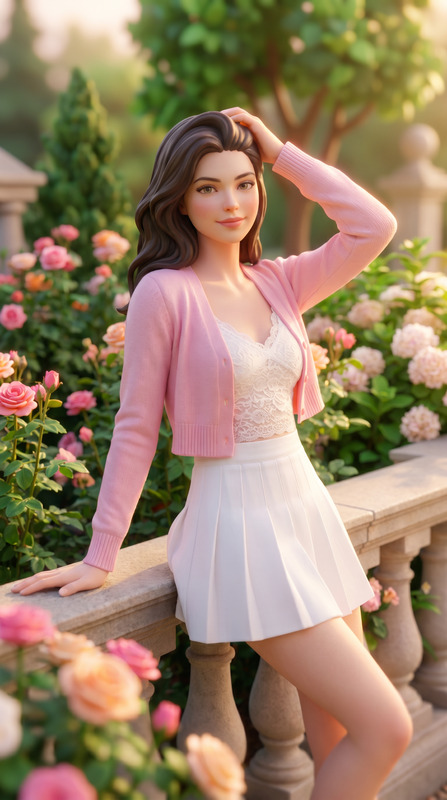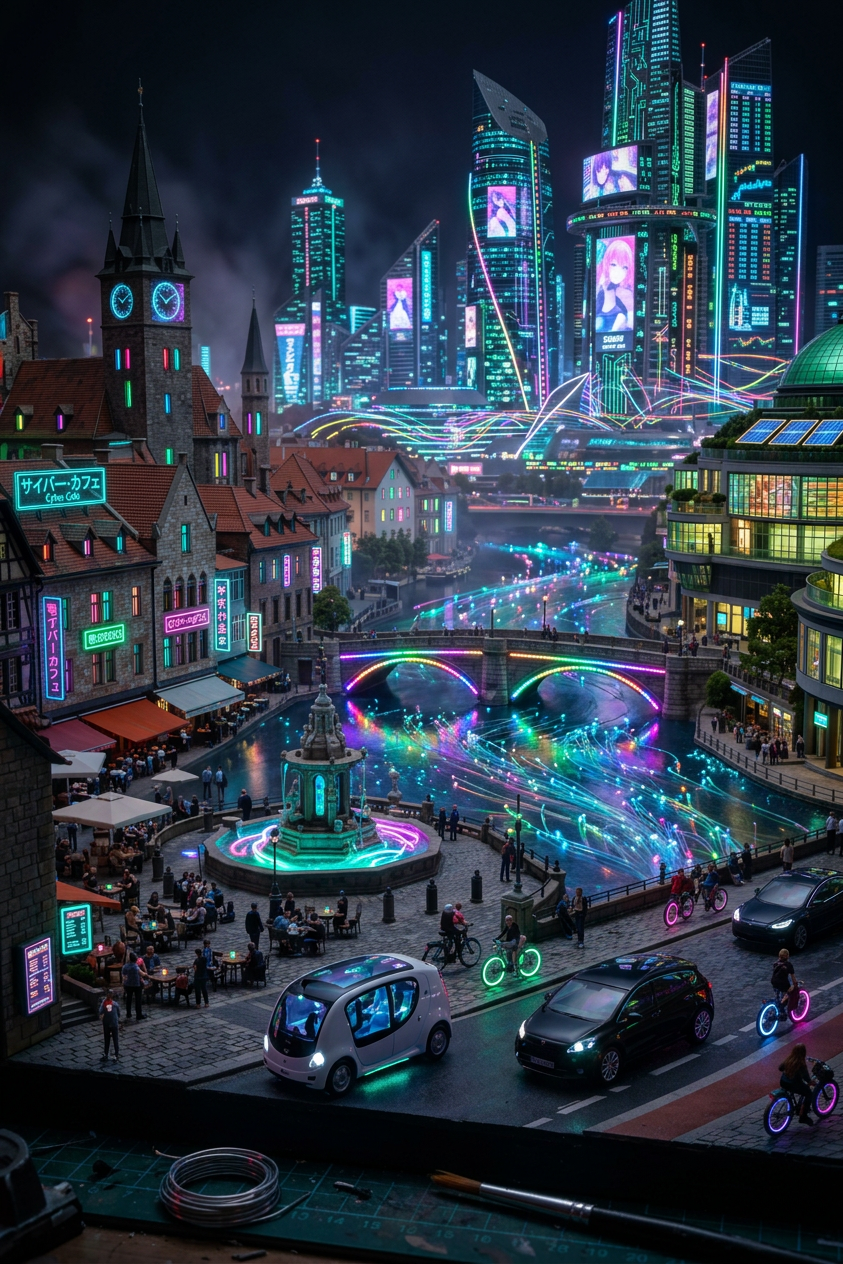
Mini Cyberpunk Diorama
ai-image-editor
Any aspect ratio
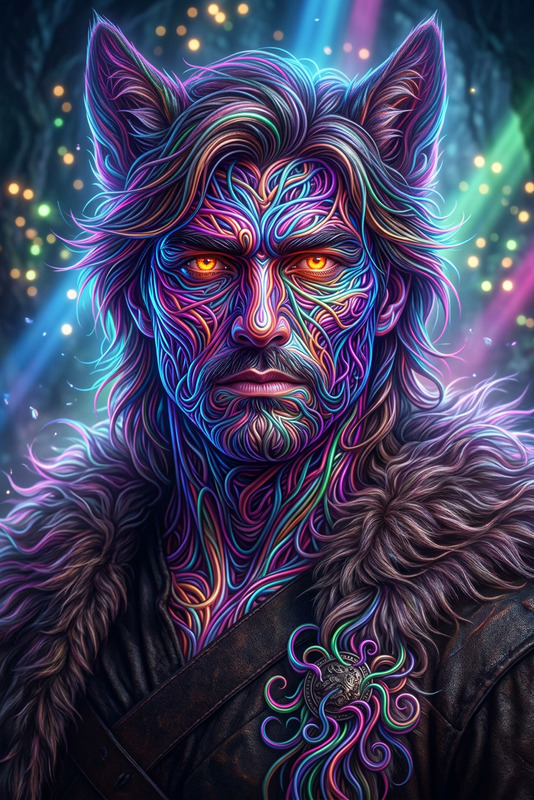
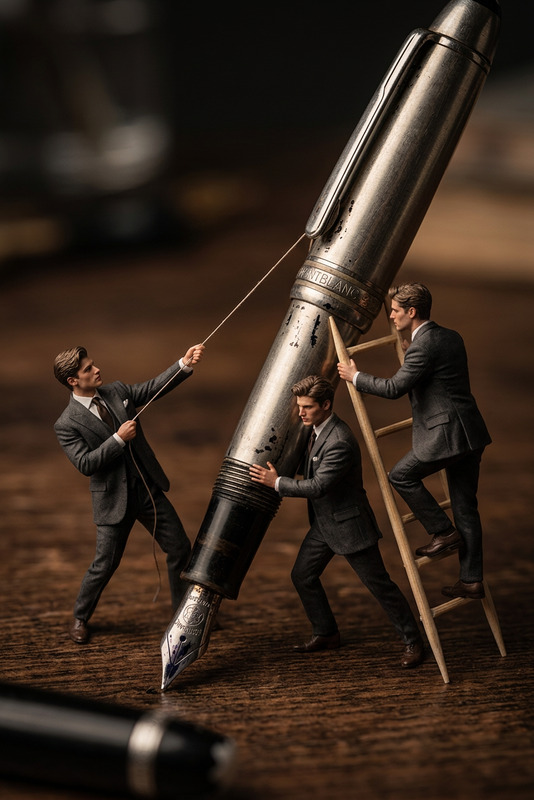
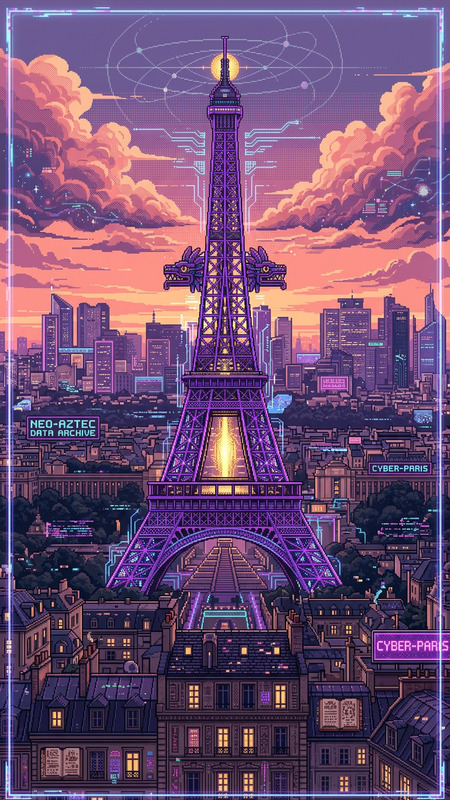
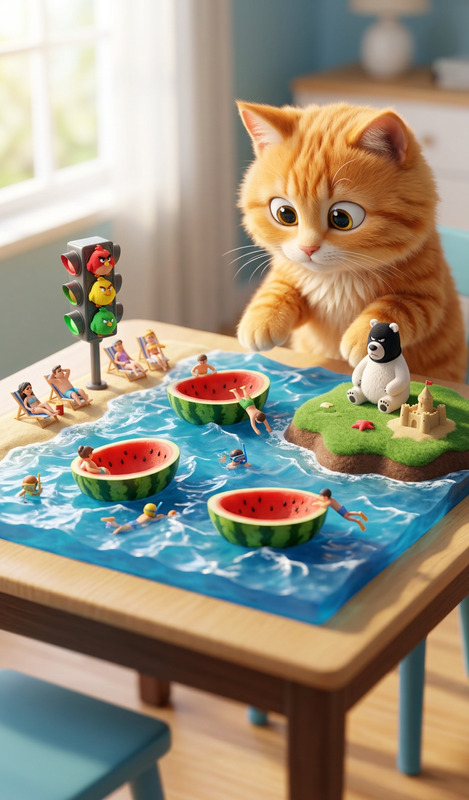
subject transform neon miniature , cyberpunk-inspired, glowing lights, dense tiny city atmosphere, ultra-detailed miniature diorama aesthetic, cinematic lighting, vibrant neon color palette, macro perspective, sharp focus.
AI Image Editor Template: Turn Any Photo Into High-Impact Visuals in Minutes
This template showcases what you can do with Magic Hour’s AI Image Editor: clean up photos, change backgrounds, remove objects, enhance details, and repurpose images for social, ads, and product pages—without touching Photoshop.
Use this page as:
- A starting point to remix your own version of the template
- A reference for what’s possible with Magic Hour’s image tools
- A blueprint you can adapt for workflows in marketing, content, product, and design
What This Template Does
With the AI Image Editor, this template demonstrates how to:
- Remove unwanted objects or people from photos while preserving realistic textures and lighting
- Pair with: AI Remover, Remove Object from Photo, Watermark Remover
- Replace or redesign backgrounds (e.g., studio-style backgrounds for ecommerce, on-brand environments for campaigns)
- Pair with: AI Background Generator, Image Background Remover
- Enhance quality and resolution so assets are ready for web, print, or ads
- Pair with: AI Image Upscaler, Unblur Image
- Transform style and format (realistic → illustration, portrait → avatar, product shot → ad creative)
- Pair with: AI Art Generator, AI Photo Generator, AI Image Generator
- Localize and personalize visuals for different audiences, campaigns, or platforms
All edits are done using AI-assisted inpainting/outpainting and image-to-image editing, so you can go from idea to final asset in a few clicks.
How to Remix This Template in Magic Hour
You don’t need design skills to build your own version. Here’s a practical way to adapt this template for your workflow:
Start from any image
- Upload: a product photo, headshot, UGC, brand asset, or reference image
- Or generate a base image first using:
Open in AI Image Editor
- Use the AI Image Editor to make non-destructive edits:
- Brush over anything you want to remove or replace
- Describe what should appear instead (e.g., “clean white studio background,” “night city skyline,” “minimalist office desk setup”)
- Use the AI Image Editor to make non-destructive edits:
Iterate for your use case
- Product & ecommerce:
- Remove distractions
- Swap background to brand-consistent or platform-optimized scenes
- Upscale for marketplaces using AI Image Upscaler
- Personal branding & headshots:
- Clean up environments
- Generate studio-quality portraits with AI Headshot Generator
- Color-correct or restore older assets with Photo Colorizer and Old Photo Restoration
- Content & marketing creatives:
- Turn one photo into multiple campaign variations
- Create thumbnails with Thumbnail Maker
- Generate on-brand posters, covers, or visuals with:
- Product & ecommerce:
Save your workflow as a reusable pattern
- Keep a consistent “recipe” for:
- Product photo cleanup
- Social post variants
- Internal brand templates (e.g., founder images, pitch deck visuals)
- Remix those patterns quickly by swapping the input image and updating the text prompts.
- Keep a consistent “recipe” for:
Example Workflows You Can Build from This Template
Use this template as a backbone for more specialized flows:
1. “From Raw Photo to Polished Campaign Creative”
- Start with a quick phone photo of a product or person
- Clean it with the AI Image Editor
- Generate a background or scene with AI Background Generator
- Upscale for ad delivery with AI Image Upscaler
- Turn it into a short looping asset with AI GIF Generator or Image to Video
2. “Turn Static Images Into Short Videos”
Use this template for the image editing part, then:
- Animate faces or characters with:
- Create motion from a single frame with:
3. “Visual Experiments for Product & Brand Teams”
- Design alternative visual directions without a full design sprint:
- Test different aesthetics using AI Art Generator, AI Illustration Generator, or AI Anime Generator
- Explore niches with specialized tools:
Who This Template Is For
This AI Image Editor template is optimized for teams and creators who need speed, consistency, and control:
- Performance marketers & growth teams
- Quickly generate and test variants for paid campaigns
- Localize visuals for different markets without full reshoots
- Founders & startup teams
- Level up pitch decks, landing pages, and product shots without a full design stack
- Maintain consistency across assets as you iterate
- Content creators & solo builders
- Turn simple photos into platform-ready thumbnails, covers, and shorts
- Repurpose existing content into new formats (memes, reels, GIFs) using AI Meme Generator, AI GIF Generator, and Text to Video
Best Practices When Remixing This Template
To get consistently strong results:
- Start from the highest-quality image you have
- If it’s low-res or blurry, run it through Unblur Image or AI Image Upscaler first.
- Be specific in your prompts
- Instead of “nice background,” try “soft natural light, minimal living room, light wood table, blurred background.”
- Keep a visual guideline or mood board
- Use the same wording for lighting, color, and style to keep outputs on-brand.
- Chain tools intentionally
- Example chain:
- Clean + edit with AI Image Editor
- Generate variations with AI Art Generator
- Upscale for production with AI Image Upscaler
- Turn into motion with Image to Video or Animation
- Example chain:
Related Magic Hour Tools to Explore
If you like what this AI Image Editor template does, you can expand your workflow with:
- Faces & people
- Avatars, characters & stylization
- Brand & communication assets
- Voice & video layers
Why Build on an AI Image Editor Template?
Modern creative teams are shifting from one-off assets to reusable, composable workflows. This template is designed as a practical starting point you can:
- Plug into your existing stack
- Adapt for your team’s visual language
- Chain with other Magic Hour tools for end-to-end pipelines (from static image → stylized asset → animated video → voiced content with subtitles)
Remix it, document your own “recipe,” and treat it as a living building block for your visual production system.