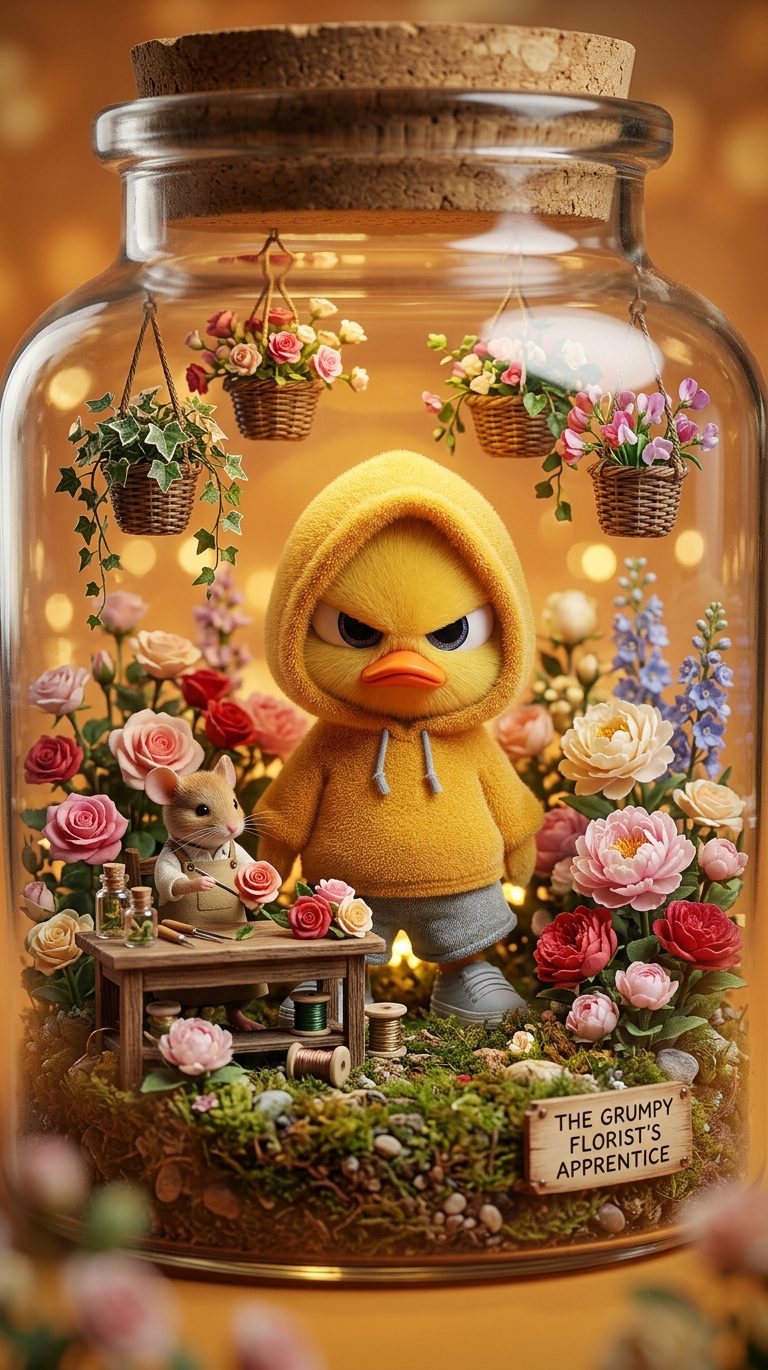
Miniature Bloom Atelier
- Model
- Nano Banana 2
- Image
- 768 × 1370 px
Prompt
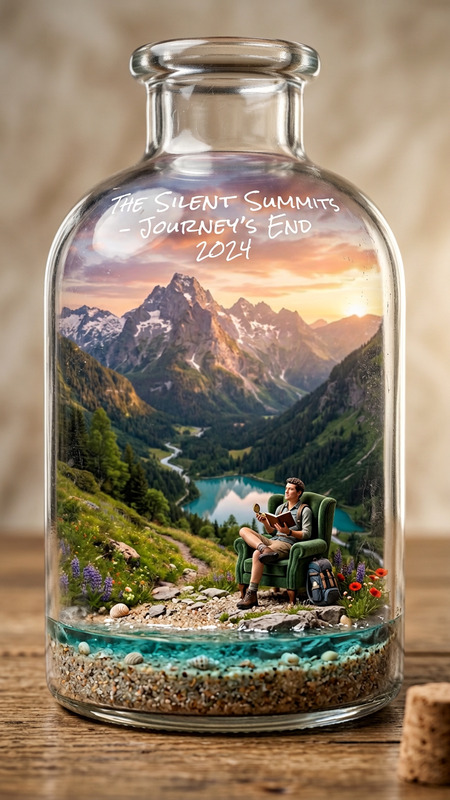
Subject inside a clear glass jar, highly detailed diorama; a tiny florist figure arranges colorful flowers on a small wooden table, surrounded by roses, peonies, and hanging baskets; warm golden light glows from within, creating a cozy atmosphere; moss and tiny plants decorate the interior edges; camera perspective feels like a slow push-in with shallow depth of field and dreamy bokeh; cinematic lighting, macro photography style, ultra-detailed craftsmanship, soft magical ambiance and realistic textures.
Any aspect ratio
Overview
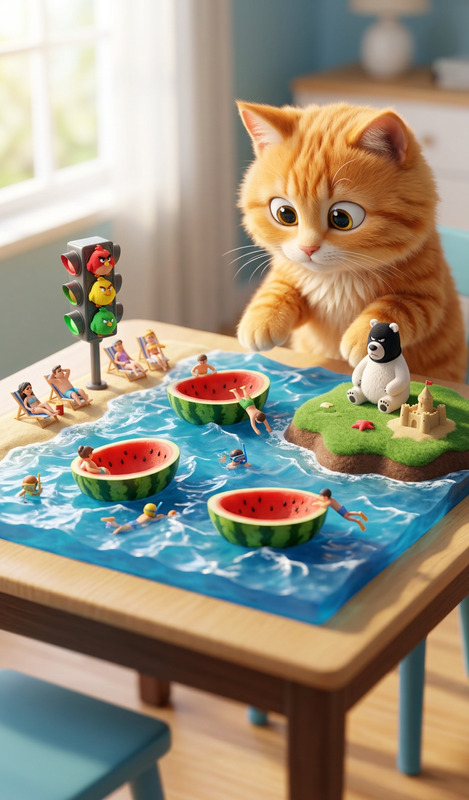
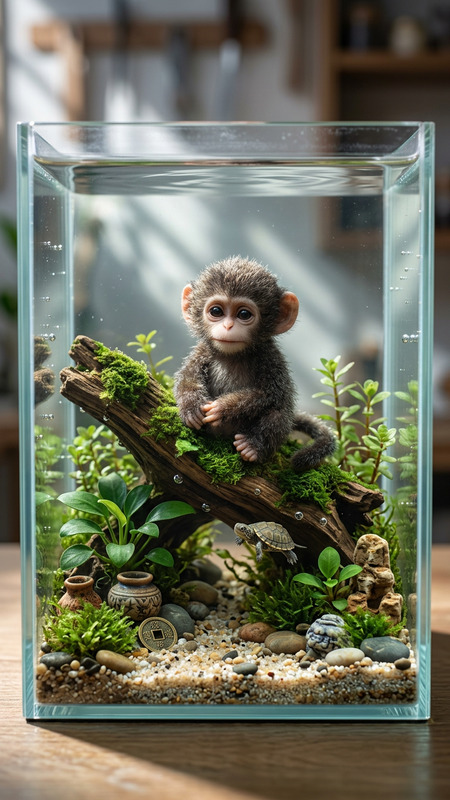
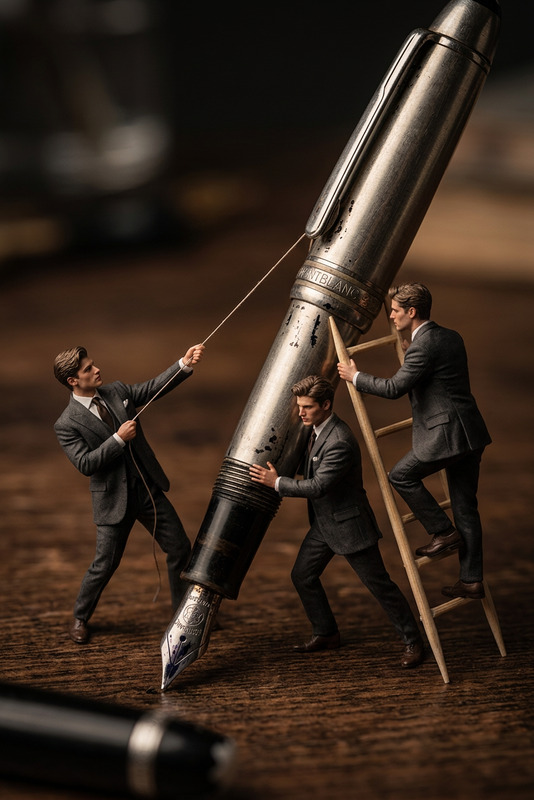
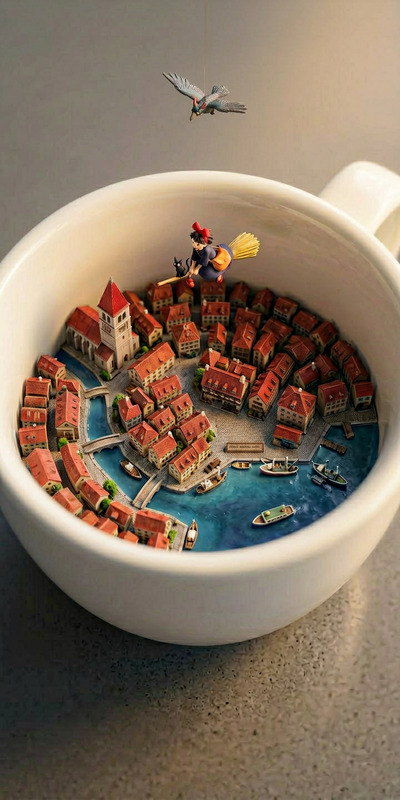
The Miniature Bloom Atelier template offers a unique experience through the AI Image Editor. Immerse your subjects in a captivating diorama set within a glass jar, where every detail is enhanced by high-definition crafting and macro photography aesthetics. This template allows you to craft a magical and realistic scene, perfect for anyone looking to add an artistic touch to their images.
What It Does
This template allows users to insert subjects into a diorama-like setting, creating realistic and intricate scenes as if captured through macro photography. The use of nano-banana-2 ensures that each element, from the tiny florist figure to the glowing warmth of the environment, is rendered in stunning detail, offering a cinematic experience with a cozy, magical ambiance.
Who It's For
The Miniature Bloom Atelier is perfect for artists, photographers, and marketers who aim to create visually compelling images that stand out with intricate detailing. It is also ideal for those in product demonstration environments where showcasing details is crucial, as well as for those interested in crafting mood-setting imagery for storytelling purposes.
Summary
By using the Miniature Bloom Atelier template, users can transform ordinary images into extraordinary scenes. With its capability for macro-level detailing and cinematic flair, this tool is aligned with other advanced options like the Text to Video and AI Video Extender, making it a versatile choice for diverse creative endeavors.
How To
Choose Your Template

Customize Your Scene

Generate Image

Use Cases
Product Demos
- Increased engagement through unique visuals
- Detailed product focus with artistic appeal
Storytelling and Art Projects
- Rich in detail and story
- Craftsmanship that offers depth in narratives
Social Media Content
- High shareability through unique design
- Ideal for platforms like Instagram and Pinterest
Best Practices
Select High-Quality Subject Images
Make sure your initial subject images are high-resolution to ensure crisp integration and realism in the final output.Utilize Lighting Adjustments
Experiment with the lighting settings to enhance the warmth and mood of your scene, bringing out the best in cinematic details.Focus on Composition
Pay attention to the placement of elements within the glass jar, as the composition greatly affects the overall impact of the image.