Miniature construction subjects
- Model
- Nano Banana 2
- Image
- 800 × 1316 px
Prompt
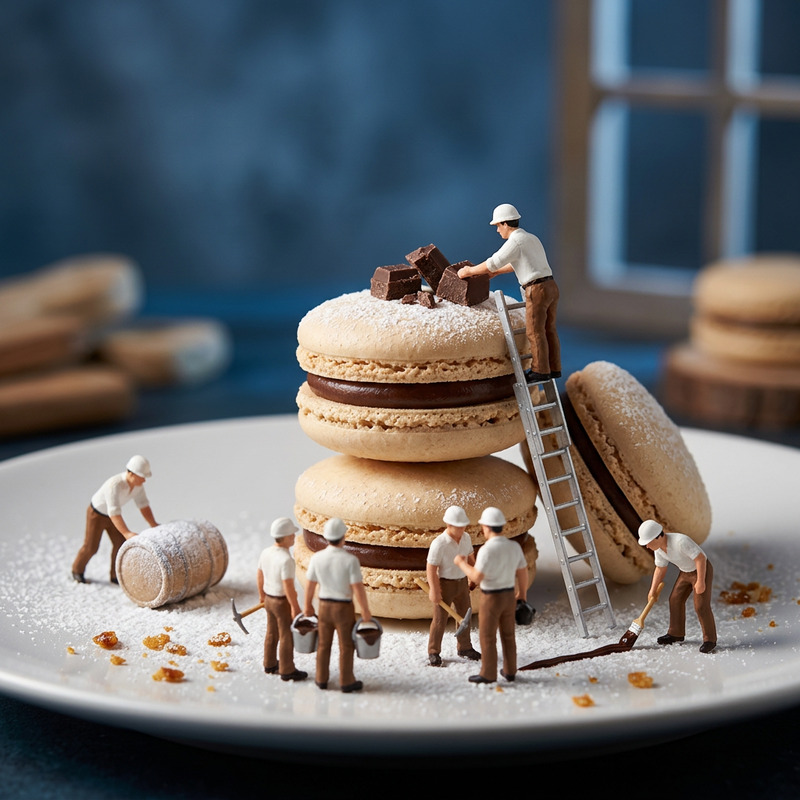
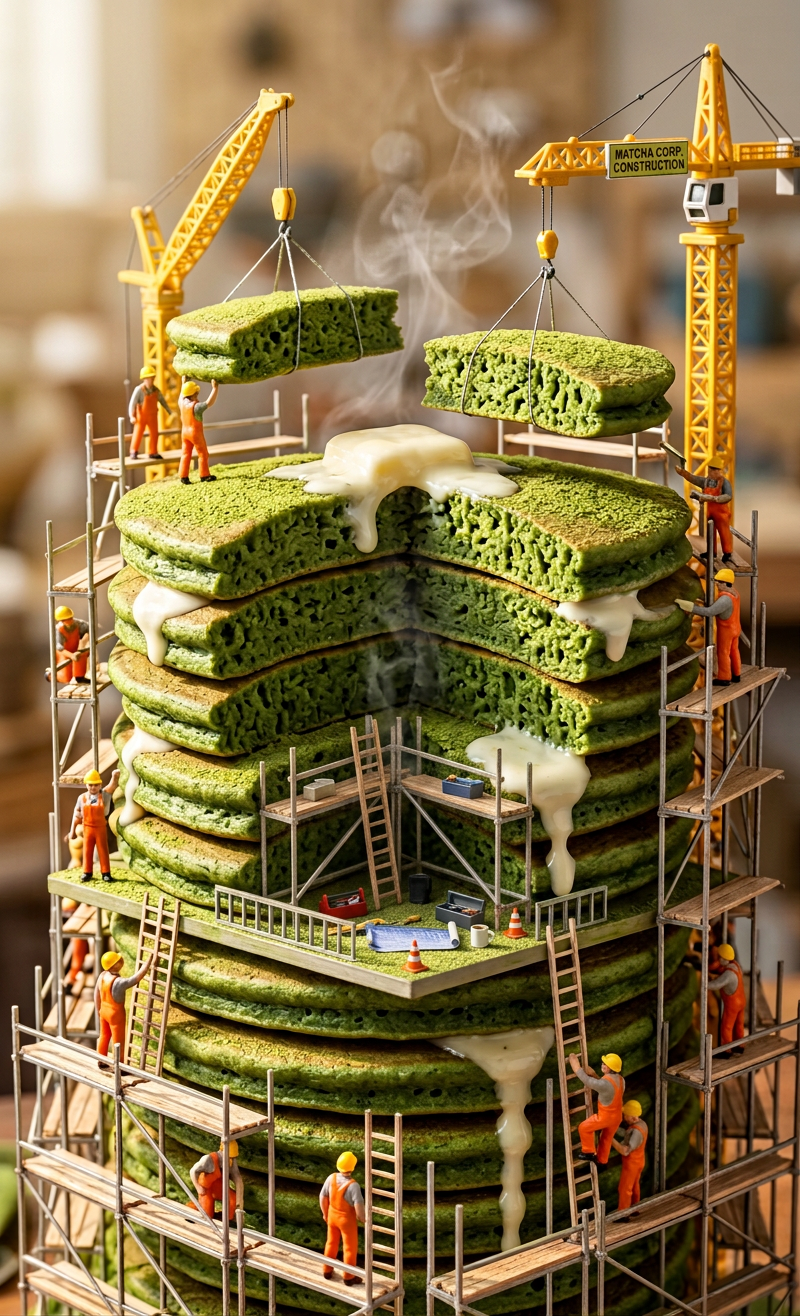
Ultra-realistic giant matcha pancake skyscraper, stacked layer by layer by tiny miniature construction subjects wearing bright orange uniforms and yellow helmets. Mini cranes lift thick green matcha pancake slabs while subjects climb ladders and scaffolding. Fine matcha powder dusting the surface, creamy white butter melting and dripping down, subtle steam rising. Soft morning sunlight, cinematic depth, hyper-detailed photo-realistic style.
Any aspect ratio
Overview
Delve into the world of creative architectural visualization with the "Miniature Construction Subjects" AI Image Editor template. Designed for realistic imagery, this tool captures intricate scenes of miniature builders assembling matcha pancake skyscrapers. Feature hyper-detailed textures and a lifelike construction environment in your next visual project.
What It Does
This template empowers users to generate ultra-realistic images that depict small-scale construction workers building a giant matcha pancake skyscraper. Each element is meticulously crafted, including miniature cranes and details like creamy butter melting down the sides. Perfect for adding a fictional yet tangible construction scenario to your visual content.
With a focus on hyper-detailed, cinematic depth, this model utilizes nano-banana-2 to ensure every pixel contributes to a vivid storytelling scene. Seamlessly integrate this template into projects that require intricate detail and realistic textures.
Who It's For
Perfect for creative storytellers, enthusiasts in architectural visualization, and anyone looking to add a touch of whimsy to visual content. Whether you're a content creator making captivating scenes, or a marketer crafting unique ad visuals, this template offers a wealth of possibilities.
It's especially suited for builders who appreciate detailed artwork and editors who seek innovative ways to convey complex visual narratives using products like the AI Image Editor.
Summary
In summary, the "Miniature Construction Subjects" template takes advantage of cutting-edge AI technology to render hyper-realistic, detailed scenes, capturing the essence of mini builders in action. The relatable human elements framed in a fantasy construction site can enhance your creative projects, publications, or educational content. Explore more such innovative templates under the AI Image Editor category.
How-To
Choose the Template

Customize Your Scene

Generate and Save

Use Cases
Creative Advertising
Educational Materials
Architecture Visualization
Social Media Content
Best Practices
Focus on Lighting
Adjust lighting settings to naturally highlight the textures and depth in your scene for added realism.Attention to Detail
Ensure that every component, such as the cranes and worker outfits, are precise to maintain authenticity.Test Different Angles
Try various angles to find the most visually appealing perspective, enhancing the storytelling element.
Frequently asked questions
More Like This