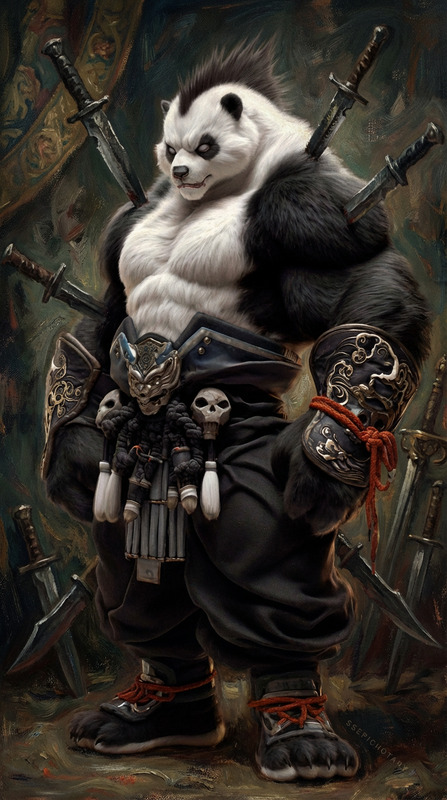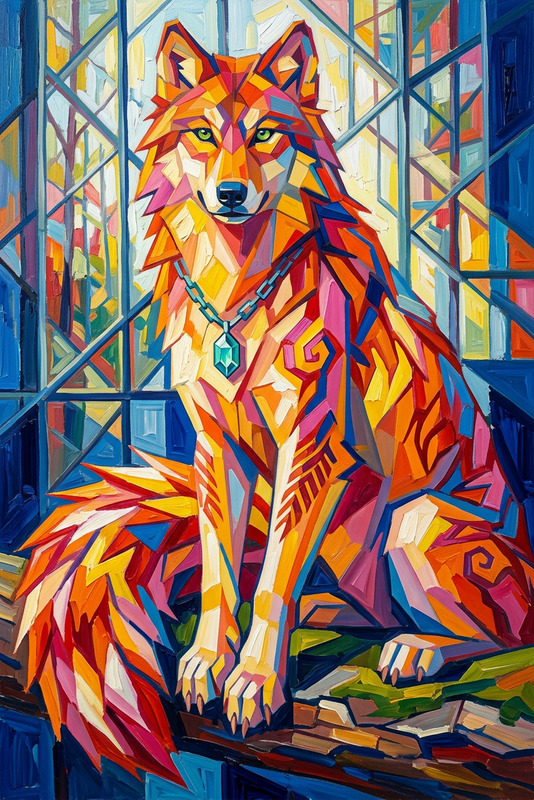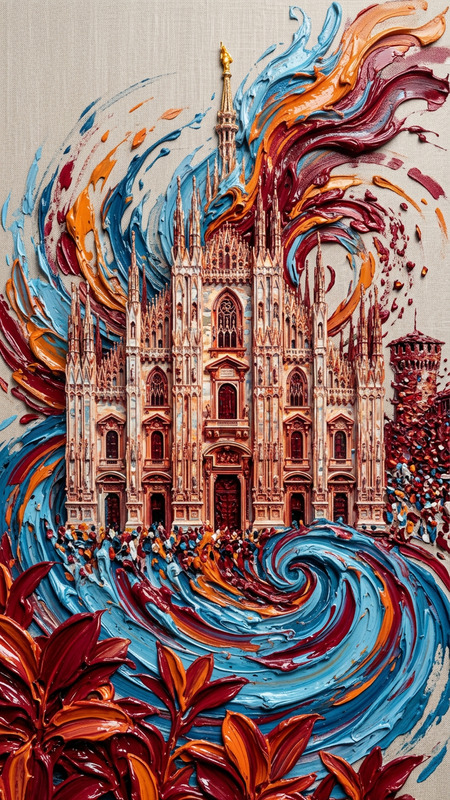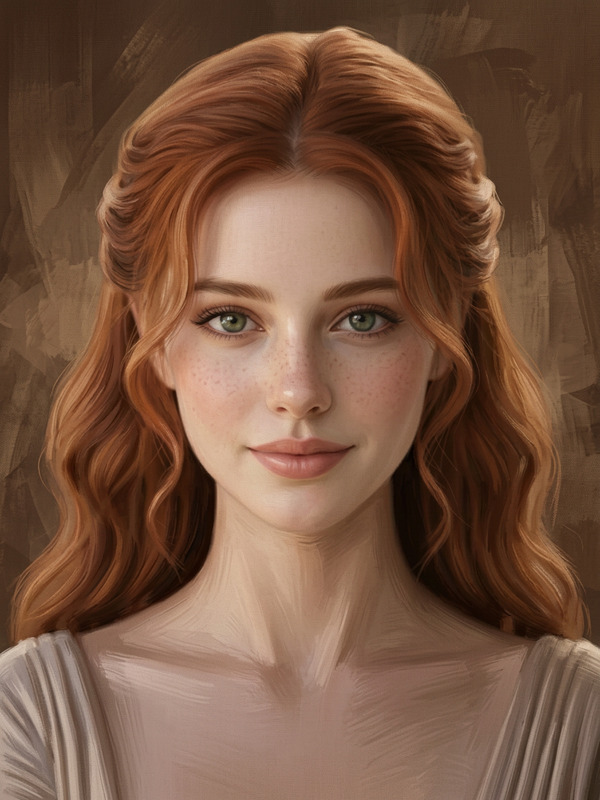
Abstract Ink Portrait
ai-image-editor
Any aspect ratio
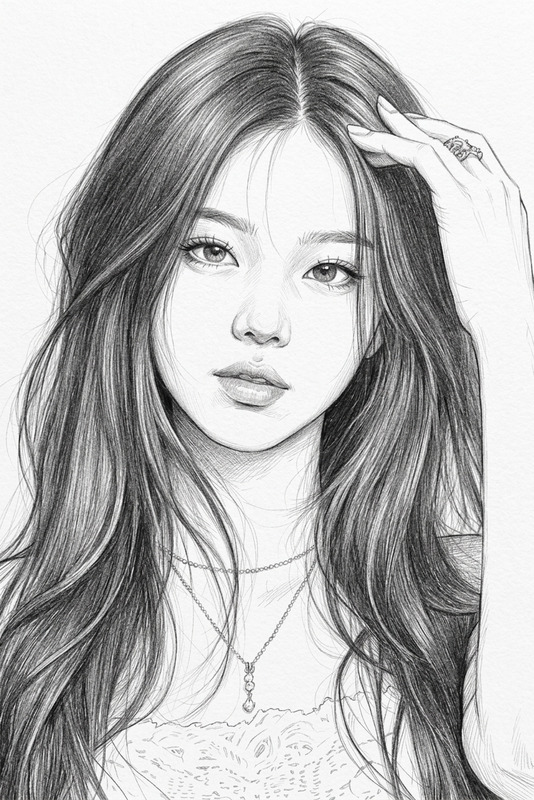
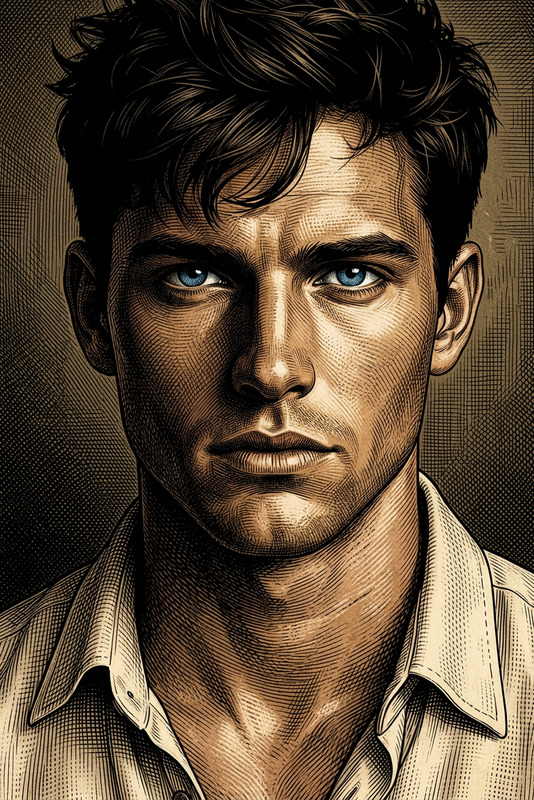
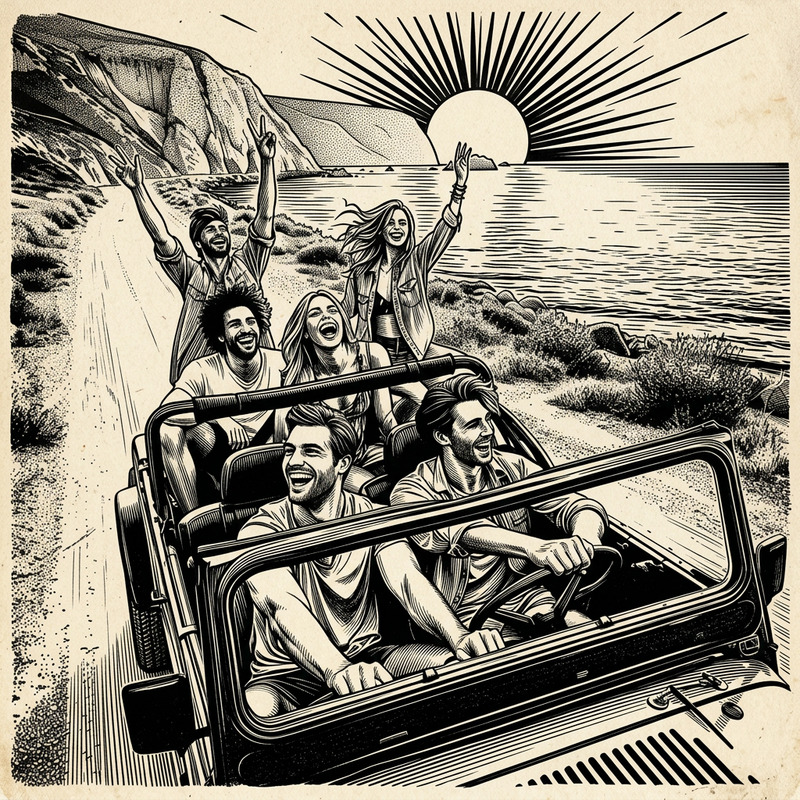
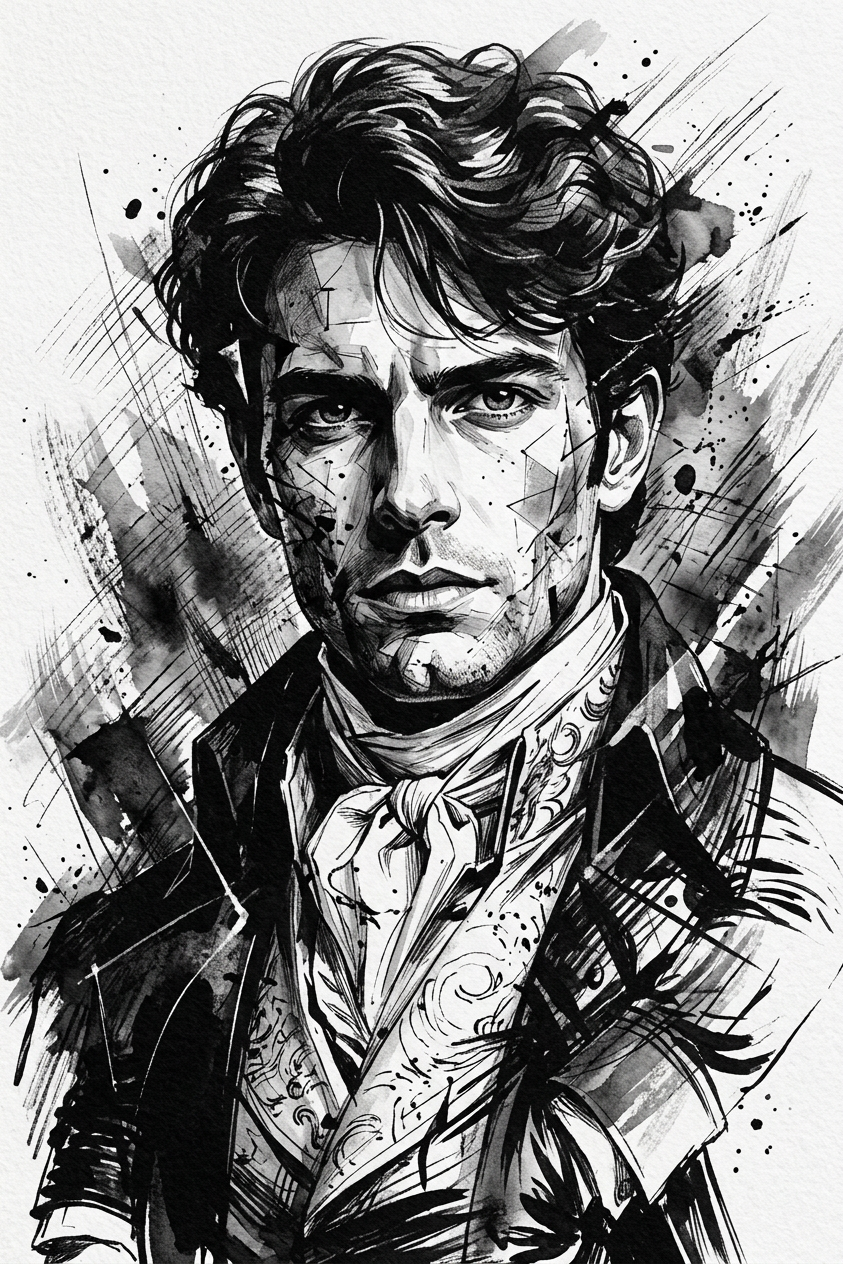
Subject transforms into a monochrome abstract portrait in black and white ink. Realistic facial features contrasted with abstract, fragmented form. Textured background with expressive, dynamic strokes. Moving, introspective atmosphere, layered emotions embedded in the composition.
AI Image Editor Template – Remixable Starter for Fast, High‑Quality Edits
Use this template as a practical starting point for editing any image with the AI Image Editor in Magic Hour. It’s designed for creators, product teams, and marketers who want consistent, on‑brand visuals without spending hours in traditional design tools.
This template shows how to:
- Retouch or clean up photos with AI
- Remove or replace backgrounds and unwanted objects
- Add or modify products, props, text, or branding in an image
- Generate multiple creative variations from a single visual concept
You can remix this template to quickly build your own custom workflow for:
- Ad creatives and social posts
- Thumbnails, banners, and hero images
- Product shots and mockups
- Brand concept tests and experiments
What You Can Do With This Template
This template uses the core capabilities of the AI Image Editor and connects well with other Magic Hour tools:
1. Clean up and enhance photos
- Remove dust, logos, people, or distracting background elements
- Fix small visual issues (stray objects, awkward shadows, clutter)
- Pair with AI Remover or Remove Object from Photo when you need precise, object‑level removal
- Improve resolution and clarity after editing with AI Image Upscaler or Unblur Image
2. Replace or redesign backgrounds
Use the template to test multiple background concepts around the same subject:
- Lifestyle vs. studio backgrounds for product photos
- On‑brand color blocks, gradients, or textures for marketing assets
- Themed backdrops for campaigns (seasonal, event‑specific, industry‑specific)
You can also jump to AI Background Generator to create backgrounds, then bring them into the editor for fine‑tuning.
3. Create ad and social media variations
This template is especially useful for marketers and growth teams:
- Turn one product image into dozens of ad variants with different compositions
- Generate platform‑specific creatives (e.g., feed posts vs. story‑style visuals)
- Build thumbnails using the template, then refine them with Thumbnail Maker
- Quickly localize visuals for different markets (colors, styles, context)
For memes, experiments, or viral content tests, you can combine it with the AI Meme Generator.
4. Prototype new creative concepts
If you’re exploring a new brand direction, feature, or visual identity:
- Use the template as a canvas to test different:
- Color palettes
- Layouts and compositions
- Iconography and illustration styles
- Generate supporting visuals with tools like:
Because everything is AI‑generated or AI‑assisted, this template is ideal for fast creative iteration and A/B testing.
How to Remix This Template in Magic Hour
You can treat this template as a reusable “blueprint” for your own workflows. To create your version in Magic Hour using the AI Image Editor:
Duplicate / remix the template
- Open the template in Magic Hour.
- Use the platform’s remix or duplicate option to create your own editable copy.
Swap in your source images
- Replace the sample image(s) with your own:
- Product photos
- Portraits or team images
- App or product UI screenshots
- Brand illustrations or icons
- Replace the sample image(s) with your own:
Define your editing goal clearly
Before you start editing, decide what this template should consistently do for you, e.g.:- “Convert raw product shots into polished, on‑white e‑commerce photos.”
- “Generate social‑ready hero images for feature launches.”
- “Turn user photos into stylized avatars or profile images.”
Integrate with other Magic Hour tools (optional but powerful)
Depending on your use case, connect your workflow to:- AI Image Generator or AI Photo Generator to create base images from text
- AI Face Editor or AI Face Generator for portrait‑heavy visuals
- AI Clothes Changer or AI Outfit Generator to experiment with wardrobe changes in marketing shots
- Image Background Remover to isolate subjects before styling them in the editor
Save it as a reusable template for your team
Once you’re happy with the results, keep this as your “house style” template so teammates can:- Drop in new assets
- Get consistent, on‑brand outputs
- Speed up content production without manual design work
Example Use Cases for Teams
Growth & Performance Marketing
- Quickly turn raw creative ideas into testable ad sets
- Localize and experiment with backgrounds, props, and context
- Pair with Face Swap Video or Lip Sync to connect static images and short‑form video ads
Product & Startup Teams
- Create polished visuals for pitch decks, landing pages, and release notes
- Turn app screenshots into narrative scenes using AI Background Generator and the editor
- Generate explainer visuals to support Text‑to‑Video or Image‑to‑Video content
Content Creators & Educators
- Design cover images with the template, then refine with Book Cover Generator or Album Cover Generator
- Create animated versions of your edited images using Animation or AI GIF Generator
- Enhance course content, tutorials, and explainers with consistent visuals
Branding & Visual Exploration
- Prototype character styles with tools like AI Character Generator, Animated Characters Generator, or AI Anime Generator, then refine in the editor
- Explore stylistic directions (e.g., Disney‑style, Manga, Dark Fantasy, Comic Book) while keeping core layouts stable
- Build avatar systems with Avatar Generator and finalize them with the AI Image Editor
Connect Static Edits to Video, Voice, and Motion
Once you’ve refined your visuals with this template, you can extend them across richer formats:
- Turn edited images into motion content with Image‑to‑Video or Video‑to‑Video
- Make characters speak using AI Talking Photo
- Create on‑brand narrations using AI Voice Generator or clone voices with AI Voice Cloner
- Enhance video quality with Video Upscaler and automate captions using Auto Subtitle Generator
This makes the AI Image Editor template a central building block in a larger Magic Hour pipeline that spans images, video, and audio.
Tips for Better Results and Consistency
- Stick to a visual system. When you find a background style, color treatment, or composition that works, keep using this template as your “single source of truth” for new assets.
- Batch your work. Instead of editing one image at a time, group similar assets (e.g., a product line, a campaign set) and run them through the same template for faster, more consistent output.
- Combine with upscaling and restoration. If you’re starting from old or low‑quality images, improve them first with Old Photo Restoration, Photo Colorizer, and AI Image Upscaler before stylizing in the editor.
- Experiment with niche generators. For specific campaigns, you can pull elements from:
When to Use This Template vs. Other Magic Hour Tools
Use this AI Image Editor template when you:
- Already have an image and want to change or refine it
- Need precise control over how elements in a scene look
- Care about brand consistency and reusable workflows
You might start instead from:
- AI Selfie Generator or AI Headshot Generator if your main goal is portraits and personal branding
- Gender Swap or Face Swap / Face Swap GIF if you’re primarily experimenting with identity or faces
- AI QR Code Generator or Emoji Generator for scannable or micro‑graphic content
- AI QR Code Generator + this template if you want QR codes integrated into designed scenes
Once those assets are generated, you can pull them into this template for layout, refinement, and final polish.
Use this AI Image Editor template as your customizable foundation: remix it, connect it with other Magic Hour tools, and evolve it into a visual system that your whole team can use to move from idea to high‑quality creative in minutes.