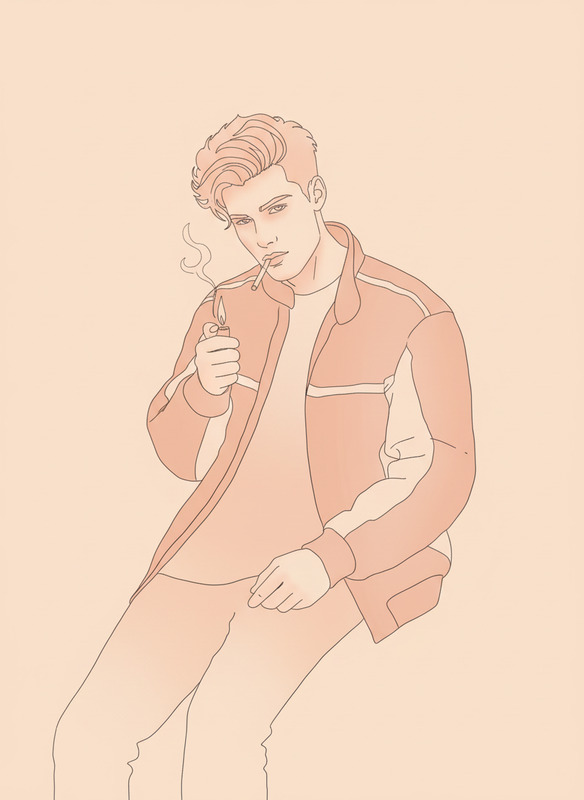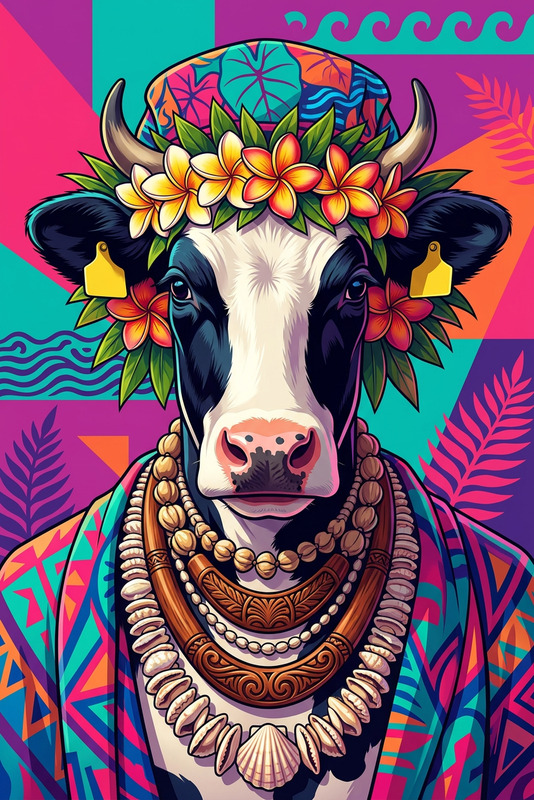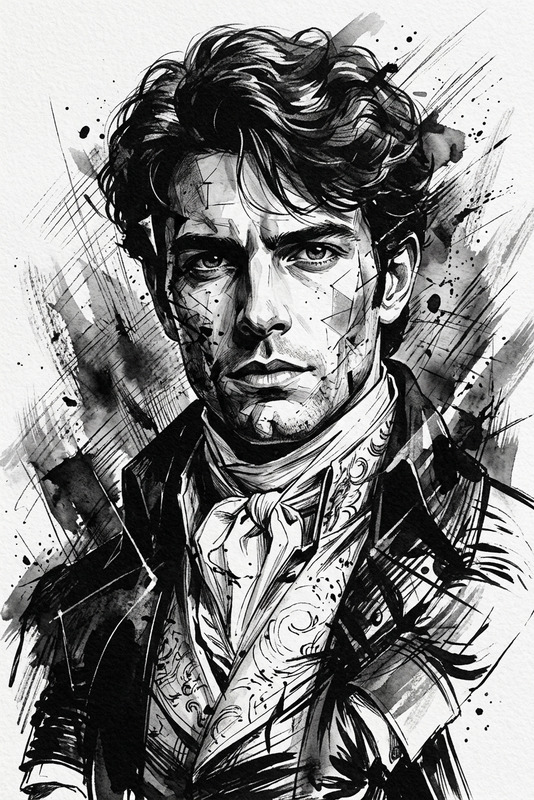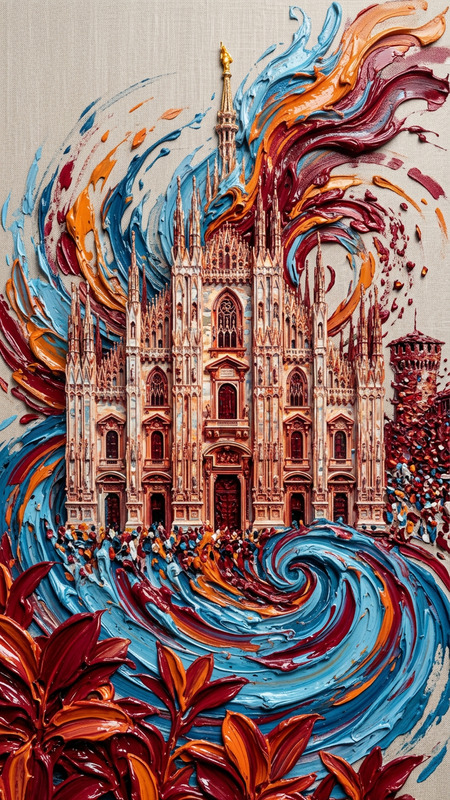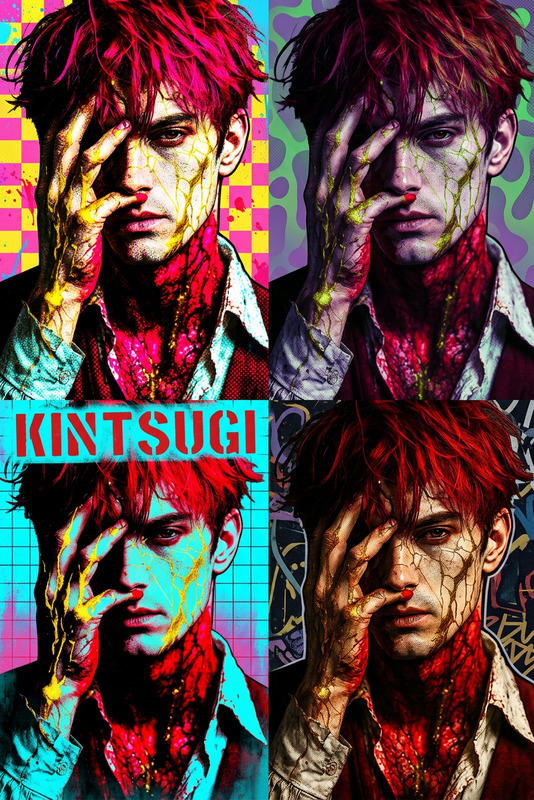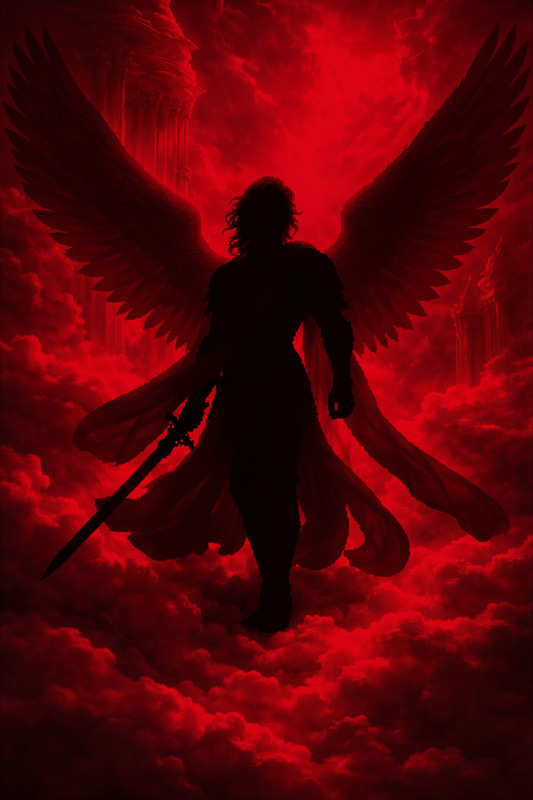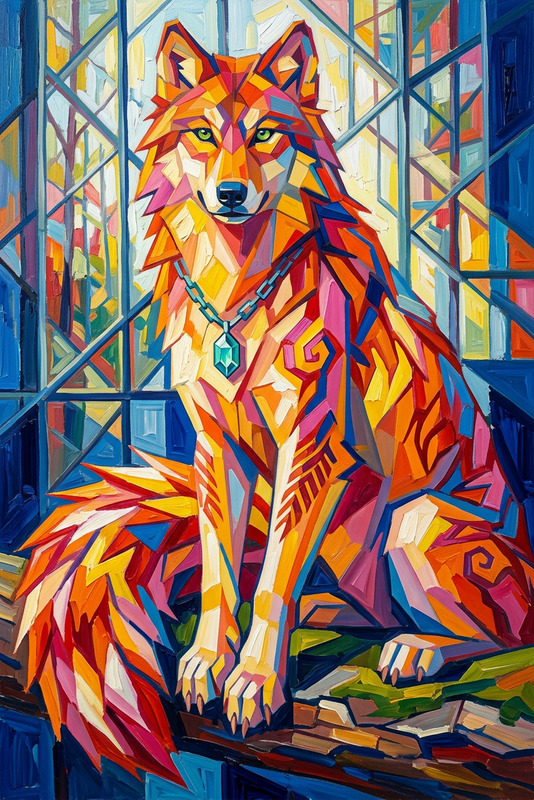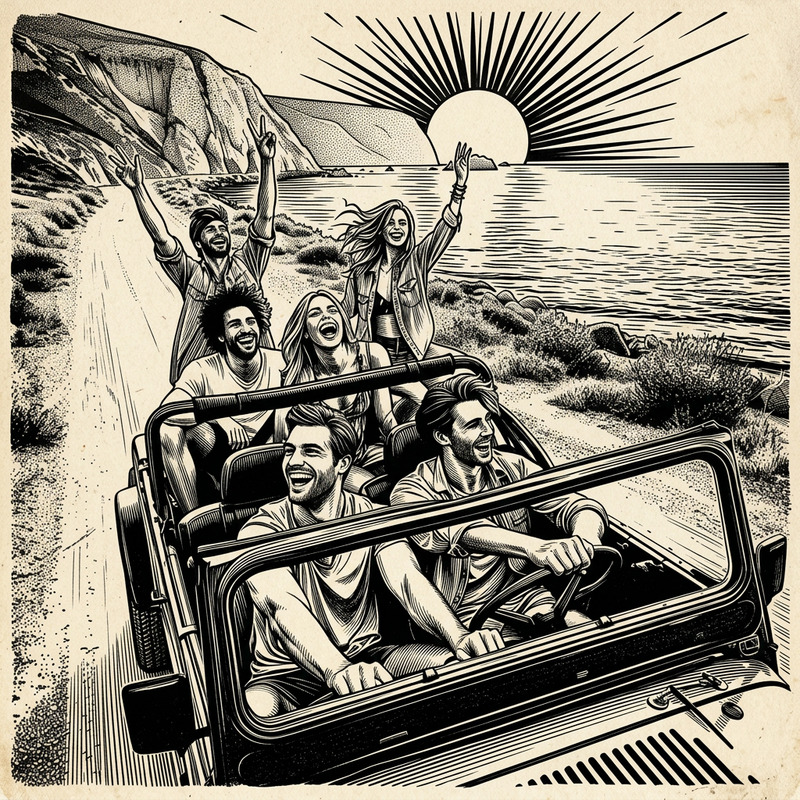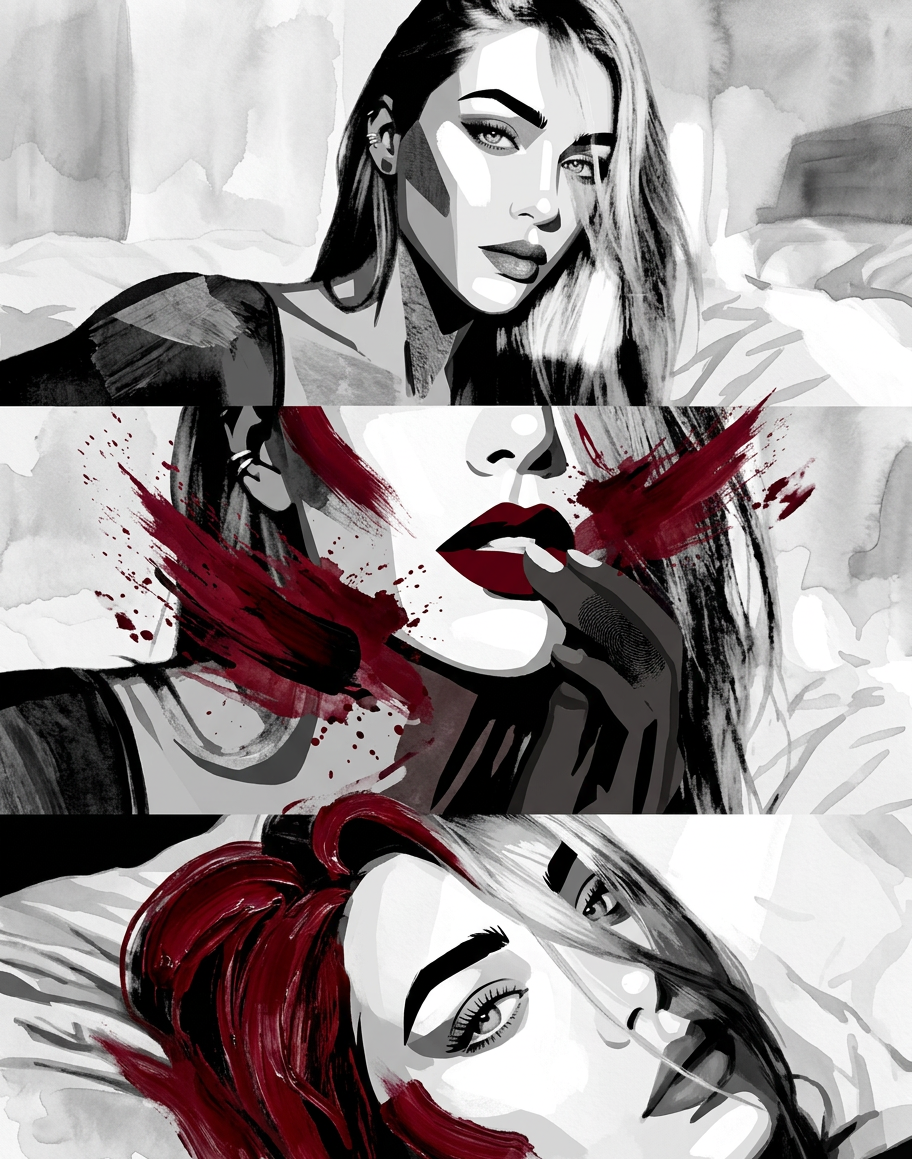
Aesthetic Two-tone Design
- Model
- Nano Banana 2
- Image
- 912 × 1159 px
Prompt
aesthetic two tone black and white simplified shapes featuring a gorgeous young subject blending a style mix of acrylic painting watercolor and oil painting with photography and digital art elements incorporate expressive brush strokes with a dark red color
Any aspect ratio
Overview
The Aesthetic Two-tone Design template in our AI Image Editor offers creators an impressive way to transform images. This template employs a unique combination of black and white shapes infused with dark red, blending acrylic, watercolor, oil painting, and digital art styles.
What It Does
This template enables you to create striking visuals that combine traditional art styles with modern digital techniques. It processes your images to form aesthetic two-tone compositions, resulting in a visually appealing output perfect for multiple artistic applications.
Who It's For
Ideal for modern content creators, photographers, and digital artists seeking innovative ways to present their work. Anyone in pursuit of uniquely styled visuals will appreciate the blending of traditional and digital elements in this template.
Summary
Integrate this template into your creative workflow to explore the fusion of classic art methods with digital precision. Perfect for gaining a fresh perspective in image editing, it seamlessly fits alongside other tools like the AI GIF Generator and AI Video Generator to round out your creative projects.
How to Use
Choose the Template

Customize Your Image

Generate Your Art

Use Cases
Social Media Content
- Instagram posts
- Facebook ads
- Pinterest boards
Digital Art Projects
- Illustrations
- Concept art
- Cover designs
Marketing Materials
- Brochure designs
- Email headers
- Ad banners
Best Practices
Selecting Subjects
Choose subjects with defined shapes and contrasts for maximum effect in the two-tone design.Adjusting Prompts
Experiment with minor tweaks in the prompt to suit your style or the intended mood of your image.Combining Tools
Use this template with the AI Talking Photo for a dynamic mix of static and animated content.