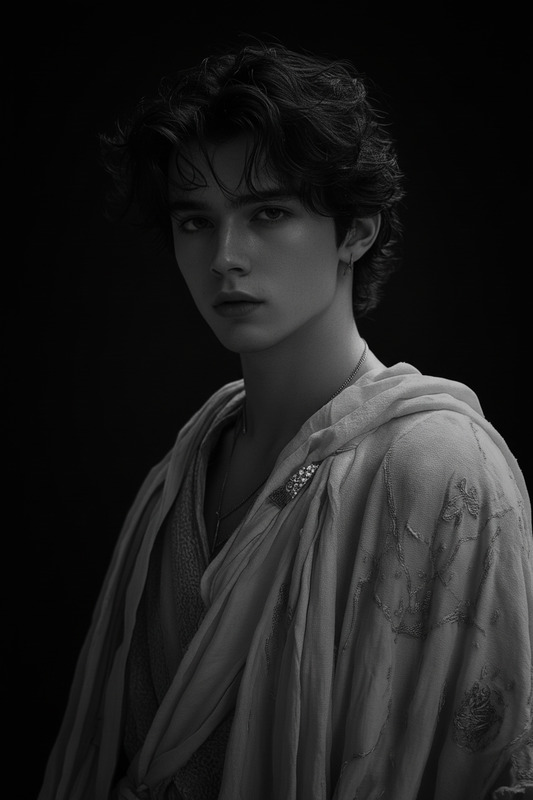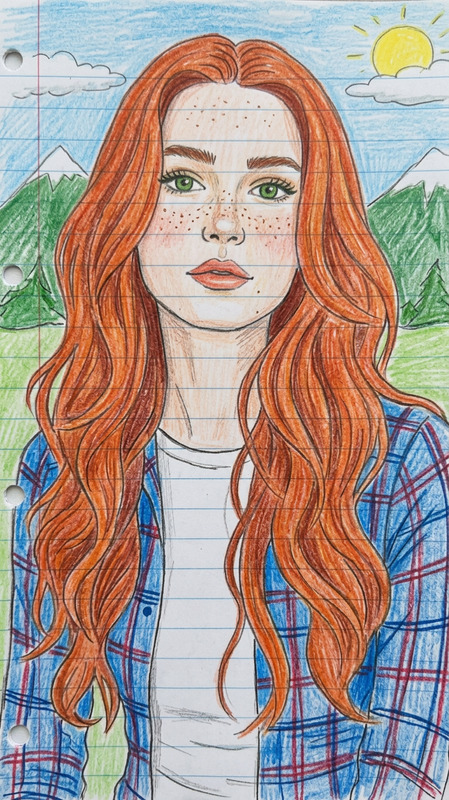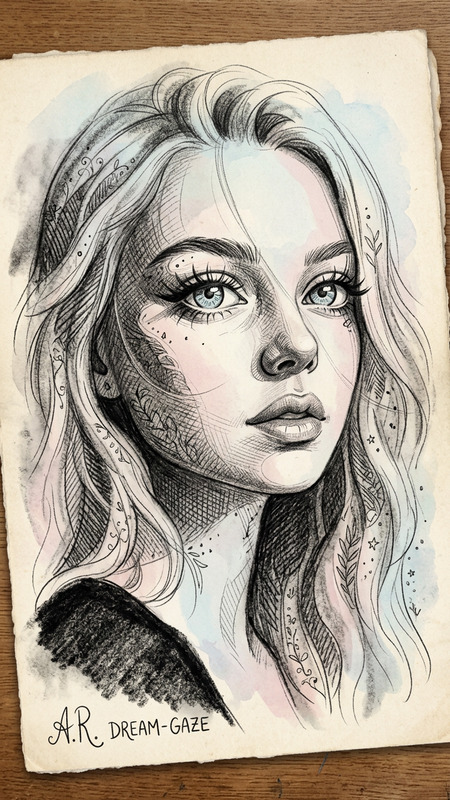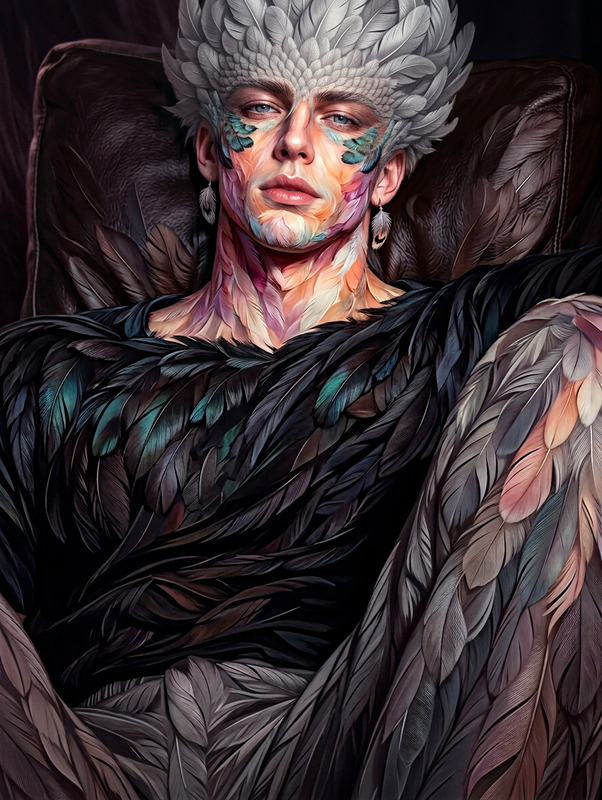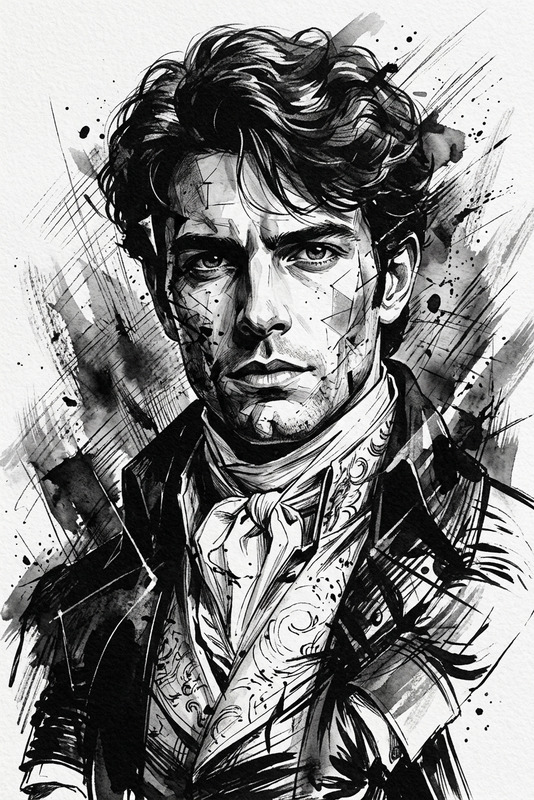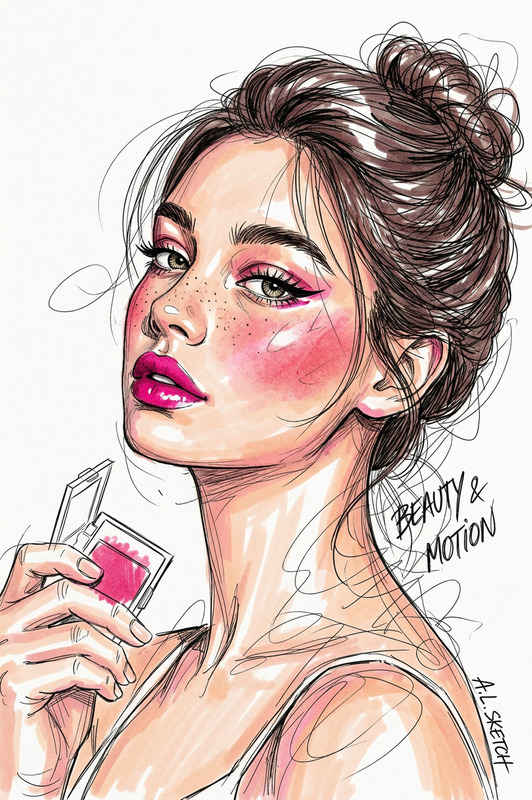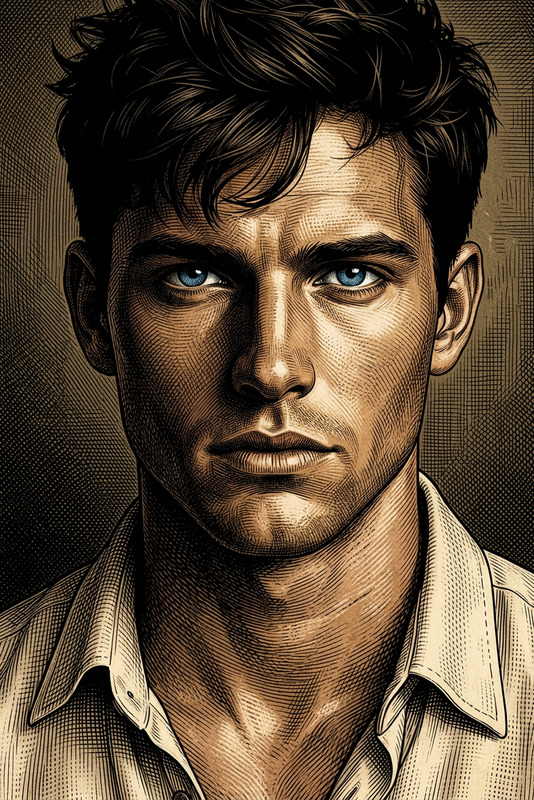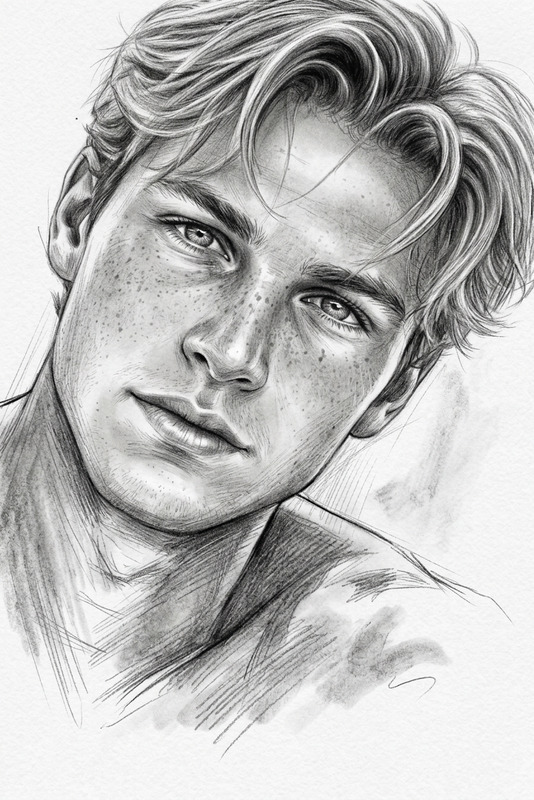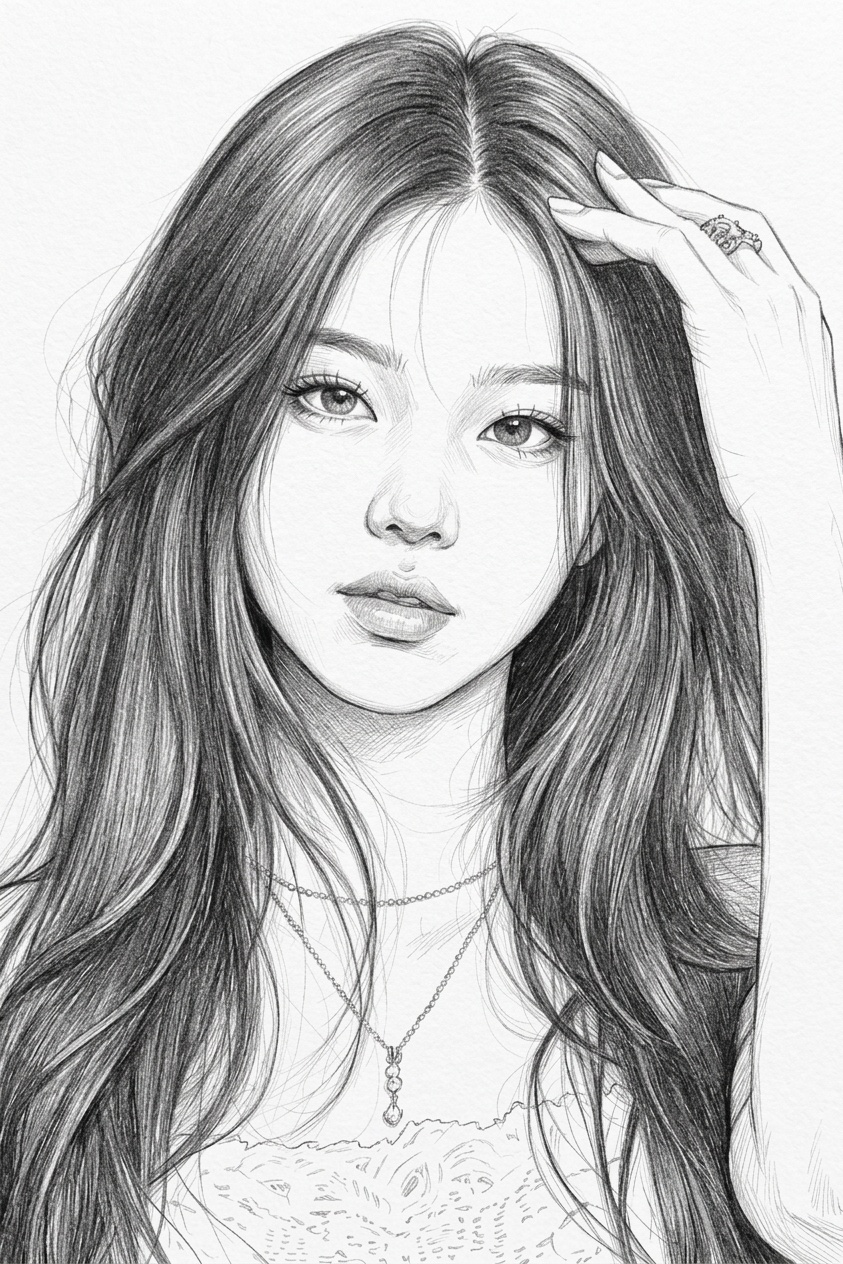
Black & White Elegant Sketch Portrait
- Model
- Nano Banana 2
- Image
- 843 × 1264 px
Prompt
Generate a realistic black-and-white sketch portrait of a subject with elegant features, expressive eyes, and refined facial structure; the composition is set against a clean white background to emphasize simplicity and focus; subtle artistic embellishments enhance the subject’s graceful posture and attire, blending modern and traditional design elements; delicate linework and soft shading create depth, dimension, and texture, with careful attention to light, form, and tonal balance; the overall aesthetic is minimal, refined, and highly detailed, evoking a sophisticated fine-art sketch style.
Any aspect ratio
Overview
The Black & White Elegant Sketch Portrait template transforms your photos into sophisticated sketch portraits. Using our advanced AI Image Editor, this template pivots on creating realistic, detailed black-and-white sketches that highlight the elegance and expressiveness of the subject.
What It Does
This template takes your standard images and converts them into elegant sketch portraits using AI. Focusing on expressive eyes, refined facial structure, and graceful posture, it employs nano-banana-2's advanced functionalities. The result is a portrait with delicate linework, soft shading, and an aesthetic blend of modern and traditional sketch elements against a clean white background.
Who It's For
The Black & White Elegant Sketch Portrait template is ideal for artists, designers, and enthusiasts who wish to create high-quality artwork from photographs. It's particularly suited for those seeking to emphasize minimalism and sophistication in their visual presentations.
Summary
Create refined black and white portraits that stand out with this AI tool. It's perfect for showcasing intricate details and elegance. Learn more about how you can use it in conjunction with our AI Image Generator or experiment with transformations using the AI Video Extender.
How to Use
Choose the Template

Customize Your Inputs

Generate and Download

Use Cases
Fine Art Reproductions
- Achieve a custom art look for personal spaces
- Offer unique, art-inspired gifts
Profile Picture Enhancement
- Perfect for professional profiles
- Stand out on social media platforms
Artistic Portfolios
- Showcase technical creativity
- Expand visual offerings
Best Practices
Choose Quality Photos
Use high-resolution images to ensure the best sketch details and line quality.Focus on Lighting
Select photos with good lighting to enhance depth and dimension when converted to sketches.Experiment with Elements
Vary artistic embellishments and traditional touches to suit your desired aesthetic.