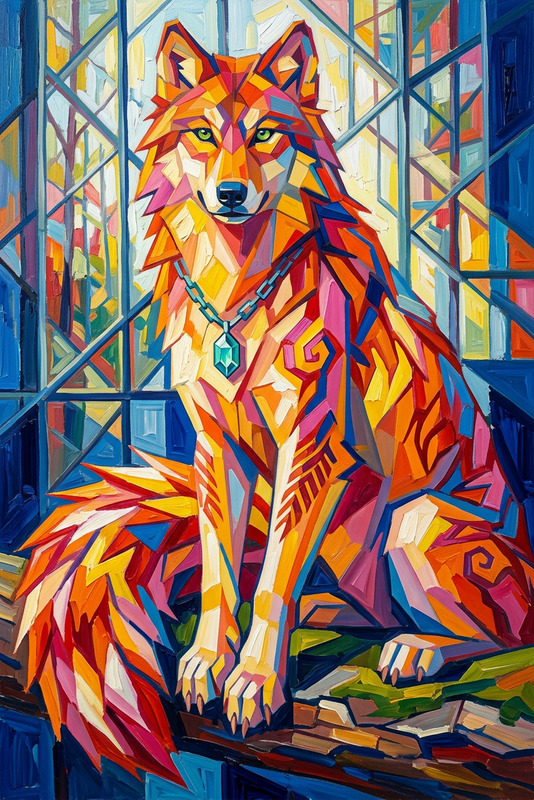
Painted Depth
- Model
- Nano Banana 2
- Image
- 768 × 1365 px
Prompt
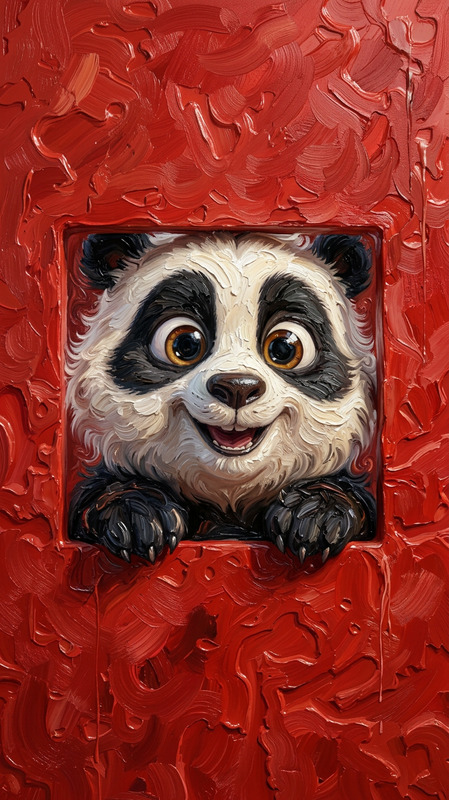
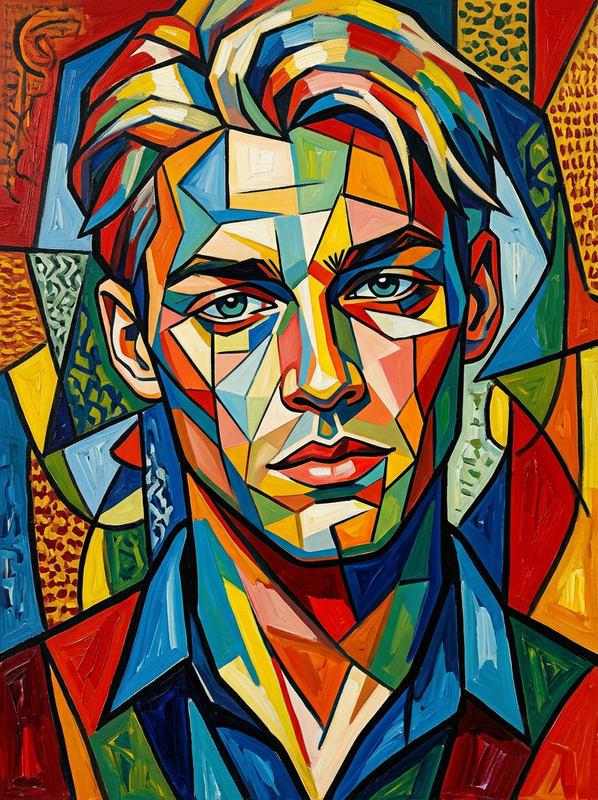
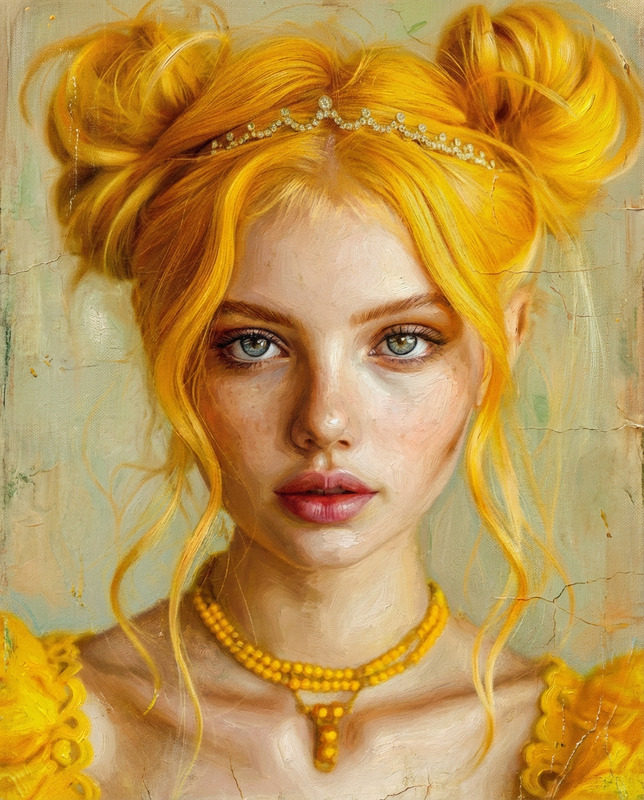
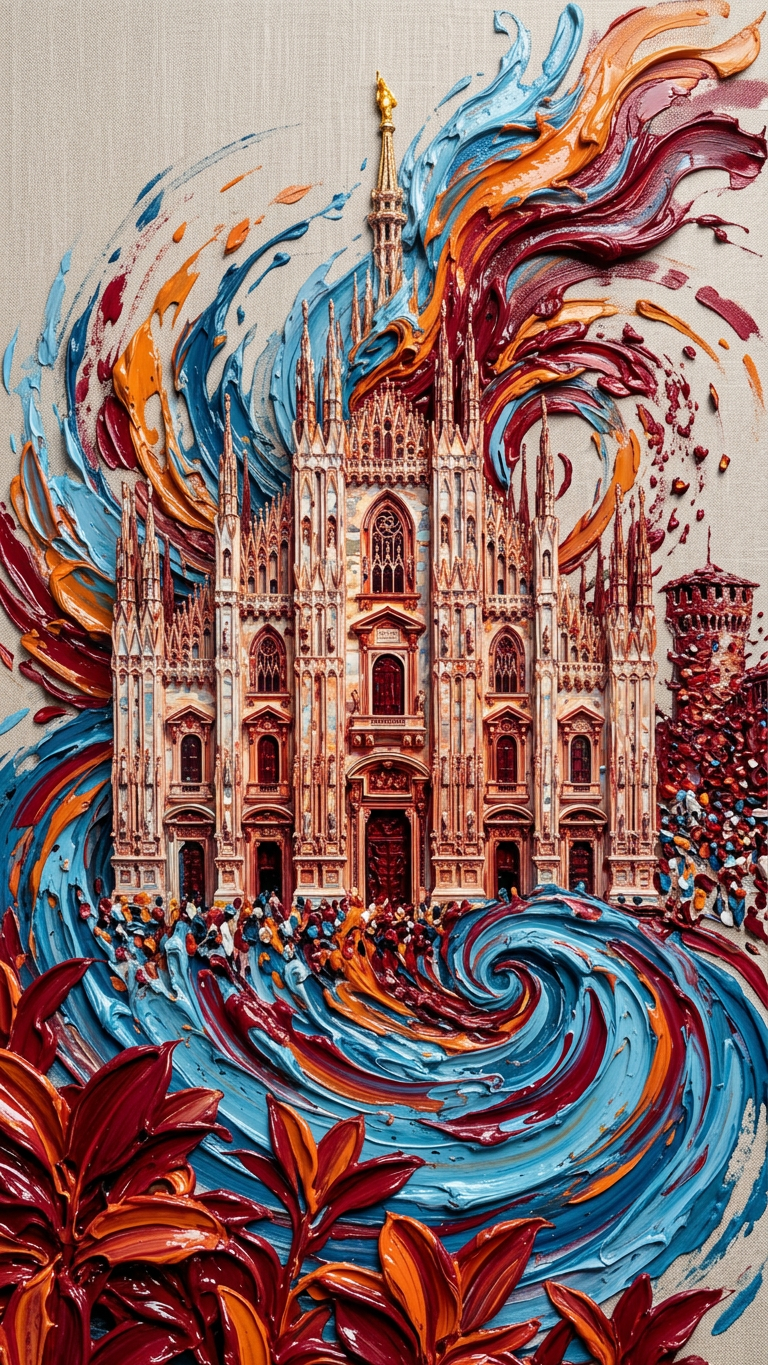
Subject depicted as a frontal portrait blending into abstract swirling forms, rendered in an impasto oil painting / abstract expressionist style; thick, heavy brushstrokes with visible texture and glossy wet-paint finish create strong 3D depth; vibrant color palette featuring cerulean blue, cadmium orange, deep crimson against a light neutral background; studio lighting reflects off the textured paint surface, enhancing dimensionality and richness; expressive, tactile, and highly dynamic composition.
Any aspect ratio
Overview
The Painted Depth template leverages the capabilities of the nano-banana-2 model to enhance your visuals with the depth and texture of oil paintings. This AI Image Editor allows you to transform ordinary images into expressive works of art, featuring heavy brushstrokes and vibrant colors.
What It Does
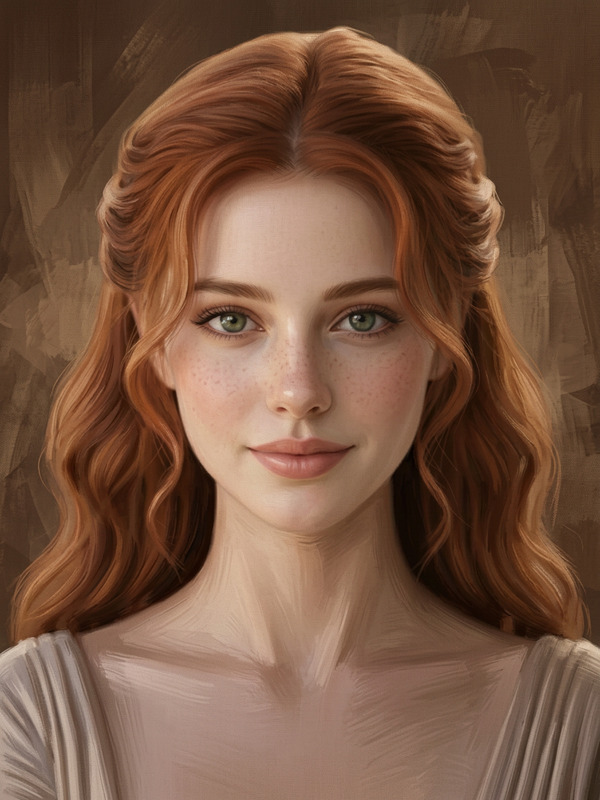
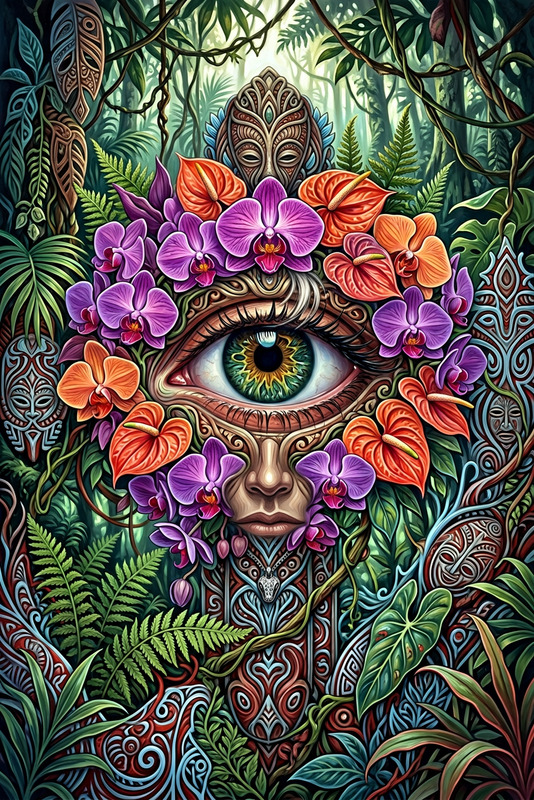
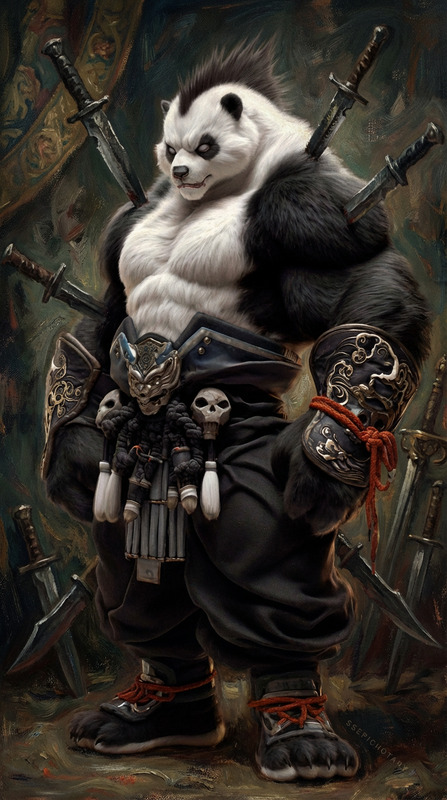
This template takes your input subject, typically a frontal portrait, and blends abstract swirling forms around it. It uses an impasto oil painting and abstract expressionist style to create a dynamic and textured image. The result is a composition with strong three-dimensional depth and a vibrant color palette. With this tool, you can add a layer of creativity and engagement to your projects, making them visually captivating.
Who It's For
The Painted Depth template is ideal for digital artists, content creators, and marketers looking to create striking visuals. Whether you're crafting a campaign or producing art, this tool helps you stand out by giving you the ability to convert standard images into artful expressions. Creative professionals in advertising and media production will find it particularly useful for enhancing the appeal of their content.
Summary
Transform your images with the AI Image Editor Painted Depth template, which provides a unique artistic touch. Using the powerful nano-banana-2 model, this tool integrates oil painting techniques into your digital visuals.
How to Use
Choose

Customize

Generate

Use Cases
Digital Art Creation
- Landscape paintings
- Abstract portraits
Marketing Materials
- Campaign visuals
- Social media posts
Branding Assets
- Logos
- Product imagery
Best Practices
Choose High-Resolution Images
For the best results, use high-resolution images to maintain clarity and detail after processing.Experiment with Color Palettes
Test different color combinations to find a palette that complements your subject's features and enhances depth.Adjust Light and Shadow
Modify lighting conditions in your images to see how shadows and highlights affect the overall composition.