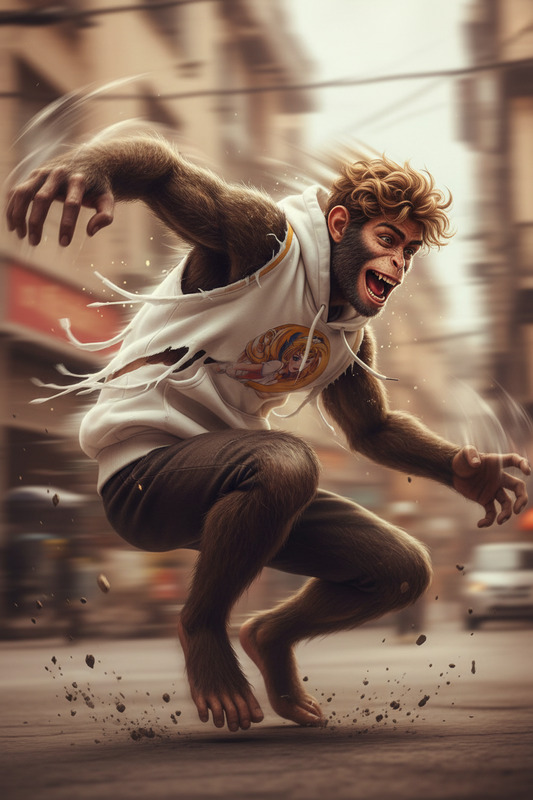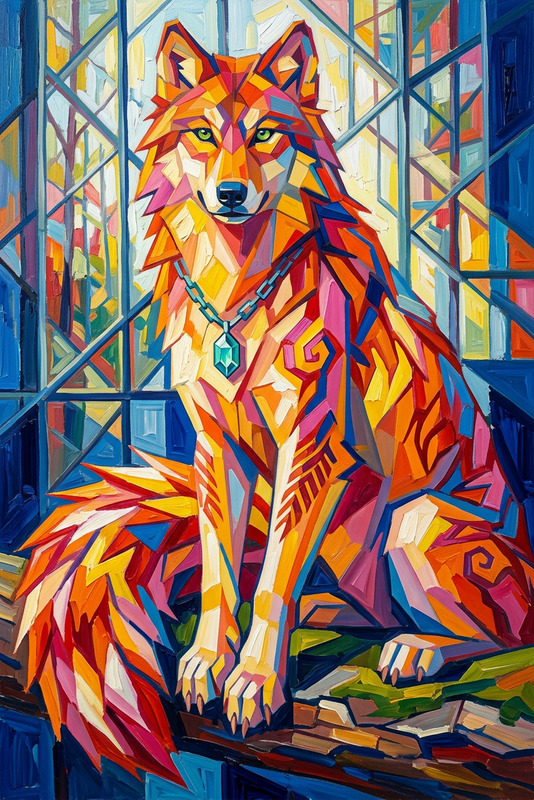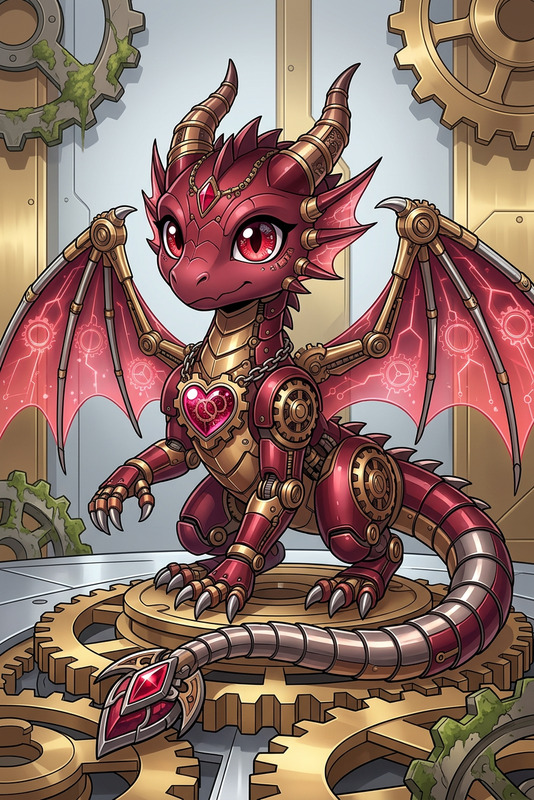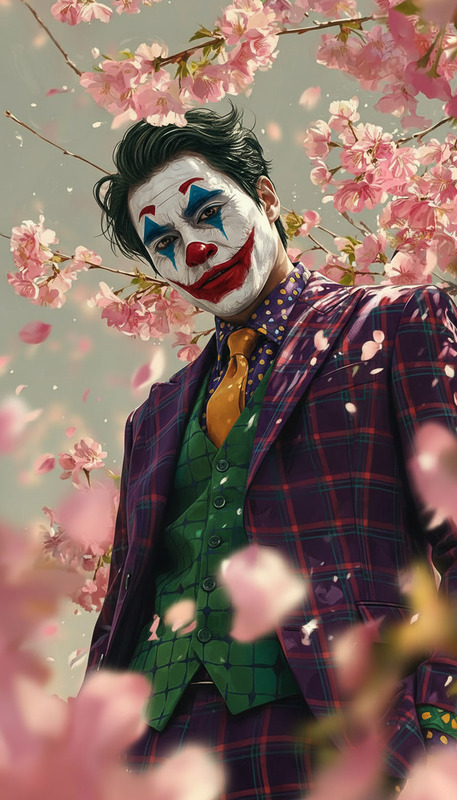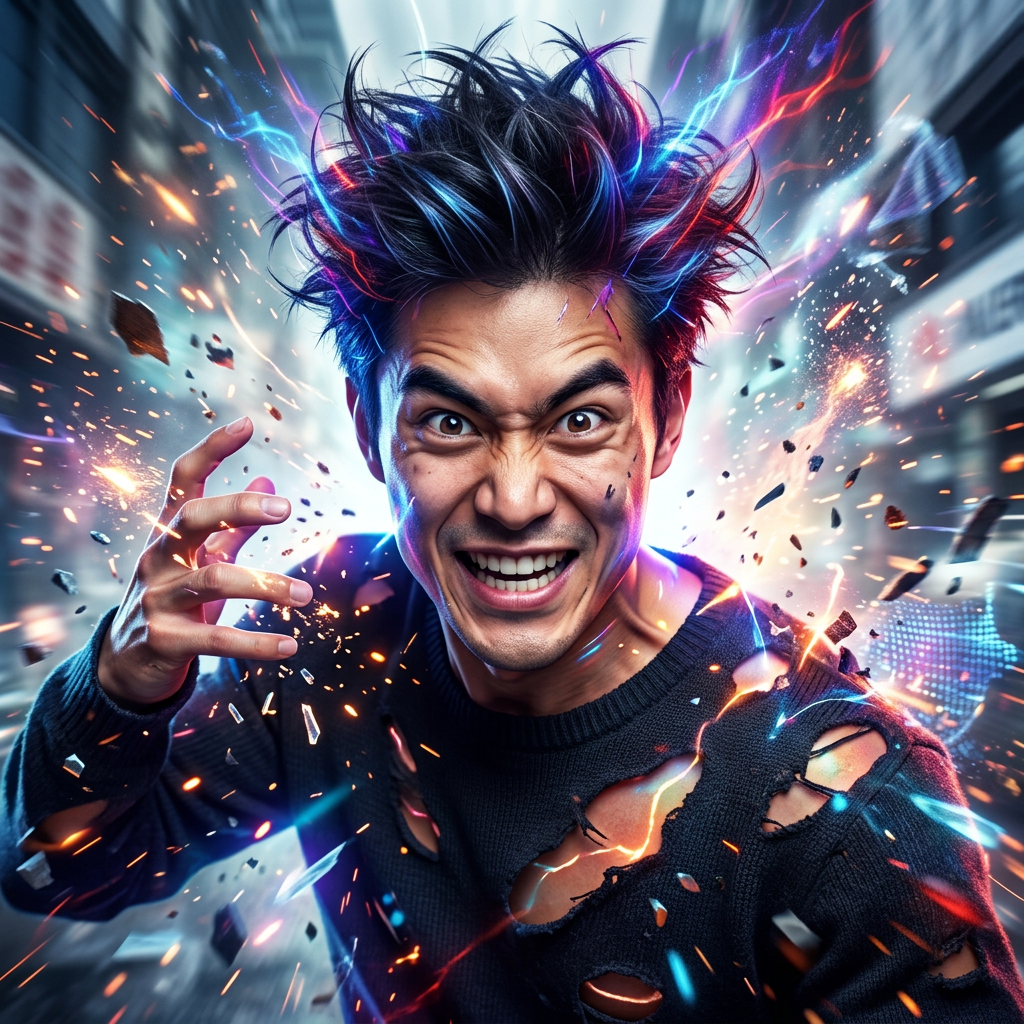
Chaotic Human Portrait
- Model
- Nano Banana 2
- Image
- 1024 × 1024 px
Prompt
Subject transforms into a realistic human figure embodying chaos and unpredictability. Square frame composition with a vibrant, dynamic atmosphere. Expressive features, energetic motion, and vivid color accents. Cinematic, modern rendering with a raw, unpredictable mood.
Any aspect ratio
Overview
The Chaotic Human Portrait template offers a unique route to creating visually dynamic human portraits. With AI-driven editing capabilities, this template is perfect for producing images featuring vibrant colors, cinematic qualities, and an expressive flair.
Leverage the power of the AI Image Editor and explore the possibilities with models like nano-banana-2 for stunning results.
What It Does
This template transforms your subjects into enigmatic, human figures, emphasizing the elements of chaos and unpredictability. It achieves a modern rendering style with an expressive color palette and vibrant, motion-filled composition. Perfect for projects requiring a dynamic and cinematic feel.
For those needing more control over facial features, consider integrating this with the AI Face Editor for enhanced detail.
Who It's For
This template is designed for creators who thrive in expressive and avant-garde art styles. Artists, illustrators, and designers looking to convey energy and motion in their visual work will find this template especially beneficial. It's a great fit for anyone looking to push the boundaries of traditional portraiture.
Summary
Embrace the unpredictable with the Chaotic Human Portrait template, designed for those keen on creating artistic and dynamic portraits. Its energy and vibrant colors make it ideal for various creative fields. Combine it with other tools like the AI Image Generator for an even wider range of creative possibilities.
How-To
Choose the Chaotic Human Portrait Template

Customize Your Inputs

Generate and Download

Use Cases
Artistic Portrait Series
- Gallery installations
- Online exhibitions
Fashion and Editorial Work
- Magazine editorials
- Fashion portfolios
Marketing and Advertisements
- Social media ads
- Print advertisements
Best Practices
Start with High-Quality Images
For optimal output, ensure your initial image inputs are of high resolution and quality.Experiment with Color and Motion
Don't shy away from bold color choices and dynamic motion elements to enhance the chaotic theme.Combine with Other Tools
Use the AI Video Generator for creating animated sequences that extend your imagery into motion graphics.