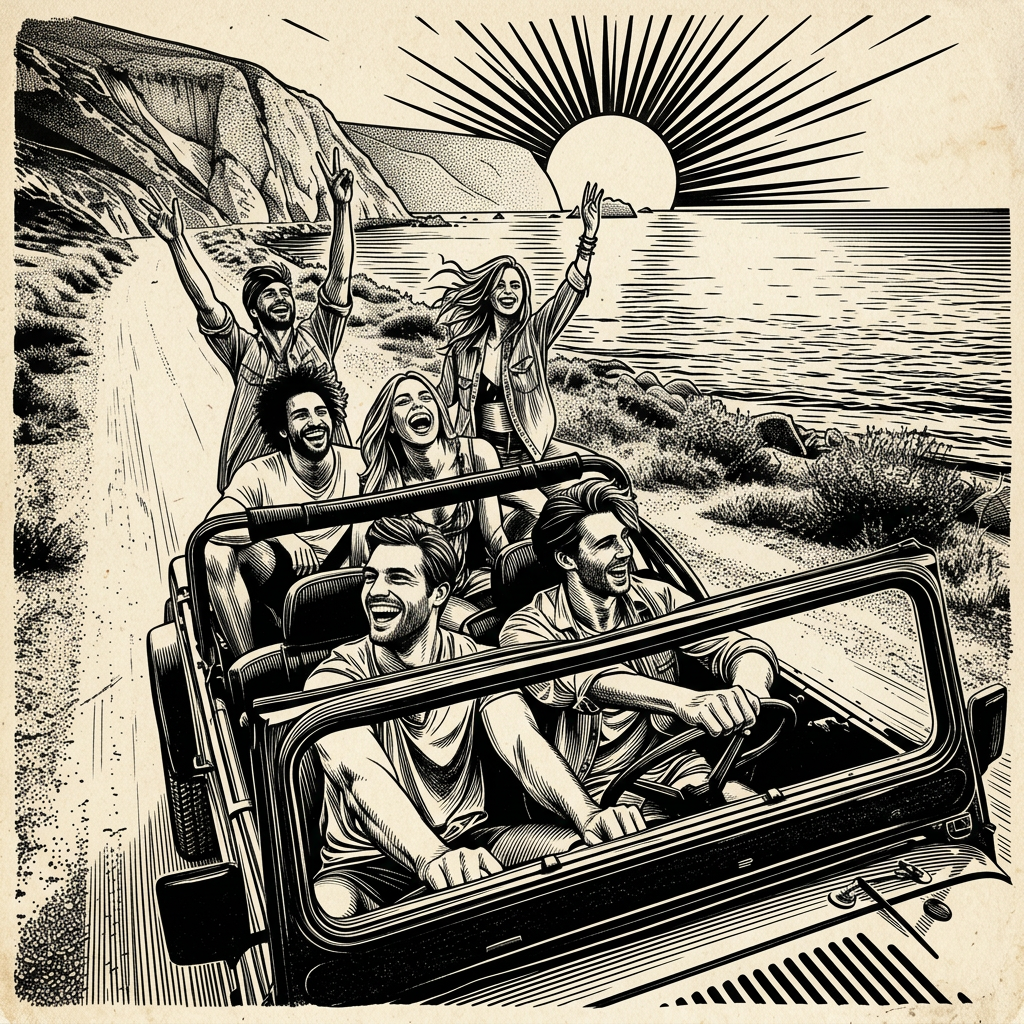
Timeless Ink Style
- Model
- Nano Banana 2
- Image
- 1024 × 1024 px
Prompt
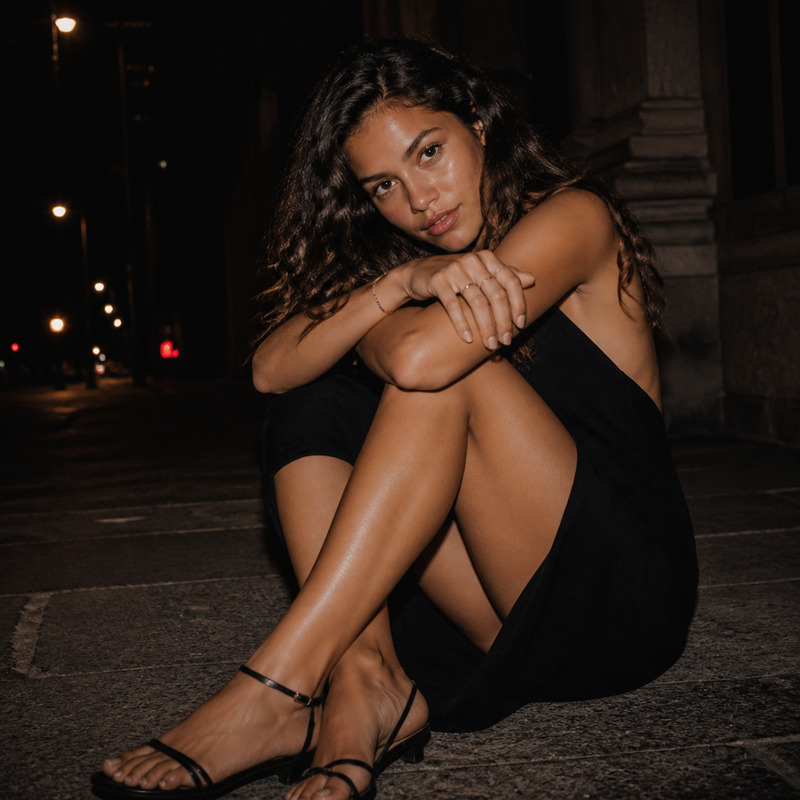
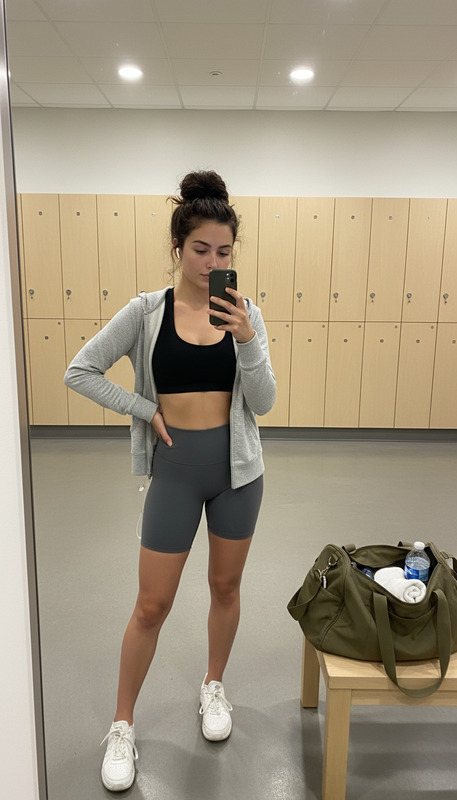
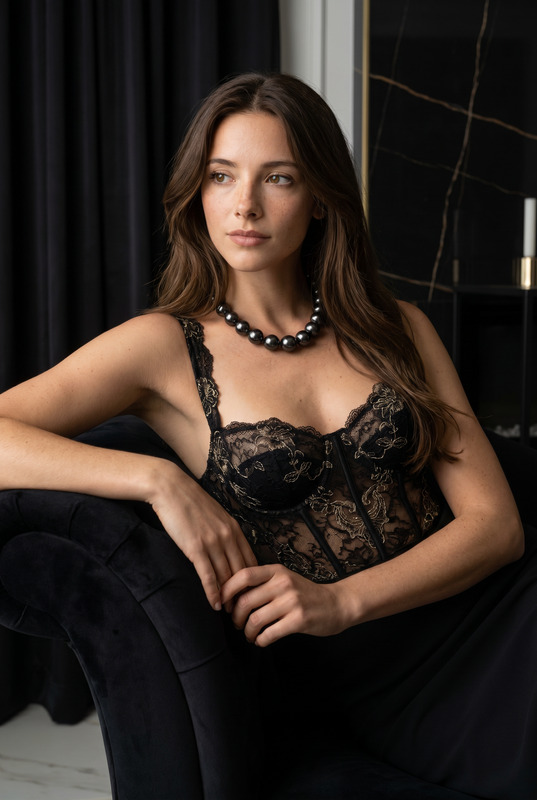
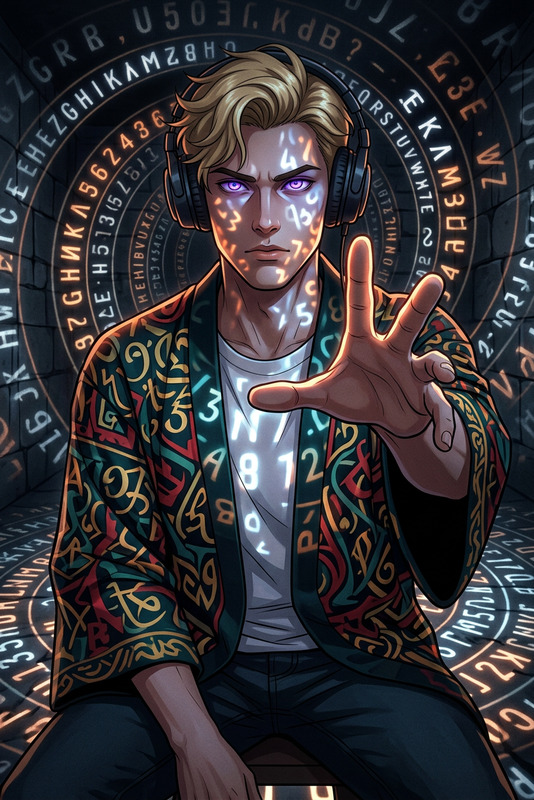
Subject rendered as a vintage monochrome illustration in pure black and white, with strong high-contrast shadows and bold ink lines; retro print aesthetic with subtle paper texture, visible grain, and slight imperfections; composition evokes an old poster or archival print, with dramatic lighting and simplified tonal range; clean yet expressive linework, classic engraving/etching influence, timeless and nostalgic atmosphere.
Any aspect ratio
Overview
The Timeless Ink Style template is an AI Image Editor tool designed to transform subjects into vintage monochrome illustrations. It captures the essence of retro prints with strong black and white contrasts, bold ink lines, and subtle textures. Utilizing the advanced nano-banana-2 model, this template is ideal for anyone looking to create artistic projects with a timeless feel.
What It Does
This template allows you to convert any subject into a black and white illustration, reminiscent of classic etchings and engravings. The output presents a high-contrast aesthetic with grainy textures and a slightly imperfect finish to evoke a nostalgic print atmosphere. The composition is designed to mimic an old poster or archival print, making it perfect for unique and personalized artwork.
Who It's For
The Timeless Ink Style template is perfect for artists, designers, and content creators who want to incorporate a classic ink aesthetic into their projects. Whether you're working on an art project, designing promotional material, or creating content for social media, this template provides the stylistic tools you need. Check out the AI Image Editor for more options.
Summary
The Timeless Ink Style template offers users the ability to create distinctive black and white illustrations with a vintage feel. Using the precision of the AI Image Generator, it transforms modern subjects into artwork with a classic appeal. Explore additional possibilities with our AI Voice Changer to add a unique auditory dimension to your projects.
How To
Choose the Timeless Ink Style Template

Customize Your Input

Generate Your Image

Use Cases
Art Projects
- Art exhibitions
- Illustrated books
- Personal portfolios
Marketing Material
- Vintage-themed ads
- Promotional posters
- Social media graphics
Digital Content Creation
- YouTube thumbnails
- Podcast covers
- E-commerce product images
Best Practices
Choose High-Resolution Images
To maintain quality and detail in your final output, start with high-resolution images.Experiment with Light and Shadow
Pay special attention to how light and shadow are handled in your image to enhance the vintage effect.Adjust Prompt for Desired Texture
Tweak the prompt for different texture intensities to achieve the perfect blend of classic and modern styles.