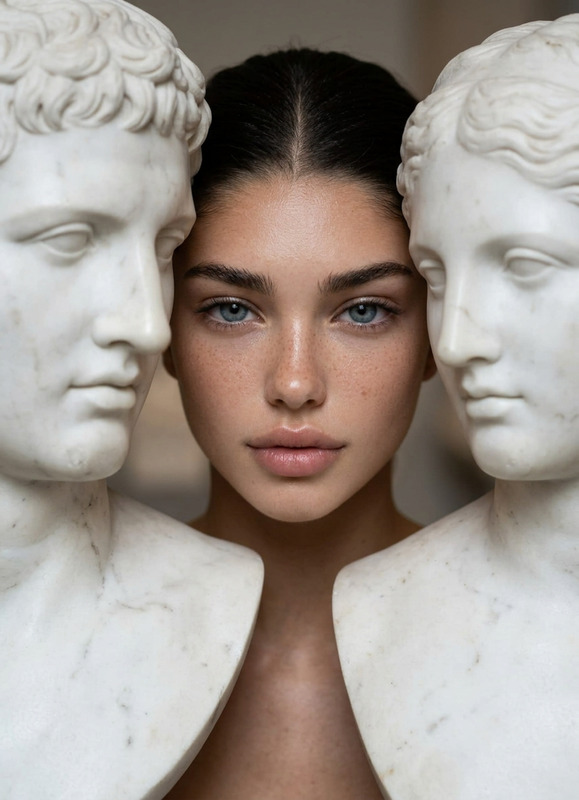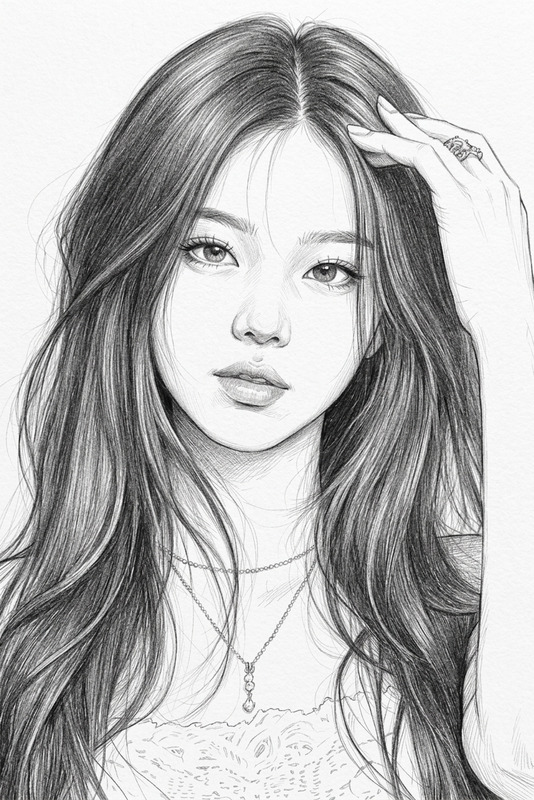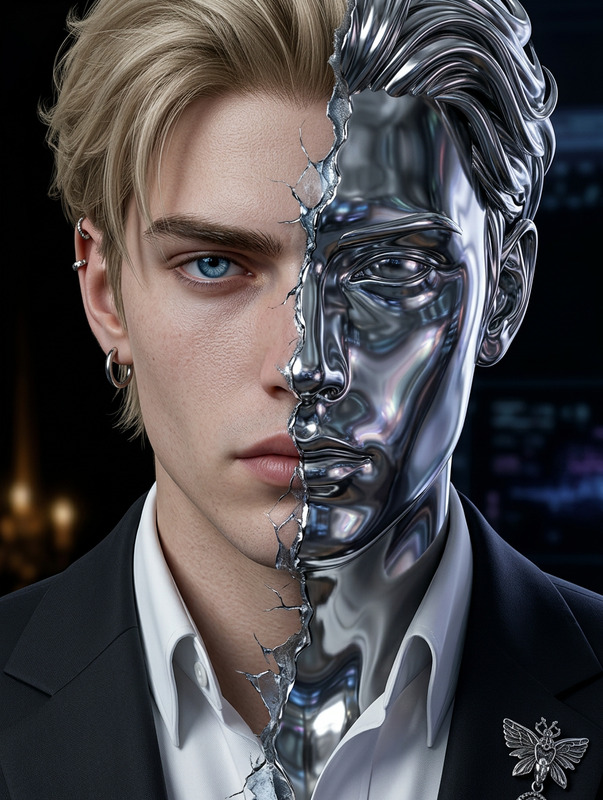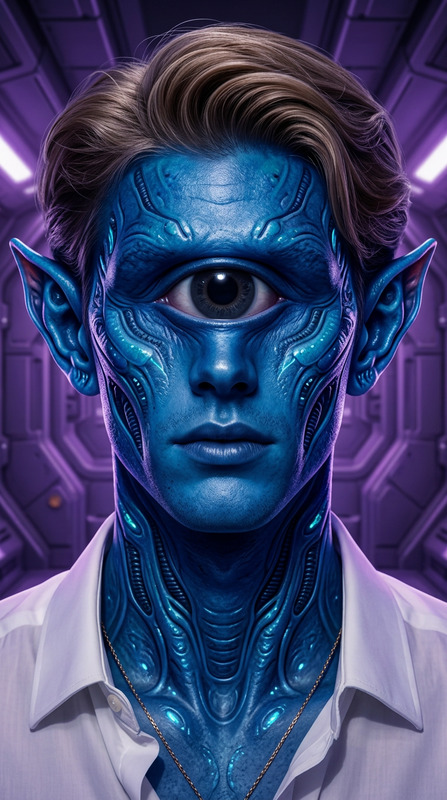
Engraved Portrait
- Model
- Nano Banana 2
- Image
- 843 × 1264 px
Prompt
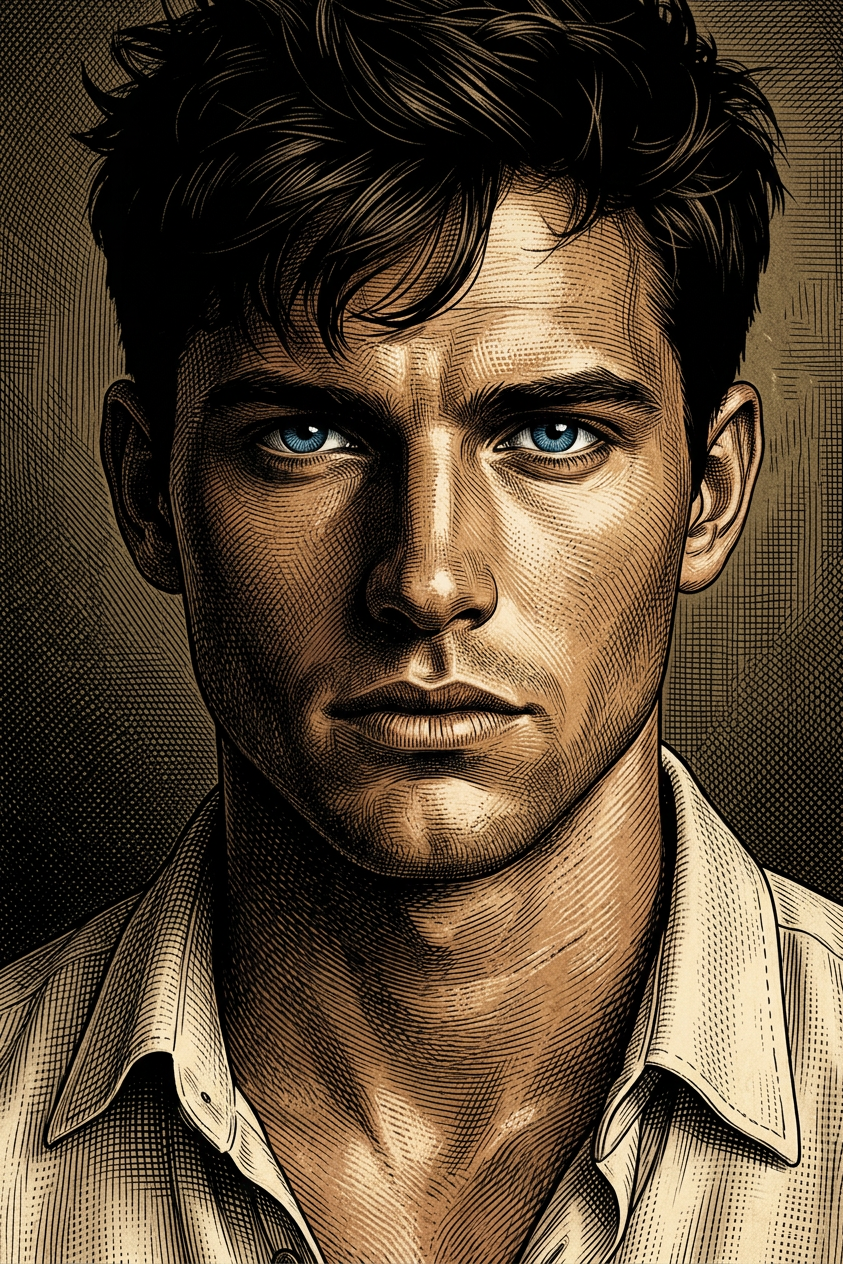
Generate a close-up portrait of a subject with dark hair and piercing blue eyes, making direct eye contact with the viewer; the image is rendered in a detailed cross-hatching style reminiscent of etched or engraved illustrations; dramatic, high-contrast lighting casts deep shadows across half of the face, sculpting strong features and adding intensity; the mood is serious and contemplative; the color palette is muted and earthy, with warm skin tones and deep brown/black shading, sharply contrasted by the vivid blue eyes; fine cross-hatch lines define texture, depth, and form throughout, creating a refined graphic novel aesthetic.
Any aspect ratio
Overview
The Engraved Portrait template is a unique offering in our AI Image Editor suite. Powered by the advanced nano-banana-2 model, this template allows users to create detailed, lifelike portraits with an engraved appearance.
What It Does
This template transforms a subject's portrait into a work of art by applying an engraved illustration style. The high-contrast lighting accentuates features, while the meticulous cross-hatching adds texture and depth, akin to traditional etching techniques. With the AI Image Editor, you can adjust various elements to refine your final image.
Who It's For
The Engraved Portrait template is ideal for graphic artists, illustrators, and anyone involved in storyboarding or character design. It's also perfect for those looking to create distinctive artwork for personal or professional projects, such as marketing materials or personal portfolios.
Summary
Embrace the classic charm of engraved portraits with this AI tool. Whether you're depicting a character for a graphic novel or revamping a product image, this template adds an artistic edge. Dive deep into customization options with our AI Image Editor tools.
How To
Choose the Template

Customize Your Inputs

Generate and Download

Use Cases
Graphic Novels
- Enhance character development with a unique art style.
- Provide depth and mood in storytelling.
Marketing Materials
- Add a sophisticated aesthetic to your product ads.
- Ensure brand recognition with distinctive visuals.
Personal Art Projects
- Create custom portraits for friends and family.
- Experiment with cross-hatching techniques.
Best Practices
Prioritize High-Resolution Images
Ensure the source image is high-resolution to capture finer details during the engraving process.Experiment with Lighting
Test different lighting angles to see how they affect the engraved look and feel.Adjust Line Density
Modify the cross-hatch lines' density to balance between texture richness and aesthetic simplicity.