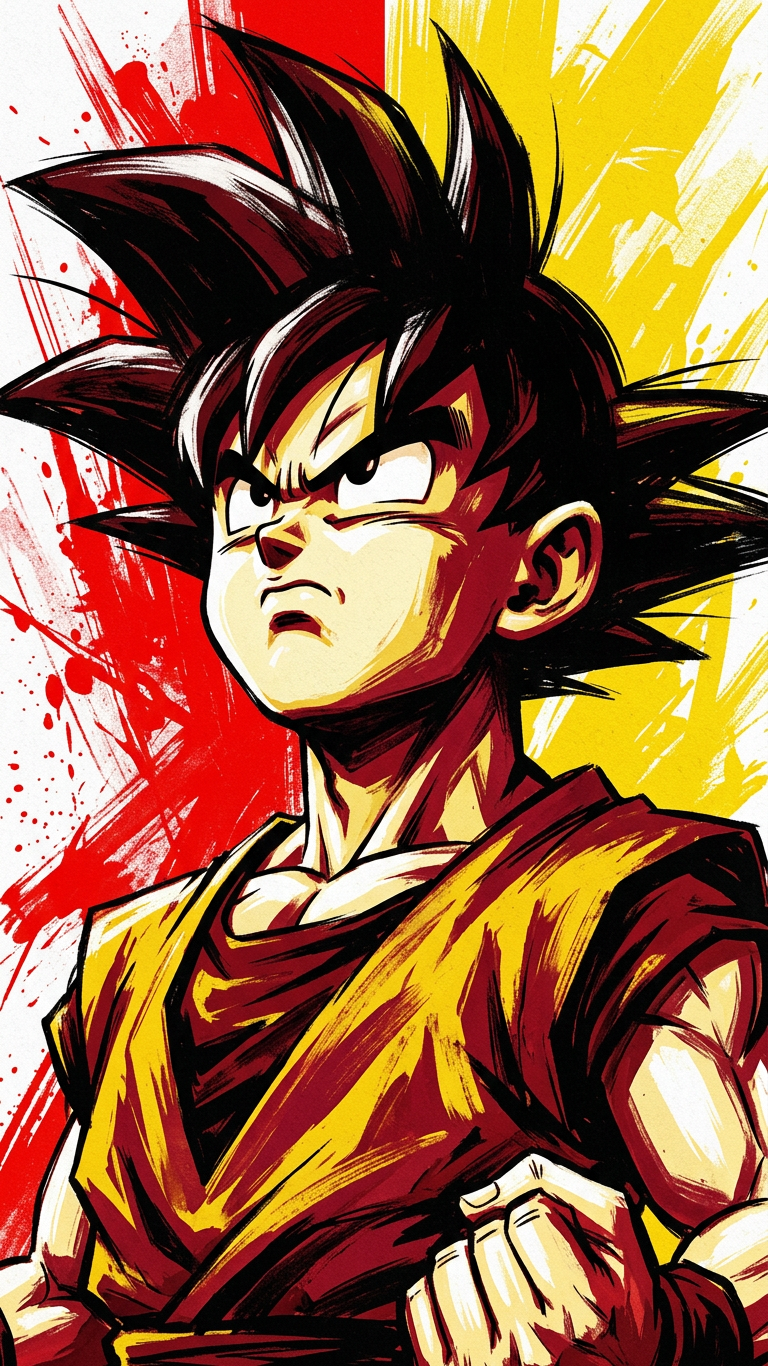
Bold Rising Portrait
- Model
- Nano Banana 2
- Image
- 768 × 1366 px
Prompt
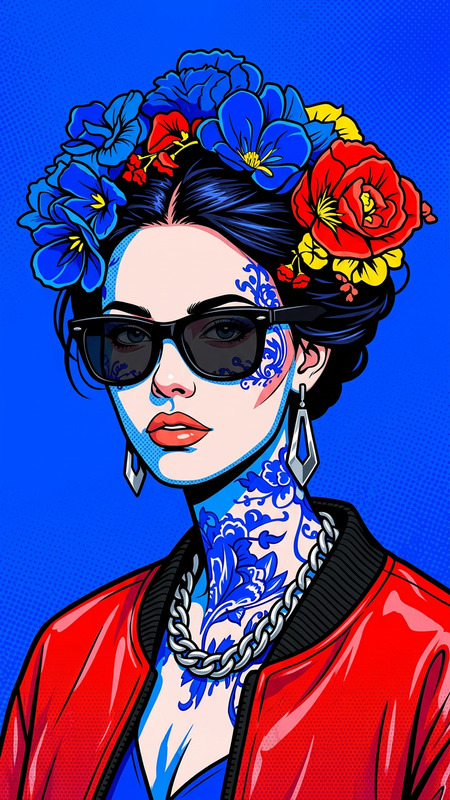
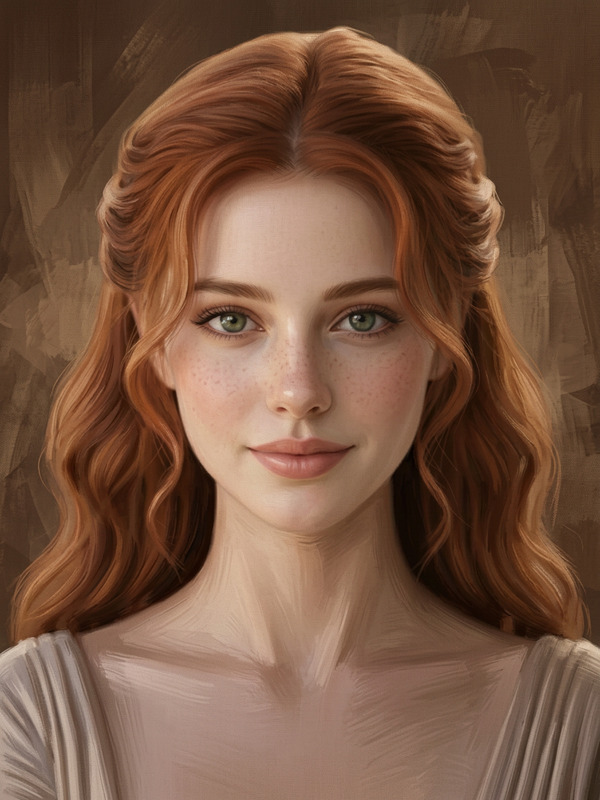
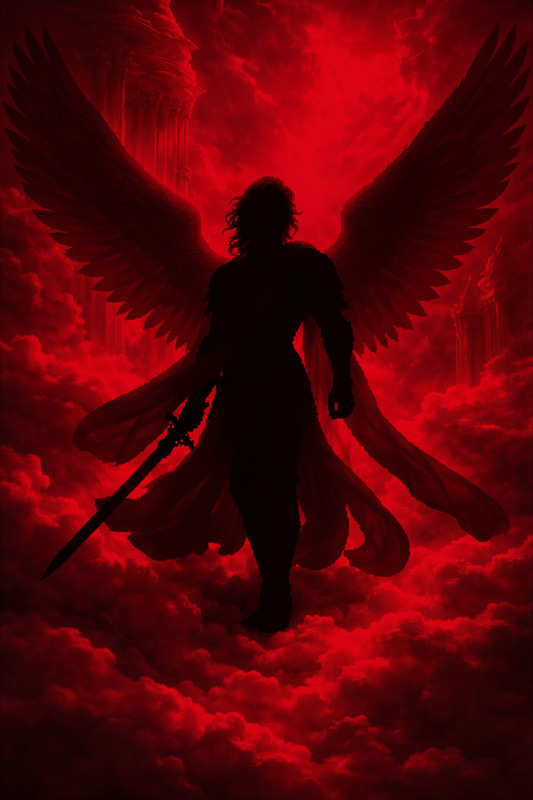
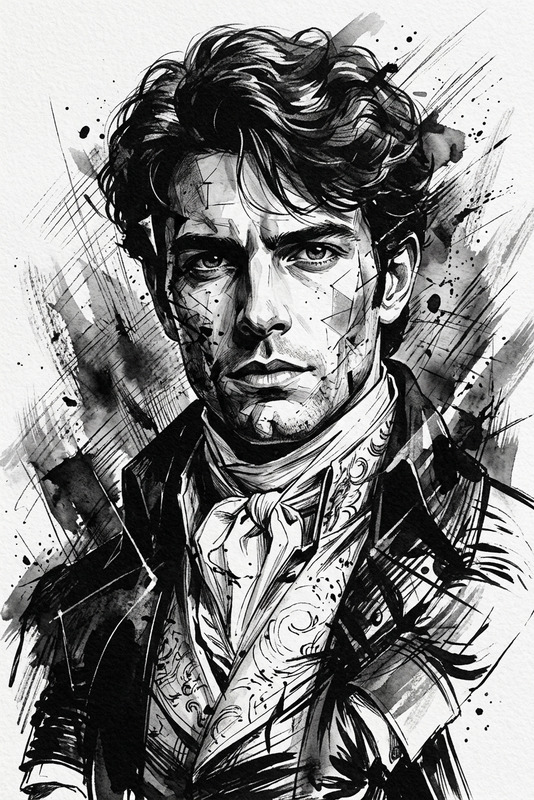
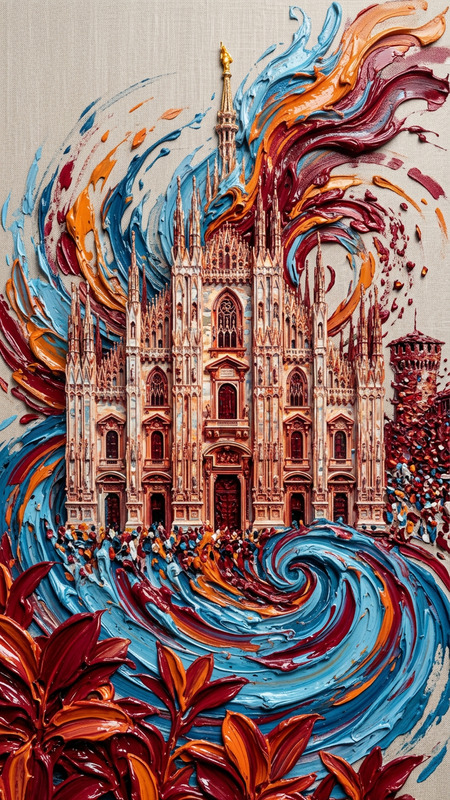
a dramatic digital painting portrait of a young subject looking upward with a strong, determined expression; bold textured brush strokes with a limited palette of black, white, red, and yellow; background split vertically with abstract red and yellow paint streaks; high contrast, energetic and motivational mood; clean composition with no text or logos; high detail, poster style
Any aspect ratio
Overview
The Bold Rising Portrait template is a powerful tool within the AI Image Editor framework. With it, you can create dramatic and motivational portraits that capture attention. This template is designed to produce high-contrast, poster-style images by leveraging the advanced capabilities of the nano-banana-2 model.
What It Does
The Bold Rising Portrait transforms your subject into a digital masterpiece with a strong, upward-focused expression. Utilizing a limited color palette of black, white, red, and yellow, it generates art with bold brush strokes and a split background for an energetic, motivational effect. This AI Image Editor template ensures each portrait is meticulously detailed and suitable for high-impact visual displays.
Who It's For
This template is ideal for artists, marketers, and social media influencers who need visually striking imagery to convey determination and energy. It's especially useful for those in the fields of motivational content, advertising, and promotional materials that require a potent visual hook to engage audiences.
Summary
With the Bold Rising Portrait template, transform ordinary photos into extraordinary art pieces. It's a vital tool for anyone looking to enhance their visual content, whether for social media, marketing material, or personal projects. This template speaks directly to the needs of creators looking for high-detail, poster-style imagery.
How To
Choose Your Template

Customize Your Inputs

Generate Your Portrait

Use Cases
Social Media Campaigns
- High engagement posts on LinkedIn or Instagram.
- Profile picture upgrades.
Marketing Materials
- Posters for events or promotions.
- Visuals for blog articles.
Creative Projects
- Digital art collections.
- Book or album covers.
Best Practices
Select the Right Image
Choose photos with clear, detailed faces and a neutral background for optimal results.Mind the Palette
Remember the color limitations and ensure the original photo isn't overwhelmed by similar hues.Review and Adjust
After generating the image, assess if the contrast and composition need further adjustments for your intended use.