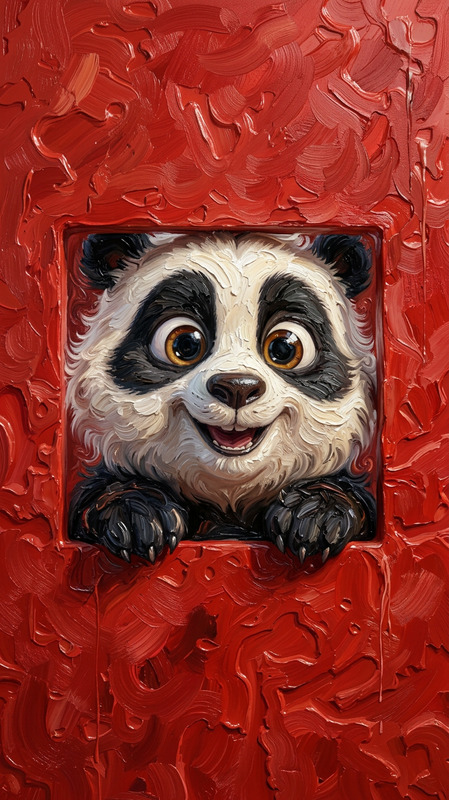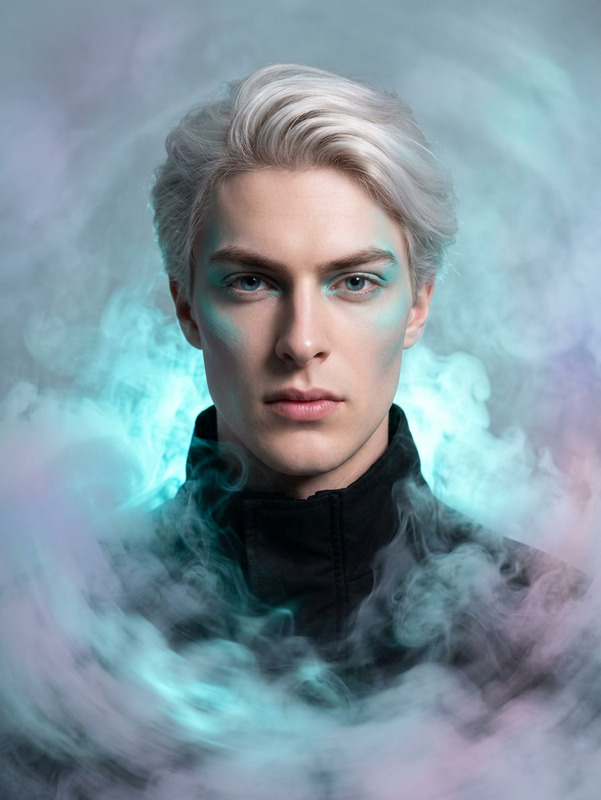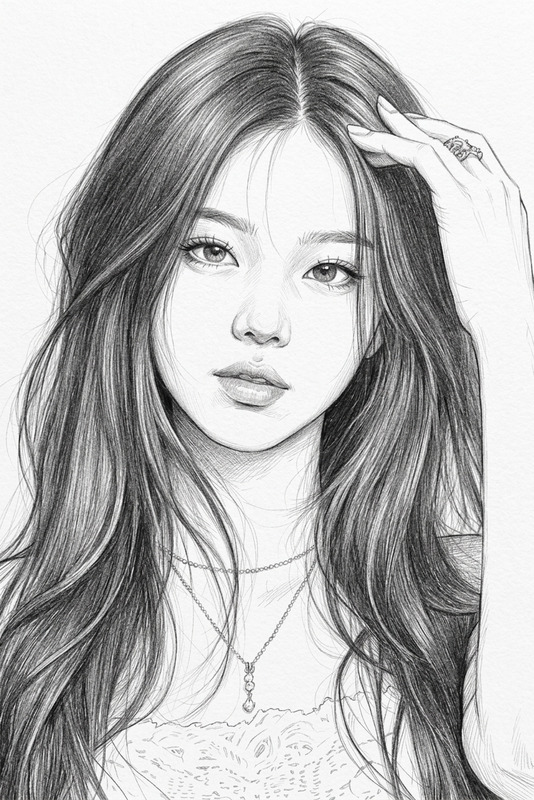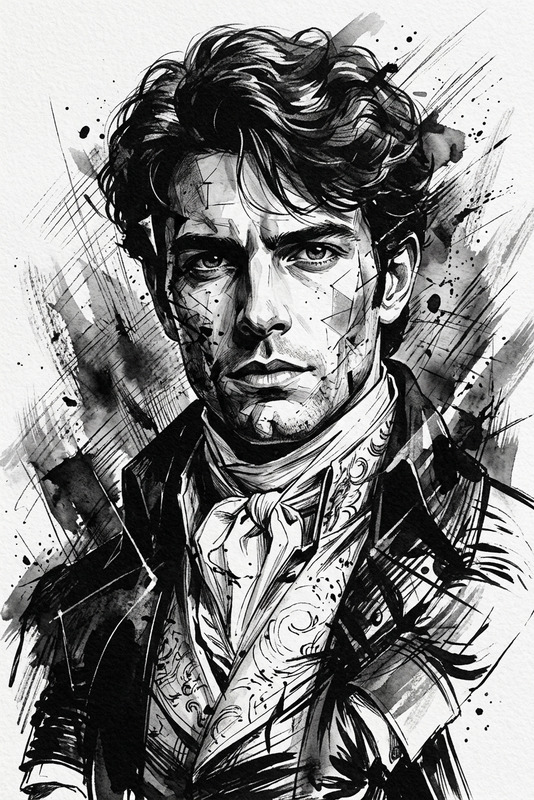
Smudge Paint Portrait
- Model
- Nano Banana 2
- Image
- 896 × 1194 px
Prompt
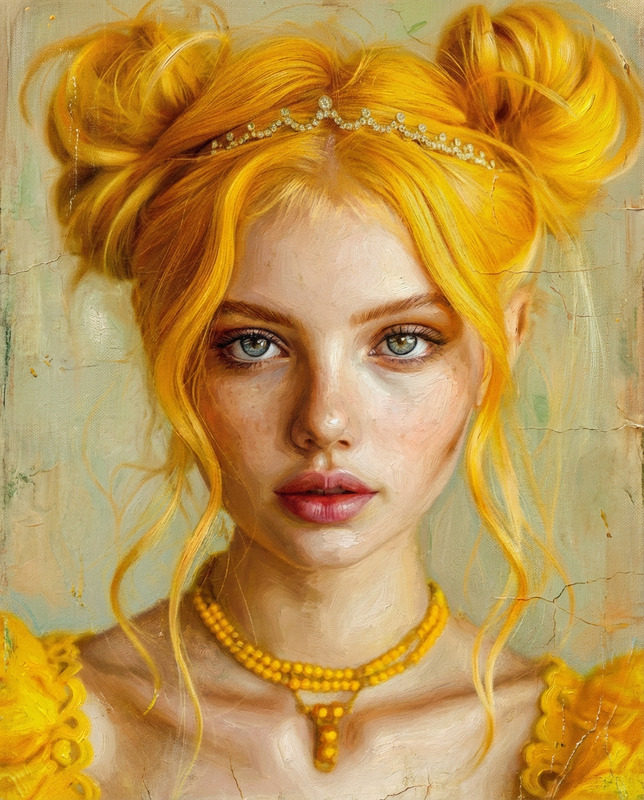
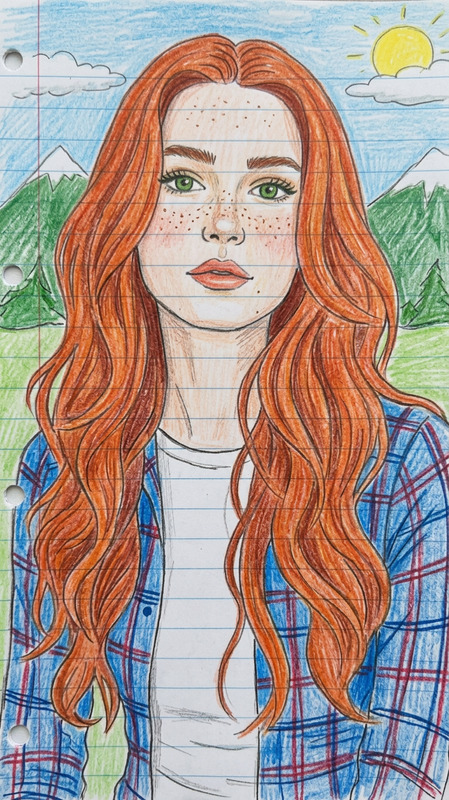
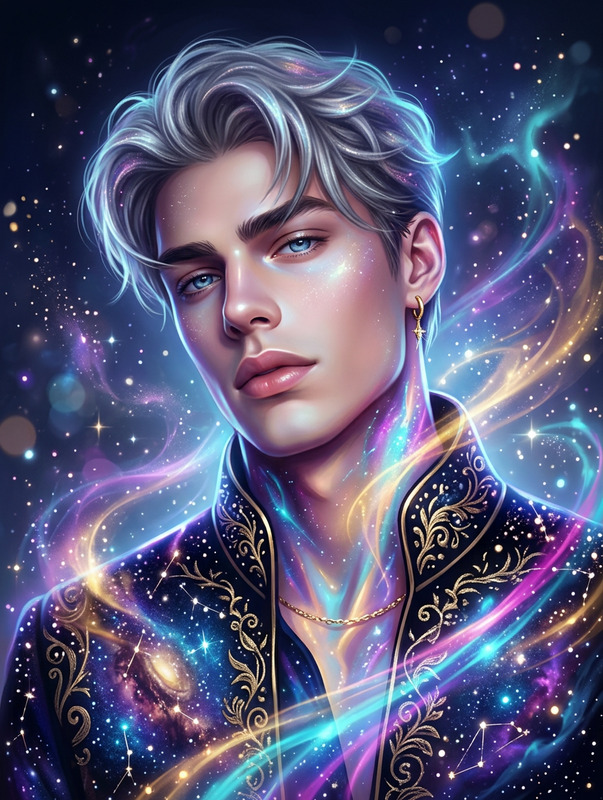
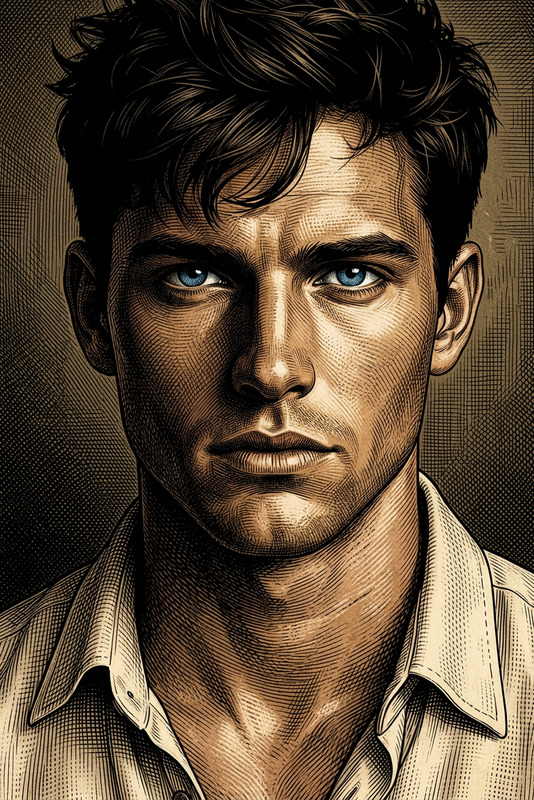
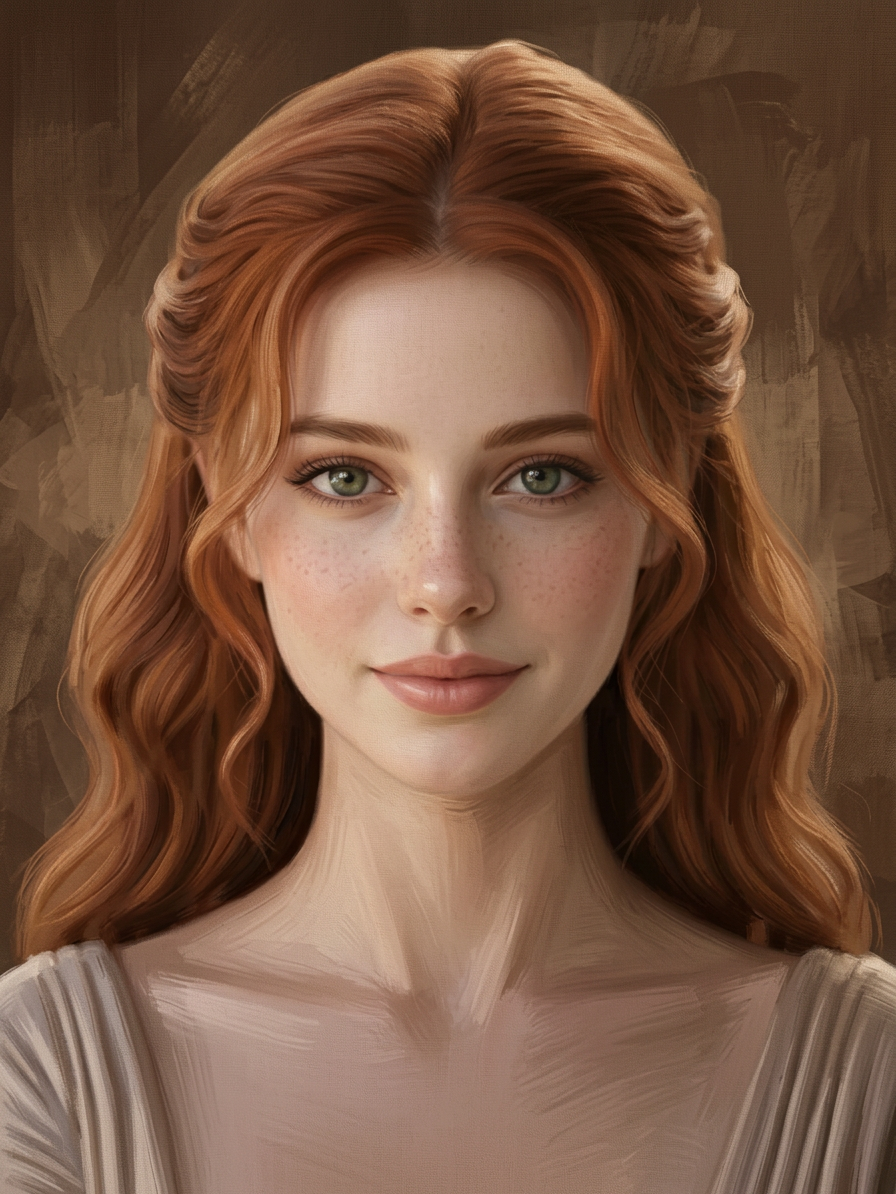
A digital smudge-paint style portrait of a subject using the uploaded image as reference, with the face kept consistent and recognizable. The style mimics a photograph digitally painted over, with smudged pixels removing skin texture and visible brush strokes added to the hair and clothing. The subject is lit with soft, diffuse studio lighting. Background is a textured, abstract blend of brown and sepia tones, creating a neutral, earthy backdrop that keeps full focus on the subject’s face. Popular modern Indian digital art style, clean, artistic, high detail.
Any aspect ratio
Overview
The Smudge Paint Portrait template offers a sophisticated way to transform images into high-detail, artistic portraits with a digital smudge-paint effect. Utilizing the nano-banana-2 model, this template allows you to convert any image into a clean, artistic piece where the facial features remain recognizable, while still embracing a modern Indian digital art style.
What It Does
This AI Image Editor template artfully blends photography and painting by applying a smudge-paint effect that softens skin textures and adds visible brush strokes to hair and clothing. The background incorporates a textured, abstract mix of browns and sepias, ensuring the subject stands out against a neutral, earthy backdrop. The template works well with styles found in popular modern Indian art, providing a clean and high-detail finish.
Who It’s For
This template is perfect for digital artists, photographers, and graphic designers aiming to add an artistic flair to their portraits. Those creating content for social media, developing personalized gifts, or adding a unique touch to digital portfolios will find this tool invaluable. It's also ideal for users interested in projecting a classic-yet-modern aesthetic in personal or commercial projects.
Summary
The Smudge Paint Portrait template transforms standard photos into captivating works of art that echo modern Indian digital painting styles. Utilize this tool for its ability to highlight facial features with artistic integrity while enhancing the image with a bespoke, smudged finish. Discover similar capabilities with the AI Image Editor or explore more with the AI Image Generator.
How To
Choose Your Base Image

Customize Your Settings

Generate Your Artwork

Use Cases
Creative Social Media Content
- Capture attention with artistic flair
- Enhance personal branding through unique images
Personalized Gifts and Merchandising
- Create custom art prints
- Design personalized mugs or t-shirts
Portfolio Enhancement
- Stand out in the creative industry
- Showcase versatility in digital art
Best Practices
Choose High-Resolution Images
Start with high-resolution images to ensure clarity and detail in the final output.Consider the Lighting
Photographs with soft, studio-quality lighting yield the best results, enhancing facial features while maintaining artistic style.Experiment with Brush Stroke Intensity
Adjust the visible intensity of brush strokes to find the perfect balance between photo realism and artistic abstraction.