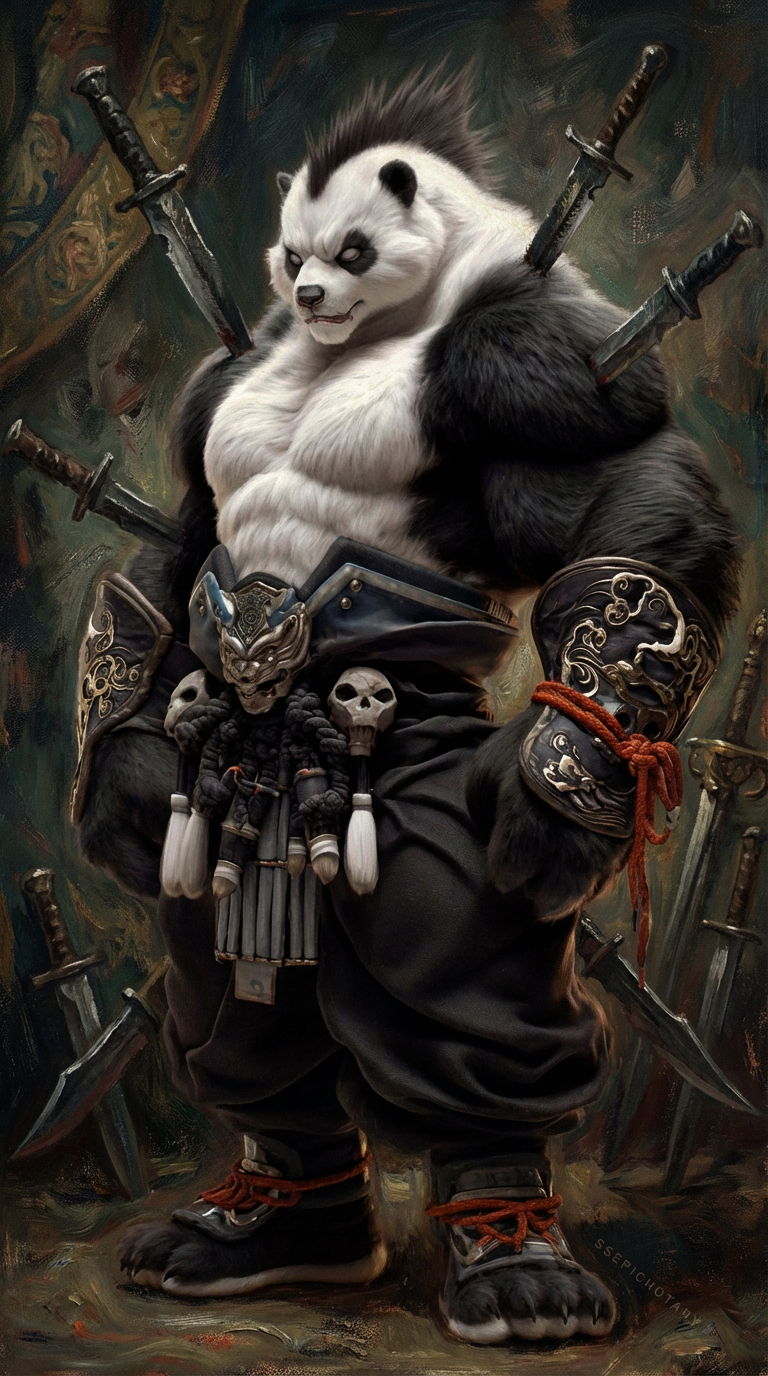
Velazquez Knife Portrait
ai-image-editor
Any aspect ratio
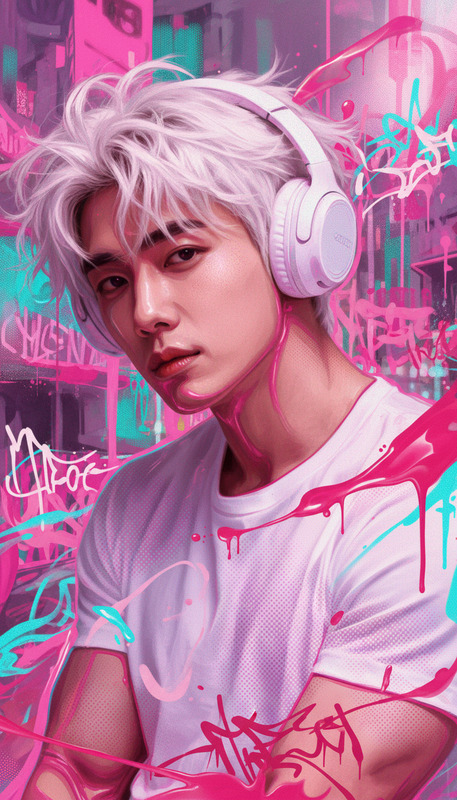
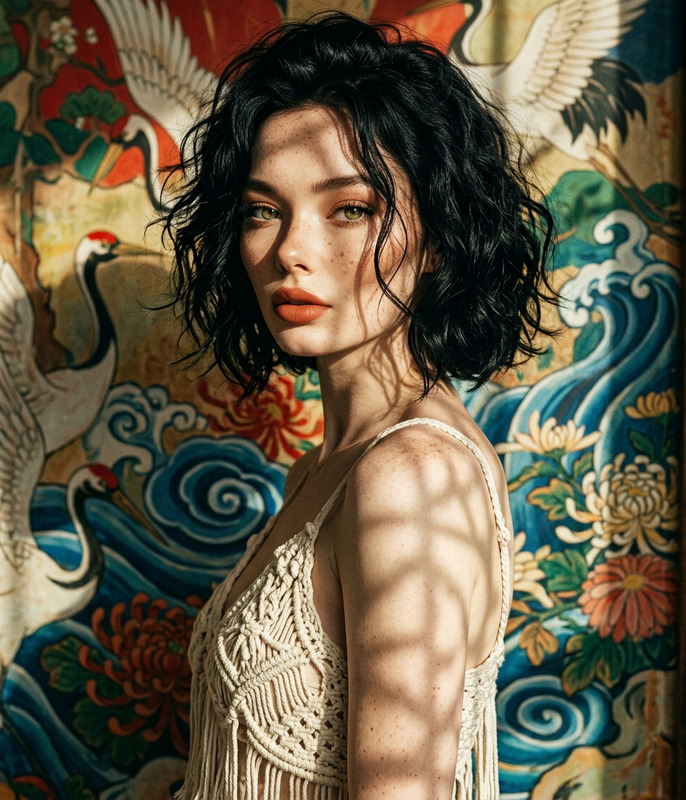
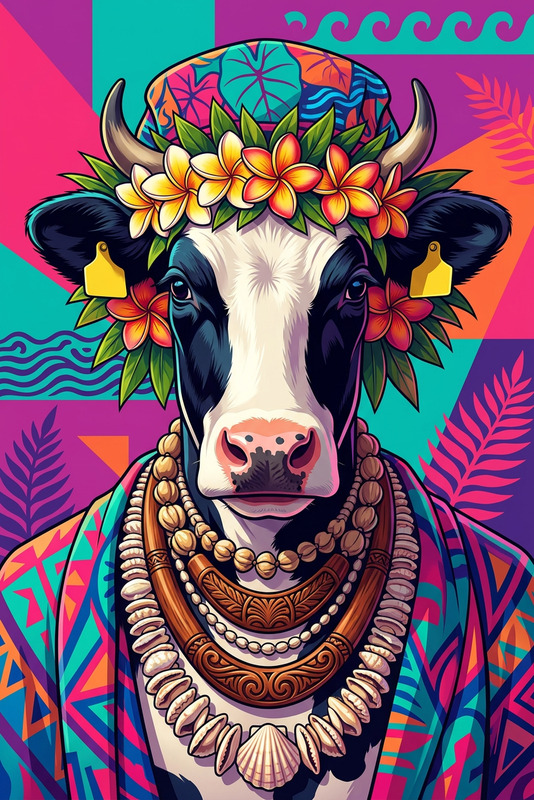
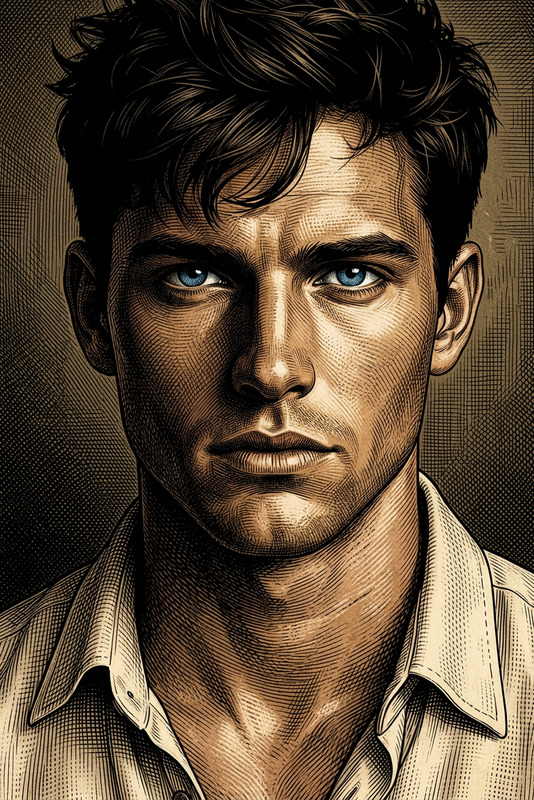
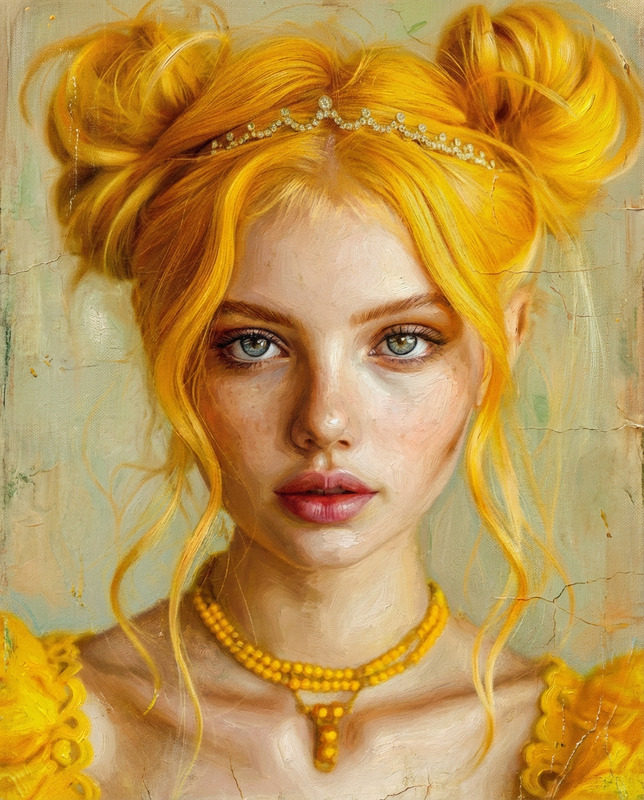
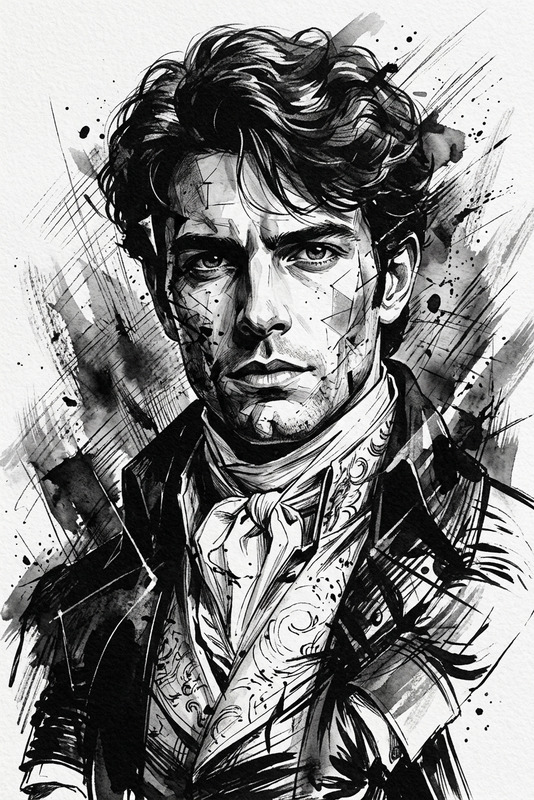
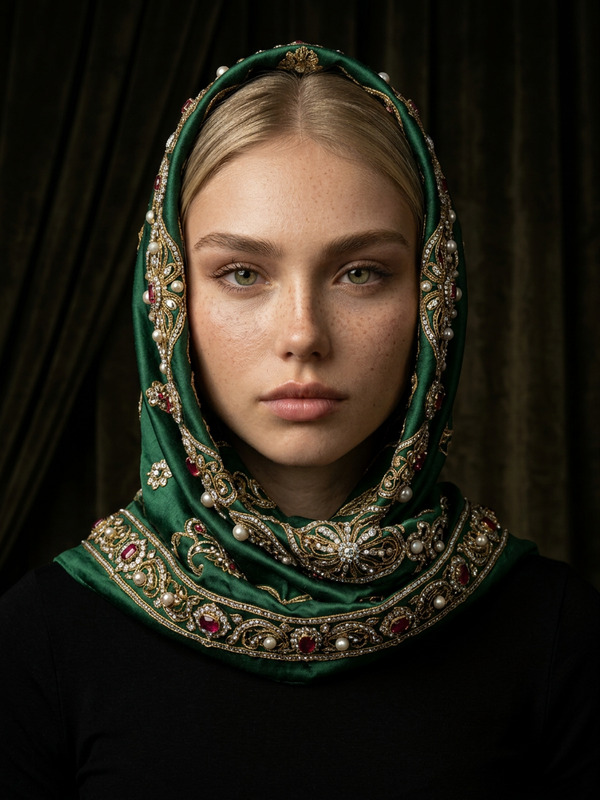
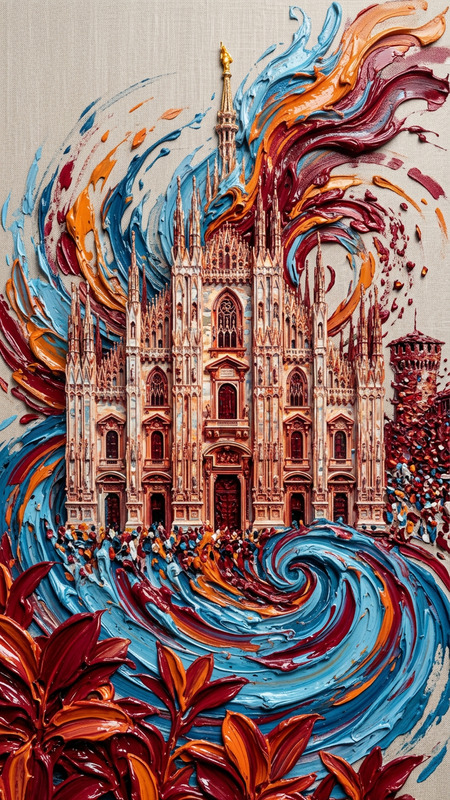
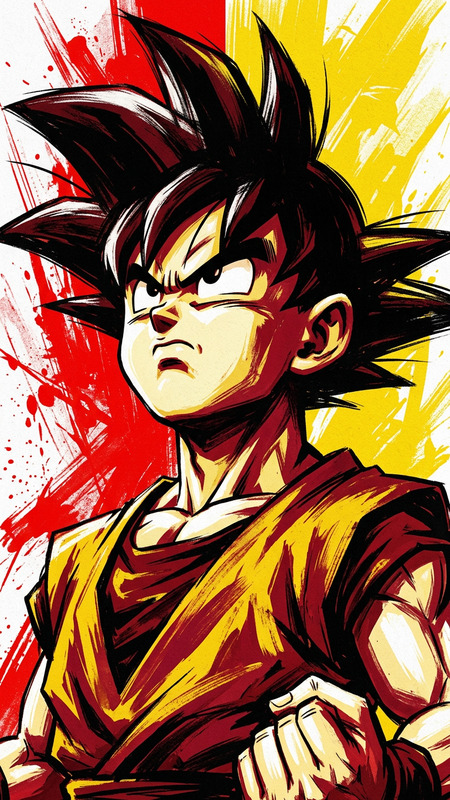
Subject depicts artistic oil painting portrait with vacant eyes and intense gaze, rendered in a textured, grainy style inspired by Diego Velazquez. Composition includes rugged knives as surrounding elements, adding a raw and dramatic tone. Scene uses aspect ratio 9:16 with enhanced stylization, rich brushwork, and a personalized, moody aesthetic.
AI Image Editor Template: Clean Reflection Mockup
Use this template to instantly turn product shots, app screens, or brand visuals into clean, high-end “reflection” mockups using the AI Image Editor. It’s designed for creators and teams who want studio-quality visuals without manual Photoshop work.
What this template does
This template helps you:
- Add a realistic reflection beneath any object, device, or screenshot
- Clean up backgrounds for a polished, minimal look
- Make images feel “campaign-ready” for websites, decks, social, and product launches
- Stay on-brand while moving fast, without a designer or complex tools
You can use it for:
- SaaS/app interface mockups
- Product and packaging shots
- Startup landing pages and pitch decks
- Ad creatives and social posts
- Portfolio and case study visuals
Behind the scenes, it’s powered by the AI Image Editor, so you can apply the idea to almost any image and then tweak it to match your brand.
How to remix this template in Magic Hour
You can create your own version of this template by remixing it inside Magic Hour:
Open the template in Magic Hour
- Start from this template in your workspace.
- Or open the AI Image Editor and load any image you want to stylize.
Swap in your own subject
- Upload:
- Product renders
- Mobile or web UI screenshots
- Photos of physical products or hardware
- Use the editor to center or frame your subject the way you want.
- Upload:
Use the reflection pattern
- Apply the same visual logic as this template:
- Subject on a clean base surface
- Soft, subtle reflection beneath the subject
- Neutral, minimal background (light or dark)
- If needed, use the AI tools to:
- Remove clutter or unwanted objects (AI Remover, Remove Object from Photo)
- Clean or replace backgrounds (Image Background Remover, AI Background Generator)
- Apply the same visual logic as this template:
Refine with other Magic Hour tools (optional)
To push the template further for your brand or use case, you can chain other tools:- Sharpen and upscale for web/print
- Use the AI Image Upscaler to export crisp images for hero sections or app stores.
- Generate matching on-brand assets
- Create illustrations, icons, or supporting visuals with the AI Art Generator or AI Icon Generator.
- Create a cohesive brand system
- Build consistent avatars or characters with the Avatar Generator or AI Character Generator.
- Turn static mockups into motion
- Convert images into short animations or motion shots using Image to Video or Text to Video, ideal for launch videos or product demos.
- Sharpen and upscale for web/print
Save as your own reusable template
- Once you like the look, save the edited example as your internal “reflection style” reference.
- Reuse this setup for future product shots to maintain a unified visual language across launches.
Example workflows for busy teams
1. SaaS/App teams
- Capture a clean screenshot of your app
- Load it into the AI Image Editor
- Style it like this template: device mockup + clean reflection + neutral background
- Use Thumbnail Maker to adapt the final image for YouTube, blog posts, or launch videos
- Optional: Turn your hero mockup into a short animated intro with Image to Video
2. Ecommerce & DTC
- Upload a product photo
- Use AI Remover to clear distractions
- Apply the reflection style to simulate a studio shot
- Enhance resolution for marketplace or print use with AI Image Upscaler
- Generate variation shots (different angles, backgrounds) with the AI Photo Generator
3. Creators, marketers, and agencies
- Turn brand visuals into campaign-ready hero images fast
- Use AI Logo Generator or Album Cover Generator to create complementary assets
- Generate on-theme illustrations with the AI Illustration Generator
- Keep everything visually consistent with a single reflection-style mockup template reused across decks, ads, and social
When to use this template vs. other Magic Hour tools
Use this reflection mockup template when you need:
- Clean, minimal product or UI visuals
- High-end, “agency” look without manual design work
- Consistent visual style across many images
Consider combining or switching to other tools when you need:
- New images from text or ideas
- Use the AI Image Generator or AI Art Generator to create scenes, characters, or concepts from scratch.
- Face or character-focused edits
- Use the AI Face Editor, AI Face Generator, or AI Selfie Generator for portraits and avatars.
- Video-first content
- Convert images into dynamic clips with Image to Video
- Sync faces to audio or create talking visuals with AI Talking Photo or AI Lip Sync
- Upgrade video quality with the Video Upscaler
Related Magic Hour templates and tools
If you like this template, you may also find these useful:
- Face Swap Video Template – create face-swap clips for campaigns or product explainers
- Lip Sync Template – turn still images into lip-synced videos
- Video to Video Template – restyle existing footage to match a specific visual look
- Animation Template – convert your static visuals into animated scenes
These can be combined with reflection-style mockups from this template to build complete launch campaigns: static hero images, animated demos, and social content that all look and feel consistently on-brand.
Why this template works for modern product storytelling
High-performing product and app marketing tends to favor:
- Clean, minimal compositions
- Clear visual hierarchy (hero object + subtle environment)
- Subtle depth cues like reflections and soft shadows
- A consistent visual system reused across channels
This template encodes that pattern so you can reproduce it quickly, without recreating the design logic each time. By starting from this reflection mockup template and remixing it with the AI Image Editor, you get a repeatable, scalable way to produce campaign-grade visuals in minutes—not hours.