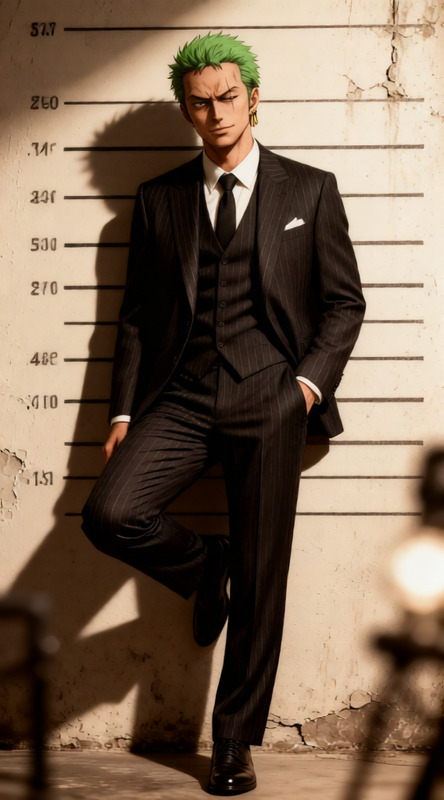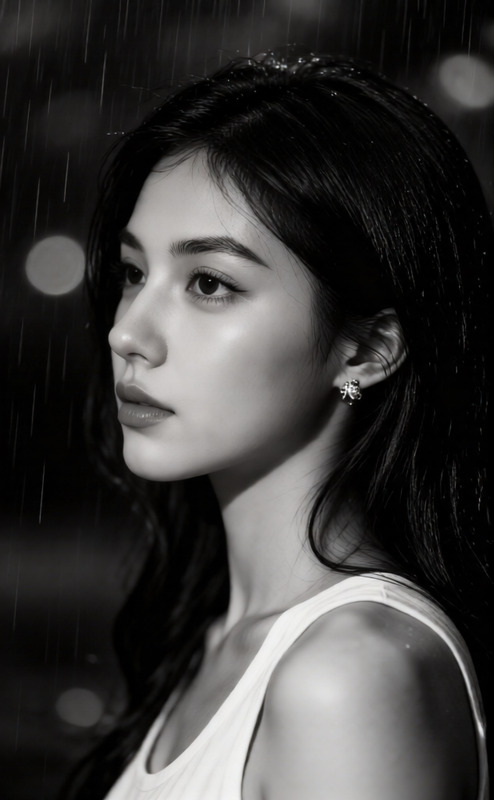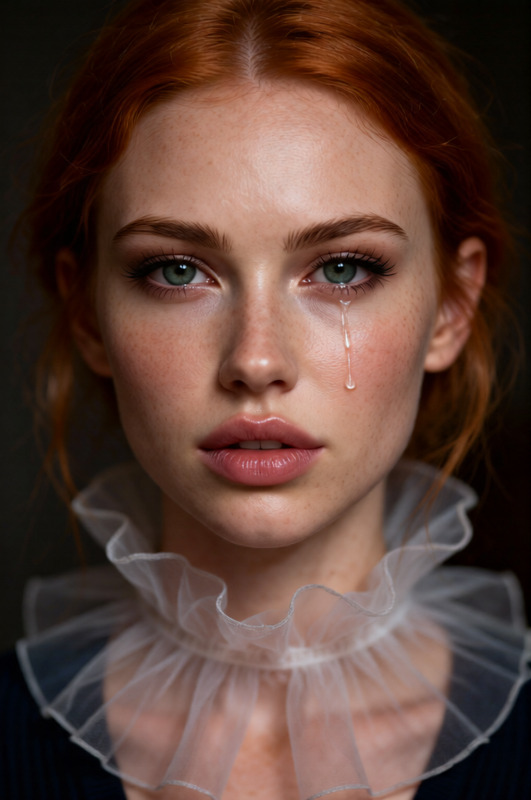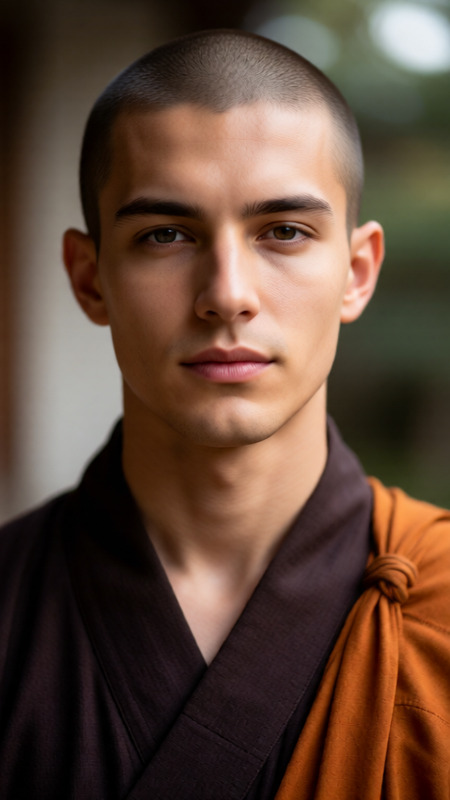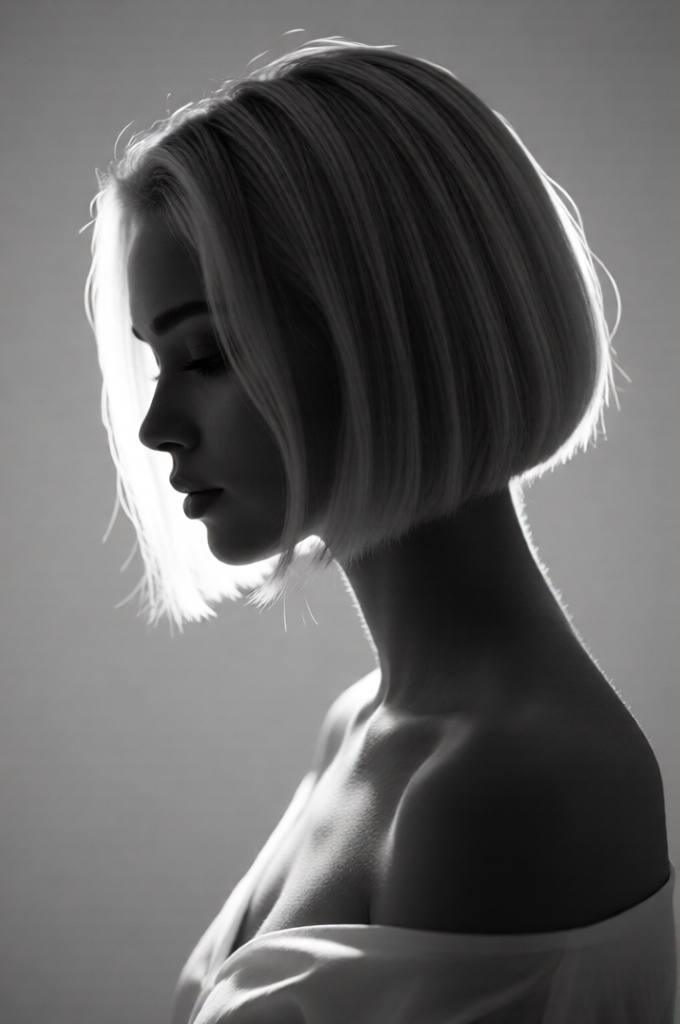
Minimalist Backlit Sculptural Portrait
ai-image-editor
Any aspect ratio
Generate a black-and-white minimalist portrait of a subject in side profile with the head gently tilted downward, creating an introspective and melancholic silhouette; the composition is backlit, with soft light outlining the contours of the head and shoulders to form a subtle halo-like glow; the subject has a short, sleek geometric bob hairstyle with a glossy finish that catches the light with precision; a delicate, lightweight garment leaves the shoulders exposed, enhancing the sculptural simplicity of the form; the background is clean and neutral, emphasizing negative space and dramatic contrast; the overall aesthetic is serene, contemplative, and highly refined, evoking sculptural elegance through controlled lighting, soft gradients, and fine tonal detail.
AI Image Editor: Turn Any Image Into a High-Impact Visual in Minutes
Use this template to quickly clean up, enhance, and transform images with the AI Image Editor. Whether you’re preparing product shots, social assets, pitch decks, thumbnails, or creative experiments, you can go from “rough draft” to polished visual without manual Photoshop work.
What You Can Do With This Template
This template is built on Magic Hour’s AI Image Editor and is designed for fast, repeatable workflows. You can:
Remove distractions and objects
Instantly erase unwanted people, logos, text, or clutter using the AI Remover and Remove Object from Photo tools. Ideal for cleaning social posts, product imagery, or UGC.Change or generate new backgrounds
Swap boring or messy environments for on-brand backgrounds with the AI Background Generator or Image Background Remover. Create clean studio looks, lifestyle scenes, or abstract gradients in a few clicks.Upscale and unblur low-quality images
Improve resolution and clarity for ads, landing pages, or investor decks using the AI Image Upscaler and Unblur Image. Turn small, noisy images into sharp, high-res assets.Restyle images for different formats and channels
Reformat visuals for social, email, presentations, or app stores. Pair the editor with:- Thumbnail Maker for YouTube and content previews
- Book Cover Generator for publishing and content marketing
- Album Cover Generator for music, podcasts, and brand campaigns
Create net-new visuals from rough ideas
Start from a sketch, reference photo, or mockup and evolve it with the editor plus:- AI Image Generator or AI Art Generator to draft concepts
- AI Illustration Generator for branded illustrations
- AI Icon Generator for product and UI icons
Experiment with styles, characters, and concepts
Prototype characters and worlds, then refine them visually:
How to Remix This Template in Magic Hour
You can recreate and extend this template by combining the AI Image Editor with other Magic Hour tools in a simple workflow:
Start with any base image
- Upload a product photo, headshot, screenshot, sketch, or brand asset.
- If you don’t have a starting image, generate one with the AI Photo Generator or AI Selfie Generator.
Clean and enhance the image
- Remove logos, text, or objects with the AI Remover or Watermark Remover.
- Fix blur and low resolution with the AI Image Upscaler and Unblur Image.
- Restore and colorize older assets using Old Photo Restoration and Photo Colorizer.
Change backgrounds, styling, and composition
- Use the AI Background Generator to produce new scenes.
- Remove the existing background with the Image Background Remover and drop in a generated or brand asset background.
- For interiors, environments, or architecture-style backgrounds, pair with:
Adapt the image for your specific use case
Marketing & Growth
- Turn edited images into short creatives with Image to Video or Text to Video.
- Generate social-ready thumbnails and banners with the Thumbnail Maker.
- Add memes and social hooks with the AI Meme Generator.
Product & Brand
- Build consistent avatars for teams or communities with the Avatar Generator and AI Headshot Generator.
- Design logos, icons, and identity elements using the AI Logo Generator and AI Icon Generator.
Content, Creators & Entertainment
- Turn static edited images into animated characters with Animation, AI Talking Photo, or Image to Video.
- Combine with AI Voice Generator or AI Voice Cloner and add subtitles with the Auto Subtitle Generator.
- Export short looping content using the AI GIF Generator.
Save your flow as a repeatable “recipe”
- Reuse the same editing sequence for product catalogs, client work, or content series.
- Clone this template, swap in new source images, and you have a consistent, scalable pipeline for visual production.
Example Use Cases for Busy Teams
For marketers and growth teams
- Create multiple ad variants from a single photoshoot by swapping backgrounds, crops, and styles.
- Localize creatives quickly (e.g., different environments or cultural cues) without reshoots.
- Improve UGC or influencer content quality with upscaling, cleanup, and subtle retouching.
For founders and product teams
- Generate on-brand images for landing pages, pitch decks, and app store listings without designers on call.
- Rapidly prototype new product visuals and UX concepts using AI Illustration Generator and the editor.
- Create persona avatars, team headshots, or investor-facing materials with AI Headshot Generator and the AI Image Editor.
For creators, storytellers, and game devs
- Design characters using AI Character Generator or AI Face Generator, then refine details in the editor.
- Build immersive settings with Fantasy Map Generator, Dark Fantasy AI, or AI Background Generator.
- Turn concept art into motion using Animation, Video to Video, or Image to Video.
Connect Image Editing With Other Magic Hour Templates
To go beyond static images, combine this AI Image Editor template with:
Face Swap Video
Edit or enhance faces first, then create realistic face-swap videos for campaigns, demos, or entertainment.Lip Sync
Prepare clean, high-quality portraits in the editor and animate them with synced voiceovers.Video to Video
Use the editor to define your visual style frame-by-frame, then apply that style to full videos.Animation
Take characters or key visuals you’ve polished in the editor and bring them to life as animated assets for content, games, or storytelling.
Advanced Ideas for Power Users
If you’re building systems, workflows, or automated campaigns, you can use this template as a core building block:
Content pipelines:
- Generate ideas → draft images with AI Art Generator → refine with AI Image Editor → animate with Animation or Image to Video.
Brand-safe asset generation:
- Lock in a small set of reference styles (logos, palettes, layouts) and repeatedly update only the content elements (models, backgrounds, text) via the editor and related tools.
Programmatic personalization:
- For campaigns at scale, design a base template in the AI Image Editor and then systematically swap backgrounds, characters, or props for different audiences using other Magic Hour generators (e.g., Superhero Generator, AI Outfit Generator, AI Fashion Generator).
Related Tools You Might Want to Combine
Depending on your use case, consider chaining this template with:
Faces & People
Brand, Design & Marketing
Creative Experiments & Niche Generators
Why Use This Template Instead of Manual Editing?
For creators, founders, and marketers, the opportunity cost of deep manual editing is high. This template:
- Reduces time-to-asset from hours to minutes
- Standardizes quality across campaigns and channels
- Keeps you in one ecosystem, so you can chain editing → generation → animation → video without context-switching
- Scales with your workload, from one-off posts to automated content systems
Remix this template in Magic Hour by swapping in your own images, combining it with complementary tools, and saving your favorite flows. The AI Image Editor becomes your visual “control center” for fast, consistent, and on-brand image production.