Living Sculpture Neoclassical Editorial Portrait
ai-image-editor
Any aspect ratio
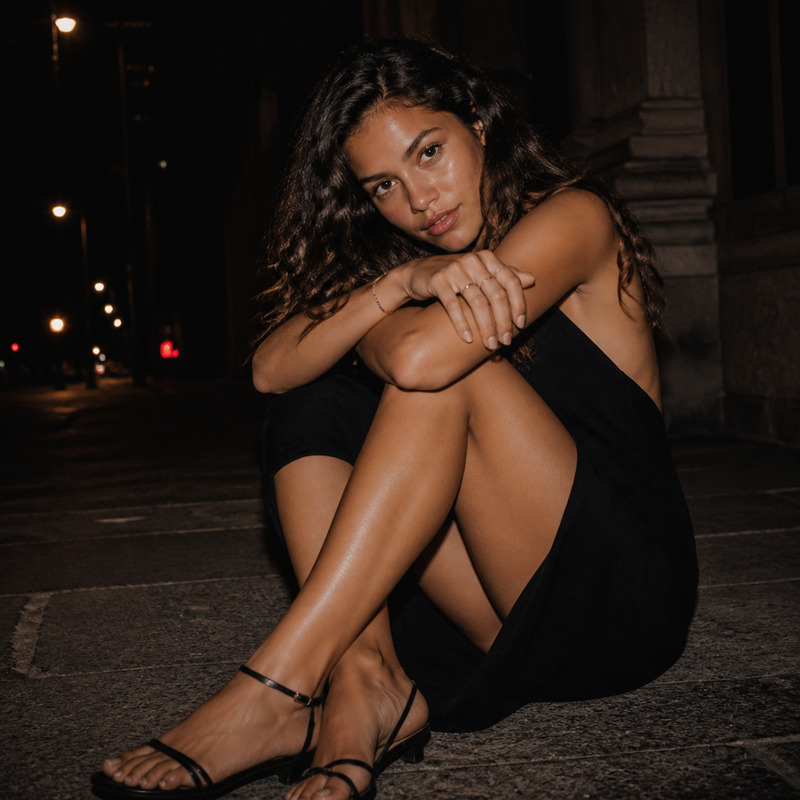
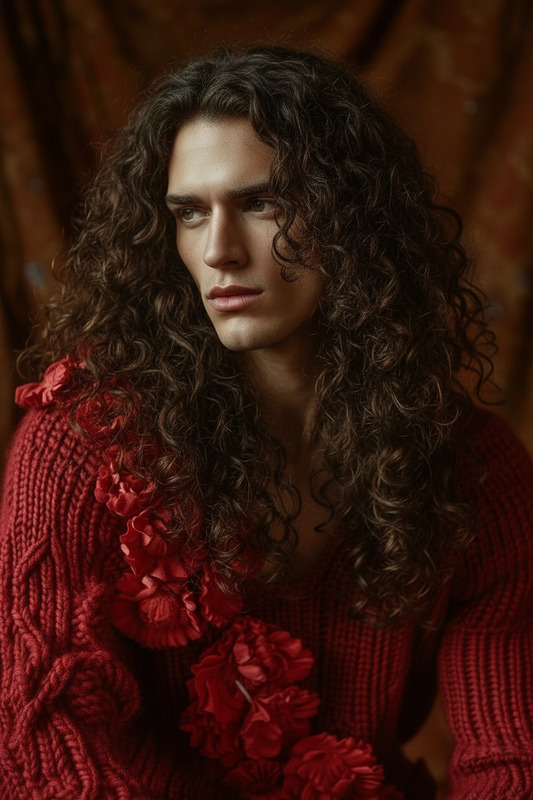
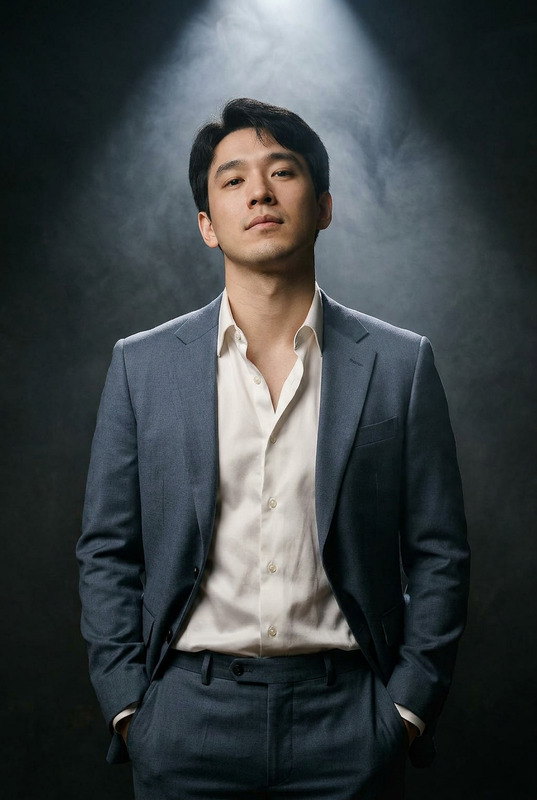
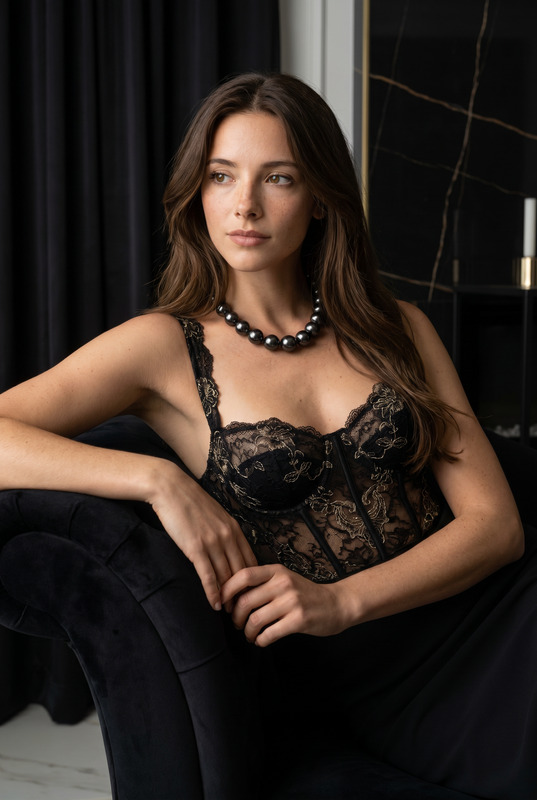
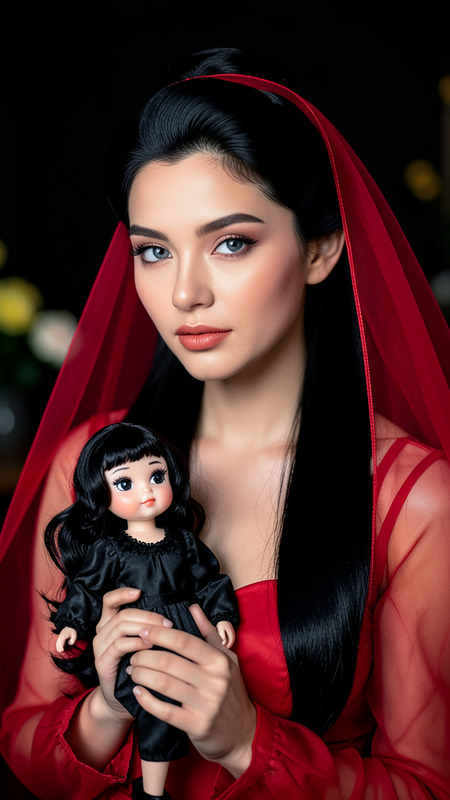
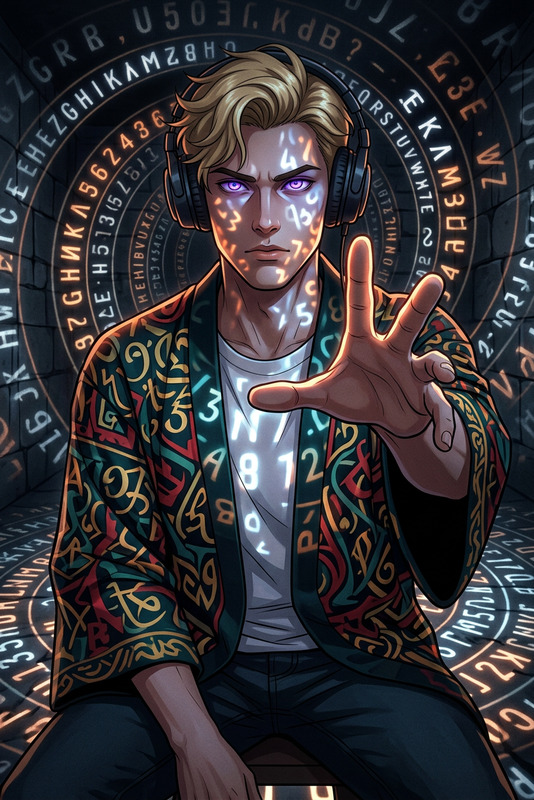
Generate a close-up editorial portrait where a subject’s face is framed between classical marble busts, creating the illusion of a living sculpture emerging from neoclassical stone forms; the composition emphasizes symmetry and spatial tension between human skin and carved marble, with minimal makeup and smooth, softly glowing skin; cinematic shallow depth of field keeps the focus on facial expression while the surrounding sculpture gently blurs into an elegant background; the lighting is soft and directional, enhancing fine textures in both skin and stone, evoking a poetic neoclassical atmosphere with a quiet, timeless, gallery-like mood.
AI Image Editor Template – Edit Any Image in Minutes
Turn rough ideas, screenshots, or product photos into polished, on‑brand visuals with this AI Image Editor–based template. Use it as‑is or remix it into your own editing workflow inside Magic Hour.
What this template is for
This template is built on the AI Image Editor and is designed for fast, repeatable edits such as:
- Cleaning up product photos (remove clutter, fix lighting, adjust backgrounds)
- Creating ad creatives and social posts from a single base image
- Updating UI mockups and app screens for pitch decks and landing pages
- Re‑framing or extending photos for new aspect ratios (e.g., reels, thumbnails, covers)
- Swapping objects, outfits, or faces for creative testing and personalization
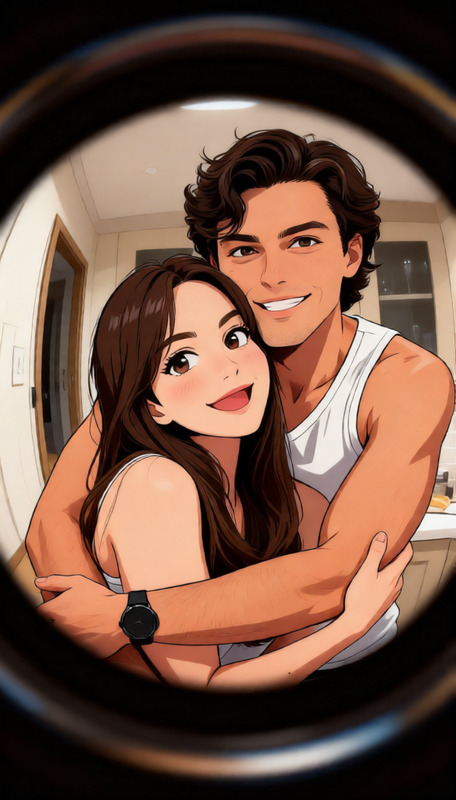
- Styling portraits into different aesthetics (professional headshot, anime, comic, etc.)
Because it’s a template, you can remix it in Magic Hour to match your brand, campaign, or creative workflow—without starting from scratch every time.
How to remix this template in Magic Hour
You can use this template as a starting point and customize it into your own “one‑click” image workflow. A practical remix process:
Start from the base template
- Open this AI Image Editor template in Magic Hour.
- Upload a reference image: product shot, portrait, UI mockup, or illustration.
Define your recurring edit pattern
Think in terms of “what’s repeatable,” not “what’s perfect”:- For ecommerce: background cleanup, color consistency, subtle shadows
- For marketing: new background, on‑brand color palette, logo placement
- For product teams: replace screen content, update features, localize text
Hook in other Magic Hour tools (optionally)
You can chain or conceptually pair this template with other products to cover more of your pipeline:- Generate base concepts with AI Image Generator or AI Photo Generator, then refine them in this AI Image Editor template.
- Clean messy shots or remove unwanted elements with AI Remover or Remove Object from Photo before doing creative edits.
- Prepare images for higher‑end use (print, hero banners) with the AI Image Upscaler or Unblur Image after editing.
Save your remix as a reusable template
- Once you find an edit pattern that works—for example “clean, studio‑style SaaS product screenshots”—save it as your own variation.
- Your team can then repeatedly drop new assets into that remix and get consistent results without needing to remember complex settings or prompts.
Iterate based on results
- Treat each run as a test. Save a few promising outputs and compare performance in ads, landing pages, or A/B tests.
- Make small changes to your remix (background style, composition, detail level) and save updated versions as new internal templates.
Example workflows this template can power
1. Product & ecommerce imagery
- Generate clean, on‑brand product shots from simple photos.
- Remove busy environments and replace them with minimalist or lifestyle backgrounds using the AI Background Generator.
- Upscale final assets for marketplaces or hero banners with the AI Image Upscaler.
2. Professional and social profile images
- Transform casual photos into clean, professional portraits by combining:
- AI Headshot Generator to create consistent, camera‑ready looks.
- The AI Image Editor template to refine details, tweak backgrounds, or match company branding.
- Create styled avatars for communities or product onboarding screens with the Avatar Generator and then polish them here.
3. Creative concepts, comics, and anime
- Turn sketches or rough ideas into finished visuals using:
- AI Art Generator or AI Illustration Generator for first drafts.
- This AI Image Editor template to refine composition, lighting, and style.
- Explore specific aesthetics:
- AI Anime Generator or AI Manga Generator for stylized characters.
- Comic Book Generator or Disney AI Generator for narrative visuals.
4. Marketing, brand, and content teams
- Rapidly generate variants of a base creative (different colors, backgrounds, framing) for:
- Ads
- Email banners
- Social posts
- Blog illustrations
- Quickly adapt images for:
- YouTube covers and social thumbnails with Thumbnail Maker.
- Playful formats using AI Meme Generator or Emoji Generator.
- Branded materials such as covers with Album Cover Generator, Book Cover Generator, or AI Logo Generator, then refine details in the AI Image Editor.
5. Character, fashion, and concept exploration
- Build and refine characters by combining:
- AI Character Generator or AI Face Generator to create base people.
- The AI Image Editor template to adjust expressions, outfits, or scenes.
- Explore outfits and fashion concepts:
- Generate looks with AI Fashion Generator or AI Outfit Generator.
- Use AI Clothes Changer for quick wardrobe swaps, then edit details (colors, accessories, backgrounds) with this template.
- Extend to full‑body and animated scenarios with the Full Body Generator or Animated Characters Generator.
Going from static images to motion
Once you’re happy with your edited images, you can move into video and animation:
- Turn images into video sequences with Image to Video.
- Animate characters or scenes using the Animation template.
- Create talking avatars from edited portraits with AI Talking Photo.
- Add voice with AI Voice Generator or clone a specific voice using AI Voice Cloner.
- Enhance final outputs with Video Upscaler and auto‑generated captions via the Auto Subtitle Generator.
For character‑driven content, you can also:
- Swap faces across images or GIFs with Face Swap and Face Swap GIF, then refine them in this template.
- Turn edited characters into lip‑synced videos using the Lip Sync template.
- Transform existing footage or visuals with the Video to Video template for stylistic consistency with your edited images.
Precision editing and restoration use cases
This template also works well as the “last mile” for image cleanup and restoration:
- Remove watermarks and distracting objects with the Watermark Remover or Remove Object from Photo, then finish retouching in the AI Image Editor.
- Restore and modernize old photos with Old Photo Restoration, Photo Colorizer, and this editing template to unify style.
- Convert photos into stylized sketches or line art with Photo to Sketch, then add color or adjust details here.
Specialized creative workflows this template supports
If you work in more niche or technical domains, you can combine this template with Magic Hour tools for:
Architecture & interior visualization
- Ideate layouts and rooms using the AI Interior Design Generator or Architecture Generator, then refine materials, lighting, and decor with the AI Image Editor.
Games, fantasy, and maps
- Generate characters, environments, and maps using:
- Use this template to polish assets for pitch decks, dev logs, and store pages.
Branding, icons, and UI assets
- Create base icons and UI graphics with the AI Icon Generator and AI QR Code Generator, then tune clarity and contrast in this editor.
Niche pop‑culture & fun formats
- Generate Pokémon‑style assets with the Pokemon Generator.
- Create superhero concepts via the Superhero Generator.
- Design tattoos, graffiti, or optical illusions with:
- Then use the AI Image Editor template to refine linework, shading, and composition.
Why use an AI Image Editor template instead of ad‑hoc edits?
For creators, marketers, and product teams, the value is in consistency and speed:
- Repeatable quality – You can build a standard editing flow that your whole team can reuse, instead of relying on one person’s memory or skill.
- Faster experimentation – When you want to test new creative directions, you can duplicate and tweak this template instead of recreating complex steps.
- Better asset lifecycle – Move cleanly from ideation → editing → video → publishing using connected tools like Text to Video, Image to Video, and AI GIF Generator.
How to get the most from this template
- Start with high‑quality source images when possible (or upscale with the AI Image Upscaler).
- Use this template as the central “editing hub” between generation (e.g., AI Image Generator) and publication (e.g., video, thumbnails, or social).
- Save multiple remixes tailored to different workflows:
- “Ad Creative Cleanup”
- “Pitch Deck Mockups”
- “Social Portraits / Avatars”
- “Comics & Story Panels”
Once those are set up, your team can drop new images into each remix and get consistent, on‑brand results in minutes.