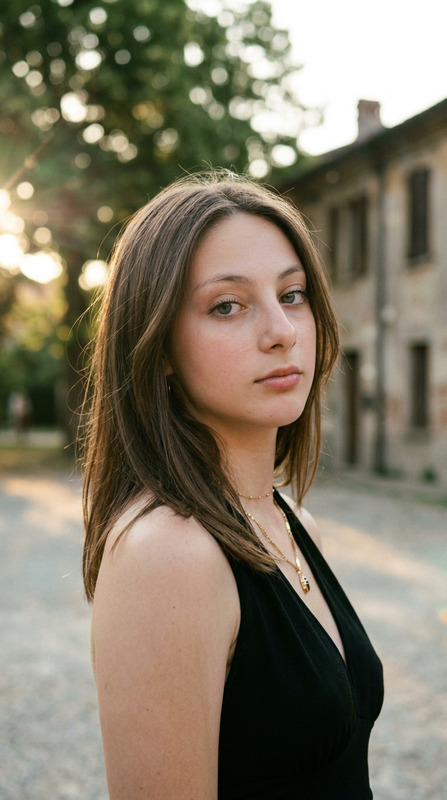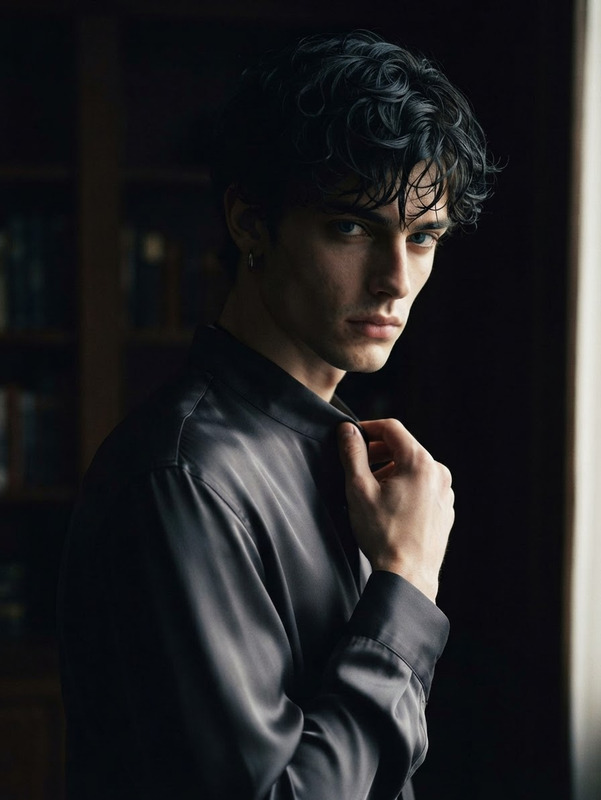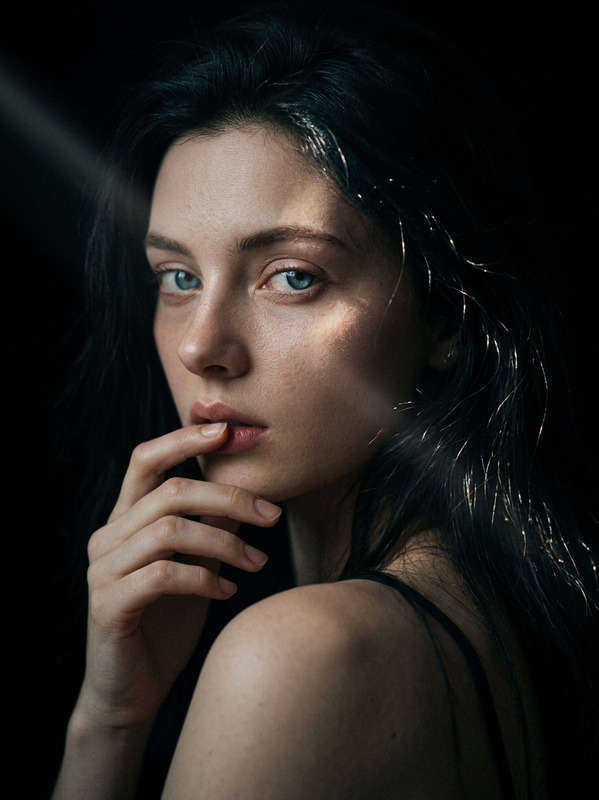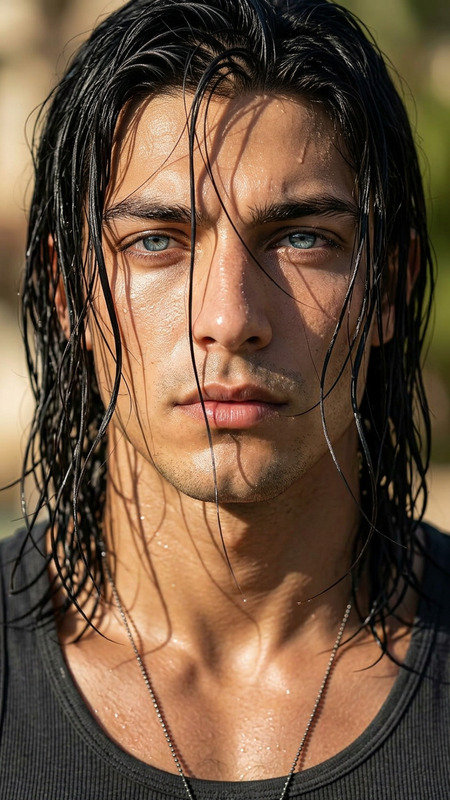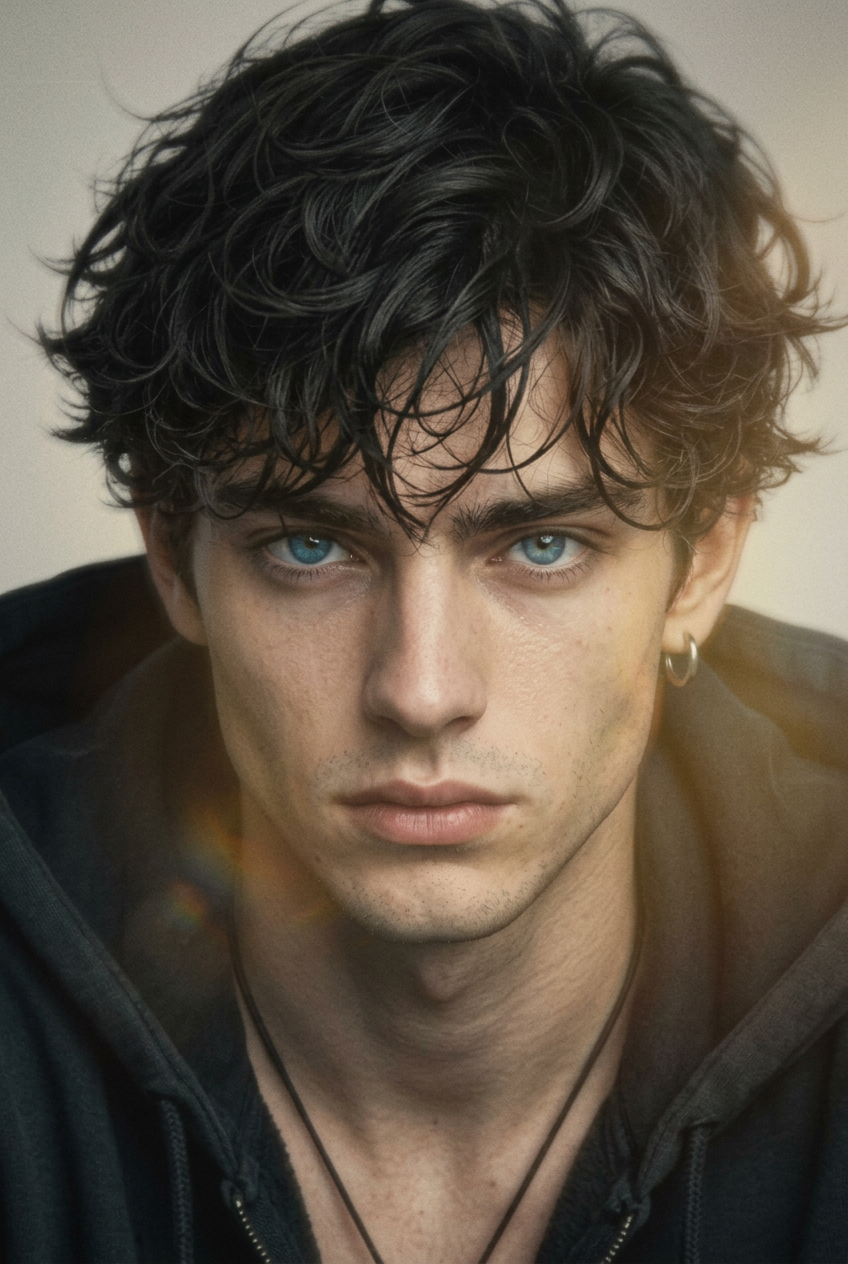
Dark Misty Film Portrait
- Model
- Nano Banana 2
- Image
- 848 × 1264 px
Prompt
Photorealistic 2:3 close-up portrait of a subject @boy a delicate, pure and expressive appearance, captured in soft focus with intentional defocus and subtle motion blur. Emphasize beautifully tousled strands of hair flowing dynamically across the frame, with a dark atmospheric mood, faded pastel and amber-yellow tones, low saturation, and a vintage film aesthetic. Use soft Rembrandt-inspired lighting with hazy bloom, reflections, subtle refraction, layered texture, high film grain, and gentle gray-scale softness. Keep the composition minimalist yet emotionally expressive, combining avant-garde visual art, cinematic fine-art photography, nostalgic color fading, and premium editorial atmosphere while preserving natural facial details and realistic photographic texture.
Any aspect ratio
Overview
Explore the transformative power of the Dark Misty Film Portrait template, a unique offering within the AI Image Editor suite. This template uses the innovative nano-banana-2 model to create captivating 2:3 close-up portraits with a distinctly vintage film aesthetic.
What It Does
This template allows you to craft photorealistic portraits with a dark, atmospheric mood. It leverages soft Rembrandt-inspired lighting alongside hazy blooms and reflections to deliver a vintage film feel. The template’s use of intentional defocus and limited color saturation mimics the nostalgic color fading of old photographs.
Who It's For
The Dark Misty Film Portrait template is ideal for photographers, cinematographers, and content creators who aim to evoke an editorial, avant-garde atmosphere in their visuals. AI Headshot Generator users will find it particularly useful for expanding their creative portfolio with stylistically compelling and thematic portraits.
Summary
Using this template, you can generate mesmerizing portraits that are not only photorealistic but also enriched with artistic elements. With fine-grain textures and premium editorial touches, it’s a great choice for projects that demand a visually dynamic yet understated presentation. Explore more through our Photo Colorizer for added effects.
How-To
Choose the Template

Customize the Portrait

Generate Your Portrait

Use Cases
Editorial Photography
Social Media Content
Artistic Projects
Best Practices
Plan Your Composition
Consider the mood you want to convey before adjusting lighting and color settings.Experiment with Lighting
Use the soft Rembrandt-inspired lighting to enhance the subject's expressive features.Focus on the Details
Ensure the high film grain effect is used to enhance the overall vintage appeal without overshadowing the subject's natural features.