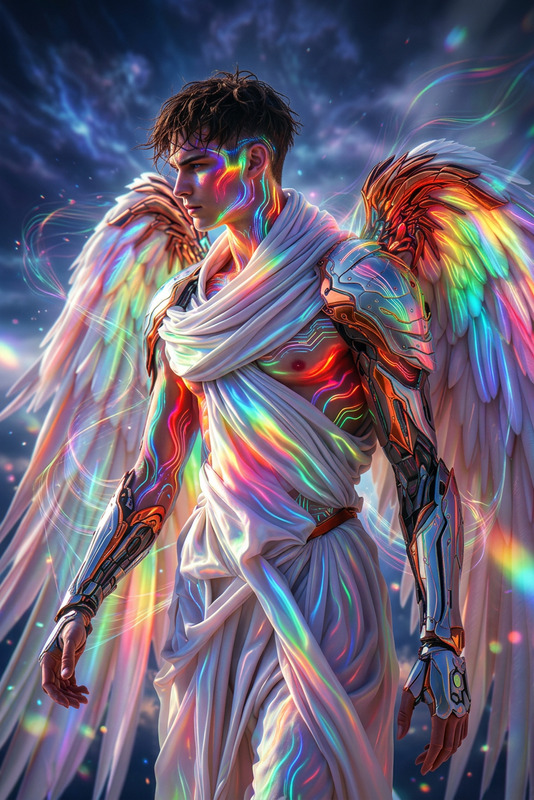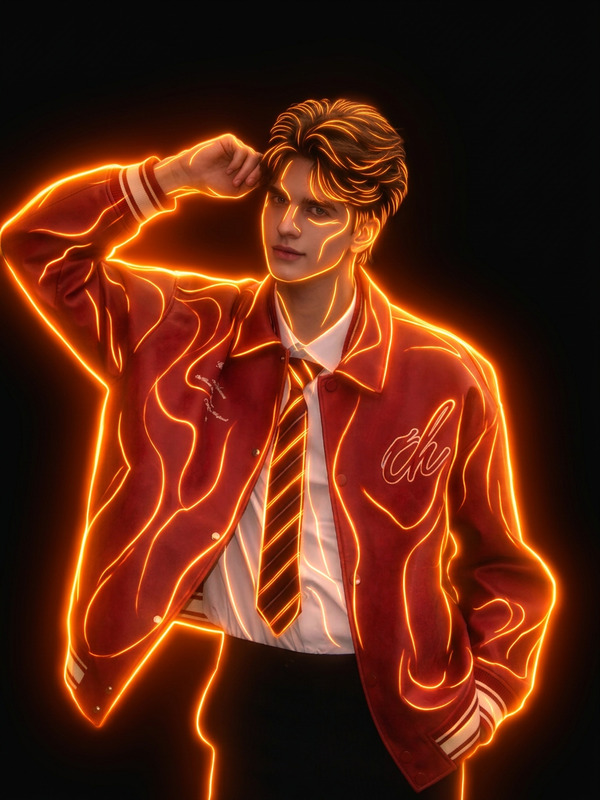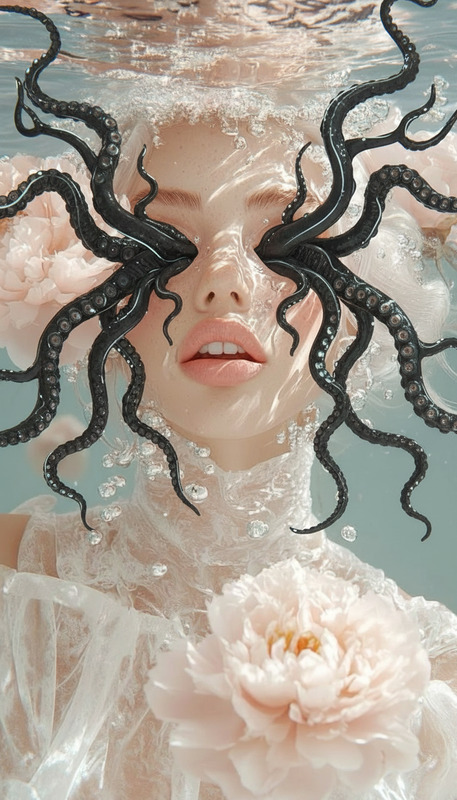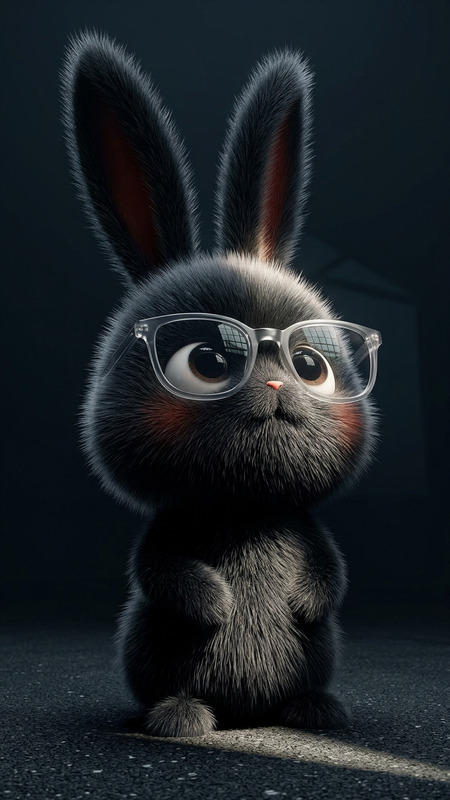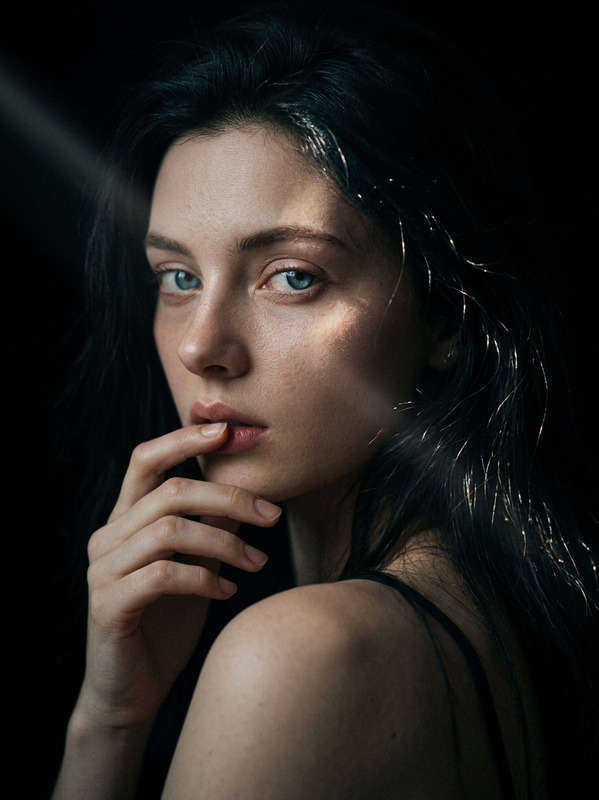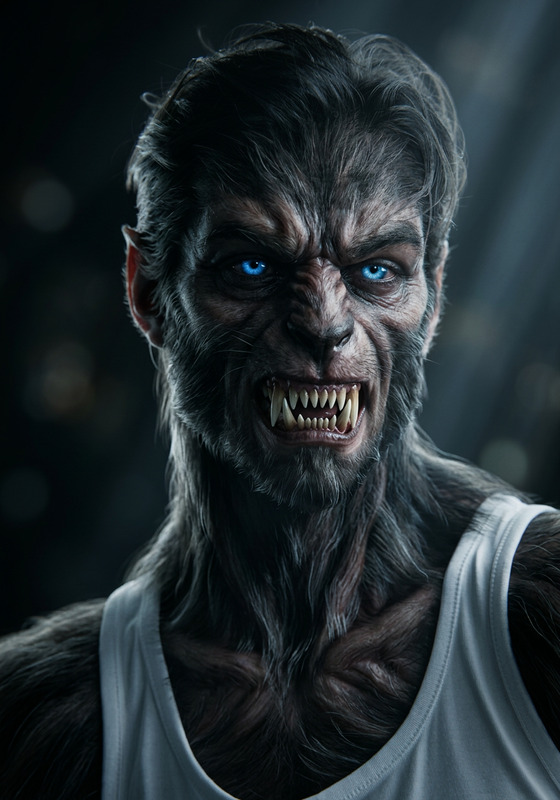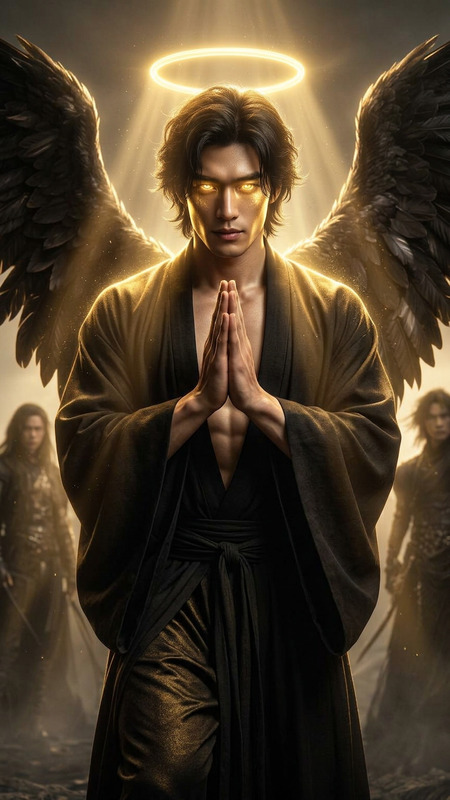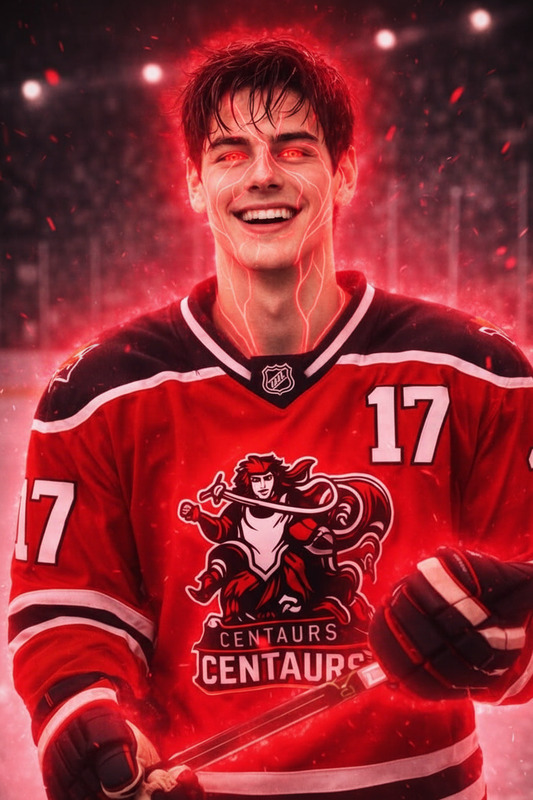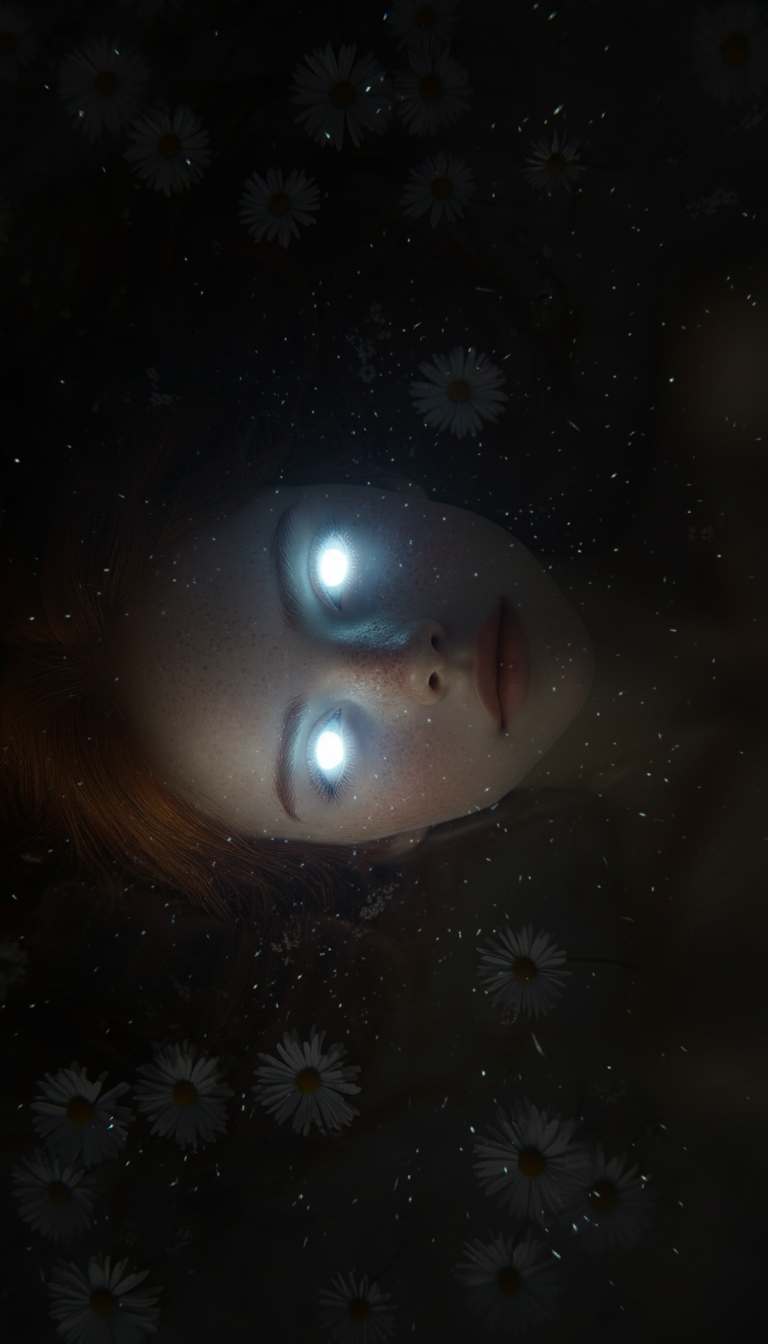
Luminous gaze
- Model
- Nano Banana
- Image
- 768 × 1344 px
Prompt
Cinematic close-up of a subject in darkness, their eyes glowing with an intense, otherworldly light. The luminous gaze cuts through shadow, softly illuminating their face with a radiant aura. Subtle particles drift in the air, enhancing the mysterious atmosphere. Enigmatic, powerful, ultra-realistic, HDR, high contrast, shallow depth of field.
Any aspect ratio
Overview
The Luminous Gaze template offers a powerful tool for enhancing images with cinematic artistry. Designed for the AI Image Editor system and powered by the nano-banana model, this template allows you to create ultra-realistic images with a mysterious aura. Perfect for filmmakers, photographers, and digital artists aiming for high-impact visuals.
What It Does
The Luminous Gaze template leverages advanced AI technology to transform ordinary images into extraordinary works of art. By adding an intense, otherworldly glow to the subject's eyes, the template creates an enigmatic and powerful effect. The HDR, high contrast, and shallow depth of field ensure your images remain vivid and compelling, while subtle particles and a radiant aura add depth to the atmosphere.
Who It's For
This template is ideal for storytellers and visual creators who demand exceptional quality and visual intrigue in their images. Whether you are making a marketing campaign, illustrating a graphic novel, or developing a cinematic film, Luminous Gaze provides the tools needed to craft memorable and visually stunning imagery.
Summary
Enhance your visual storytelling with the Luminous Gaze template, a perfect choice for creating images that capture attention and convey narratives with depth. This template is equipped to handle various projects, complementing tools such as the AI Clothes Changer and Gender Swap.
How to Use
Choose the Template

Customize Your Image

Generate Your Image

Use Cases
Visual Storytelling
- Graphic novels
- Film sequences
- Marketing materials
Cinematic Projects
- Promo videos
- Movie posters
- Fantasy films
Digital Art
- Character portraits
- Concept art
- Fantasy illustrations
Best Practices
Choose a Suitable Image
Opt for images that have clear focal points where the luminous effect will stand out, typically with close-up perspectives for optimum results.Balance the Light and Shadow
Adjust the contrast settings to maintain a balance between the illuminated and shadowed areas to keep your subject's features clear and dramatic.Incorporate Background Elements
Add subtle background elements like drifting particles to enrich the scene without overwhelming the subject.