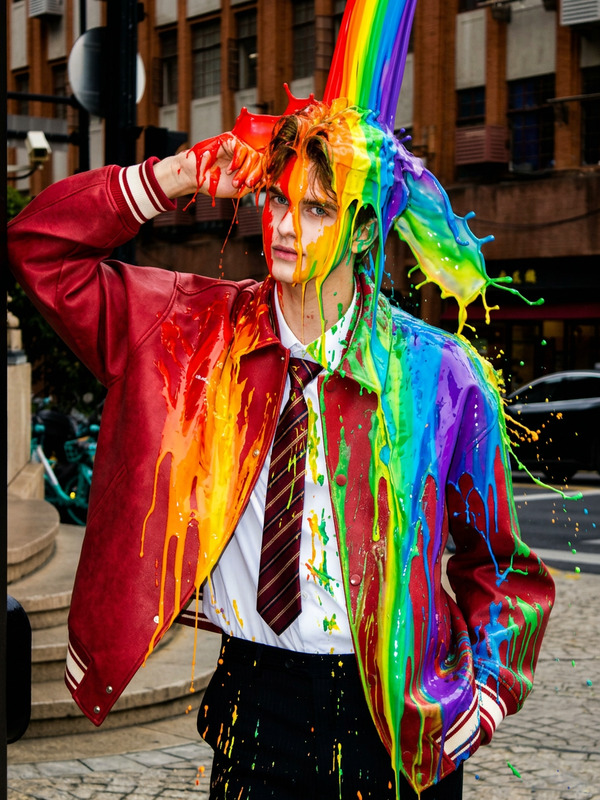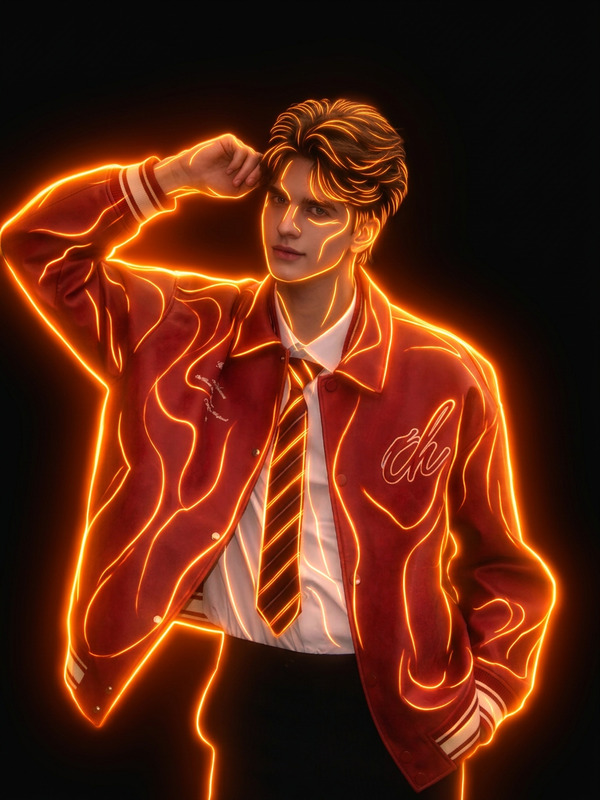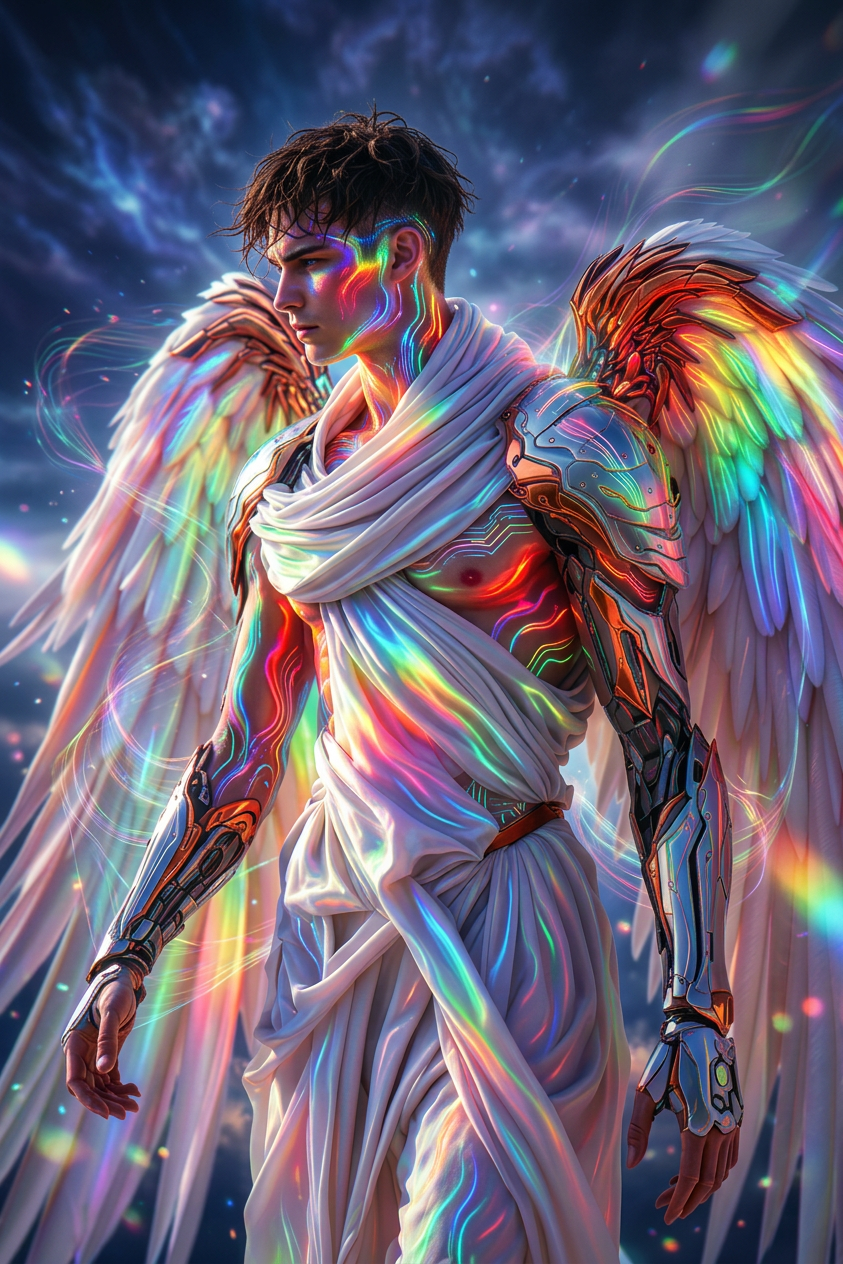
Rainbow glow
- Model
- Nano Banana 2
- Image
- 843 × 1264 px
Prompt
Cinematic shot of a subject glowing with a full rainbow spectrum, radiant colors flowing across their body in shifting light trails. Subtle glow traces follow every movement, leaving behind iridescent streaks in the air. Vibrant, energetic, and surreal aesthetic, ultra-realistic, HDR, high contrast, shallow depth of field.
Any aspect ratio
Overview
Welcome to the Rainbow Glow template, a feature of our AI Image Editor using the nano-banana-2 model. This template allows you to infuse your images with a captivating full-rainbow spectrum glow, creating a vibrant and surreal aesthetic.
What It Does
The Rainbow Glow template enhances your images with mesmerizing light trails that mimic a dynamic rainbow glow. It operates by applying HDR effects combined with high contrast and shallow depth of field to produce ultra-realistic visuals, ideal for creating attention-grabbing content.
Who It's For
This template is crafted for digital artists, designers, and marketers looking to elevate their visual content. Whether you're seeking to enhance your social media presence or need striking images for campaigns, Rainbow Glow offers the tools for success. It's perfect for those who appreciate a vibrant, energetic aesthetic.
Summary
The Rainbow Glow template offers a unique way to transform ordinary images into dazzling artworks characterized by shifting light trails and iridescent streaks. Create GIFs or static images that truly stand out.
How to Use Rainbow Glow
Find the Template

Customize Your Image

Generate and Download

Use Cases
Social Media Enhancement
- Add dynamic effects to profile images
- Create impactful post backgrounds
Marketing Campaigns
- Design eye-catching banners and posters
- Enhance product photos with radiant effects
Digital Art Projects
- Develop captivating digital exhibitions
- Create unique illustrations
Best Practices
Perfect Your Source Image
Choose images with high resolution to ensure the resulting effects are sharp and detailed.Tailor the Glow Intensity
Experiment with different settings to achieve the desired level of vibrancy and subtlety.Combine with Other Tools
Consider using the AI Photo Relighting tool in conjunction with Rainbow Glow for enhanced lighting effects.