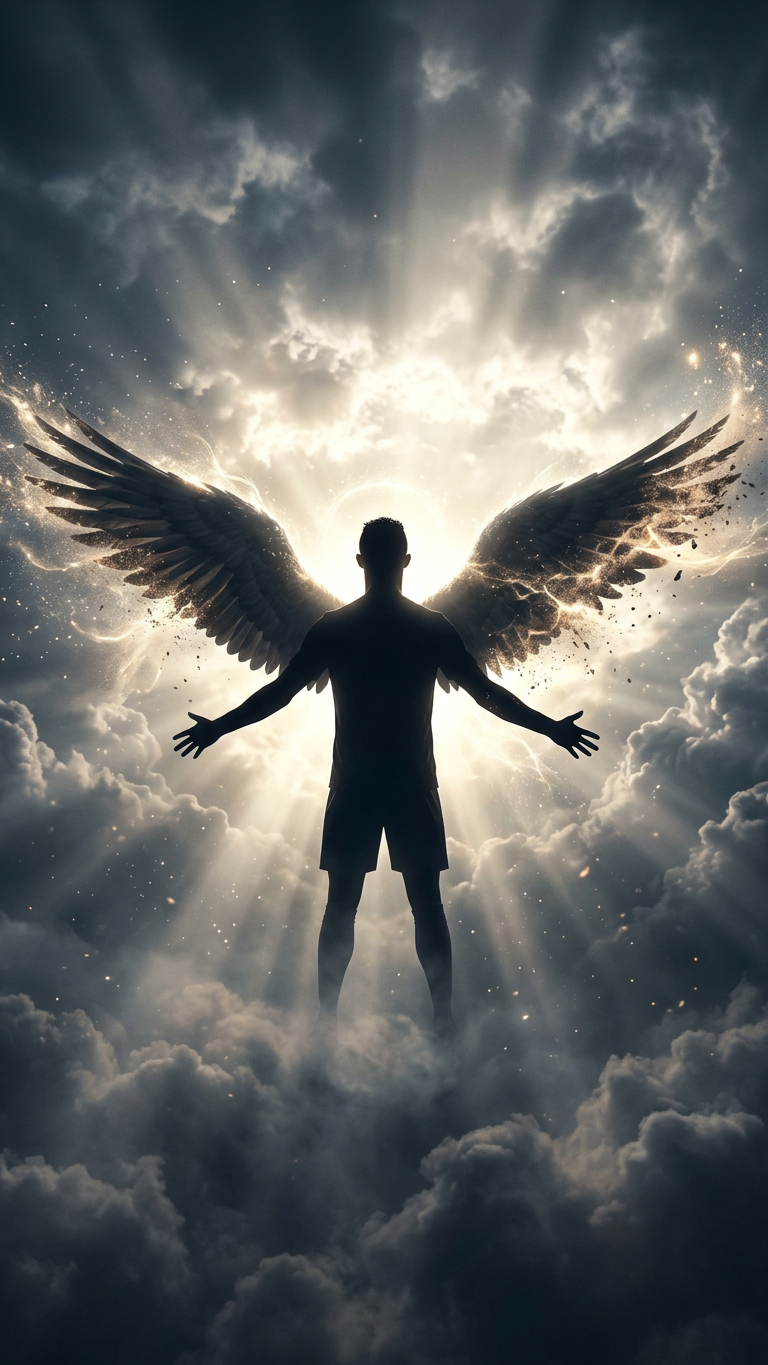
Lightborne Wings
- Model
- Nano Banana 2
- Image
- 768 × 1365 px
Prompt
Subject standing in silhouette with outstretched wings, bathed in a flood of radiant light breaking through vast clouds; the subject is centered, facing the glow, with wings dissolving into light and particles; beams of illumination cascade around the figure, creating a halo-like aura and long shadows; the environment feels infinite, with mist, soft haze, and drifting dust catching the light; the composition is cinematic and symbolic, evoking transcendence, freedom, and quiet power; high contrast between darkness and brilliance, ethereal atmosphere, poetic and emotionally resonant.
Any aspect ratio
Overview
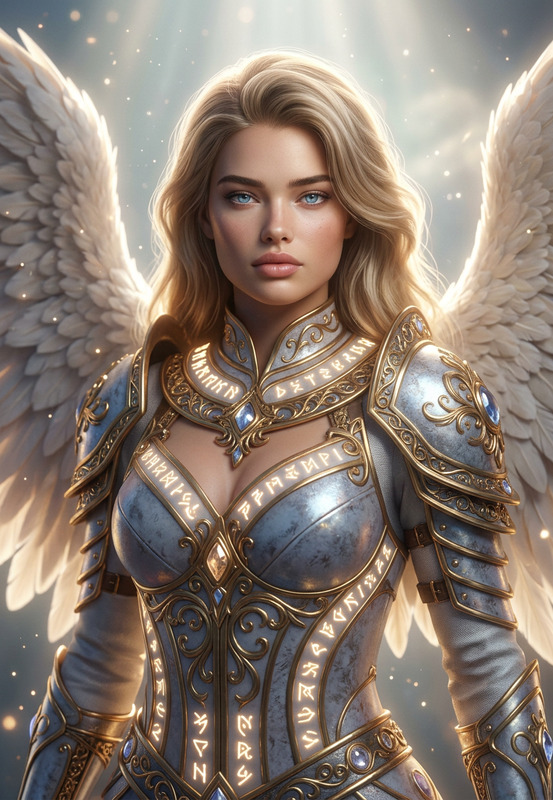
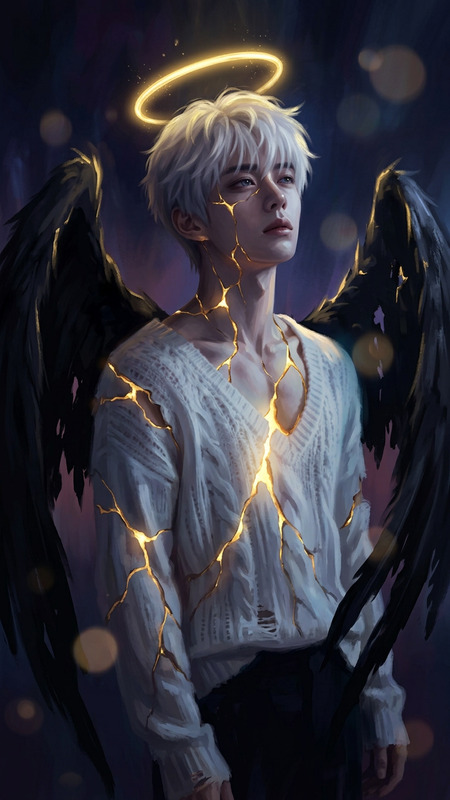
Lightborne Wings is an AI Image Editor template designed to inspire creators with its cinematic and symbolic imagery. Featuring a powerful prompt by nano-banana-2, it combines high contrast and ethereal elements to evoke emotions of transcendence and freedom.
What It Does
This template transforms regular images into breathtaking compositions with a focus on light and space. Using the AI's capabilities, it creates scenes where your subject is haloed by light, set against vast clouds and mist. Ideal for those looking to add both drama and emotional depth with ease.
Enhance the mystical quality of your projects with tools that evoke a sense of awe and poetic resonance.
Who It's For
Lightborne Wings is perfect for digital artists and content creators looking to elevate their visual storytelling. Whether you're producing content for social media, creating mood boards, or enhancing a storyboarding project, this template adds a layer of sophistication and symbolism to your work.
Summary
Crafted to inspire, Lightborne Wings merges art with technology. It's part of a suite that includes the AI Image Generator and other tools, enabling creators to produce visually stunning and emotionally charged imagery.
How To
Choose Your Template

Customize Your Settings

Generate Your Image

Use Cases
Digital Art Compositions
- Balanced lighting for dramatic effect
- Enhanced subject focus with particle effects
Marketing Visuals
- Evoke transcendence in brand imagery
- Create striking visual narratives
Book Cover Designs
- Highly symbolic imagery
- Contrasting elements to draw attention
Best Practices
Emphasize Contrast
Leverage the high contrast feature to ensure your subject stands out against the light-infused backdrop.Incorporate Particle Effects
Use particle effects to enhance the sense of motion and dynamism around your subject.Focus on Composition
Center your subject accurately and utilize the cinematic prompts to create balanced, impactful compositions.