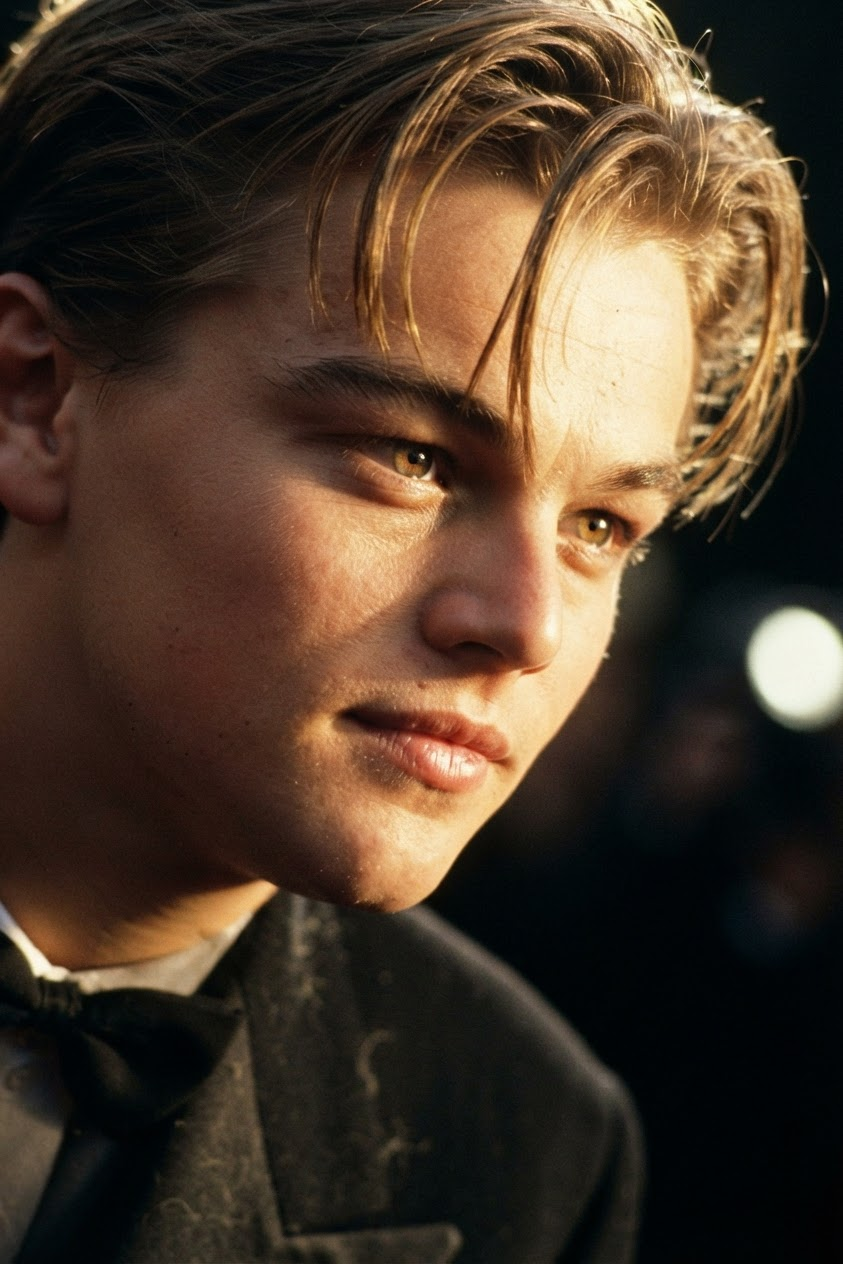
Golden Hour Wind
- Model
- Nano Banana 2 Lite
- Image
- 843 × 1264 px
Prompt
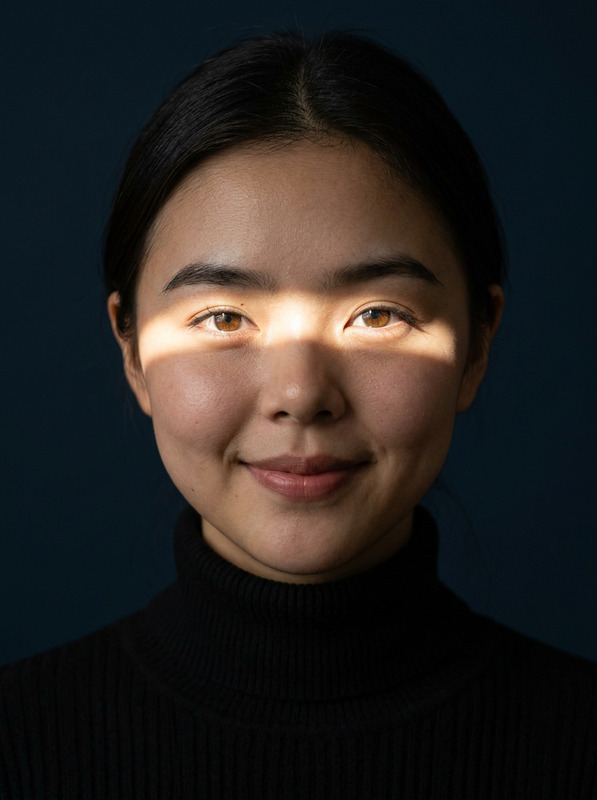
Extreme close-up cinematic portrait of a subject captured from a tilted side angle, with the gaze directed naturally out of frame. Shallow depth of field isolates the face against a dark, softly blurred background. Warm golden-hour cinematic lighting creates strong yet natural highlight-and-shadow contrast, with realistic film texture and organic tonal transitions. The subject has warm amber eyes with bright, physically accurate catchlights, slightly flushed cheeks, soft natural lips, and an authentic no-makeup appearance. Fine, slightly messy hair strands move naturally across and around the face in a gentle breeze, with individual strands and subtle flyaways visible against the backlight. Sunlight passes naturally through the illuminated hair, creating delicate translucent highlights. Preserve realistic skin pores, fine facial texture, natural imperfections, and believable anatomy without excessive retouching or artificial smoothness. Include highly detailed fuzzy fibers and tactile texture in the black wool-blend fabric, contrasting against the soft skin and illuminated hair. Photorealistic cinematic fashion editorial, naturalistic photography, subtle film grain, realistic optics, intimate atmosphere, refined composition, premium magazine aesthetic.
Any aspect ratio
Overview
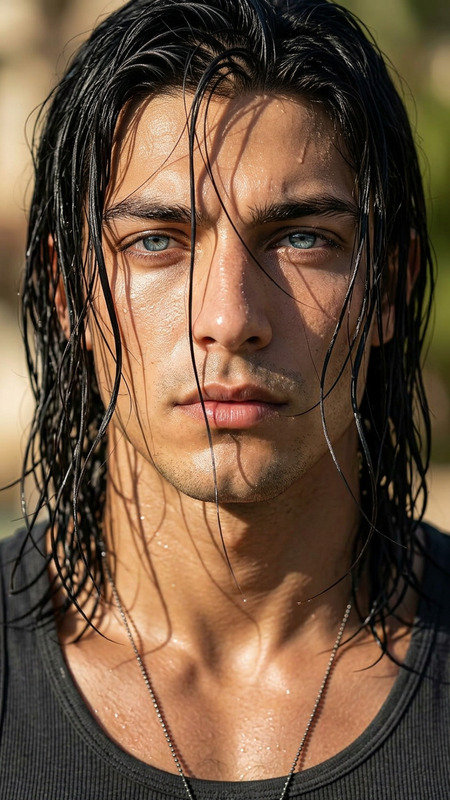
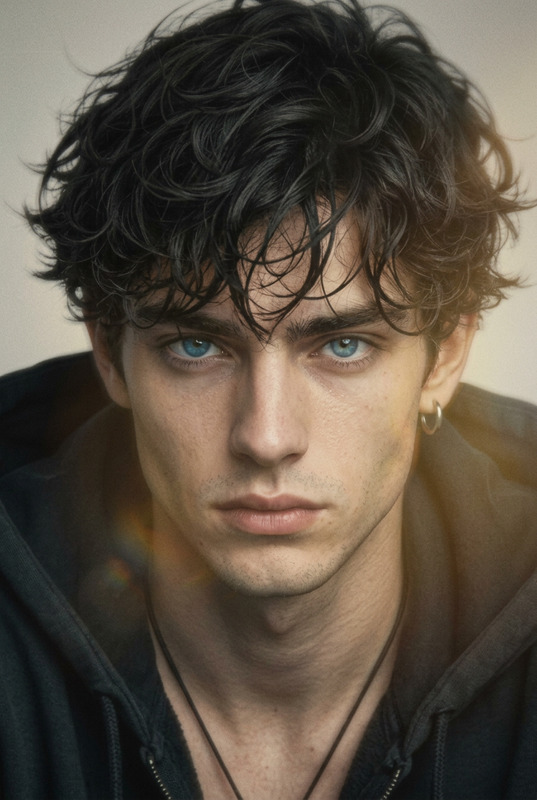
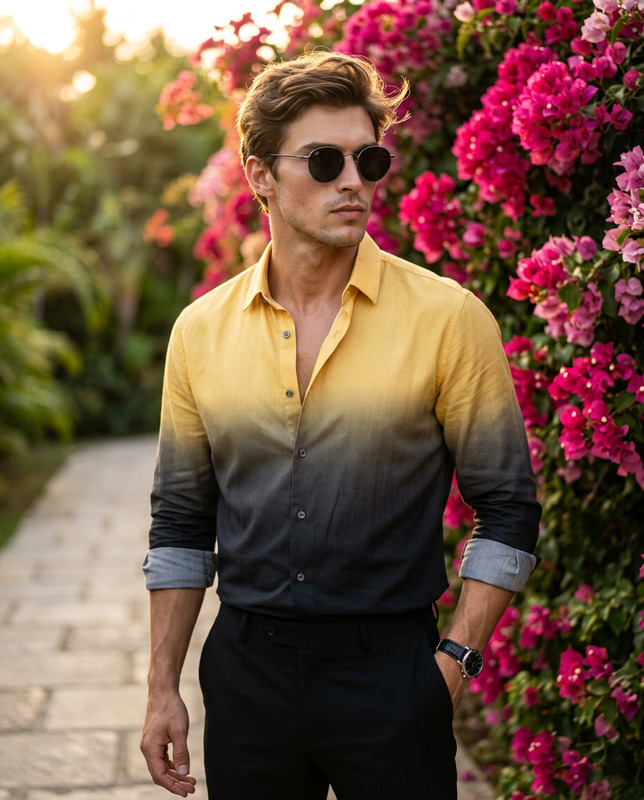
Golden Hour Wind elevates your portrait photography by introducing cinematic warmth and natural touches to your images. This AI Image Editor template, driven by the AI Image Editor, is designed for creators seeking that perfect blend of aesthetics and realism with a professional magazine quality.
What It Does
This template works to enhance portrait shots with golden-hour lighting effects and fine detail preservation. By using the AI Photo Relighting, it manipulates light to create warm, realistic visuals and maintains all the natural imperfections and textures your audience loves.
Who It's For
Golden Hour Wind is perfect for photographers, fashion editors, and content creators focused on high-impact imagery. Whether you are crafting editorial pieces or personal projects, this tool assures that your AI Headshot Generator portraits resonate with authenticity and artistic flair.
Summary
Integrating delicate lighting with detailed textures, Golden Hour Wind transforms ordinary portraits into cinematic visuals that stand out. It's a versatile addition to any creator's toolkit, aligning well with projects that require a refined, professional touch.
How to Use Golden Hour Wind
Choose Golden Hour Wind

Customize Your Edit

Generate Your Portrait

Use Cases
Fashion Editorials
- Capture subtle texture
- Highlight natural beauty
Social Media Content Creation
- Boost engagement with stellar portraits
- Create shareable content
Portfolio Development
- Showcase realistic textures
- Highlight personal style
Best Practices
Emphasize Natural Textures
Ensure the preservation of natural skin and hair textures to maintain authenticity.Balance Light and Shadow
Adjust lighting to create a natural contrast without overwhelming the subject.Leverage AI Tools for Consistency
Utilize the AI Video Extender and AI Video Generator for consistent visual aesthetics across mediums.