Golden Hour Reverie
- Model
- Nano Banana 2 Lite
- Image
- 864 × 1224 px
Prompt
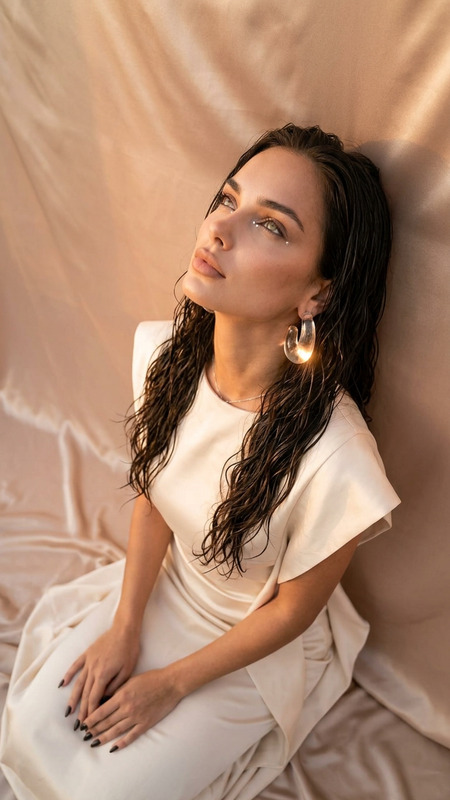
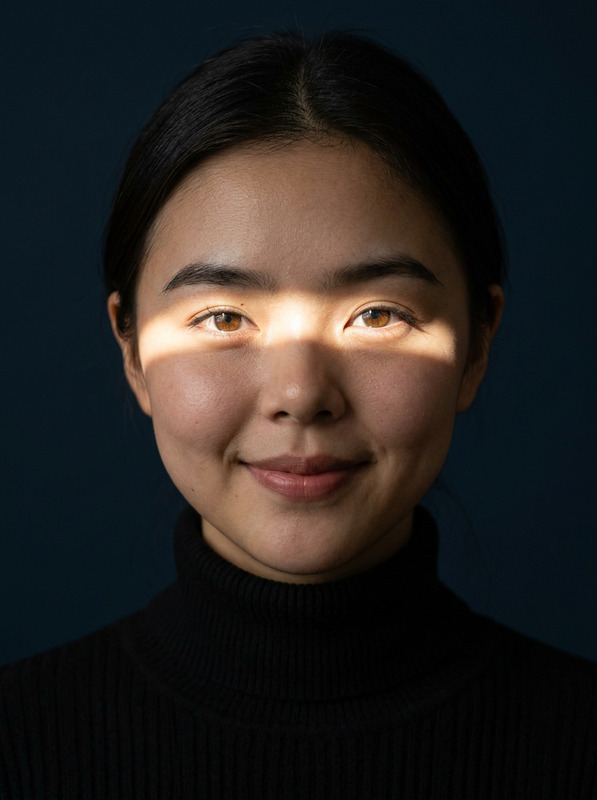
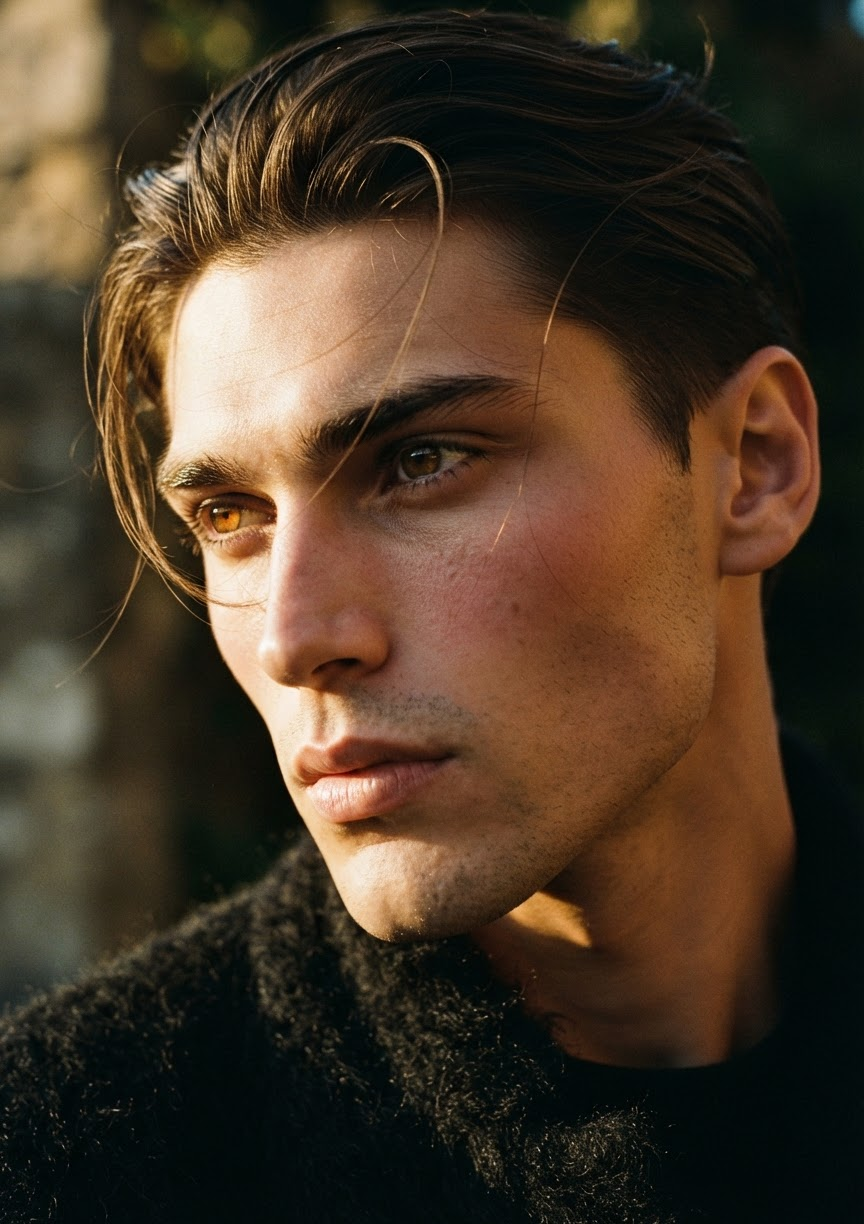
A premium cinematic extreme close-up portrait featuring a subject captured from a tilted side angle, with the gaze directed naturally out of frame. The composition feels intimate and observational, using a shallow depth of field that isolates the subject against a dark, softly blurred background. Warm golden-hour light creates dramatic highlight-and-shadow contrast, sculpting the face with realistic naturalism while preserving a subtle analog film texture. The subject has luminous amber eyes with bright natural catchlights, soft windblown hair with fine loose strands brushing across the face, slightly flushed cheeks, a fresh no-makeup appearance, and naturally soft lips. Every surface is rendered with tactile realism, including visible skin pores, delicate subsurface scattering as sunlight passes through the skin, backlit individual hair strands glowing at the edges, and the fuzzy woven fibers of a black wool-blend garment. The overall mood is quiet, nostalgic, cinematic, and effortlessly elegant, with ultra-detailed 8K realism and a refined editorial photography aesthetic.
Any aspect ratio
Overview
The Golden Hour Reverie template is a sophisticated AI Image Editor tool designed for those seeking to create premium, cinematic portraits. Leveraging the advanced capabilities of the nano-banana-2-lite model, this template transforms close-up images into artistic works with lifelike details and emotive lighting reminiscent of the golden hour.
What It Does
This template specializes in enhancing portrait images by applying a cinematic touch. It captures subjects from a tilted side angle, using warm golden-hour lighting to highlight facial features while maintaining a subtle analog film texture. The shallow depth of field isolates the subject, enhancing the details of luminous amber eyes, soft windblown hair, and the intricate texture of garments.
Who It's For
Golden Hour Reverie is ideal for professional photographers, editorial artists, and creative directors who want to produce striking, intimate portraits with an ultra-detailed finish. It's perfect for those in industries that value editorial-grade photographs and wish to add a nostalgic cinematic mood to their imagery.
Summary
Golden Hour Reverie offers an effortless way to achieve high-level editorial aesthetics in your portrait work. With focus on enhancing every facet from skin pores to individual hair strands, the template delivers a realistic and polished finish that appeals to a wide range of professional applications.
How To
Choose the Template

Customize Your Image

Generate and Download

Use Cases
Editorial Photography
- Utilize for magazine spreads
- Enhance social media campaign images
Film Production
- Character-driven close-ups
- Mood-setting stills for marketing
Advertising
- Highlight product ambassadors
- Use for billboard campaigns
Best Practices
Leverage Natural Light
Use real-time lighting effects in your base images to maximize the template's golden-hour enhancement features.Focus on Facial Expressions
Center the emotional impact of your portraits on the subject's gaze and subtle facial features for more engaging compositions.Preserve Natural Textures
Retain the original texture details in your images to blend seamlessly with the layer enhancements, ensuring a realistic finish.