Sunset
- Model
- Qwen Edit
- Image
- 728 × 912 px
Prompt
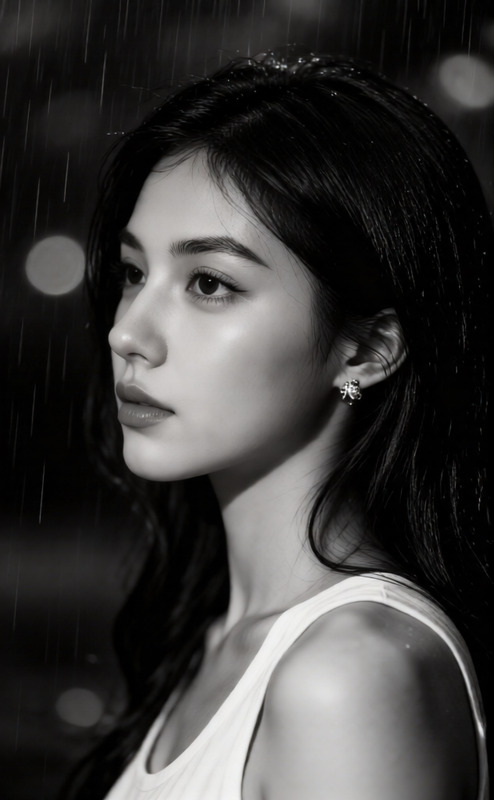
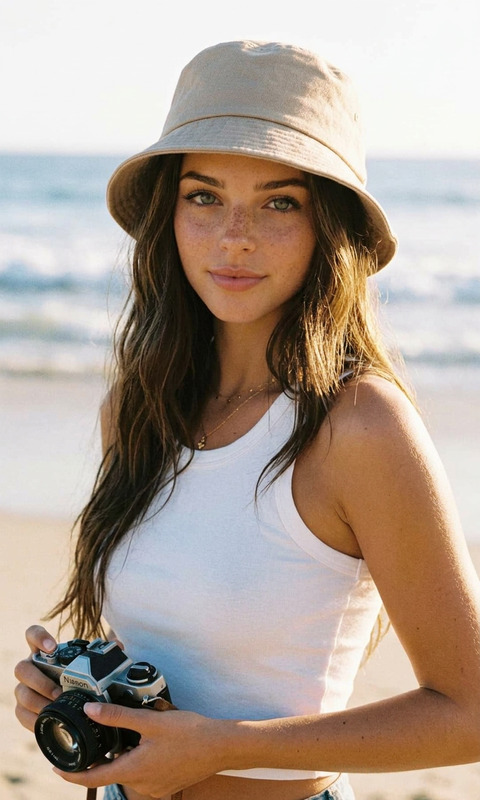
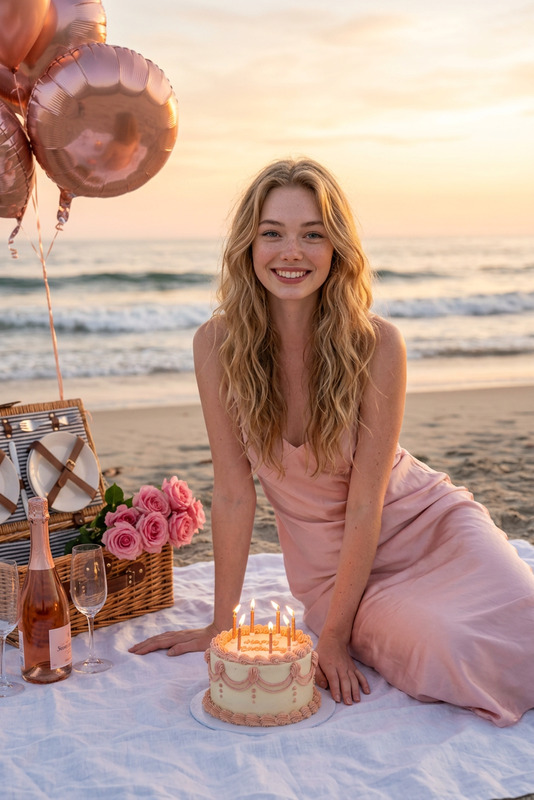
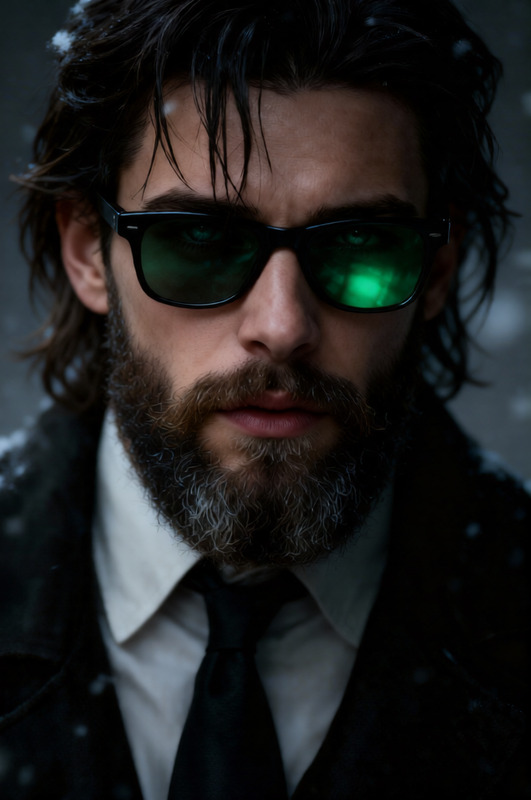
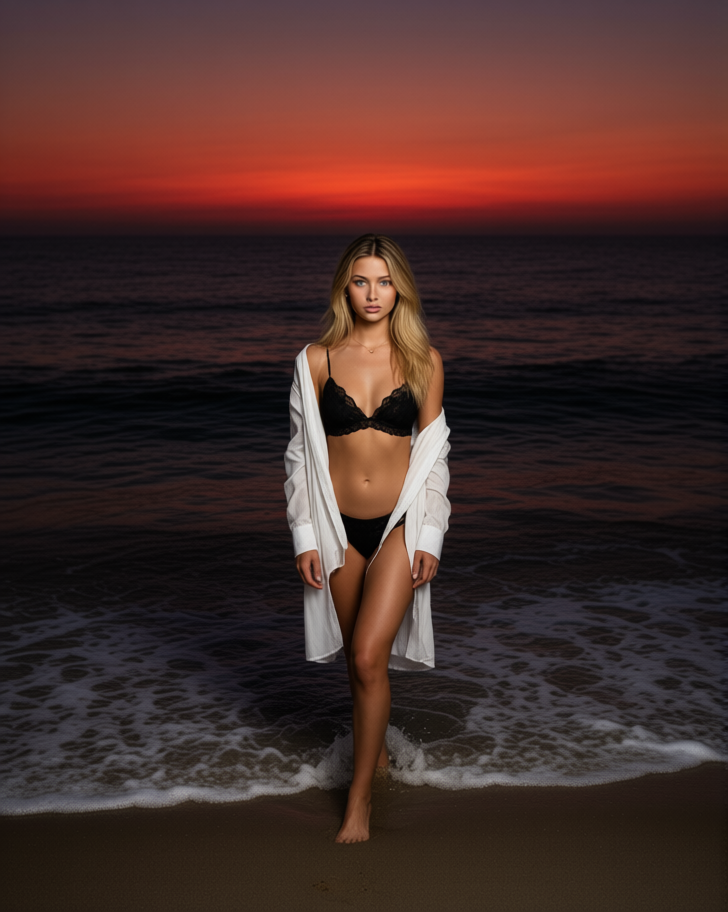
A full-length portrait of a subject on the ocean shore at dusk: they stand at the edge of the foaming water, the composition is centered, the horizon and crimson sunset occupy the upper portion of the frame, and the dark surface of the ocean recedes into the depths. A hard, professional flash illuminates the figure in the darkness, separating them from the background, leaving soft shadows on the sand and water, emphasizing the atmosphere of an elite evening getaway.
Any aspect ratio
Overview
Transform your images into captivating scenes with our Sunset template for the AI Image Editor. Utilizing the Qwen-Edit model, this template creates stunning visuals of sunsets highlighting your subject in their most picturesque moments by the ocean shore.
What It Does
This template crafts an atmospheric aesthetic, placing your subject against a richly colored sunset backdrop at the ocean. It employs a professional flash effect to create strong contrasts and soft shadows, emphasizing the serene beauty of dusk. Ideal for enhancing photos that capture the essence of evening escapes, the AI Image Editor offers versatile editing options to tailor the effect to your vision.
Who It's For
This template is perfect for photographers and digital creators who specialize in travel, lifestyle, and fashion photography. Whether you're crafting visuals for social media ads or product promotions, the Sunset template provides the tools to elevate your imagery with professional finesse.
Summary
Enhance your images with a sunset charm using the Sunset template. From influencers creating Instagram Reels to product photographers developing marketing visuals, this template brings a high-quality, professional look to your projects, blending natural beauty with digital artistry.
How-To
Choose the Sunset Template

Customize Your Inputs

Generate Your Image

Use Cases
Travel Photography Enhancements
- Highlight vacation photos with sunset effects
- Create mood boards for travel campaigns
Fashion Editorials
- Use for magazine features
- Enhance social media visuals
Lifestyle Branding
- Develop engaging social posts
- Create ad campaigns that resonate with audiences
Best Practices
Optimize Flash Settings
Utilize the flash effects to carefully illuminate your subject against darker backgrounds, enhancing clarity.Adjust Color Balance
Tweak the warmth and intensity of sunset hues to create a consistent color scheme.Consider Composition
Ensure your subject's placement complements the horizon and sunset, using the template's tools for perfect alignment.