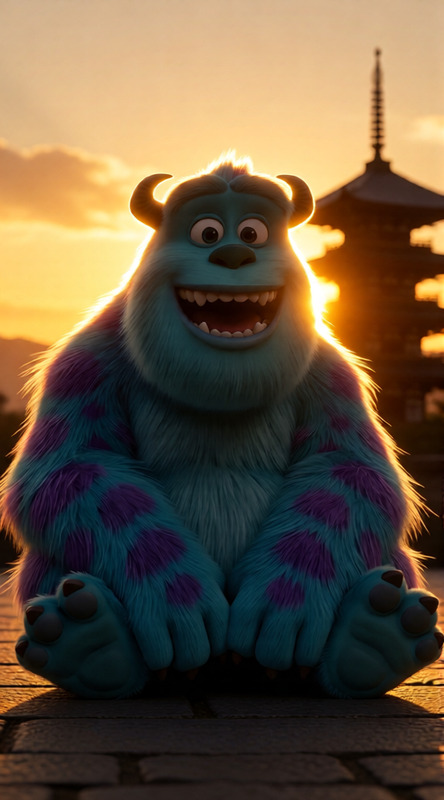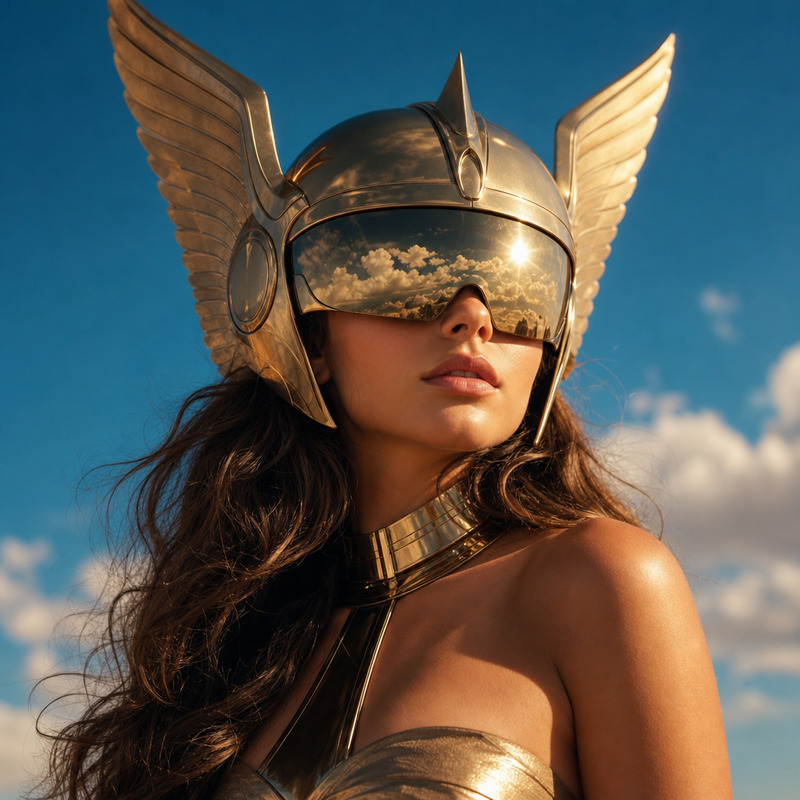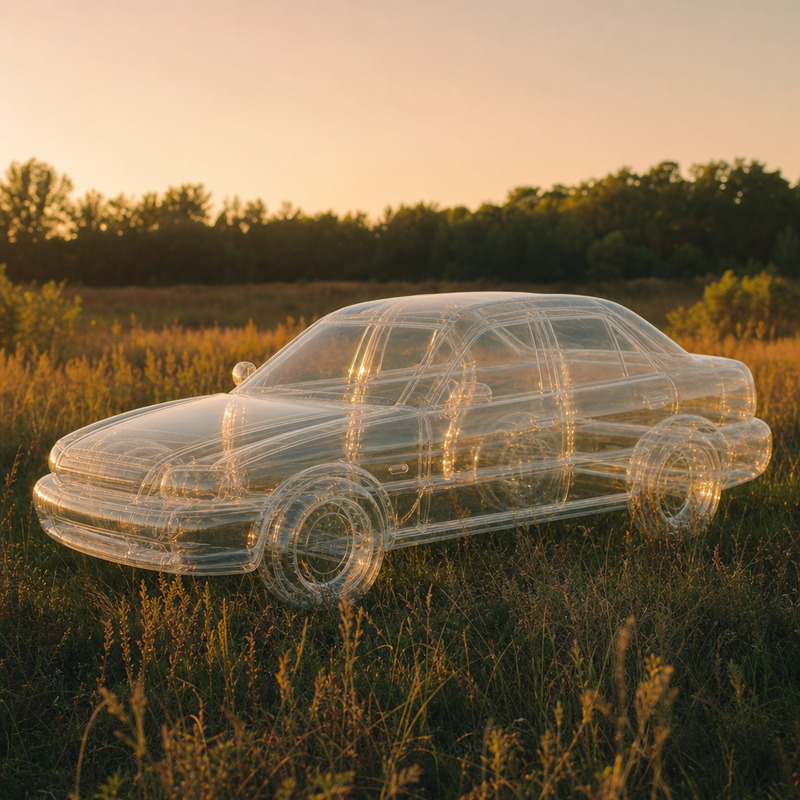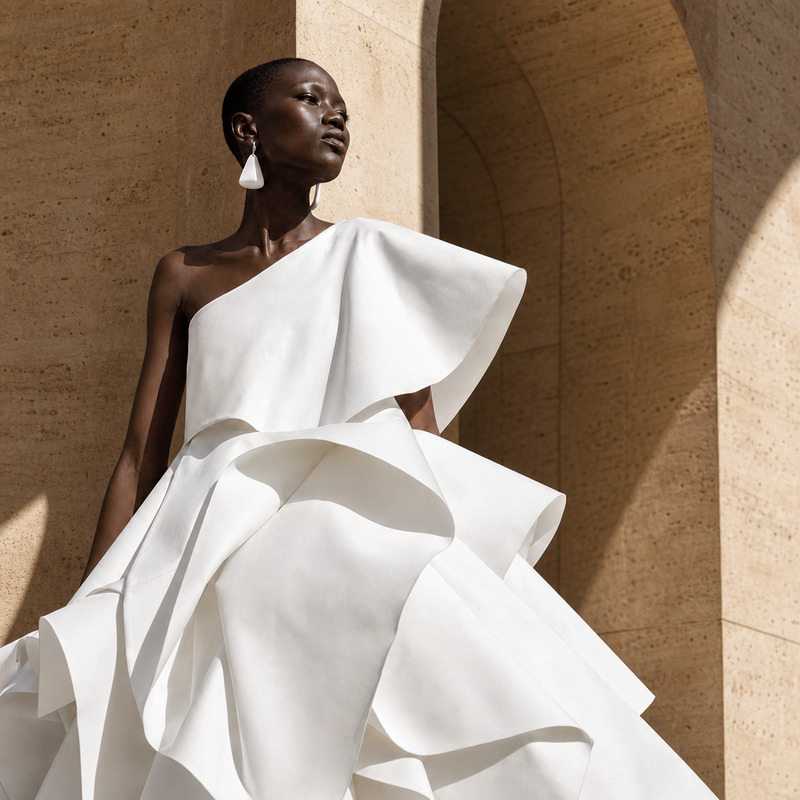
AI Image Editor · Add dramatic golden-hour windo
- Model
- GPT Image 2
- Image
- 1024 × 1024 px
Prompt
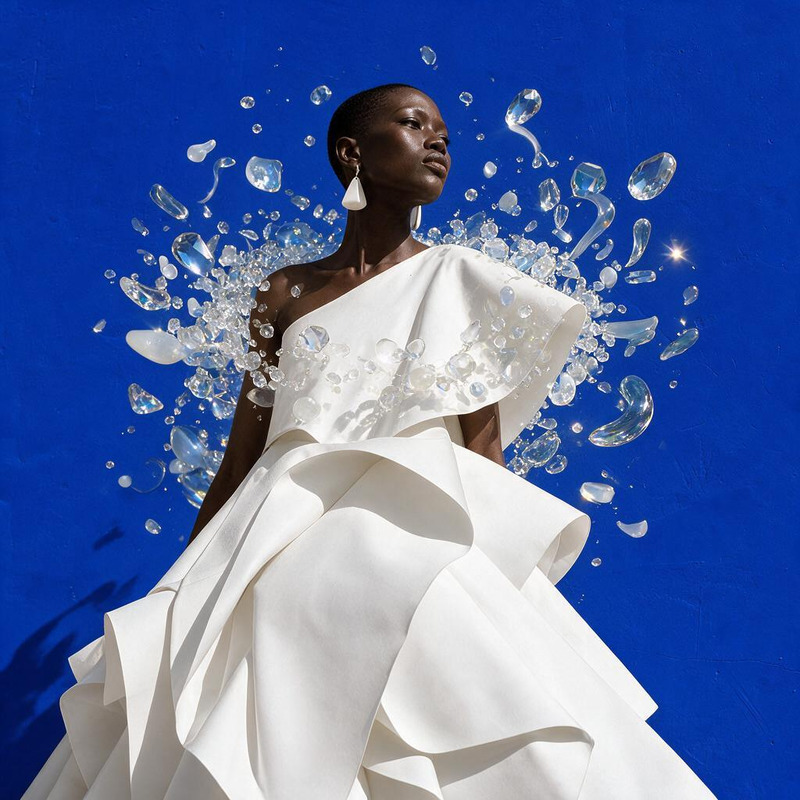
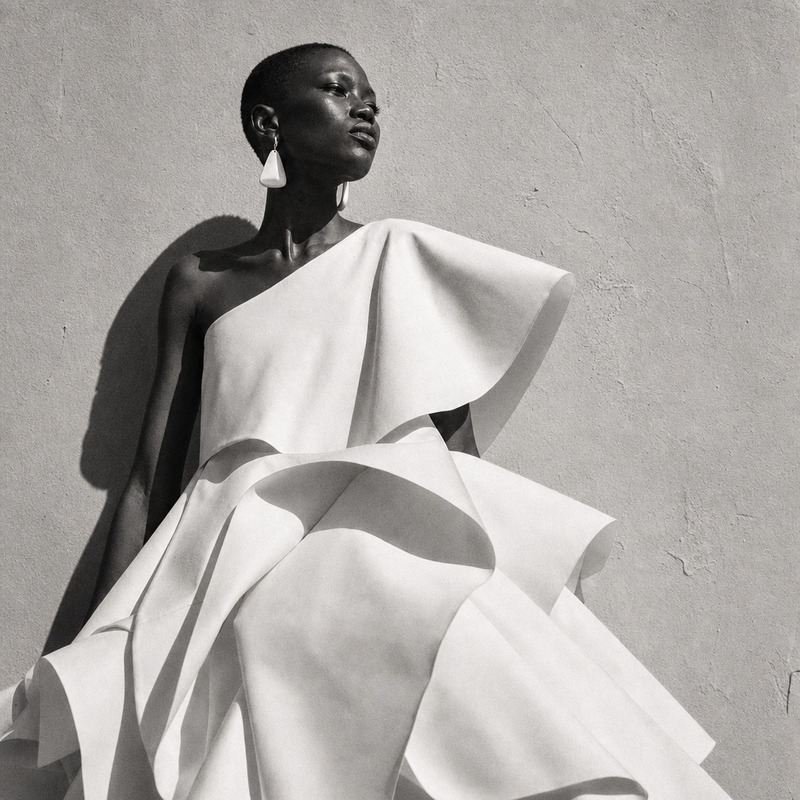
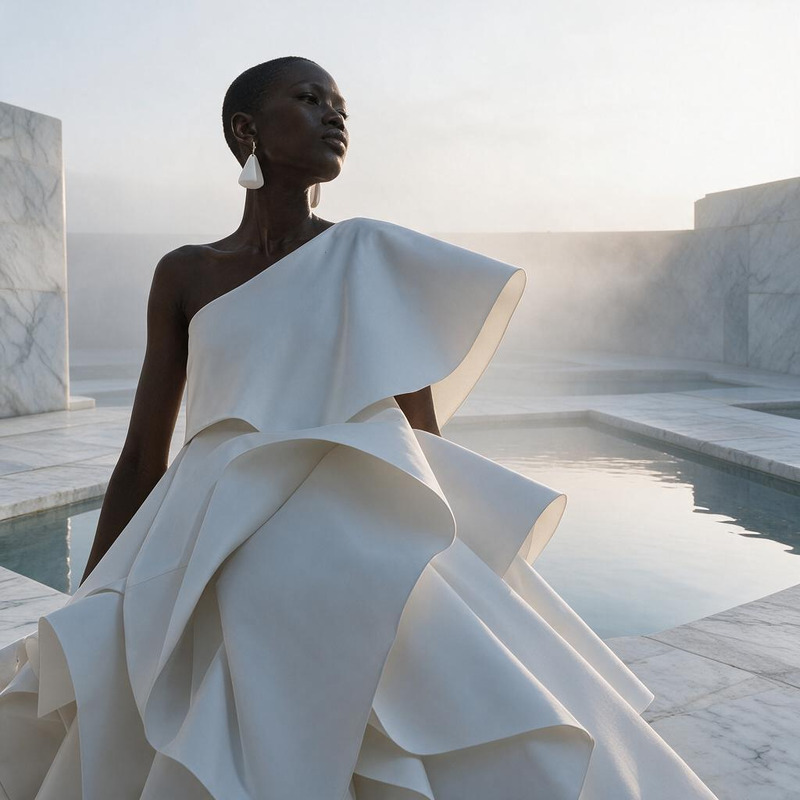
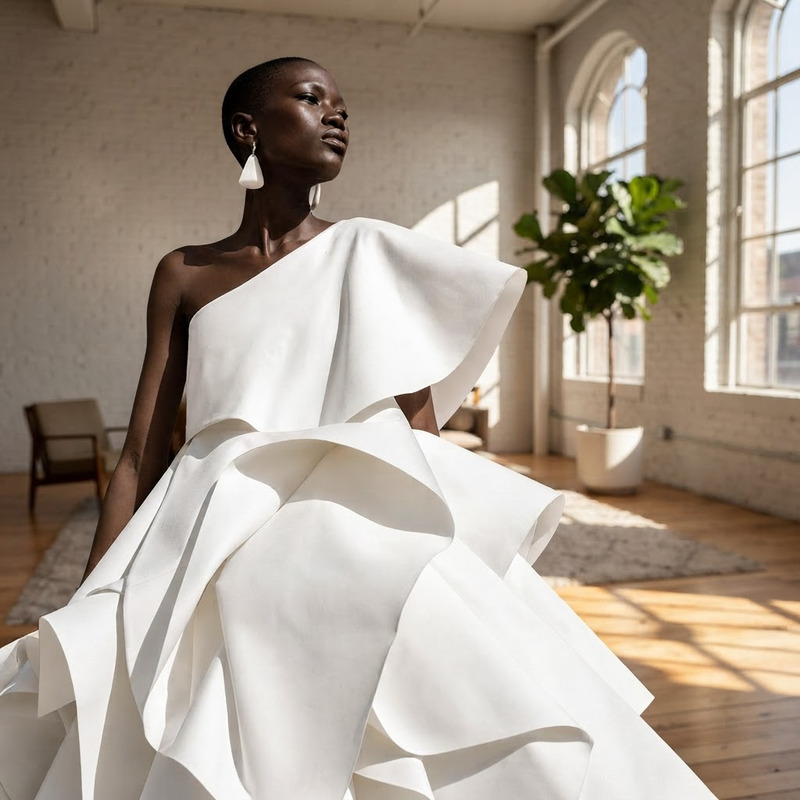
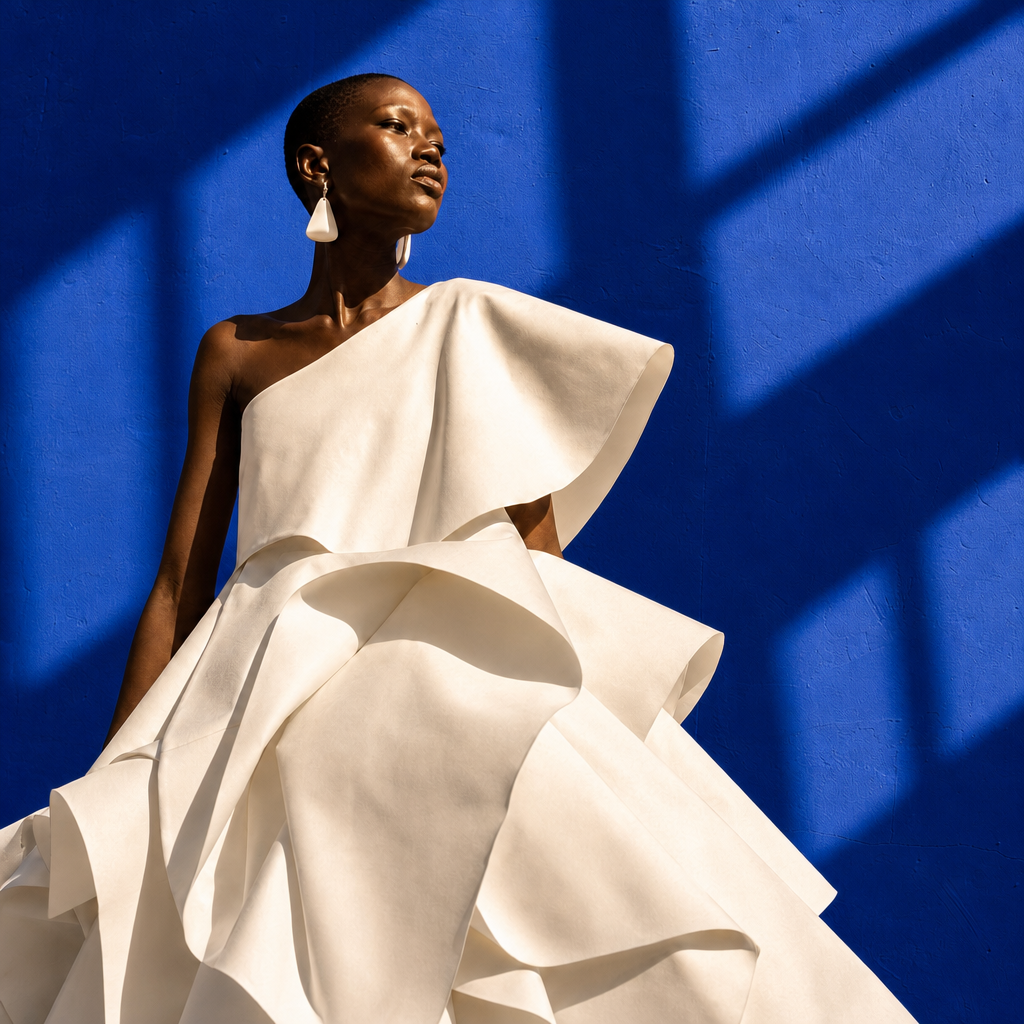
Add dramatic golden-hour window light and long geometric shadows across the blue background
Any aspect ratio
Overview
Enhance your images with a touch of magic using our AI Image Editor. This template allows you to add a dramatic golden-hour window light effect, casting long geometric shadows over a blue backdrop. Designed for those who wish to elevate their visual content with professional-grade lighting, this tool is perfect for any creative project.
What It Does
The AI Image Editor is engineered to add artificial but realistic lighting effects to your images. Specifically, it inserts a golden-hour window light, producing elongated, geometrical shadows. This enhancement can breathe new life into otherwise flat and dim visuals, producing images that captivate attention.
This editor complements tools like the AI Profile Picture Generator and the AI Photo Relighting feature to ensure your images meet professional standards.
Who It's For
This AI Image Editor is ideal for photographers, graphic designers, and marketers looking to improve the visual impact of their work. Whether you're involved in eCommerce or personal branding, adding these dramatic lighting effects will make your images stand out.
Summary
By leveraging the AI Image Editor, anyone can enhance their images with quality lighting effects. Perfect for professionals needing to add depth and texture, this tool uses the gpt-image-2 model to ensure every image you edit appears both natural and striking.
How To
Choose Your Template

Customize Your Image

Generate Your Enhanced Image

Use Cases
Dramatic Portraits with Natural Lighting Effects
- Add depth and interest to face shots
- Create mood with strategic shadow placement
Elevate Product Photography
- Highlight product details and textures
- Create an appealing setting with light and shadow
Mood Enhancement in Digital Art
- Enhance storytelling through visuals
- Guide viewer focus with lighting
Best Practices
Select High-Contrast Photos
For the best results, choose images with strong contrasts between foreground and background.Adjust Shadow Length
Modify shadow lengths to align with your creative vision, adjusting the prompt values accordingly.Combine with Other Tools
Utilize alongside the AI Image Upscaler to enhance resolution after editing for the best quality output.