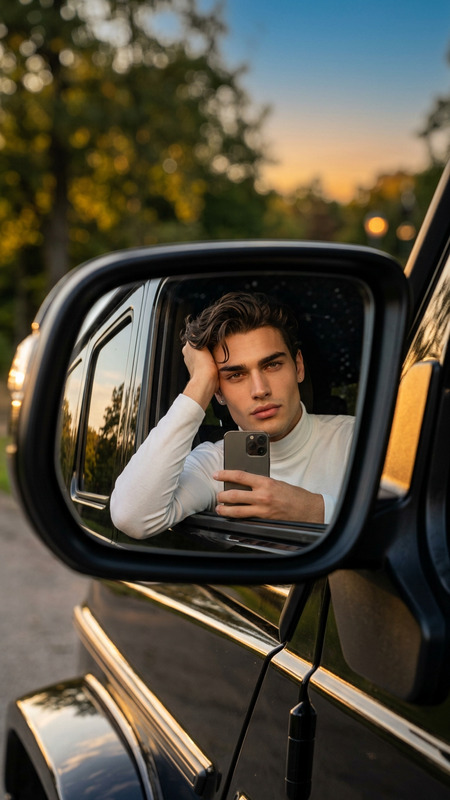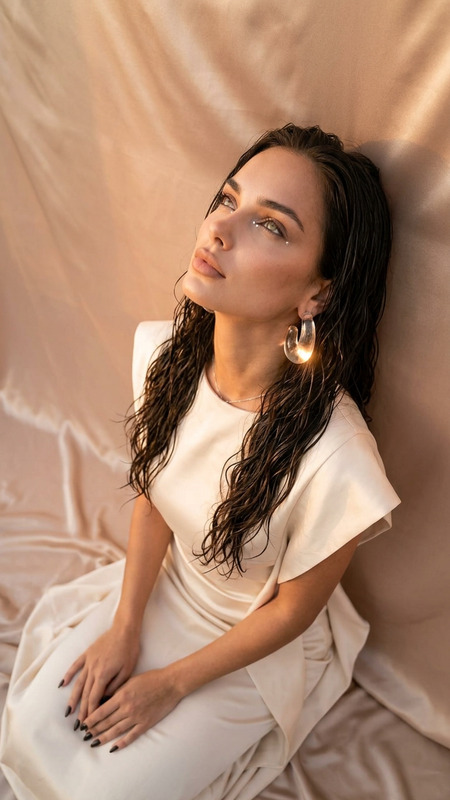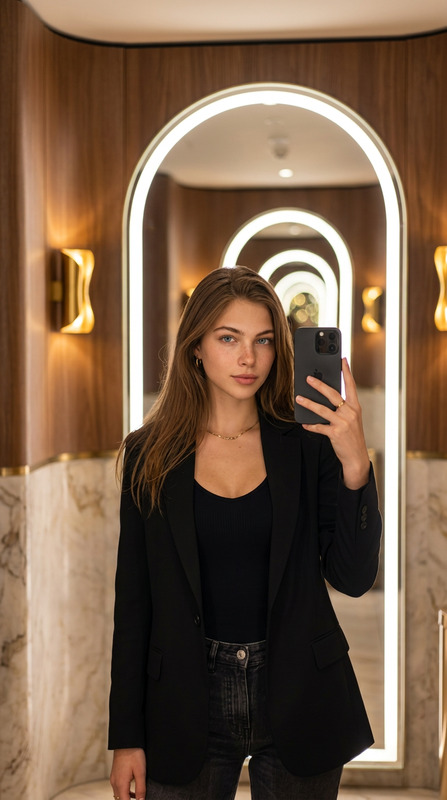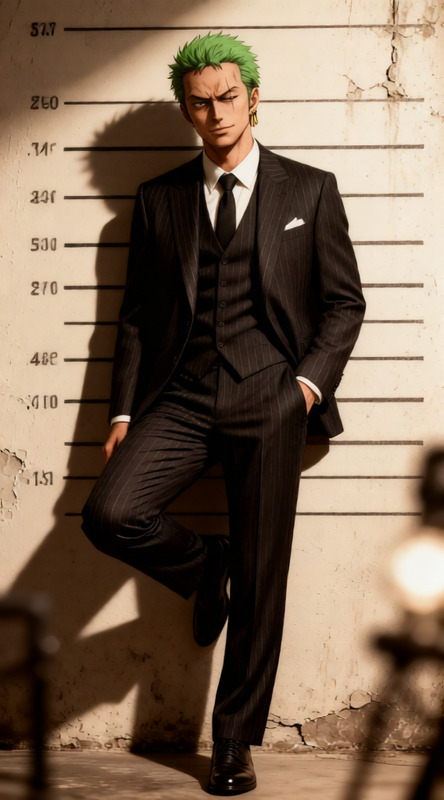
Golden Pop Mirror
- Model
- Qwen Edit
- Image
- 584 × 1024 px
Prompt
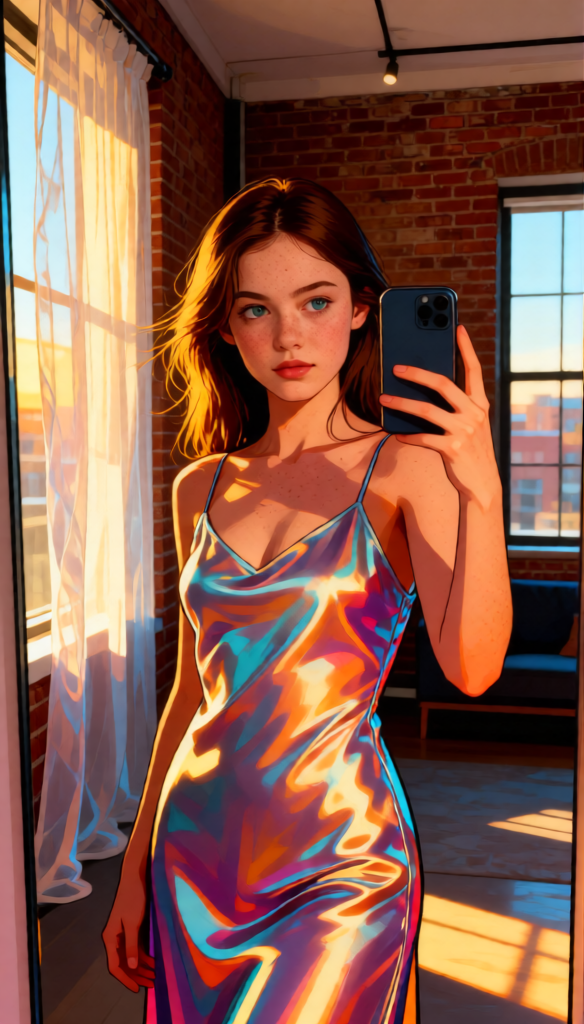
A mirror selfie portrait of a subject in a modern loft apartment with exposed brick, minimalist decor, and translucent sheer linen curtains. The subject wears a tailored, shimmering satin slip dress with a fluid, delicate sheen (cute hot mirror selfie outfit). The subject has hyper-realistic skin with visible pores (no airbrushing), captivating eyes, and naturally styled hair with visible strands and subtle flyaways. Golden hour lighting creates a diffused, painterly glow with dramatic shadows. Shot on Canon EOS R5 with RF 85mm f/1.2L USM. The visual style blends ultra-realism with pop art elements, creating a vibrant yet cinematic aesthetic.
Any aspect ratio
Overview
The Golden Pop Mirror AI Image Editor template elevates your imagery with a unique blend of realism and pop art, maximizing the impact of your visual content. This tool is perfect for creating stunning portraits set against modern interiors with exceptional detail and lighting effects.
What It Does
This AI Image Editor template generates high-quality images that fuse hyper-realistic details with vibrant pop art elements. It meticulously portrays skin texture and eye detail, set in a styled modern loft, capturing the essence of golden hour's painterly glow. Enhance your photos with dramatic shadows and a cinematic feel, perfect for any fashion-forward project.
Who It's For
The Golden Pop Mirror template is ideal for content creators, fashion influencers, and lifestyle photographers aiming to produce eye-catching visuals. Whether you're a blogger focused on style, or a brand seeking engaging content, this template will add a polished, professional touch to your work.
Summary
With the AI Image Editor templates like Golden Pop Mirror, you can transform standard images into visually striking pieces. By leveraging the Qwen Edit model, this template provides detailed image enhancements with a stylish twist, making it a favorable tool for those in the creative industries.
How to Use
Choose Template

Customize Inputs

Generate and Download

Use Cases
Fashion Blogging
- Capture the glow of golden hour
- Highlight fabric textures and skin details
Lifestyle Photography
- Blend realism with pop art effects
- Use in portfolio showcases
Social Media Content
- Improve engagement with striking visuals
- Add depth to everyday scenes
Best Practices
Focus on Lighting
Experiment with golden hour settings to add warmth and depth to your images.Use Quality Inputs
Ensure high-quality image inputs for the best enhancement results. Pair with a proficient lens for optimal clarity.Blend Styles Thoughtfully
Maintain a balance between realism and artistic flare to produce images that are both authentic and eye-catching.