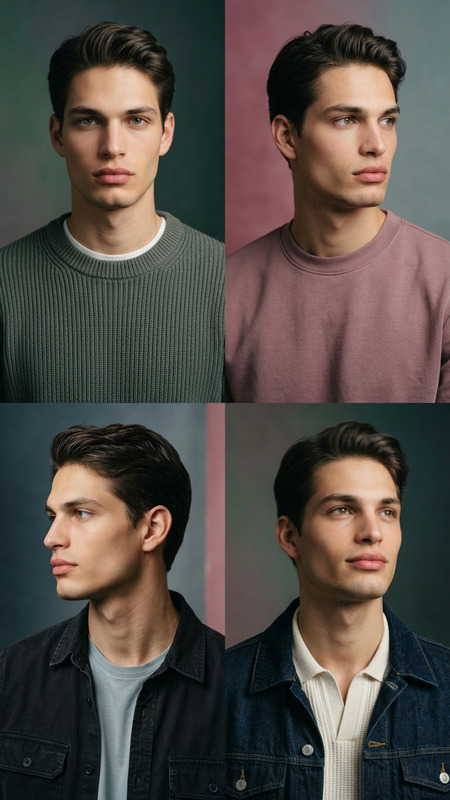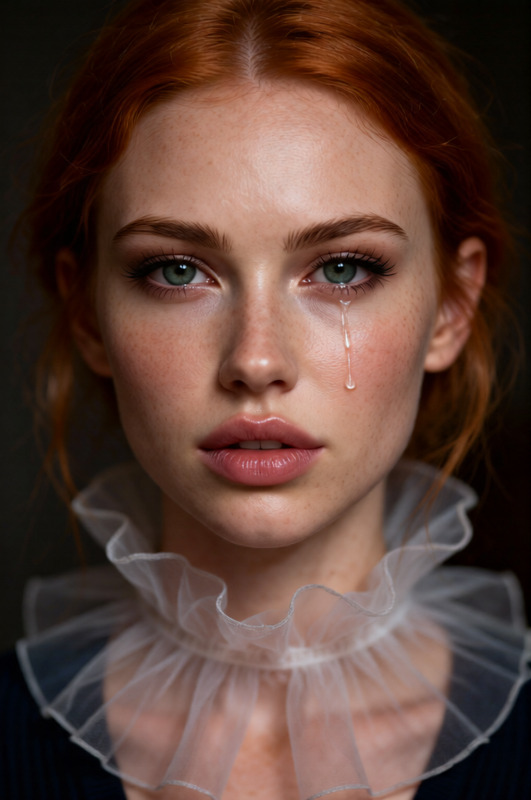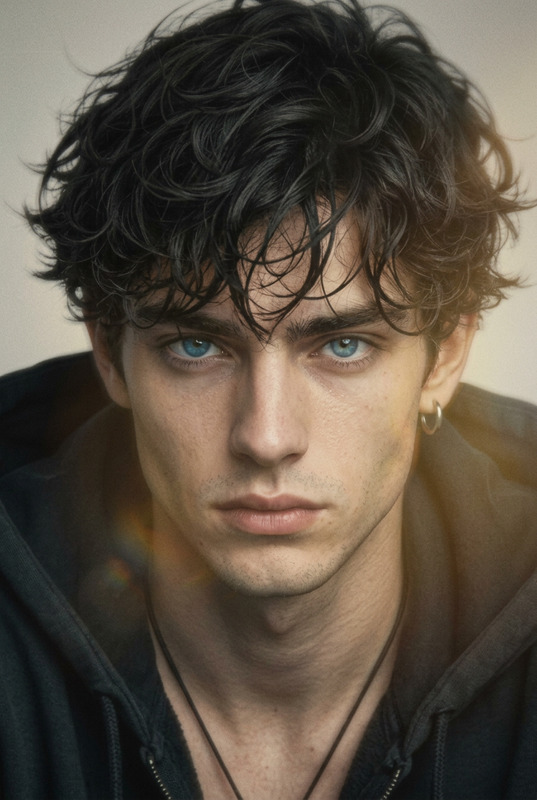
Portra Café Candid
- Model
- Qwen Edit
- Image
- 768 × 1024 px
Prompt
Keep the subject’s facial features exactly consistent with the original image. Render in a cinematic Kodak Portra 400 style. Set the scene at a golden hour coffee shop window with warm sunlight streaming in. Capture a candid moment: the subject holding a coffee cup, eyes looking away, subtle emotional mood. Use soft film grain, slight soft focus, warm glow, and shallow depth of field. Emphasize storytelling tone, natural skin tones, and gentle highlights. High detail, photorealistic, modern film aesthetic.
Any aspect ratio
Overview
The Portra Café Candid template leverages advanced AI capabilities to create stunning renditions in a cinematic Kodak Portra 400 style. Ideal for those looking to produce high-quality, photorealistic images, this template sets the stage at a golden hour café window, emphasizing warmth, mood, and storytelling.
What It Does
Designed for AI Image Editor users, this template maintains the subject's facial features while transforming the entire setting. It incorporates soft film grain, a warm glow, and gentle highlights to convey a high-detail, photorealistic scene. The result? A candid and emotive café moment captured in exquisite detail.
Who It's For
This template is perfect for photographers, digital artists, and content creators who appreciate the classic look of film photography. It's especially suited for those who aim to evoke emotional responses through imagery and who value consistency in facial features with a modern film aesthetic.
Summary
With the Portra Café Candid template, users can craft heartwarming scenes with a storytelling tone and natural skin tones. Whether you’re editing for social media, professional portfolios, or personal projects, this template provides the tools to elevate your image editing process. For further enhancements, explore the Photo Colorizer and AI Image Generator to complement your creative needs.
How To
Choose Your Template

Customize Your Image

Generate the Final Image

Use Cases
Cinematic Storytelling
Social Media Content
Portfolio Enhancement
Best Practices
Subject Clarity
Choose images where the subject's facial features are prominent to ensure the best results from the template.Lighting Considerations
Opt for images taken in natural light to maximize the golden hour effect offered by the template.Moderation in Grain
Adjust the film grain settings to suit the storytelling tone, but avoid overuse which can distract from the subject.