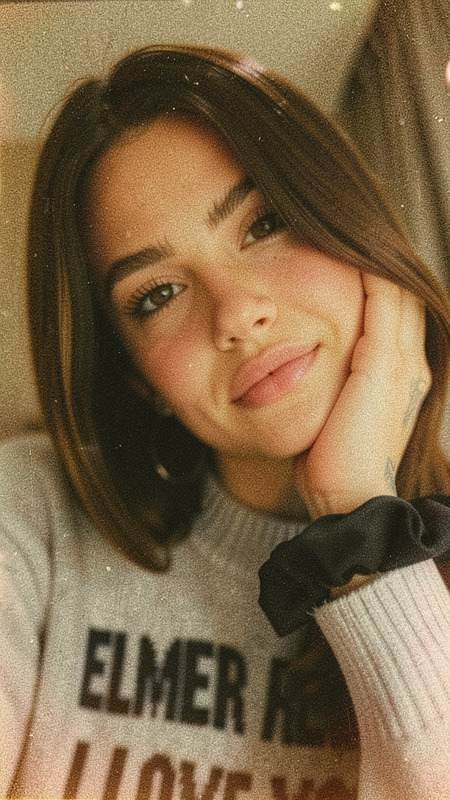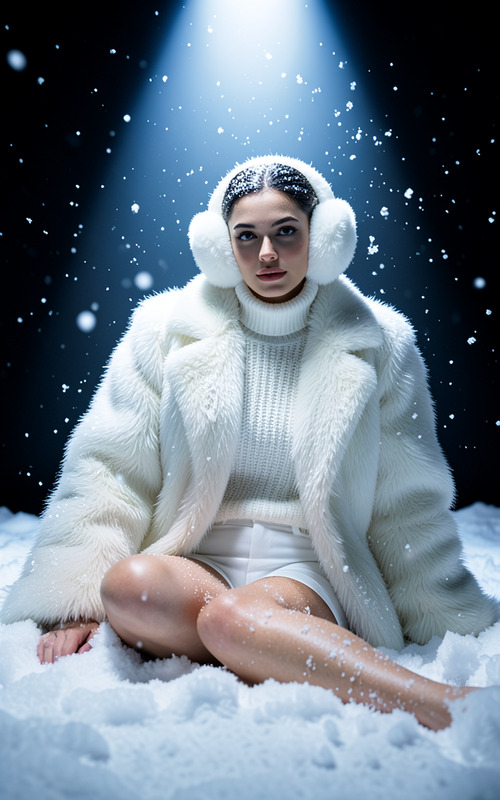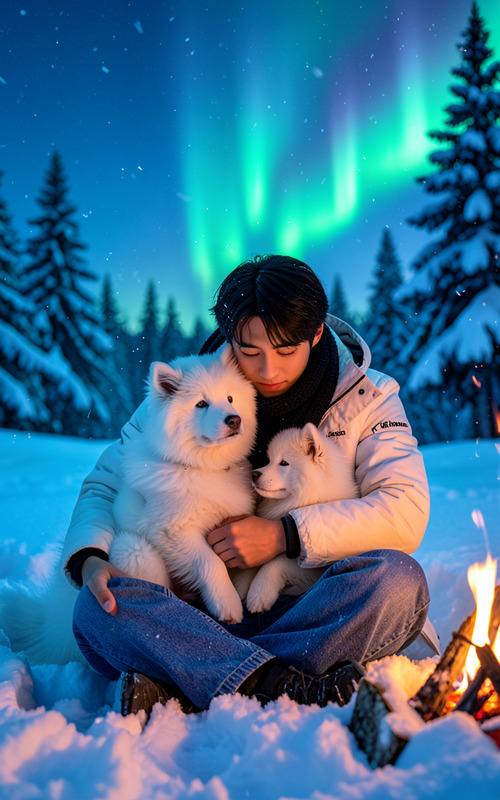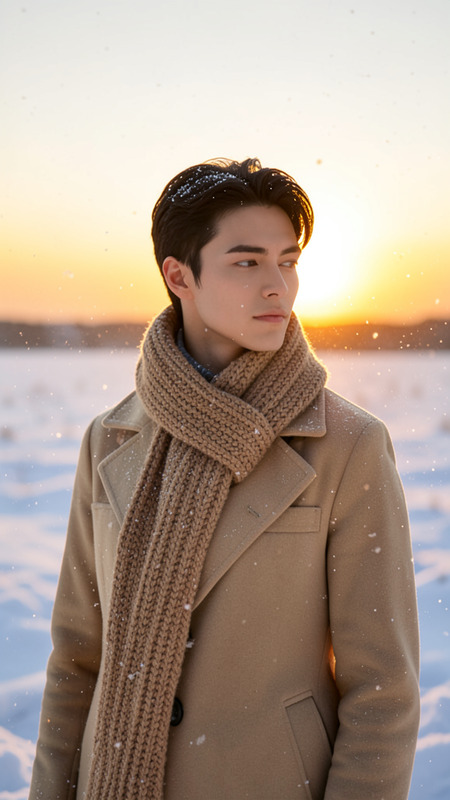
Twilight
- Model
- Flux 2 Klein
- Image
- 576 × 1024 px
Prompt
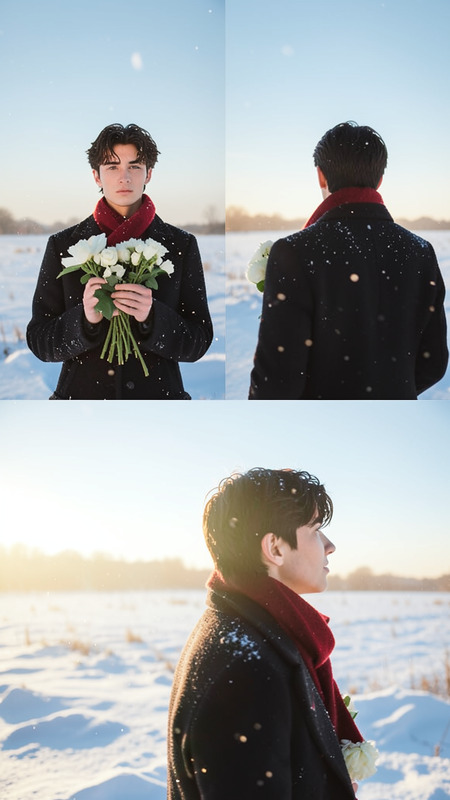
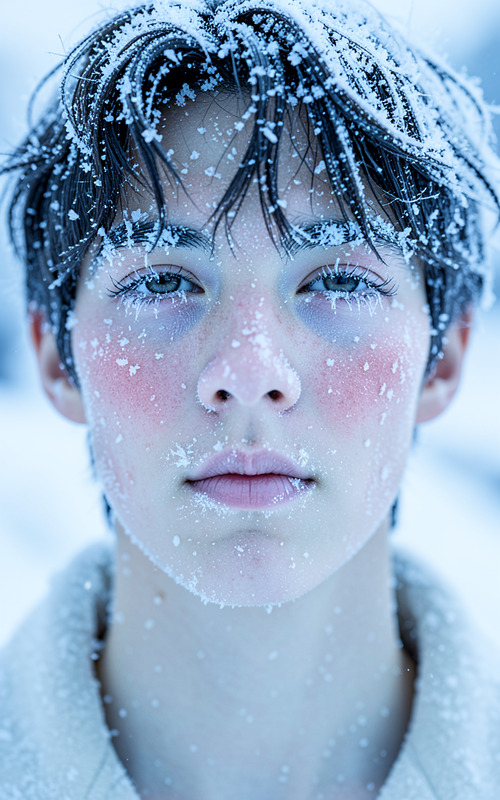
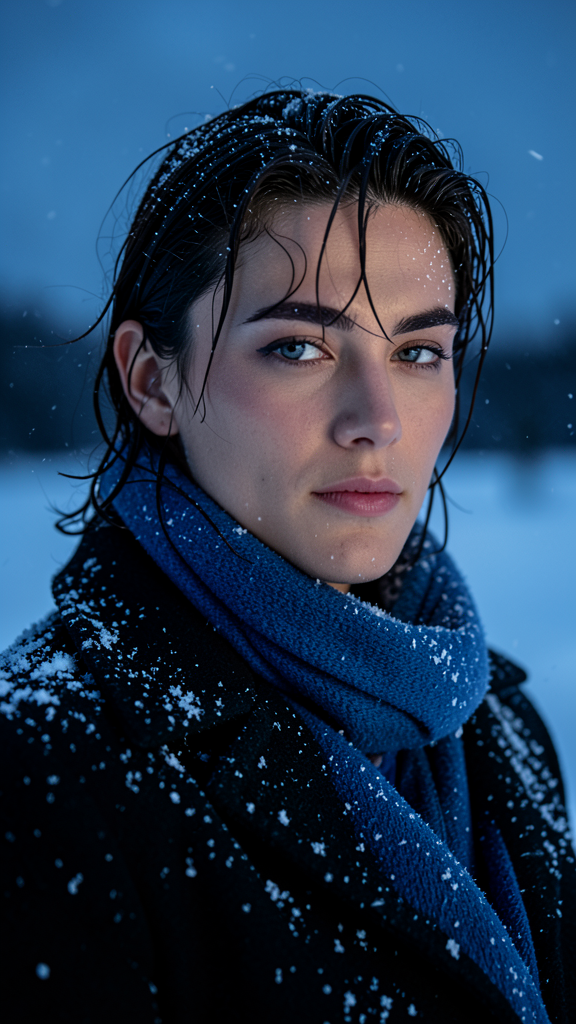
A clear, high-quality portrait series of the subject outdoors in a snowy setting during dusk. The subject wears a dark coat and blue scarf with natural makeup and slightly wet hair. Sharp focus captures detailed textures on the face, clothing, and snowflakes while the dark snowy background remains simple and uncluttered. The atmosphere is peaceful, contemplative, and cinematic.
Any aspect ratio
Overview
Explore the ethereal beauty of winter outdoors with the Twilight template. This template is part of our AI Image Editor offerings, powered by the sophisticated flux-2-klein model. It allows creators to craft serene, high-quality portraits captured in a snowy dusk setting, complete with rich textures and a cinematic atmosphere.
What It Does
Twilight enhances your images by placing your subject in a snowy dusk environment. The template emphasizes contrasts with a focus on facial textures and clothing details, enhancing the natural makeup look and wet hair effects. It's perfect for achieving that peaceful, contemplative aura while editing your portraits.
Ideal for adjusting scenes with dark coats and blue scarfs, it maintains the integrity of your original photo while providing a sophisticated cinematic touch.
Who It's For
This template is designed for photographers, graphic designers, and filmmakers who aim to portray a serene cinematic atmosphere in their work. It's also suitable for marketing professionals looking to create captivating visuals for social media campaigns. Utilize the AI Talking Photo to bring these scenes to life through animated stories.
Summary
The Twilight template allows you to transform standard portraits into captivating snowy scenes during dusk, maintaining a clean and simple background. This tool is integrated seamlessly with other creative solutions like the AI Image Upscaler and Face Swap for enhanced visual effects and editing versatility.
How-to
Choose the Template

Customize Your Portrait

Generate Your Image

Use Cases
Enhanced Social Media Content
- Perfect for winter-themed posts
- Ideal for story highlights
Professional Photography
- Great for fashion photography
- Ideal for concept shoots
Cinematic Storytelling
- Ideal for short films
- Perfect for mood boards
Best Practices
Focus on Details
Ensure your subject's clothing and facial textures are pronounced for more dramatic effects.Maintain Background Simplicity
Avoid cluttered backgrounds to keep the focus on your subject and enhance the cinematic atmosphere.Combine Tools for Best Results
Use with AI Video Generator to create cohesive visual projects across different media.