Lifespan Grid
- Model
- Nano Banana 2
- Image
- 768 × 1365 px
Prompt
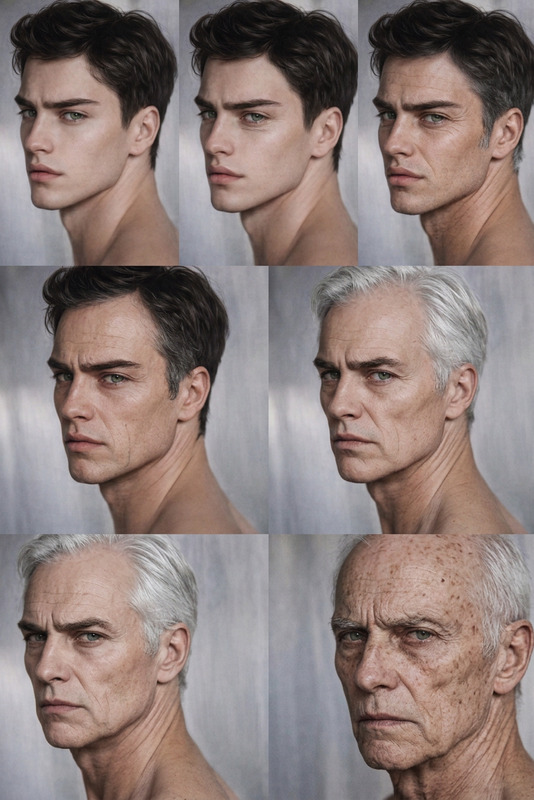
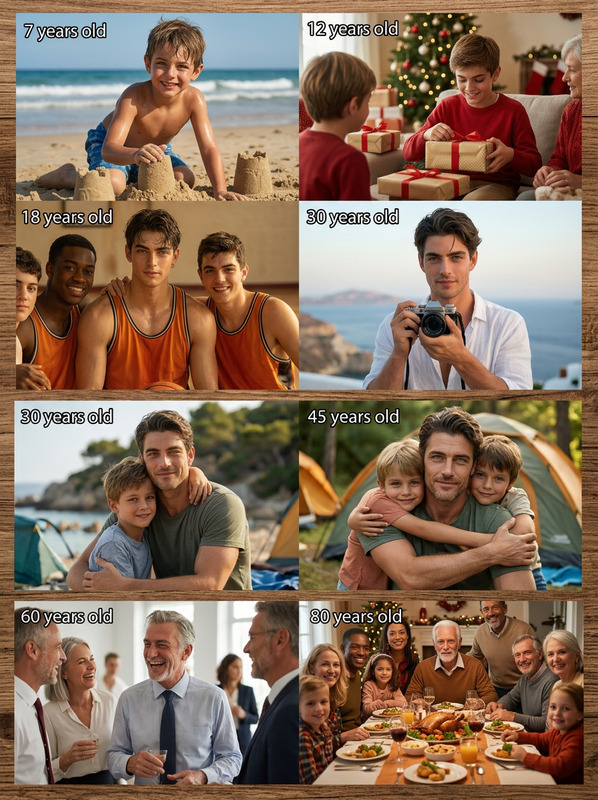
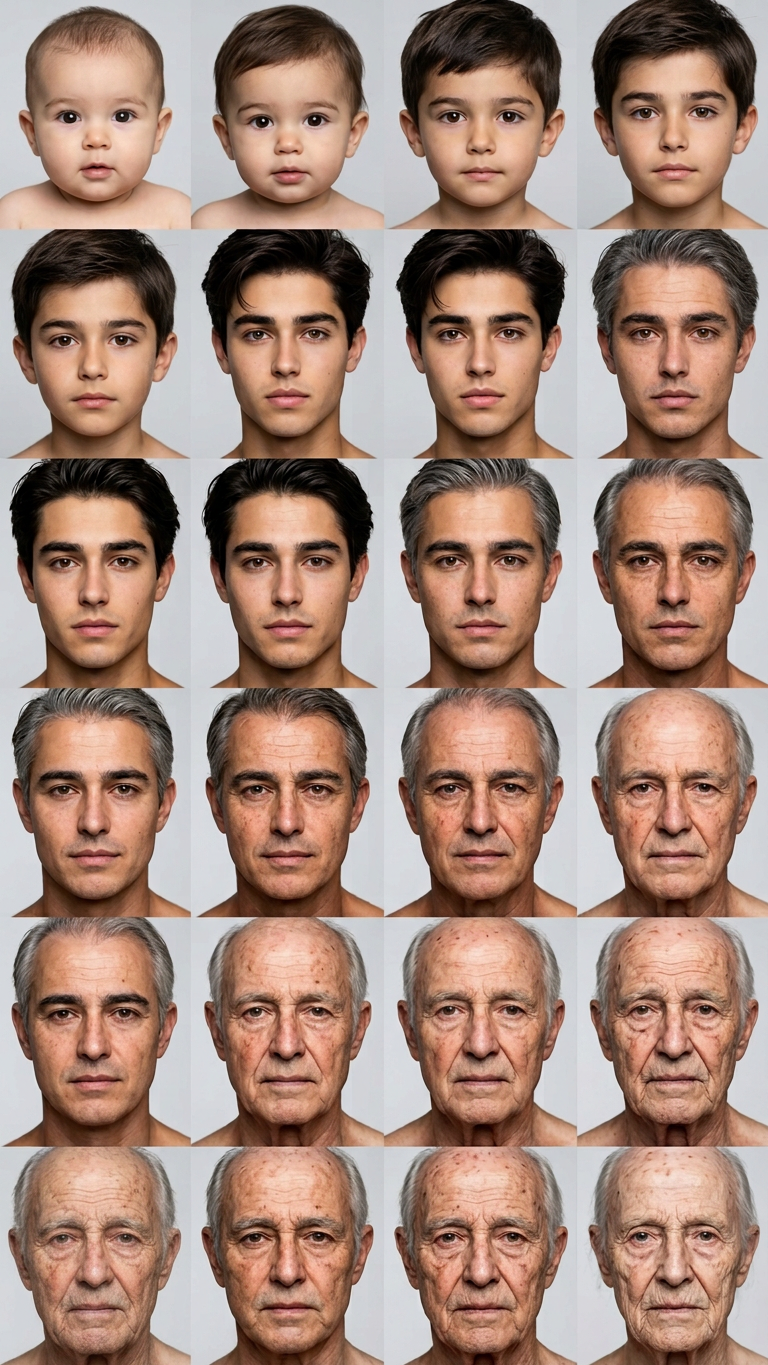
A 4x4 grid of sixteen clean photographic portraits of the same subject, depicting life stages from age 1 to 151. The focus is on a clear, progressive shift in age and physical detail across each stage: infant/toddler (soft skin, minimal hair), child (pre-teen features, bright eyes), young adult (peak features), and advanced aging. Maintain extreme facial consistency across all portraits. The style is realistic, high-detail photography with steady neutral lighting and a simple, neutral backdrop.
Any aspect ratio
Overview
The Lifespan Grid template offers a unique and comprehensive approach to depicting the evolution of a subject over time. Designed specifically for the AI Image Editor using the nano-banana-2 model, this template allows creators to produce a detailed series of portraits that showcase realistic changes in age and appearance across sixteen distinct life stages.
What It Does
The Lifespan Grid template creates a 4x4 grid of detailed photographic portraits representing a subject's journey through life. Each cell in the grid highlights a specific age stage, showing subtle yet distinct changes from infancy to advanced age. The AI Image Editor leverages the advanced capabilities of the nano-banana-2 model, ensuring extreme facial consistency and realism.
Who It's For
This template is ideal for educators, scientists, and creative professionals looking to explore the visual progression of aging. Whether you're building content for learning courses or developing compelling character narratives for video projects, the Lifespan Grid provides a powerful tool for illustrating life stages with clarity.
Summary
Utilize the Lifespan Grid to generate a comprehensive visual representation of aging. With its realistic depiction and attention to detail, this template simplifies the creation of sequential age transformations. Perfectly suited for use alongside the AI Image Editor, it empowers creators to bring intricate stories to life.
How-To
Choose the Lifespan Grid Template

Customize Your Input

Generate Your Grid

Use Cases
Educational Materials
- Facilitate discussions on growth stages.
- Enhance course content with realistic imagery.
Character Development
- Visualize age progression in scripts.
- Enrich storytelling with detailed images.
Scientific Research
- Depict biological aging processes visually.
- Enhance statistical data with compelling visuals.
Best Practices
Select High-Quality Images
For optimal results, use high-resolution photos with clear facial details. Consistent lighting and angles enhance the accuracy of the age progression.Focus on Facial Consistency
Ensure the subject's expression and orientation are similar across inputs to maintain consistency in the generated grid.Iterate for Precision
Use multiple iterations to refine the progression, especially when fine-tuning the details between similar life stages.