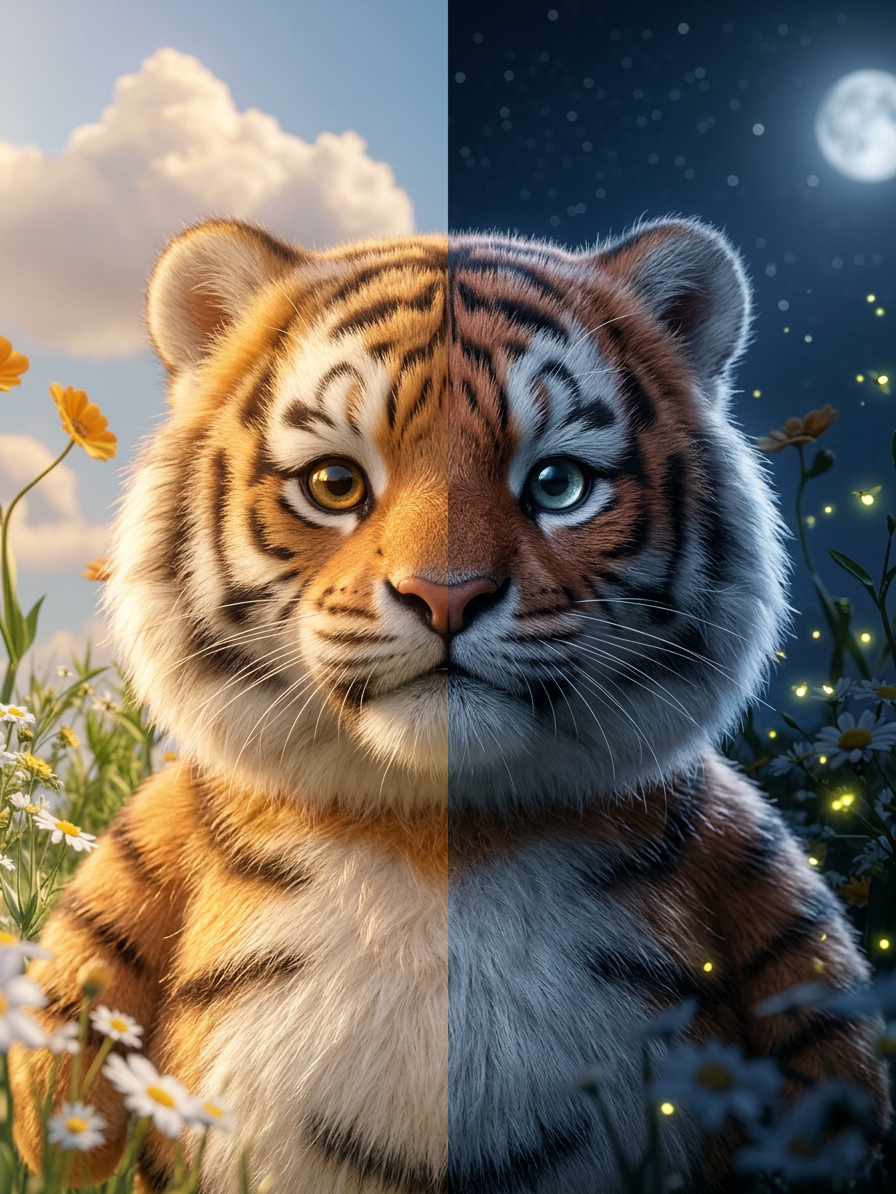
Day–Night Split Portrait
- Model
- Nano Banana 2
- Image
- 896 × 1194 px
Prompt
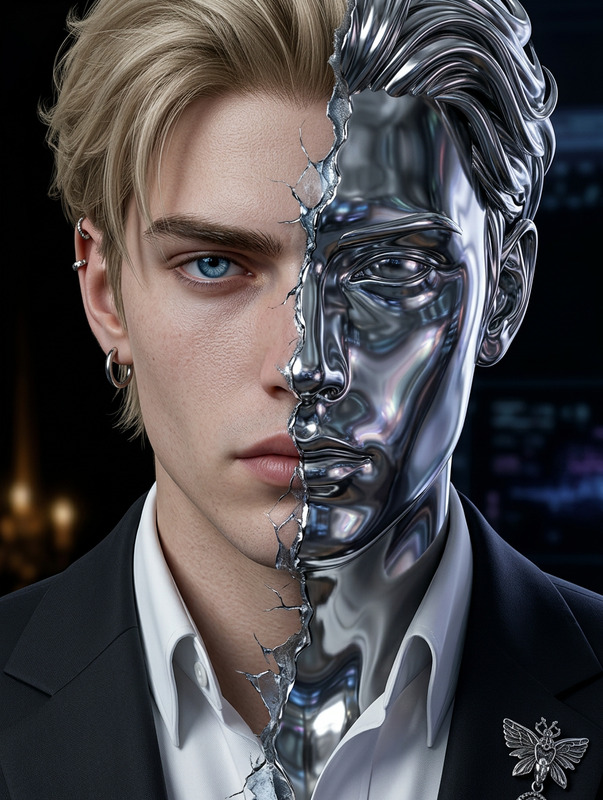
Subject portrayed in a hyper-realistic split portrait, face divided sharply down the center; left side bathed in warm golden daylight with sunlit skin, bright sky, floral and nature elements, and soft warm tones; right side illuminated by cool moonlight with silvery tones, stars, fireflies, and night sky elements; hair and clothing reflect the contrasting times of day; perfect vertical divide with no light bleed; calm direct gaze maintained across both halves; cinematic lighting contrast (warm vs cool), shallow depth of field, 85mm portrait style, ultra-detailed, clean, and visually striking.
Any aspect ratio
Overview
The Day–Night Split Portrait template provides a captivating way to merge the contrasting elements of day and night into a single, striking image. Using the advanced capabilities of the AI Image Editor, this template delivers high-quality portraits with distinct lighting and environmental elements on each side. Perfect for artists aiming to portray duality themes in their work.
What It Does
This template leverages the AI Image Editor and the powerful nano-banana-2 model to achieve a hyper-realistic effect where each side of the portrait reflects a different time of day. The left side is immersed in warm golden daylight, while the right captures the cool essence of moonlight, complete with stars and fireflies. It's designed to maintain a seamless division that is both visually striking and thematic.
Who It's For
The Day–Night Split Portrait template is ideal for photographers, digital artists, and creatives who seek to explore the concept of duality and time in their work. It's also perfect for content creators needing visually compelling images for platforms like Instagram and Pinterest. This tool offers a new dimension to traditional portraiture, making it particularly appealing for those who want to enhance their portfolios with innovative artistic expressions.
Summary
By providing a seamless integration of day and night within a single image, this template transforms your portraits into storytelling masterpieces. Utilize it in conjunction with other tools like the AI Image Generator for creating even more complex narratives. Embrace this approach to stand out with portraits that are both technically impressive and conceptually rich.
How to Use
Choose Your Template

Customize Your Image

Generate and Download

Use Cases
Artistic Portraits
- Exhibit in galleries
- Use in digital art portfolios
Social Media Content
- Instagram stories
- Pinterest boards
Advertising and Marketing
- Creative ad visuals
- Marketing materials
Best Practices
High-Quality Uploads
Ensure the original portrait image is high-quality for the best results when applying the day-night effects.Consistent Themes
Align the clothing and accessories in the original image with the themes of day and night for a cohesive look.Detailed Prompts
Use specific and descriptive language in your prompts to guide the model in achieving precise outcomes.