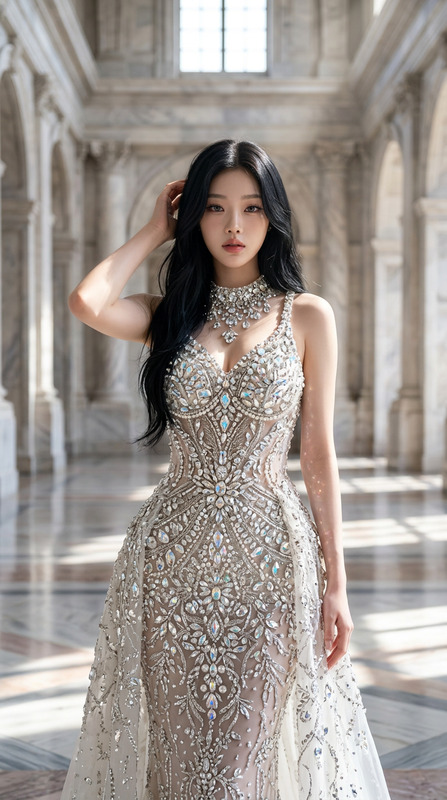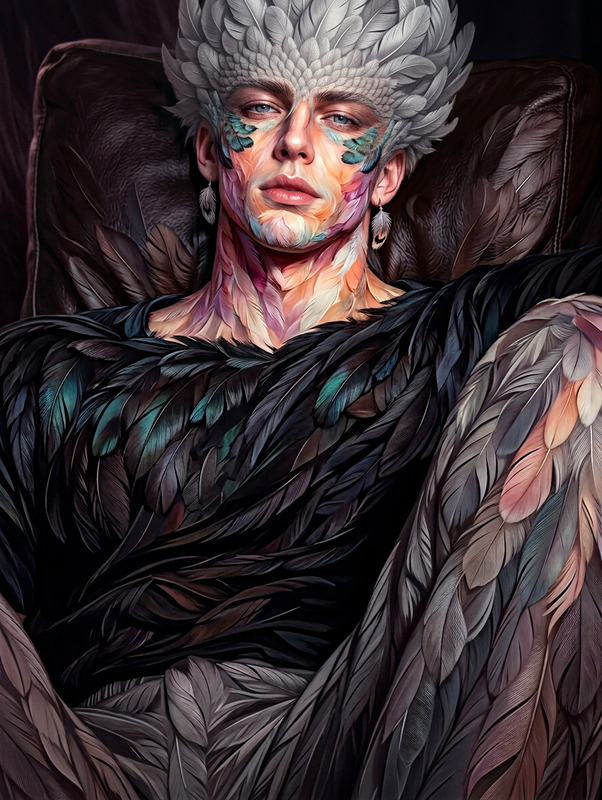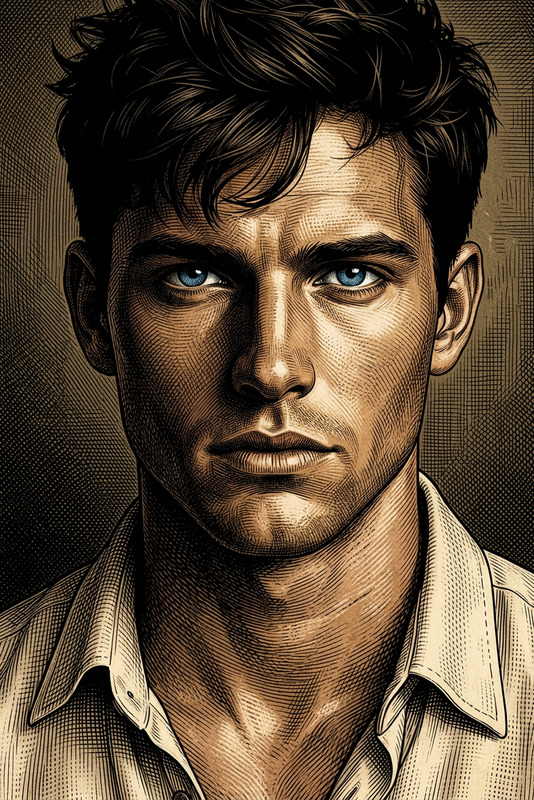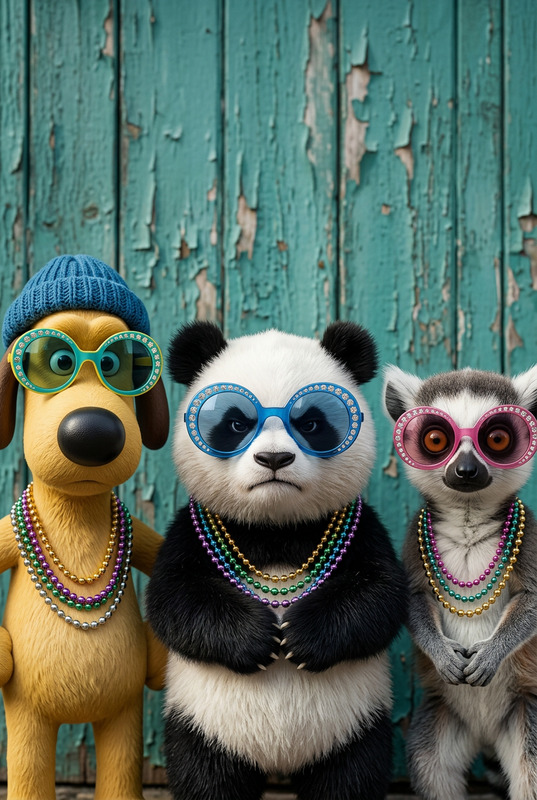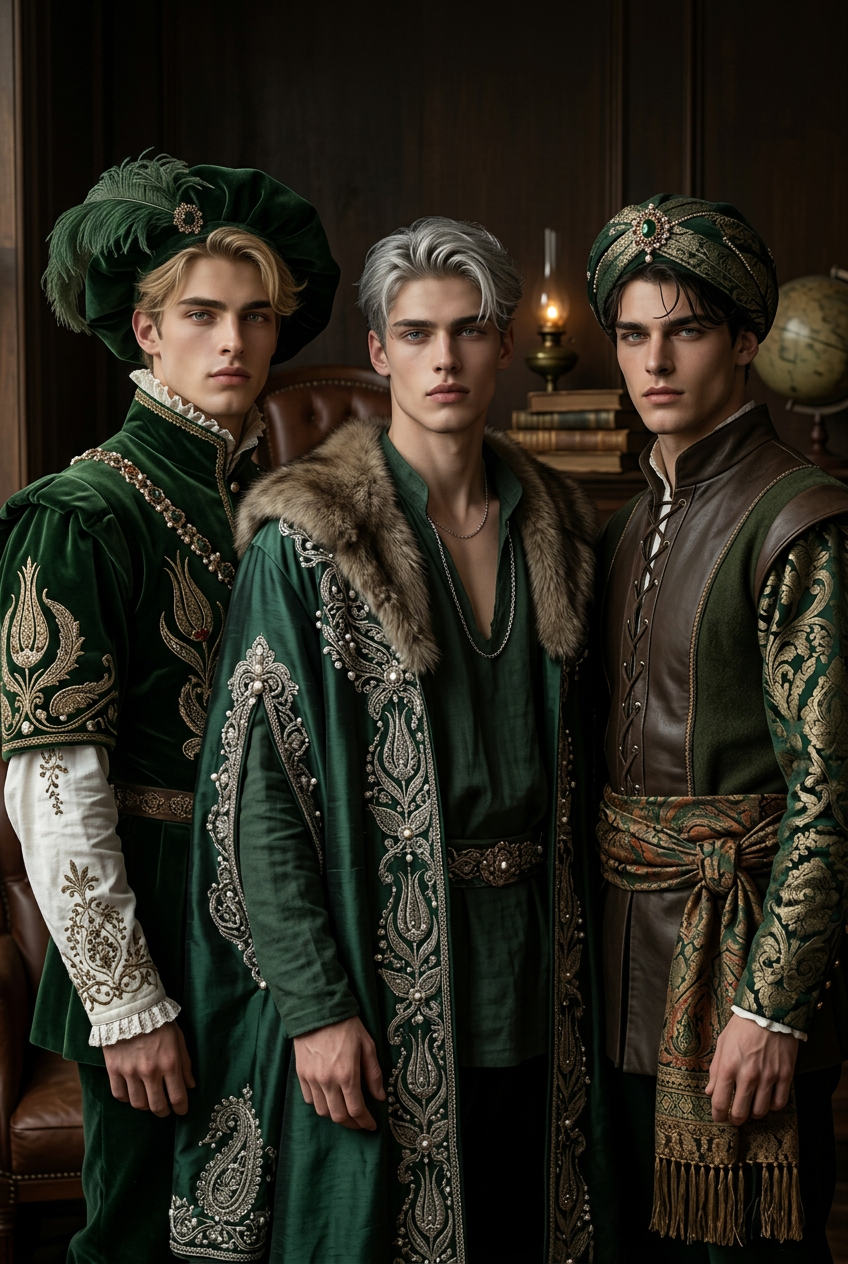
Renaissance Trio Portrait
- Model
- Nano Banana 2
- Image
- 848 × 1264 px
Prompt
Generate a tall-format portrait of three subjects standing together in elaborate renaissance-inspired costumes, set against a dimly lit, minimal backdrop; the attire features rich detailing with subtle influences from green academia aesthetics and traditional Ottoman ornamentation; the composition emphasizes realistic textures, layered fabrics, and expressive, lifelike faces; lighting is soft and controlled, enhancing depth and painterly realism while maintaining a contemporary photographic finish; the overall aesthetic blends historical elegance with modern portrait sensibility, creating a refined and cohesive visual narrative.
Any aspect ratio
Overview
Step into the world of historical elegance blended with modern aesthetics using the Renaissance Trio Portrait template. This AI Image Editor template allows you to generate portraits with rich textures and detailed costumes that harken back to Renaissance artistry, yet deliver a contemporary photographic touch.
What It Does
This template creates tall-format portraits of three subjects adorned in Renaissance-inspired costumes. It integrates elements of green academia aesthetics and Ottoman ornamental influences while ensuring lifelike expressions and a painterly realism. The lighting and composition enhance depth, creating a visually engaging and elegant narrative.
Pairing this tool with the Photo Colorizer can further enhance the visual impact by adding or refining colors to suit your historical projects.
Who It's For
Designed for artists, historians, educators, and creatives working on historical or artistic projects. Whether you're creating materials for a museum exhibit, educational content, or simply exploring an artistic endeavor, this template provides a seamless way to produce professional-grade imagery.
Summary
The Renaissance Trio Portrait template offers a sophisticated blend of historical and modern elements, perfect for adding a touch of elegance to any project. Its ease of use combined with AI Image Generation technology makes it accessible to both professionals and hobbyists alike.
How to Use
Choose Template

Customize Inputs

Generate & Save

Use Cases
Historical Exhibitions
- Enhance visual storytelling with realistic portraits
- Supplement historical narratives with artistic visuals
Educational Materials
- Engage students with visually appealing content
- Illustrate historical contexts with detailed portraits
Creative Projects
- Perfect for adding depth and character to art collections
- Enhances creative works with a historical touch
Best Practices
Select Appropriate Costumes
Ensure costumes align with the intended theme or historical period for authenticity.Utilize the Backdrop Wisely
A minimal backdrop is recommended to maintain focus on the subjects and their intricate details.Test Different Lighting Effects
Experiment with lighting options to find the most effective enhancement in terms of texture and depth.