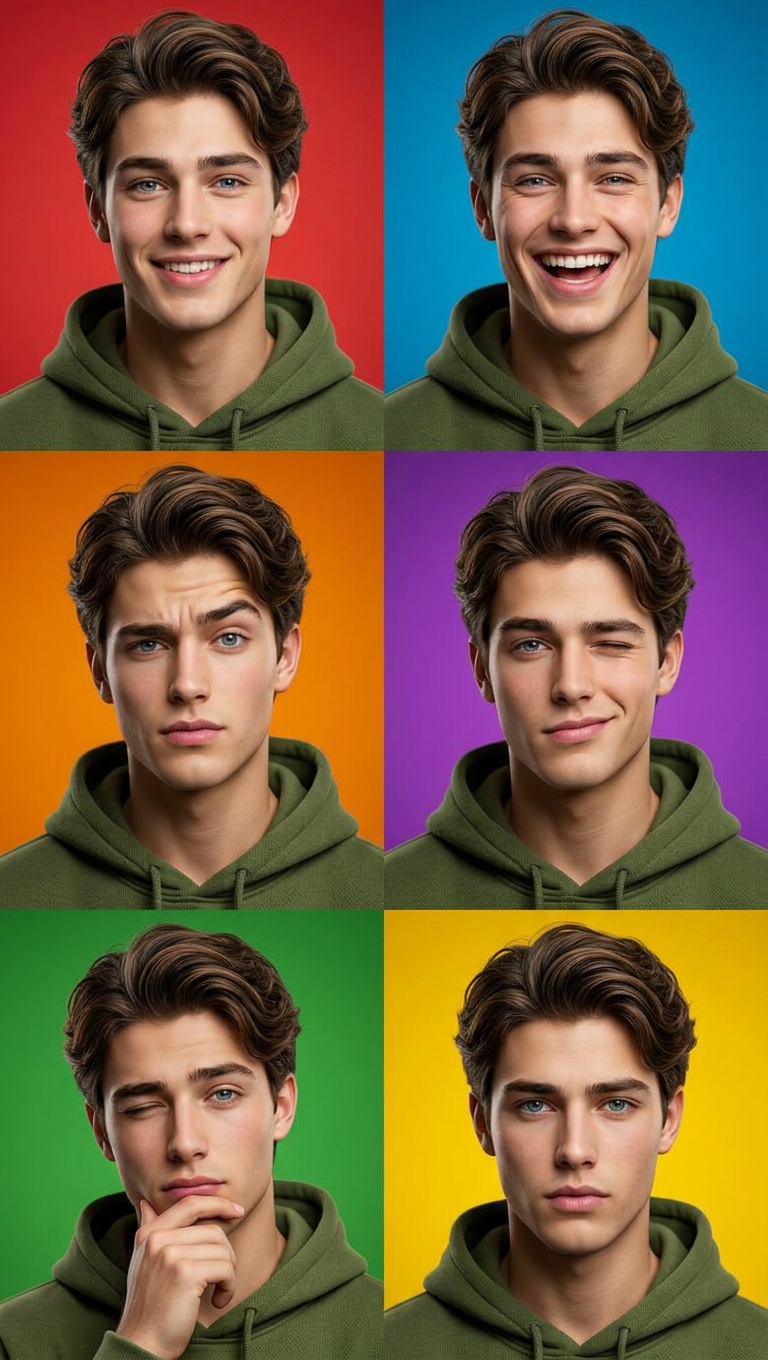
Caricature Grid – Olive Tone Portraits
ai-image-editor
Any aspect ratio
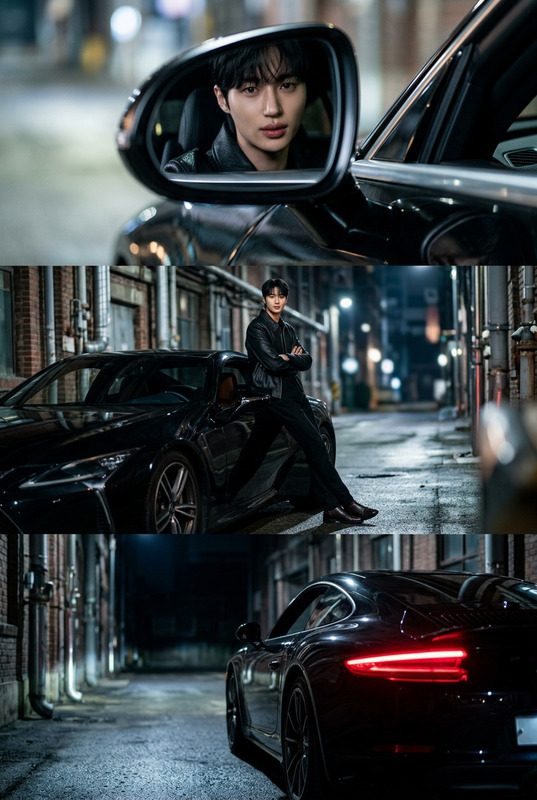
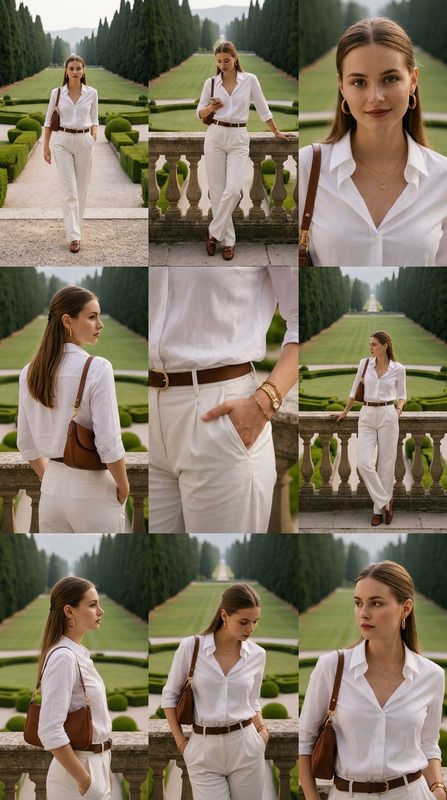
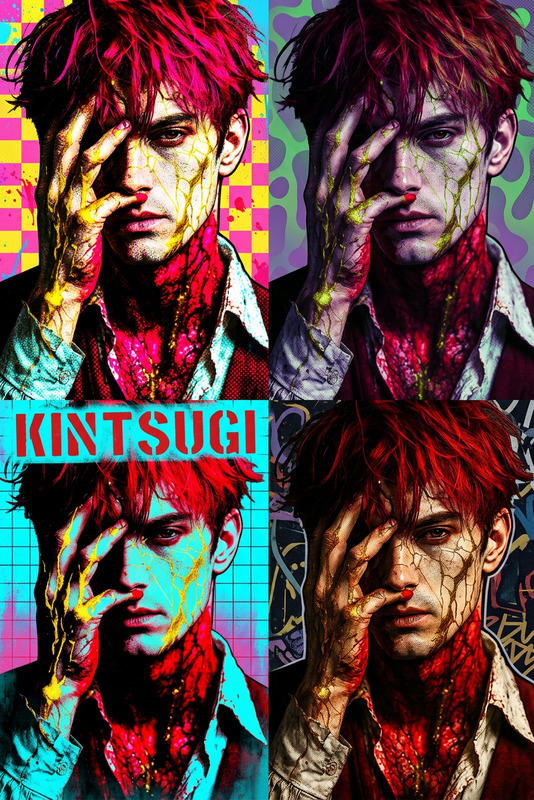
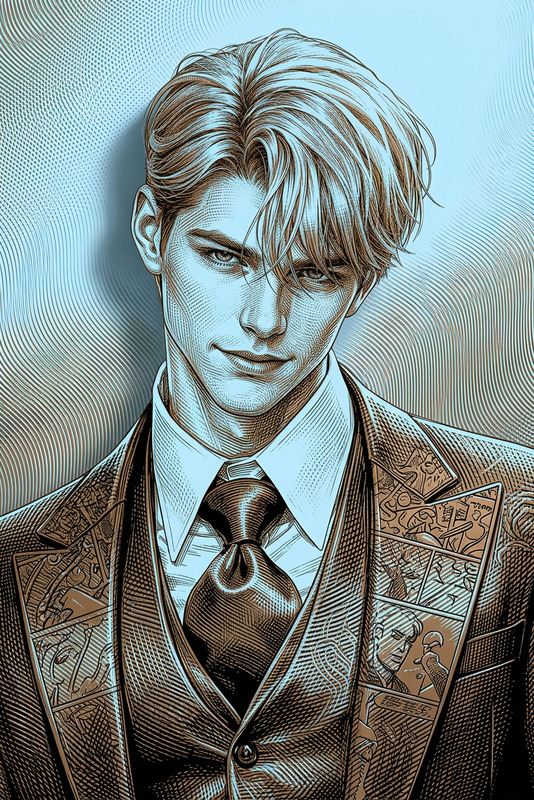
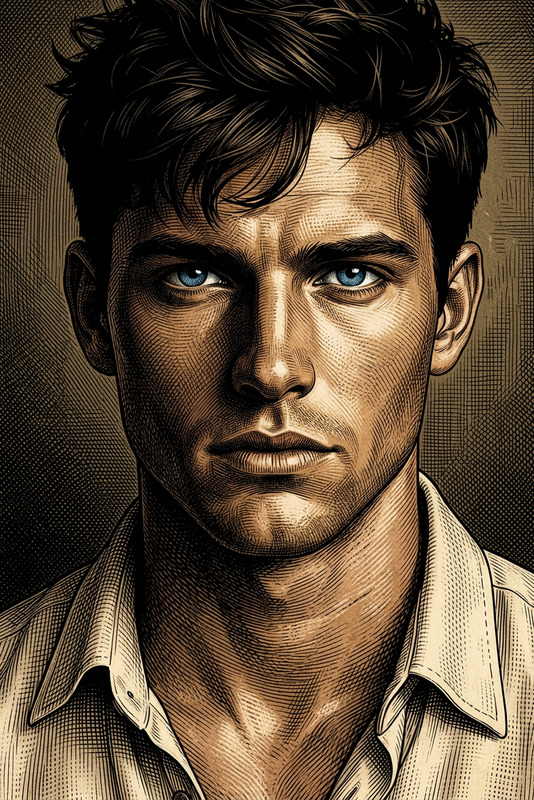
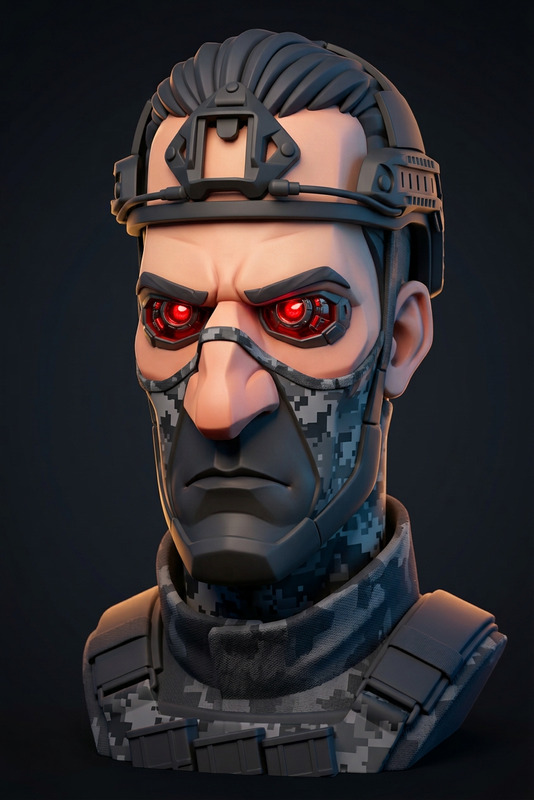
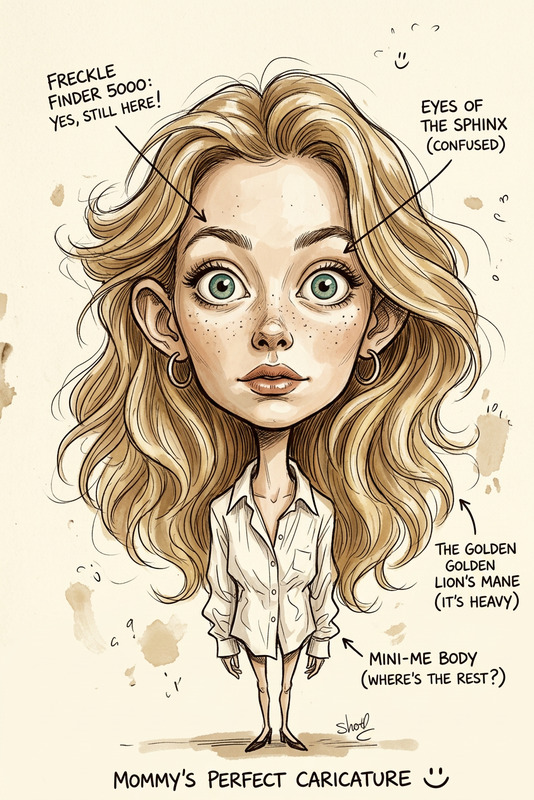
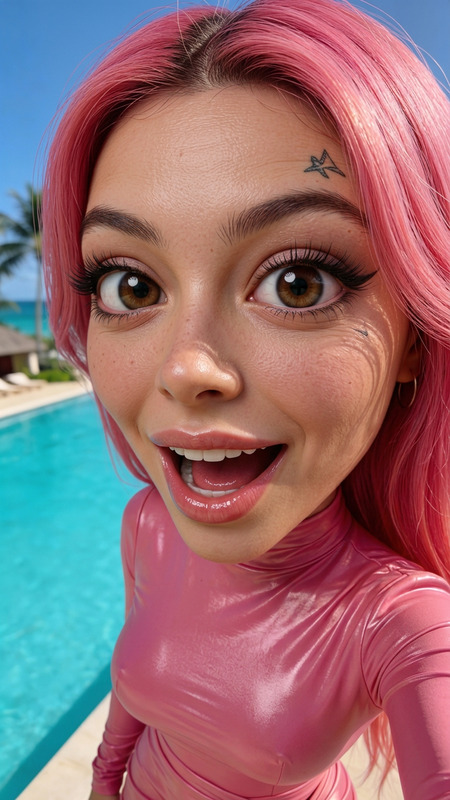
A six-panel collage (3 columns × 2 rows) of close-up 3:4 portraits featuring a subject in a highly polished 3D caricature style. The subject wears a deep olive green hoodie with a rich, muted earth tone. Each panel showcases slightly varied expressions or angles, with bold, vibrant colors distinct for each frame. Soft ambient lighting sculpts subtle textures, creating crisp definition and a clean, meticulous look. High-definition, 8K quality with cinematic lighting, elegant composition, and clear visual readability.
AI Image Editor Template: Precise, Fast Visual Editing for Modern Teams
Use this template to turn any image into a polished, on‑brand asset in minutes. Powered by the AI Image Editor, it’s built for creators, marketers, and product teams who need reliable, repeatable edits without getting lost in complex settings.
What You Can Do With This Template
This template is optimized for:
Removing and replacing objects
Cleanly remove distractions, unwanted items, or backgrounds, then replace them with AI‑generated content. Pairs well with:Background cleanup and redesign
Turn messy photos into clean, consistent visuals for landing pages, ads, and catalogs. For specialized workflows, see:Branding and layout exploration
Quickly test different colors, environments, and compositions for campaigns, thumbnails, or product photos. Helpful related tools:Creative concepting and visual R&D
Use the template as a sandbox for visual ideas: character design, mood boards, content variations, and more. Explore:
How to Remix This Template in Magic Hour
You can clone and adapt this template in a few steps:
Open the AI Image Editor
Go to the AI Image Editor.Start from an existing image
- Upload a product shot, social post, headshot, or concept art.
- For higher quality inputs, consider enhancing first with the AI Image Upscaler or fixing blur via Unblur Image.
Define your editing workflow
Think in terms of a repeatable pipeline:- Ingest (upload or generate a base image)
- Edit (mask, remove, replace, restyle)
- Enhance (upscale, color-correct, refine details)
- Export (for web, ads, or video)
Combine with other Magic Hour tools for stronger templates
Build multi‑step workflows that go beyond static editing:- From image to short video:
- Use Image to Video to animate edited images.
- Then refine motion or style with Video to Video.
- From portrait to talking content:
- Edit a face or headshot with AI Face Editor or AI Headshot Generator.
- Turn it into a talking avatar using AI Talking Photo or synchronize it with Lip Sync.
- From static character to animated asset:
- Design characters via AI Character Generator, Animated Characters Generator, or AI Anime Generator.
- Animate them using Animation or convert into motion via Text to Video.
- From image to short video:
Save your edits as a reusable pattern
Once you find a sequence that reliably produces the look you want (e.g., “remove background → add branded environment → upscale”), replicate that flow whenever you edit similar assets. This is how you turn a one‑off edit into a reusable “template” inside your own workflow.
Example Use Cases for Teams
Growth & marketing teams
- Clean product photos for landing pages and A/B tests.
- Fast creative variations for paid ads, social, and email.
- Thumbnail and banner experiments using Thumbnail Maker and AI Art Generator.
Startup founders & product teams
- Generate investor‑ready visuals from basic mockups.
- Create app store assets, promo images, and brand experiments with AI Logo Generator and AI Icon Generator.
- Upgrade profile photos with AI Selfie Generator or AI Headshot Generator.
Content creators & studios
- Concept art for comics, games, or animation with tools like Comic Book Generator, DND AI Art Generator, and Fantasy Map Generator.
- Character and costume exploration using AI Outfit Generator, AI Fashion Generator, and Full Body Generator.
- Face variations and identity exploration with Gender Swap, AI Face Generator, and Face Swap.
Turning Edited Images into Video, Memes, and Interactive Content
Once you’ve refined your image with the AI Image Editor, you can:
Create short videos and explainers
- Use Image to Video or Text to Video to produce motion content from your edited visuals.
- Apply Video Upscaler for higher resolution outputs.
Generate talking avatars and voice‑driven content
- Clone or generate voices with AI Voice Cloner and AI Voice Generator.
- Sync voices to faces using AI Talking Photo or Lip Sync.
- Modify existing audio using AI Voice Changer.
Create social content and memes
- Turn edited images into shareable formats using the AI GIF Generator.
- Add captions or formats with AI Meme Generator.
- Auto‑subtitle your exported video content via the Auto Subtitle Generator.
Advanced Creative and Design Workflows
This template also serves as a starting point for more specialized pipelines:
Design & illustration
- Prototype interiors with AI Interior Design Generator.
- Explore buildings and cityscapes using the Architecture Generator.
- Craft stylized art via Disney AI Generator, Dark Fantasy AI, or AI Manga Generator.
Photography enhancement and restoration
- Restore old or damaged inputs using Old Photo Restoration and Photo Colorizer.
- Convert photos to sketches with Photo to Sketch.
Niche generators for specific verticals
- Create tattoos with AI Tattoo Generator.
- Design graffiti using the Graffiti Generator.
- Generate specialized icons, avatars, and emojis using Avatar Generator, Emoji Generator, and AI Icon Generator.
- Produce scannable creative marketing assets with the AI QR Code Generator.
How This Template Helps with Consistency and Scale
Using AI for image editing is not just about one‑off effects. This template is designed to support:
Consistency across campaigns
Apply the same editing logic to dozens or hundreds of assets so your ads, landing pages, and social content look like they belong to the same brand.Rapid experimentation
Quickly test backgrounds, compositions, and creative directions without sending everything to external design resources.Cross‑format reuse
Start from a single edited image, then reuse it across:- Static ads and posts
- Short‑form video (via Image to Video or Text to Video)
- GIFs and memes (AI GIF Generator, AI Meme Generator)
- Talking avatar content (AI Talking Photo, Lip Sync)
Related Templates and Flows to Explore
If this template works for you, you may also want to explore:
- Face Swap Video – create dynamic face‑swap edits for video content: Face Swap Video Template
- Lip Sync – turn static faces into talking content matched to your audio: Lip Sync Template
- Video to Video – restyle or transform existing footage while keeping motion intact: Video to Video Template
- Animation – generate animated sequences and motion graphics from prompts and assets: Animation Template
Use this AI Image Editor template as a reliable foundation, then remix it with these other Magic Hour tools to build your own end‑to‑end creative pipeline—from raw photo to polished, animated, and voiced content.