Generations in Light
- Model
- Nano Banana 2
- Image
- 784 × 1371 px
Prompt
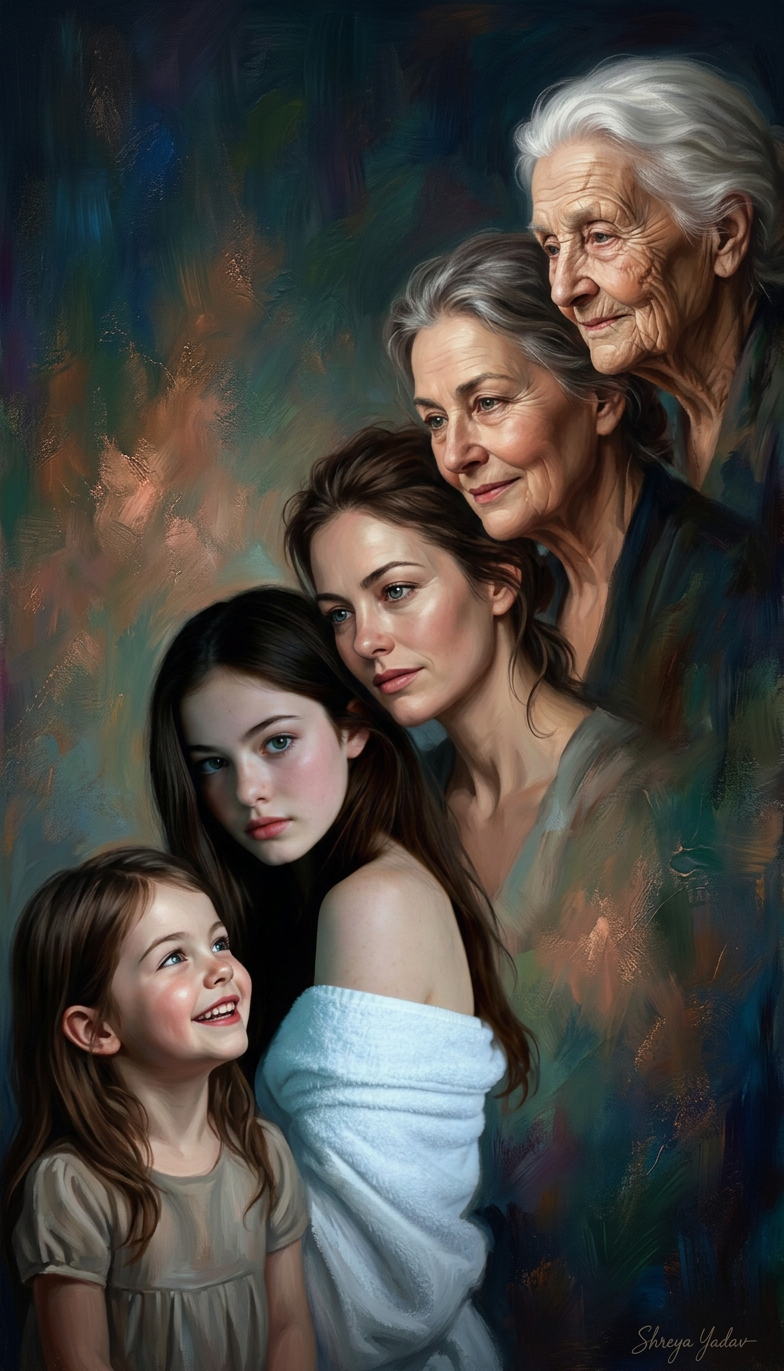
A studio-art-style composition of a subject based on the attached image as the prototype, showing a seamless progression across five life stages: cheerful little subject , young adult, middle-aged, older subject , and elderly subject . The five versions are arranged diagonally, each face turned inward toward the others, creating a connected, generational flow. The scene is captured in a low-light setting with soft, dramatic illumination. Background features a colorful abstract design with fine textures and gentle tones. High detail, artistic, 100% AI-generated, elegant composition. Signature: Shreya Yadav.
Any aspect ratio
Overview
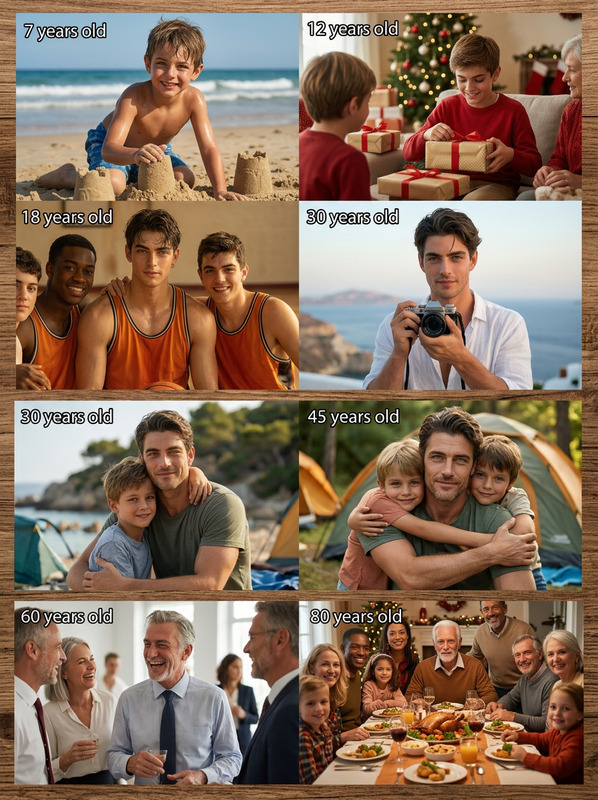
The Generations in Light template leverages the power of our AI Image Editor using the robust nano-banana-2 model. This template offers a unique way to visually depict a subject's journey through different life stages using studio-art-style compositions. It's designed for creating stunning, complex visuals that capture the progression across five distinct life stages with elegance and detail.
What It Does
This template takes an existing image as its base and transforms it into a beautiful, high-detail composition showing five life stages. The subjects are arranged diagonally, fostering a sense of generational continuity. Each version of the subject is highlighted under soft light, set against a richly textured abstract background. It's perfect for creating emotionally engaging and visually striking images.
Who It's For
The Generations in Light template is ideal for artists, designers, and content creators looking to explore the themes of aging and transformation. It's also a powerful tool for anyone interested in storytelling or personal projects that require a deep visual narrative. Whether you're a professional looking to expand your portfolio or an enthusiast aiming to create captivating images, this template serves your needs.
Summary
Utilize the Generations in Light template to create expressive artworks that showcase life’s journey. Integrated with advanced AI technology, it ensures each composition is crafted with high details and artistic sensibility. The template also complements a range of other tools in our suite, like the AI Image Generator and AI Photo Relighting, to broaden your design capabilities.
How-To
Choose the Template

Customize Your Inputs

Generate Your Image

Use Cases
Artistic Projects
Storytelling
Family Portraits
Best Practices
Use High-Quality Images
Start with a clear, high-resolution image for the best results. This ensures each life stage is detailed and recognizable.Adjust Lighting Settings
Experiment with the template's lighting options to make your subject stand out against the artistic background.Combine with Other Tools
Complement this template with features from the AI GIF Generator for animated results or the AI Voice Cloner to add an auditory dimension to your visual stories.