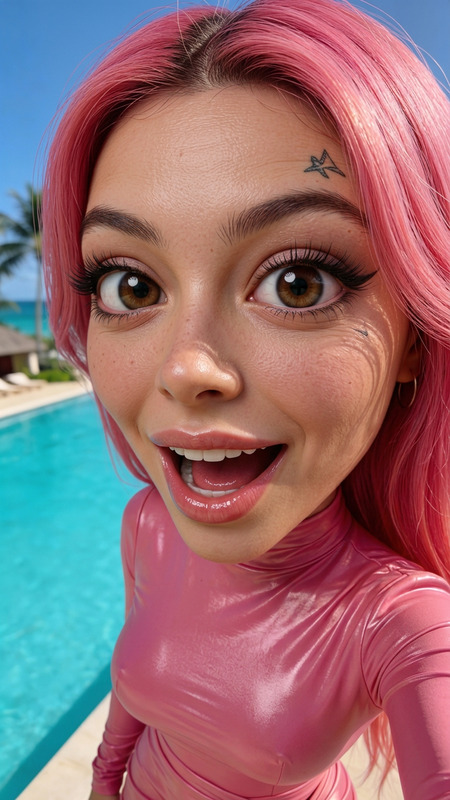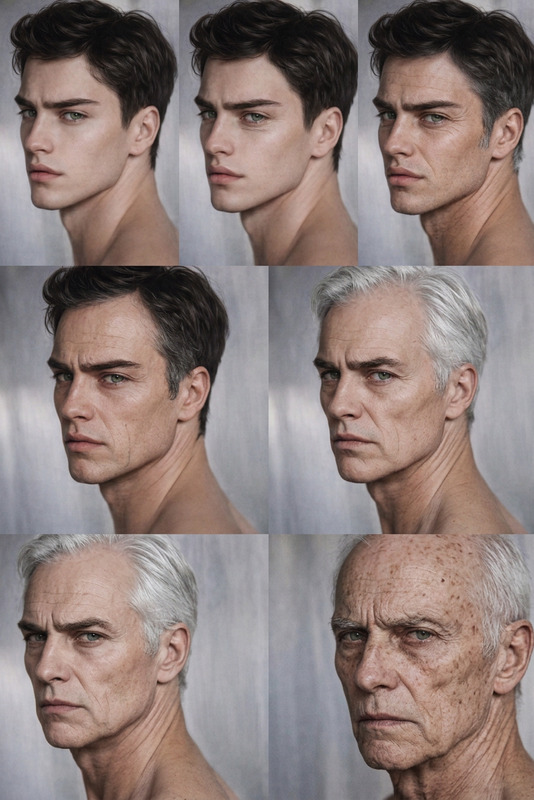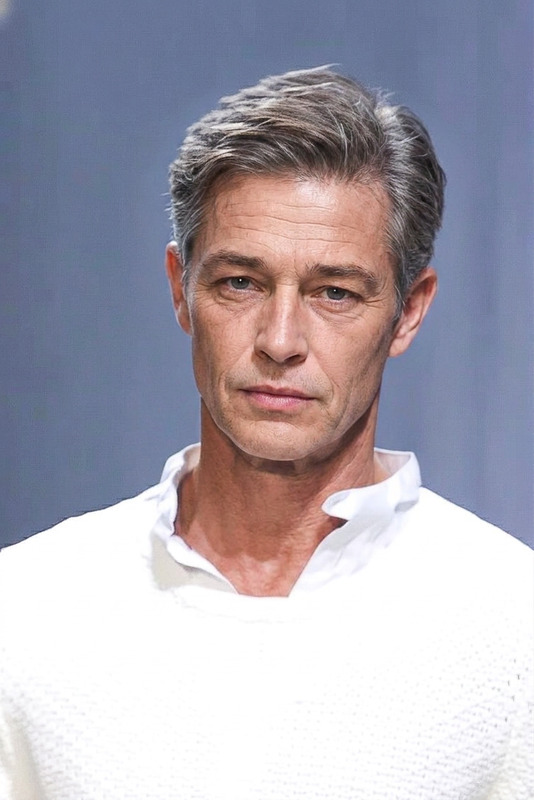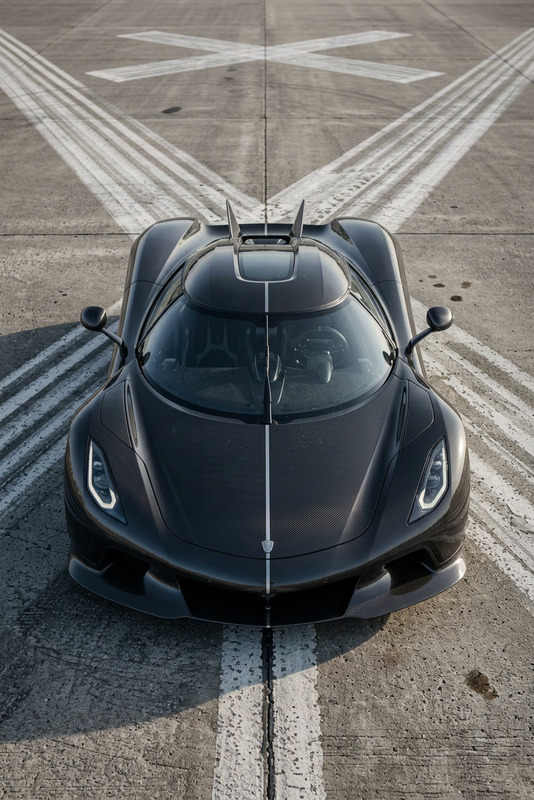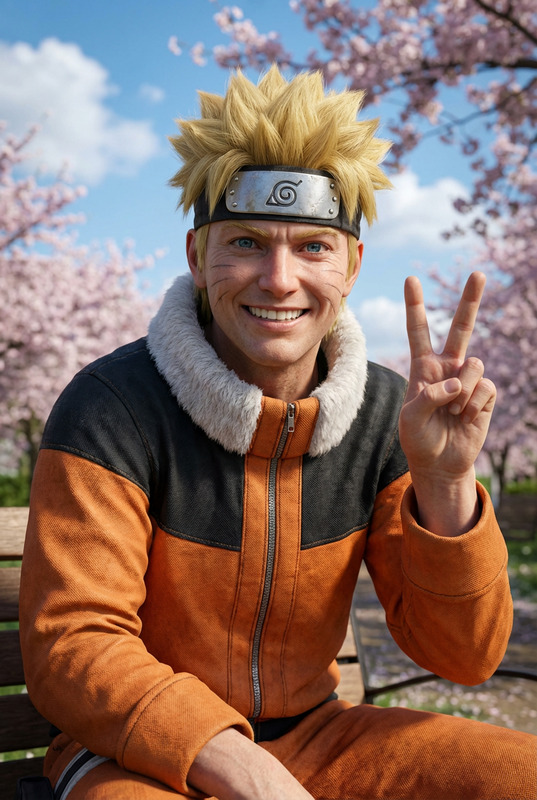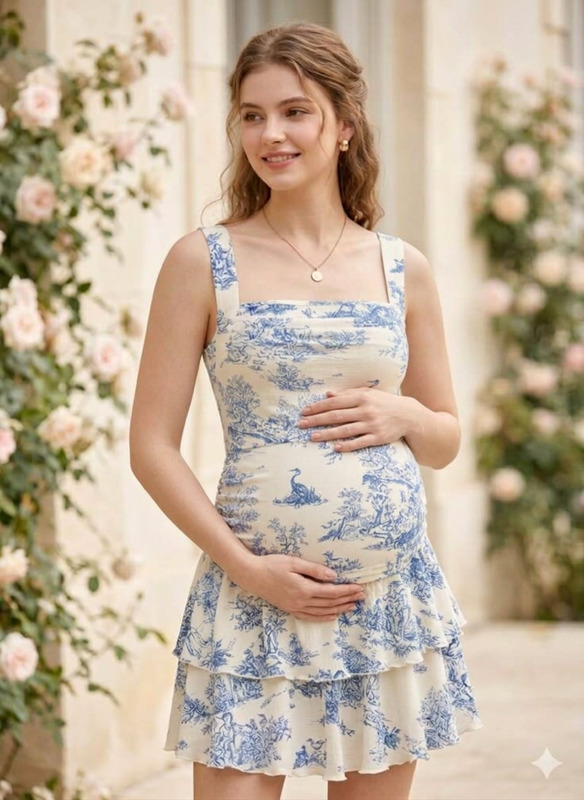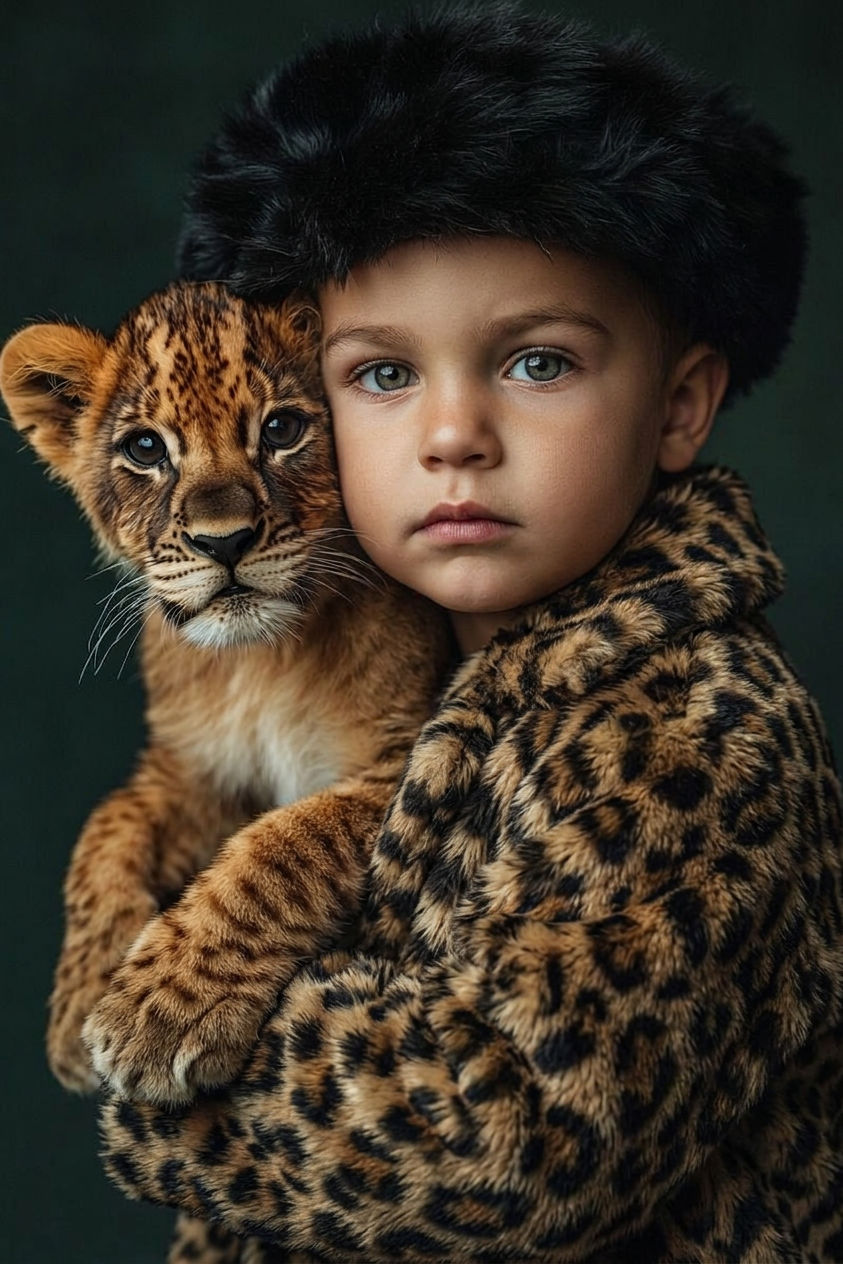
Baby
- Model
- Nano Banana 2
- Image
- 843 × 1264 px
Prompt
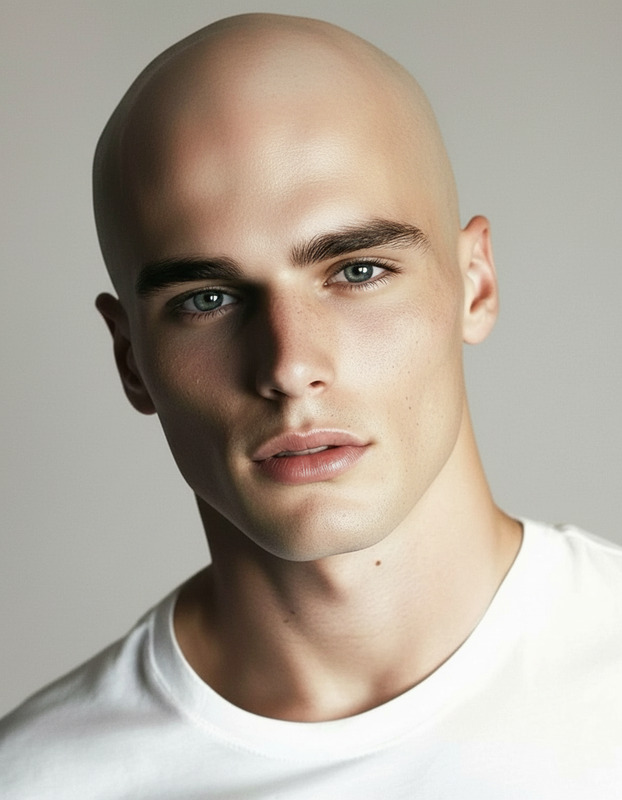
Create a photorealistic image of the subject as a baby — aged approximately 6 to 12 months — while preserving all recognizable features, original pose, and clothing.
Any aspect ratio
Overview
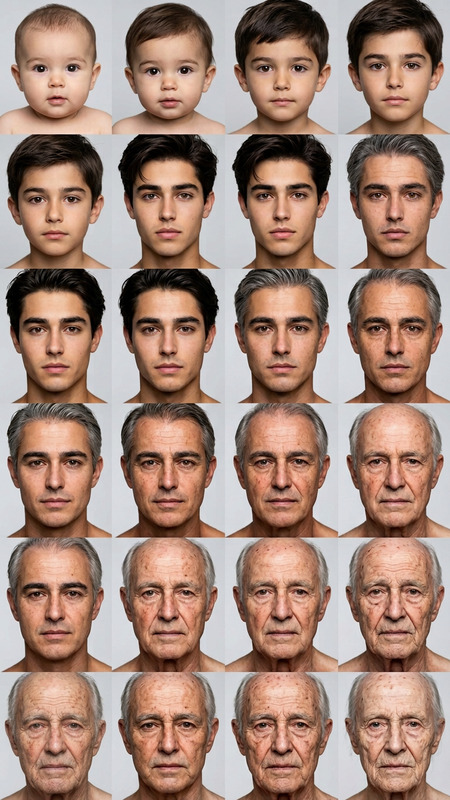
Transform ordinary photos into adorable baby portraits with our AI Image Editor template designed to deliver hyper-realistic results. The nano-banana-2 model precisely crafts images of individuals as babies, maintaining their distinctive features and attire. This powerful technology ensures that any transformation feels natural and heartwarming.
What It Does
This AI Image Editor template uses advanced AI algorithms to convert adult portraits into baby versions that maintain the subject's unique features and expressions. Keeping the original pose and clothing intact, it ensures that the transformation looks authentic. Use this template to create charming baby images suitable for both personal keepsakes and creative digital projects.
Who It's For
This template is ideal for parents looking to create playful images of family members as babies, or for content creators aiming to add an engaging twist to their work. Whether used for storytelling, video projects, or personal enjoyment, this AI tool provides a fun, novel way to reimagine portraits. Discover more on the AI Image Editor page.
Summary
The Baby template in our AI Image Editor offers a unique transformation service perfect for a wide range of applications. Leveraging machine learning through the AI Image Generator, this tool produces quality images that blend photorealism with creativity. Get started by exploring other related transformations such as Face Swap.
How To
Choose Your Template

Customize Your Input

Generate and Download

Use Cases
Family Keepsakes
- Family photo albums
- Personalized gifts
Creative Content
- Storyboarding
- Animations
Social Media Fun
- Viral social media content
- Engagement campaigns
Best Practices
Select Clear Photos
For the best results, choose clear, high-resolution images where the subject's features are distinct.Maintain Original Features
Ensure that the unique attributes of the subject are well-preserved in the baby transformation by adjusting settings.Experiment with Angles
Try various poses and angles to see how the AI adapts different details into the baby's features, adding diversity to your content.