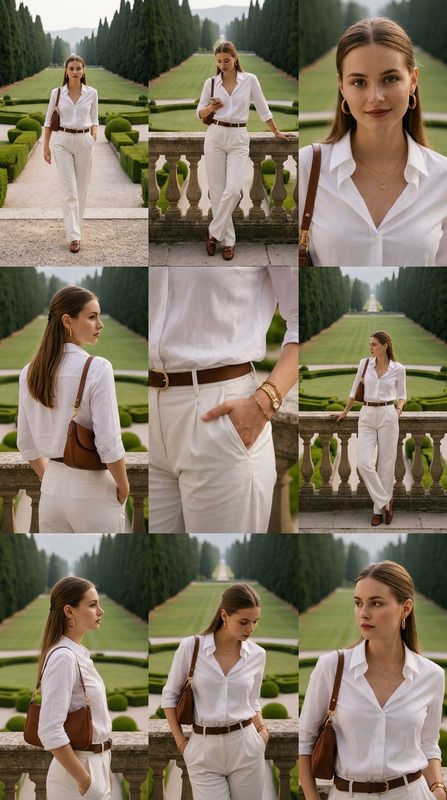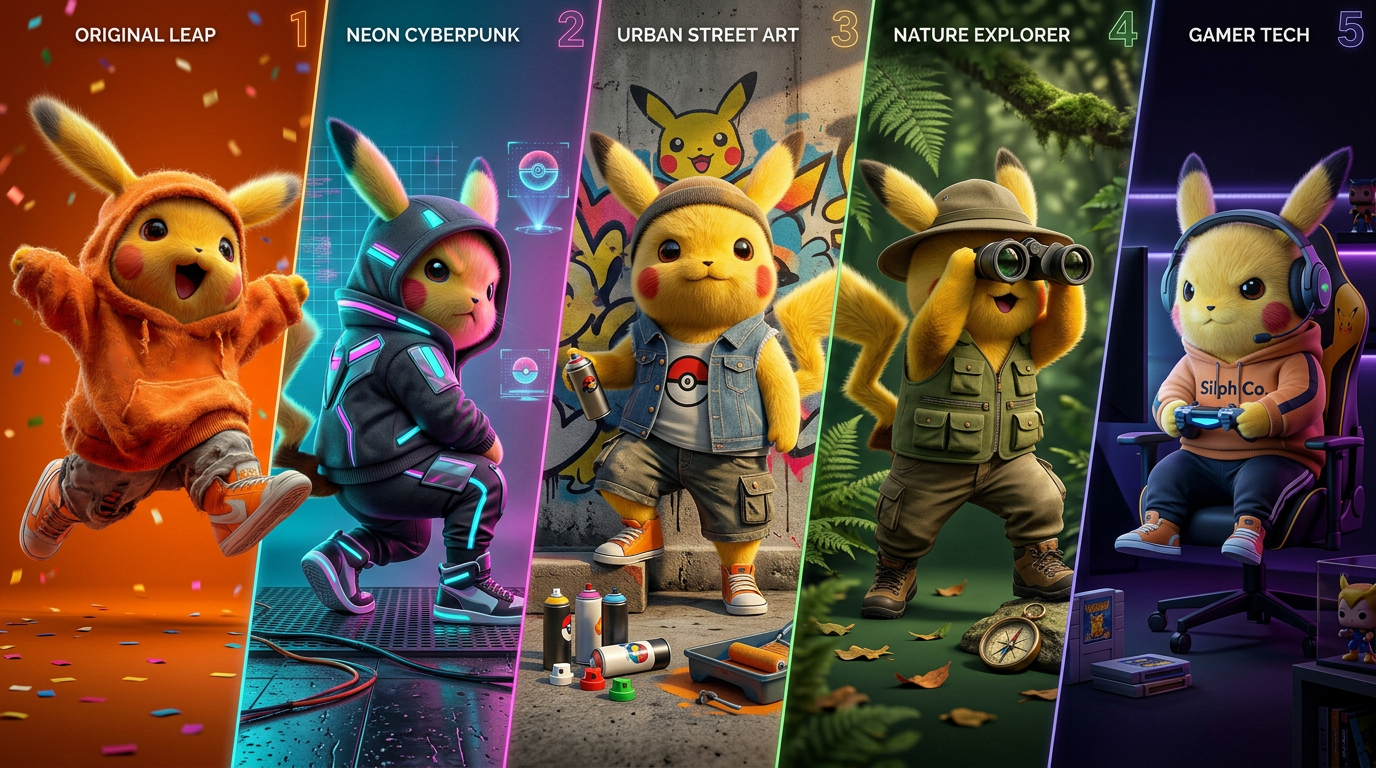
Fivefold Identity Spectrum
ai-image-editor
Any aspect ratio
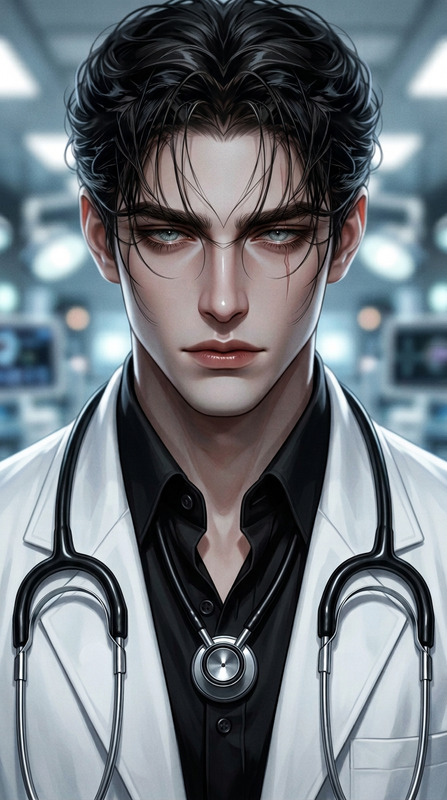
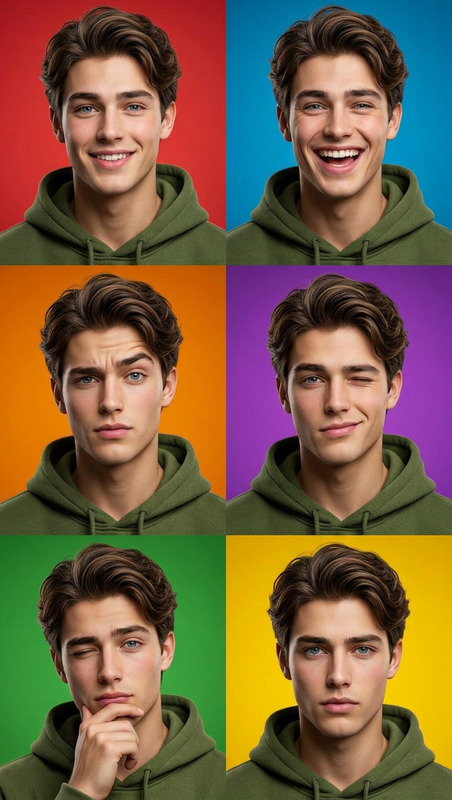
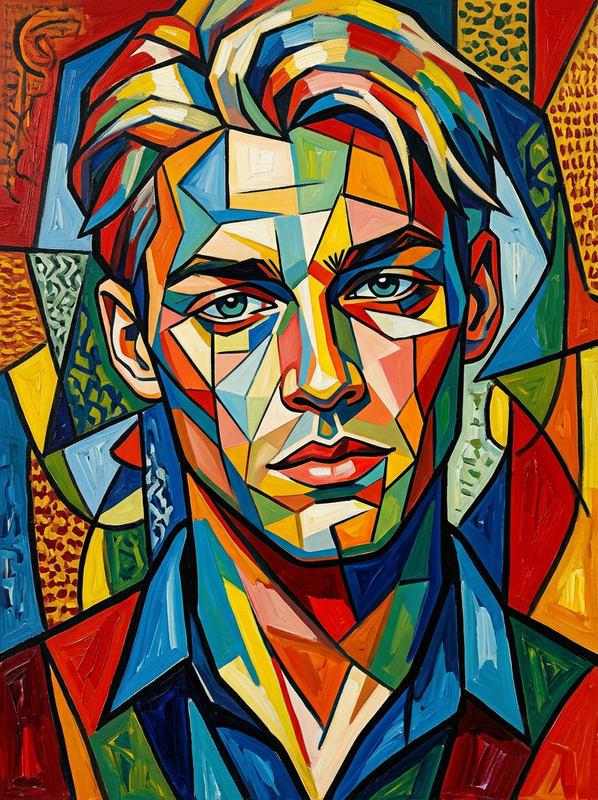
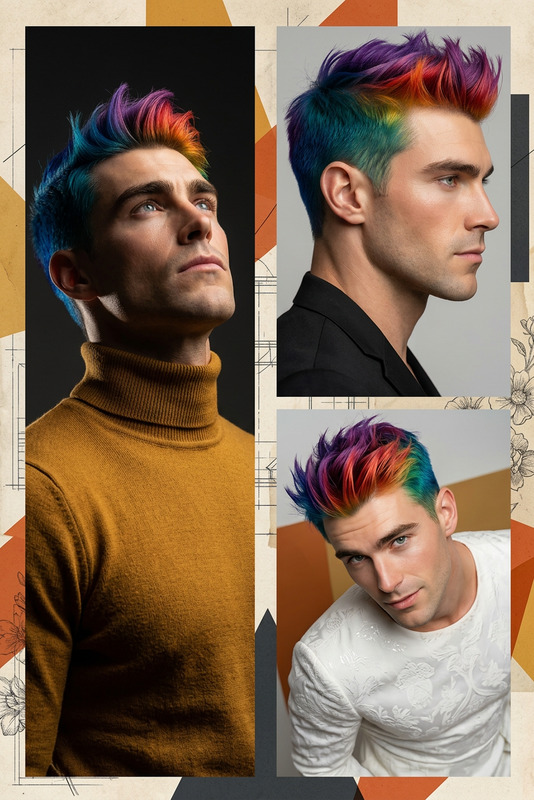
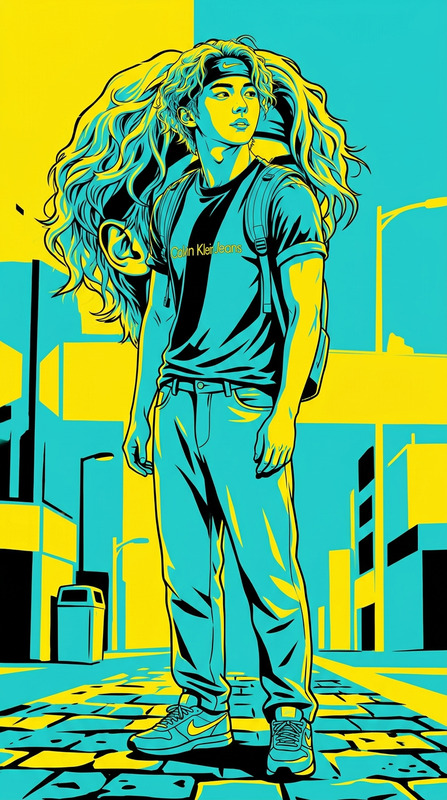
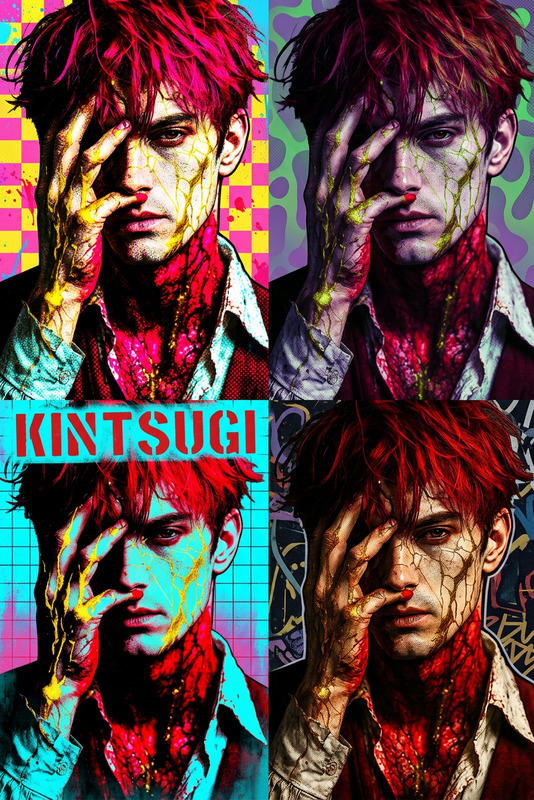
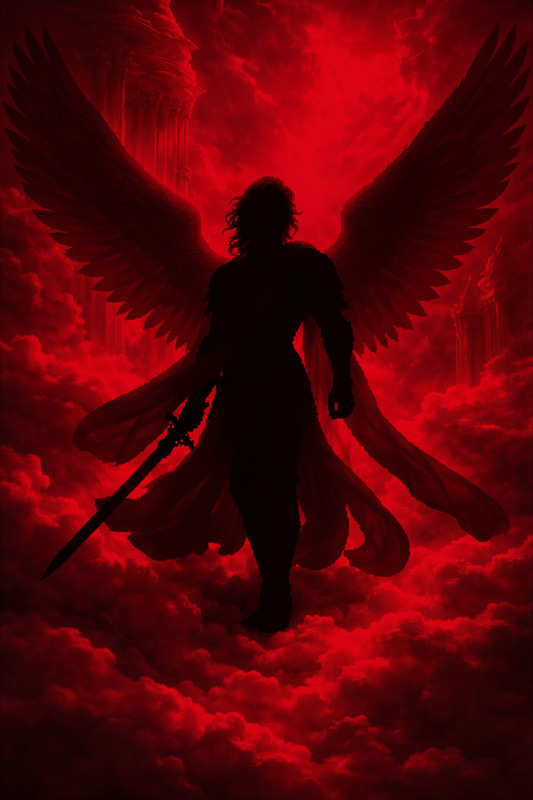
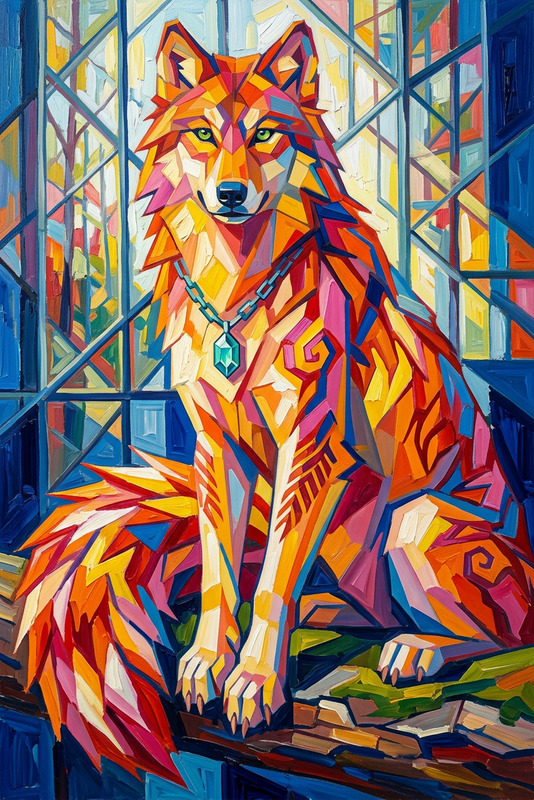
Wide horizontal composition divided into five distinct vertical panels, each panel featuring the subject with unique styling, pose, and visual identity. Each section includes customizable background colors, lighting schemes, and thematic elements, with distinct foreground details enhancing individuality. Cohesive overall layout with balanced spacing and seamless transitions between panels. High-detail rendering, cinematic lighting, sharp focus, vibrant color control, and a polished, editorial-quality finish.
AI Image Editor Template: Instantly Upgrade Any Image With Smart, Precise Edits
This template is built on Magic Hour’s AI Image Editor, giving you a fast, flexible way to transform photos and designs without manual Photoshop-style work. Use it to clean up assets for campaigns, pitch decks, product pages, UGC, or social content in minutes instead of hours.
Because it’s a fully remixable template, you can duplicate it inside Magic Hour, tweak the prompts, swap images, and adapt it to your own brand or workflow.
What This Template Is For
This AI Image Editor–based template is ideal if you need to:
- Remove unwanted objects, logos, or background distractions
- Replace skies, walls, or backgrounds with on-brand visuals
- Fix faces, clothing, or lighting in otherwise good photos
- Localize assets (swap text, signage, or product variants)
- Turn rough mockups into polished, production-ready visuals
It’s especially useful for:
- Marketers & growth teams: Clean creatives, rapid experiment variants, polished ads
- Startup founders & operators: Investor decks, landing page assets, product mockups
- Designers & creators: Quick iterations, thumbnails, social posts, content calendars
- Developers & product teams: UI mockups, feature previews, in-product visuals
How This Template Works (High-Level)
This template uses the AI Image Editor to:
- Ingest your base image (photo, screenshot, illustration, or render).
- Allow you to describe what you want changed in natural language (e.g., “remove the person in the background and replace the sky with a sunset”).
- Apply targeted, context-aware edits—respecting perspective, lighting, and style—while keeping the rest of the image intact.
Under the hood, tools like Magic Hour’s editor use diffusion and inpainting techniques, similar to what’s discussed in research like “High-Resolution Image Inpainting with Iterative Confidence Feedback” and Stable Diffusion inpainting methods, but wrapped in a UI that’s optimized for non-technical users.
How To Remix This Template in Magic Hour
You can create your own version of this template inside Magic Hour in a few steps:
Duplicate / Remix the Template
- Open this template in Magic Hour.
- Use the Remix / Duplicate option to create your own editable copy.
Swap in Your Own Images
- Replace the example image(s) with:
- Product photos
- Headshots or lifestyle images
- UI screenshots
- Illustrations or concept art
- Replace the example image(s) with:
Customize the Edit Prompts
- Adjust the template’s “edit instructions” to match your use case. Some high-performing prompt patterns to try:
- “Remove [object/person] from the [area], keep lighting and shadows consistent.”
- “Replace the background with a clean, minimal studio setup in [color palette].”
- “Change the outfit to a [style/era], keeping pose and face the same.”
- “Turn this photo into a stylized [comic/anime/illustration] while preserving identity.”
- Adjust the template’s “edit instructions” to match your use case. Some high-performing prompt patterns to try:
Create Multiple Variants for Testing
- Duplicate your remixed template to quickly generate:
- Different colorways or environments
- Seasonal or regional variations
- A/B test images for ads, landing pages, or app stores
- Duplicate your remixed template to quickly generate:
Because the logic lives in the template, once you’ve set it up, you can repeatedly drop in new images and get consistent, on-brand results without rebuilding the workflow.
Example Use Cases You Can Build From This Template
You can adapt this AI Image Editor template to build more specialized workflows:
1. Clean Product Photography
Turn imperfect product shots into polished e‑commerce assets:
- Remove hands, props, or distractions using the AI Remover or Remove Object from Photo tools.
- Swap messy or busy environments for neutral, brand-aligned scenes with the AI Background Generator.
- Upscale and sharpen final outputs using the AI Image Upscaler.
2. Headshots and Profile Images
Build consistent, professional-looking headshots for teams, campaigns, or personas:
- Start with casual photos and refine them in this template.
- Use the AI Headshot Generator or AI Selfie Generator to generate new angles and styles.
- Clean up blemishes or backgrounds with the AI Image Editor, then unblur older or low-res photos using Unblur Image.
3. Social, Thumbnails, and Creators’ Assets
Ship scroll-stopping visuals quickly:
- Use the AI Image Editor to remove clutter, adjust scenes, or add visual hooks.
- Combine with the Thumbnail Maker or Album Cover Generator to create branded, high-impact covers and thumbnails.
- Generate meme-style variants with the AI Meme Generator for fast social testing.
4. Creative Concepting & Visual R&D
Prototype ideas for campaigns, games, and stories:
- Generate base scenes or characters with the AI Art Generator, AI Character Generator, or Animated Characters Generator.
- Refine details, fix artifacts, or swap elements using this AI Image Editor template.
- Explore niches like:
Combine This Template With Other Magic Hour Tools
For more advanced or multi-step workflows, you can chain this AI Image Editor template with other Magic Hour products:
Image → Video Pipelines
- Start with a cleaned-up or edited image from this template.
- Animate it using Image to Video or AI Talking Photo.
- Generate lip-synced or character-driven videos using:
Brand & Identity Systems
- Use the AI Image Editor to align imagery with your visual identity.
- Design and refine logos or icons with the AI Logo Generator and AI Icon Generator.
- Extend the system to avatars via the Avatar Generator or AI Face Generator.
Photo Cleanup & Restoration
- Restore damaged or old photos with Old Photo Restoration and Photo Colorizer.
- Use the AI Image Editor template to fix remaining issues, adjust composition, or remove unwanted elements.
- Further refine backgrounds with the Image Background Remover and Watermark Remover.
Practical Tips for Better Results
When you remix this template:
- Be specific in your prompts
- Instead of “fix the background,” try “replace the background with a soft, out-of-focus office environment in neutral tones.”
- Preserve what matters
- Emphasize what should remain unchanged: “Keep the person’s face and pose the same, only change the outfit to business casual.”
- Iterate in small steps
- Run a few focused edits instead of a single, overly broad instruction.
- Optimize for your channel
- If you’re editing for ads, thumbnails, or mobile UI, consider how the image will appear at small sizes and adjust clarity and contrast accordingly.
Who This Template Is For
This AI Image Editor template is designed for:
- Growth & marketing teams shipping rapid experiments and ad creative
- Founders & operators who need production-ready visuals without a full design team
- Designers, editors, and content teams who want a repeatable, scalable editing workflow
- Developers & product teams needing fast visual prototypes and UI imagery
If you work with images at all—product shots, campaign visuals, social assets, pitch decks—this template gives you a reusable, AI‑powered editing workflow you can adapt and customize inside Magic Hour.
Remix it, wire it into your own content pipeline, and treat it as a starting point for a complete AI-first image production stack.