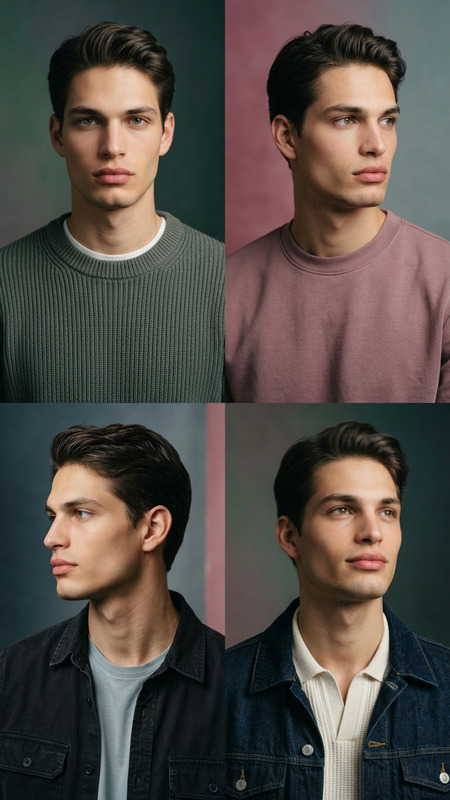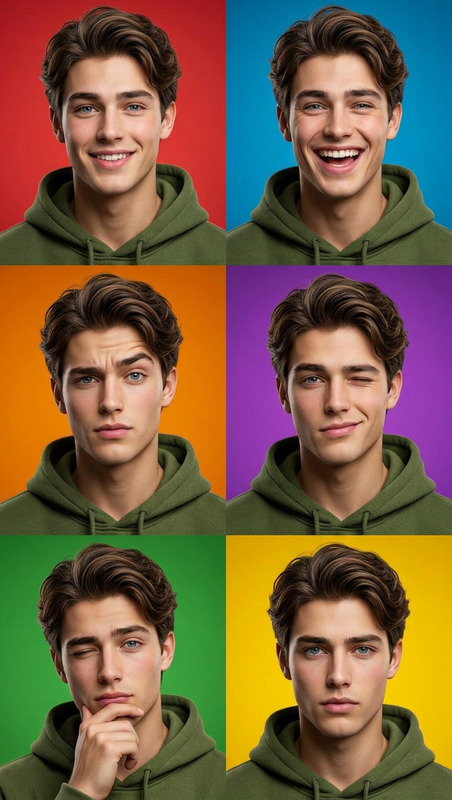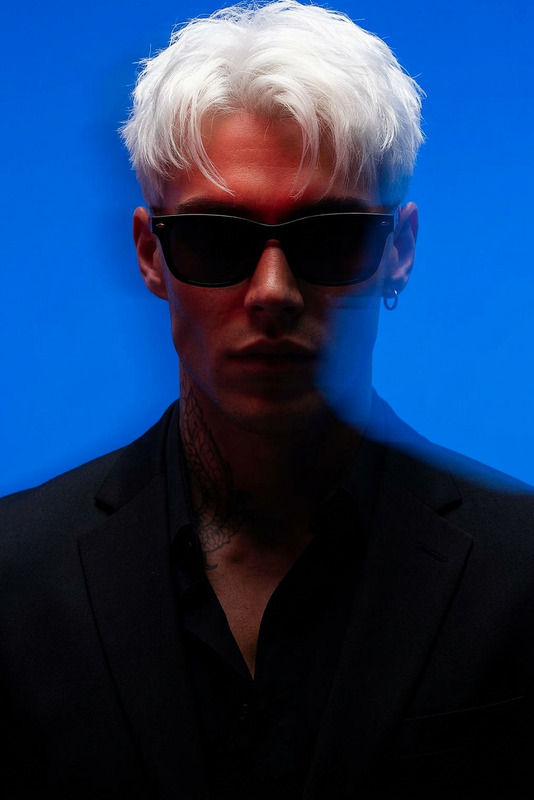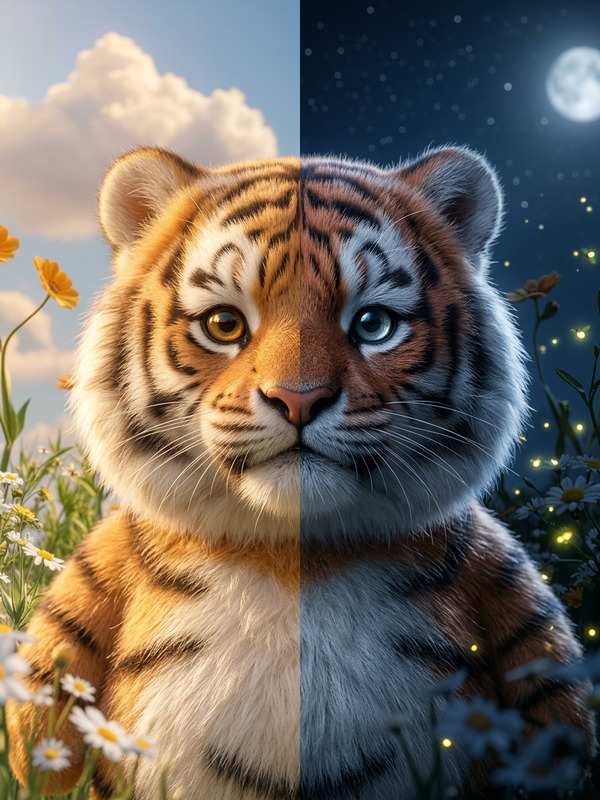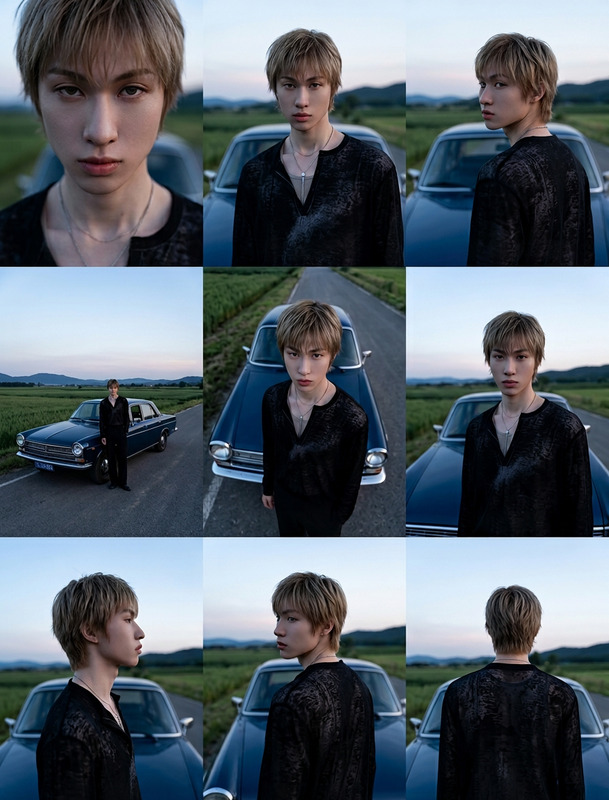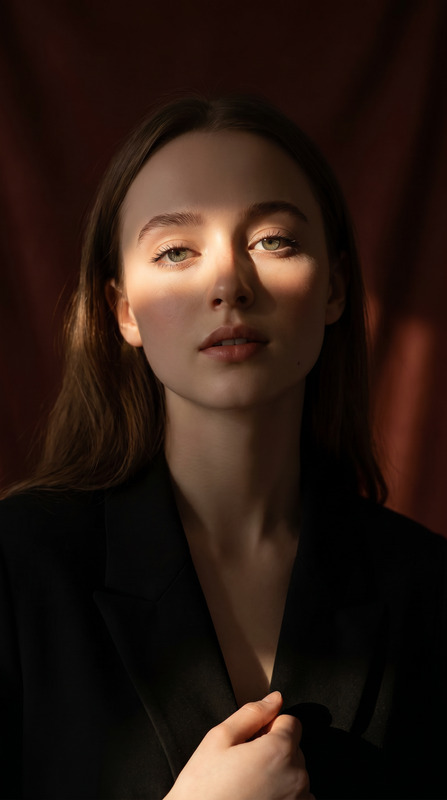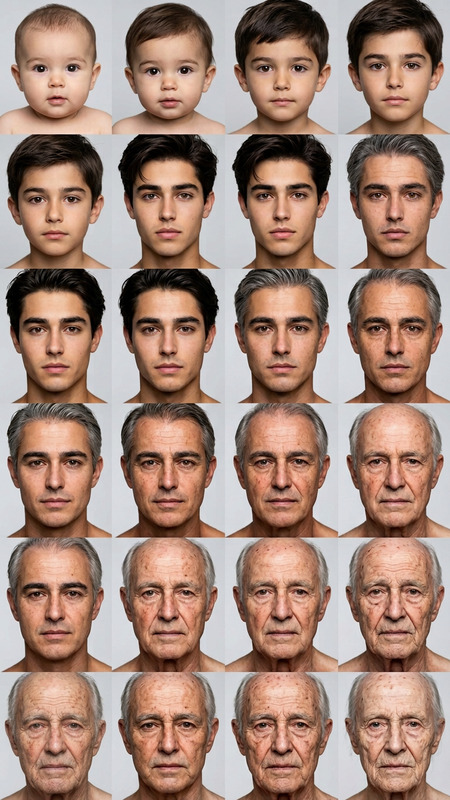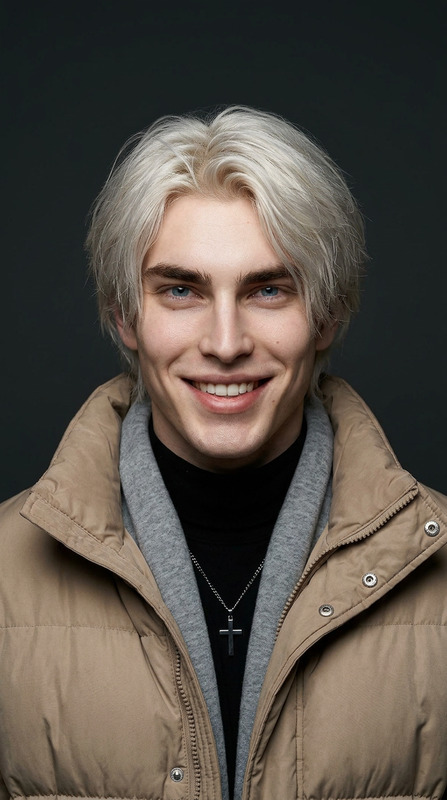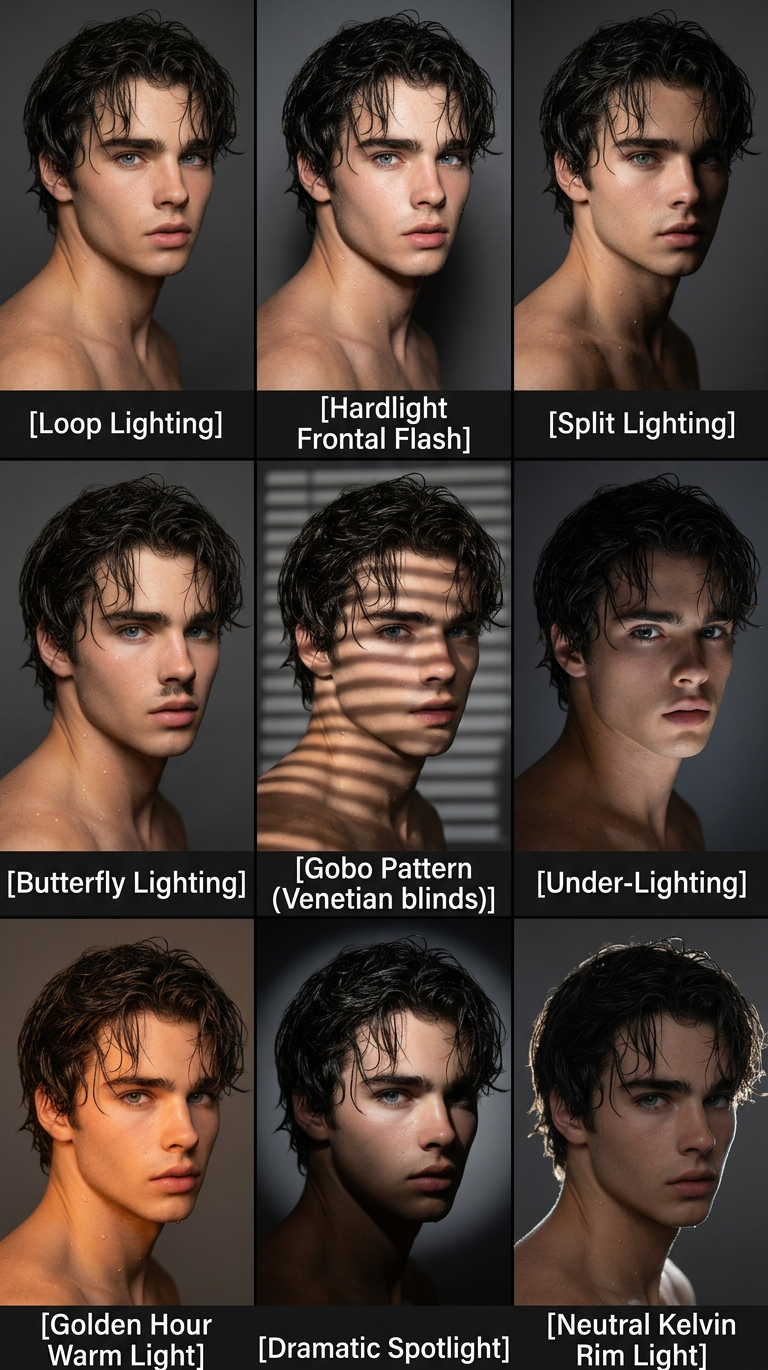
Lighting Study Grid

Lighting Study Grid

ai-image-editor

1 clip
0 uses

Any aspect ratio

Prompt

Subject transforms into a 3x3 photo grid on a dark grey background, each panel showing the same subject with identical pose, outfit, and perspective, ensuring perfect consistency. Only lighting changes across panels. Top row: Loop Lighting, Hardlight Frontal Flash, Split Lighting Middle row: Butterfly Lighting, Gobo Pattern (Venetian blinds), Under-Lighting Bottom row: Golden Hour Warm Light, Dramatic Spotlight, Neutral Kelvin Rim Light Each portrait is clearly labeled below with clean sans-serif text. High-end studio quality, controlled lighting variations, sharp details, cohesive composition, professional photography study aesthetic.

Transform any photo in seconds with this AI Image Editor template. Clean up shots, rewrite backgrounds, fix details, and create on‑brand visuals without opening Photoshop or writing a single prompt from scratch.


What this template does

This template is built on the AI Image Editor and gives you a fast, repeatable way to:

  • Remove or replace objects in a photo
  • Change backgrounds (studio, lifestyle, product flat-lay, outdoor, etc.)
  • Retouch faces, clothing, and small details
  • Extend or reframe images for social, ads, or thumbnails
  • Turn rough drafts into polished, shareable assets

It’s especially useful for:

  • Creators and YouTubers who need clean thumbnails and social content
  • Marketers who want consistent ad creatives and A/B test variations
  • Startup teams that need “good enough” design quickly, without a full design team
  • Developers and technical users creating assets for docs, product shots, or UI mocks

Because this lives as a Magic Hour template, you can remix it, fork it, and adapt it to your own workflow in a few clicks.


How to use and remix this template in Magic Hour

  1. Open the template
    Load this template from your Magic Hour workspace. It’s configured to work with the AI Image Editor, so you can start from any image (photo, render, screenshot).

  2. Upload your base image
    Drop in:

    • Product photos (even quick smartphone shots)
    • Headshots or portraits
    • Social media images or thumbnails
    • Screenshots, UI mocks, or diagrams
  3. Describe the change you want
    In natural language, explain what you want the template to do, for example:

    • “Remove the clutter in the background and replace it with a simple, soft gray studio backdrop.”
    • “Change the T‑shirt to a black hoodie, keep lighting realistic.”
    • “Turn this office photo into a clean podcast-style setup.”
    • “Extend the canvas to the right and add negative space for ad copy.”
  4. Review and iterate

    • Generate multiple versions and pick the best.
    • Refine your instruction, then run again.
    • Save the best outputs back to your workspace for use in other templates (e.g., turning them into video, GIFs, or thumbnails).
  5. Remix for your own workflow
    Use this template as a starting point and:

    • Change the default instructions to fit your brand or use case (e.g., “always use a high-key e‑commerce background,” “always keep skin tones natural”).
    • Chain it with other Magic Hour tools—for example:
      • Clean and reframe a product shot here, then turn it into a short video with Image to Video.
      • Edit and upscale a portrait, then convert it into a talking avatar with AI Talking Photo.
    • Save your remix as a new, team‑ready template for repeated use.

High‑value use cases

1. Product photos and e‑commerce

Use this template with the AI Image Editor to:

  • Replace busy backgrounds with clean “studio” looks
  • Create lifestyle versions of the same product shot
  • Add or remove props (plants, desks, packaging, etc.)
  • Standardize image style across marketplaces and campaigns

Combine it with:

2. Creator thumbnails & social content

Creators often need fast, repeatable visuals that still look intentional. With this template, you can:

  • Clean up messy backgrounds or swap them for bold gradients
  • Add context (devices, UI mockups, whiteboards) around you
  • Extend or crop images for YouTube, TikTok, LinkedIn, or X
  • Prepare images for motion, then send them into:

3. Team headshots and profile images

For teams and founders, this template is a quick way to:

  • Turn casual photos into clean, consistent headshots
  • Swap backgrounds to match brand colors or office style
  • Retouch minor distractions (lighting, clutter, color balance)

For more advanced headshot workflows, pair it with:

4. Brand and marketing creative

Marketers can use this template to:

  • Generate multiple branded variants of the same core asset
  • Test different background styles, color palettes, and framing
  • Create derivative assets for email, landing pages, and paid ads

Then:

5. Concept art, characters, and IP development

If you’re a builder or game/dev creator, you can use the template to:

  • Clean and standardize concept sketches or renders
  • Place characters in different environments
  • Quickly generate visual variations before committing to a direction

Then extend your pipeline with:


How this template compares to related Magic Hour tools

This template specifically uses the AI Image Editor for targeted edits on existing photos. You might also want to explore:

Each of these can be chained with this template inside your Magic Hour workspace to build custom, multi‑step creative workflows.


Tips for better results

  • Start from the best version you have
    While the editor can fix many issues, sharp, well‑lit input photos give you more believable outputs. If needed, pre‑clean or sharpen using:

  • Be concrete in your instructions
    Replace “make this better” with “replace background with a soft, out‑of‑focus living room, warm lighting, keep subject sharp.”

  • Stay consistent for brand assets
    Decide on a few recurring phrases that match your brand (e.g., “minimal, light gray studio background,” “high contrast, bold color gradient”) and bake them into your remixed version of the template.

  • Use cleanup and removal selectively
    If you’re focusing on object removal, pair this template with:

  • Scale and reuse assets across formats


Example workflows you can build by remixing this template

Use this template as a building block for more advanced pipelines:

  1. Ad creative pipeline

    • Start with rough product photos → clean and standardize with this AI Image Editor template
    • Upscale and sharpen with AI Image Upscaler
    • Generate multiple thumbnail variations via Thumbnail Maker
    • Turn top‑performing creatives into short motion ads with Image to Video
  2. Founder/Team brand kit

  3. Content pipeline for creators


Why use this as a template instead of ad‑hoc editing?

For busy teams and creators, the value isn’t just in single edits—it’s in:

  • Consistency
    Use the same underlying instructions each time to keep a stable look across campaigns, social platforms, and product lines.

  • Repeatability
    Anyone on your team can open this template and apply the same process, even if they’re not design‑savvy.

  • Composability
    Because this template is part of Magic Hour, you can connect it with other products like Text to Video, AI Voice Generator, or AI Meme Generator to build custom creative systems tailored to your business.

Remix this template, refine the instructions to match your brand, and you’ll have a reusable AI Image Editor workflow that turns rough images into production‑ready assets in minutes.

More Like This