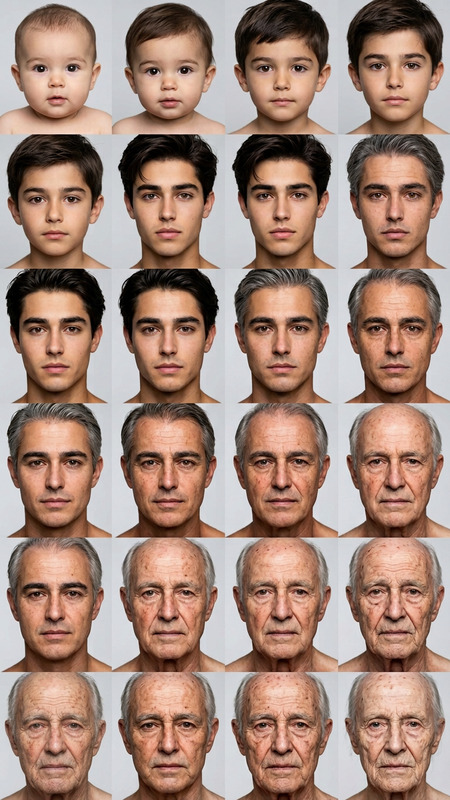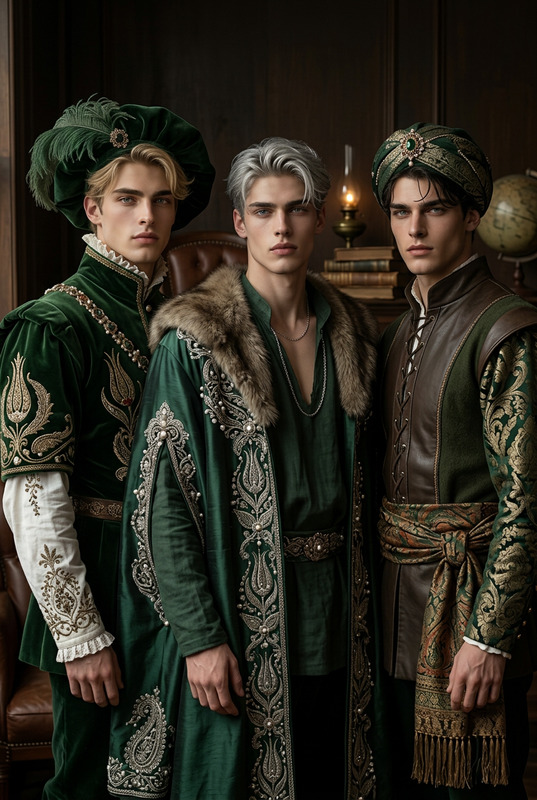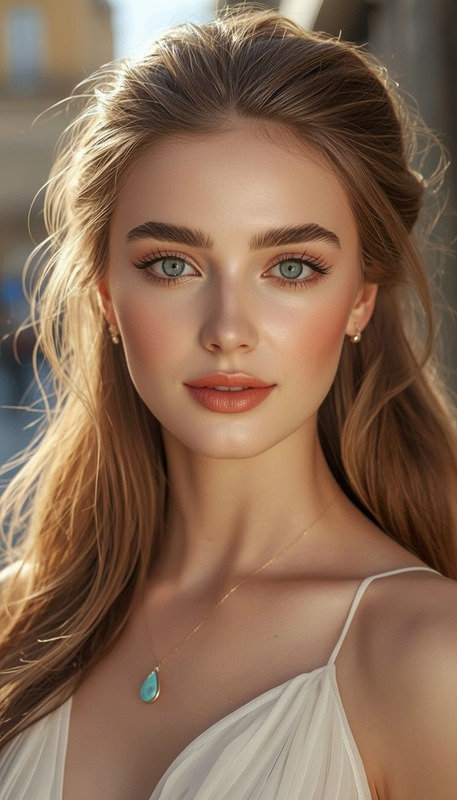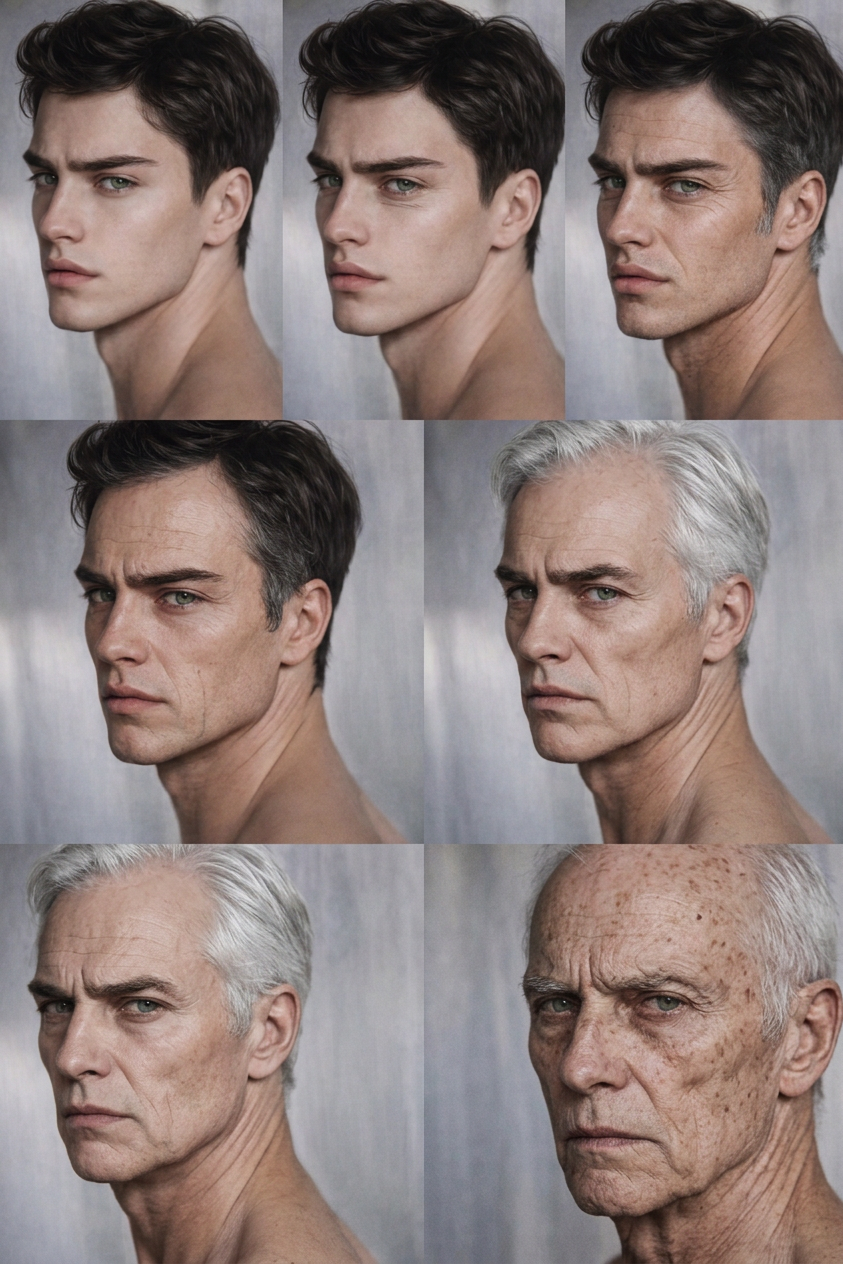
Lifetime Aging Portrait Series
- Model
- Nano Banana 2
- Image
- 843 × 1264 px
Prompt
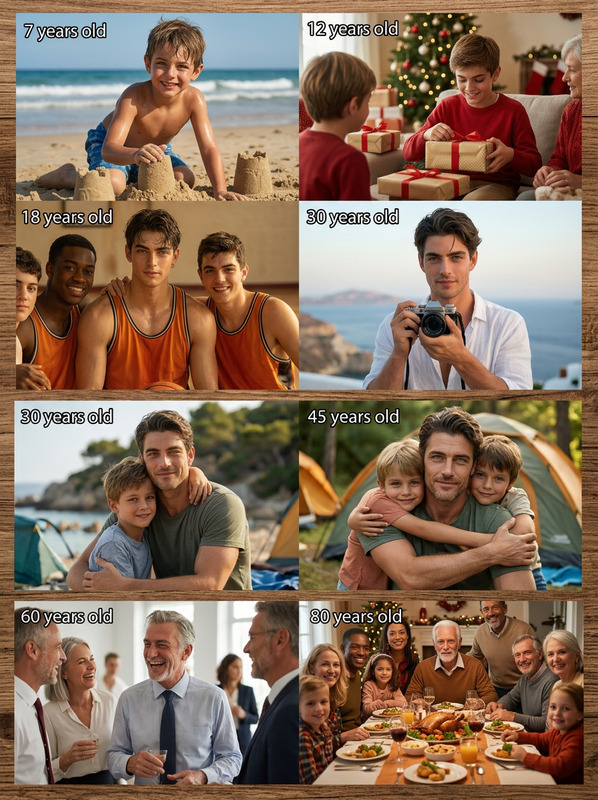
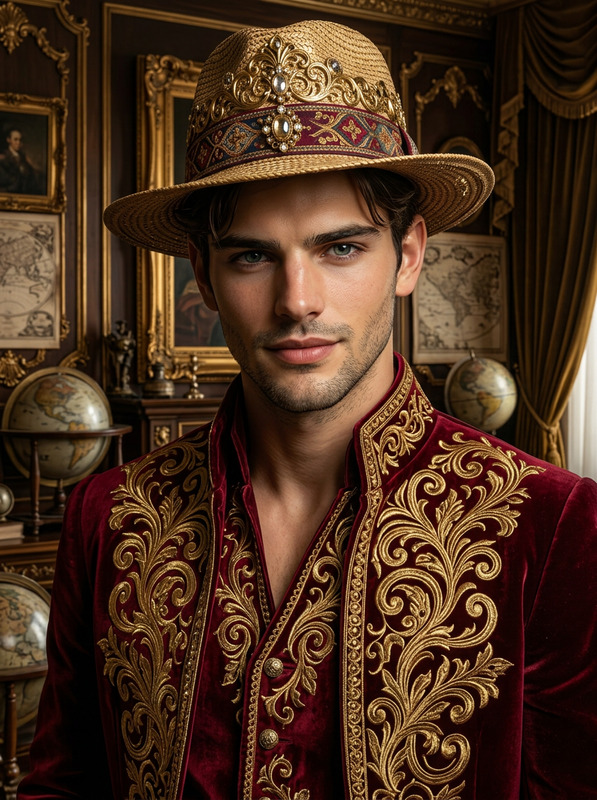
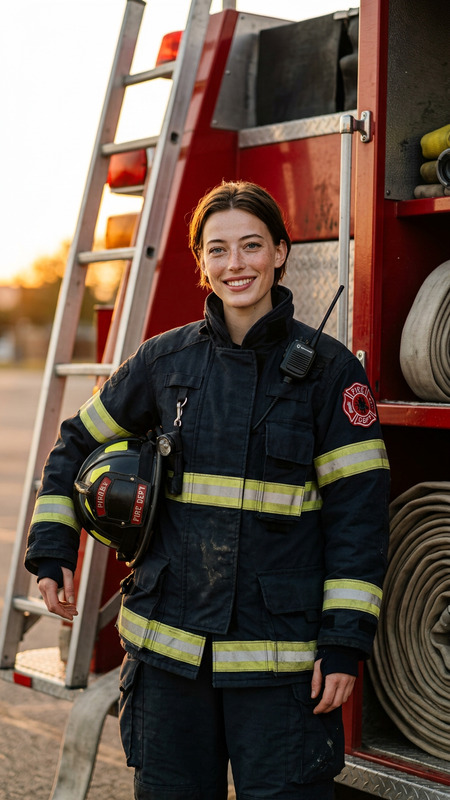
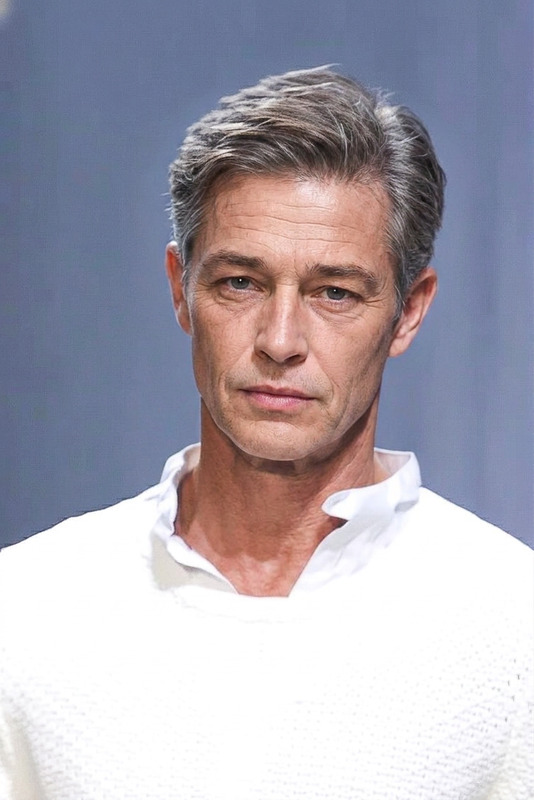
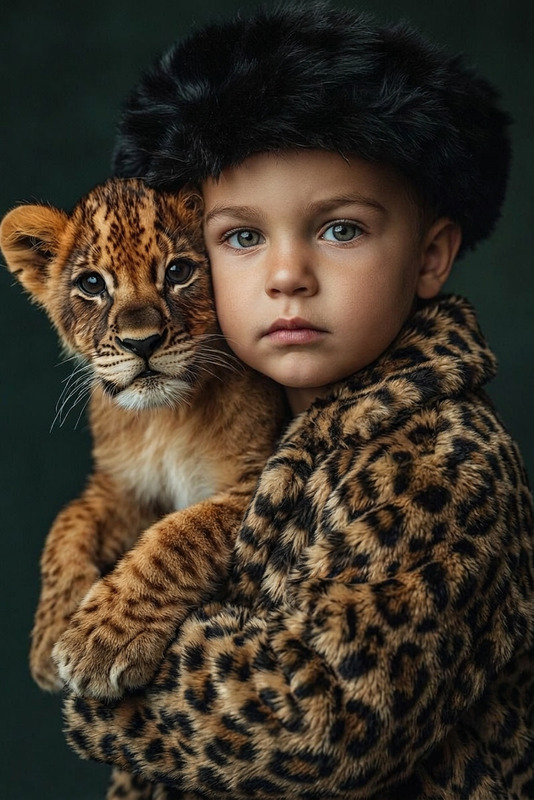
Generate a series of realistic portraits of the same person at different ages, progressing naturally from youth to 80 years old. Preserve consistent facial identity, bone structure, and key features while gradually applying age-appropriate changes such as skin texture, wrinkles, hair color and density, and facial contours. Maintain consistent lighting, angle, and background for all stages. Ensure smooth, believable transitions between ages, with a natural and lifelike appearance throughout the full aging timeline.
Any aspect ratio
Overview
The Lifetime Aging Portrait Series template is an advanced tool within our AI Image Editor. It enables you to create a seamless series of realistic portraits that illustrate the aging process from youth through to 80 years old. This template preserves the unique identity of the subject while naturally incorporating signs of aging.
What It Does
This tool generates a series of aged portraits by manipulating facial features, skin texture, and other age-related characteristics. Using the AI Image Generator, the template ensures that each transition over time reflects a natural progression. The consistent lighting, angle, and background across all stages aids in maintaining the realism of the output.
Who It's For
This template is ideal for creatives, filmmakers, and educators who want to portray realistic aging or demonstrate the passage of time in their work. It is a valuable tool for projects in film, education, and personal documentation, especially when enhanced facial detail is crucial.
Summary
The Lifetime Aging Portrait Series template offers an unprecedented view of the aging process with its lifelike accuracy. It's part of a comprehensive toolkit, including the AI Face Editor, to elevate your projects with realistic and dynamic visual storytelling.
How To
Choose Your Template

Customize Portrait Features

Generate and Download

Use Cases
Film and Video Production
- Realistic lifecycle portrayal
- Consistent character identity across timelines
Educational Content
- Human biology visual aids
- Historical figure age progression
Personal Documentation
- Family gifts
- Personal growth storytelling
Best Practices
Use High-Resolution Images
Upload the highest possible resolution images to ensure the best analysis and rendering of facial features.Consistent Angles and Lighting
Ensure the original image follows the recommended consistent angle and lighting to maintain realism across the series.Iterate and Refine
Experiment with slight adjustments in prompts to refine the aging process and achieve desired results.