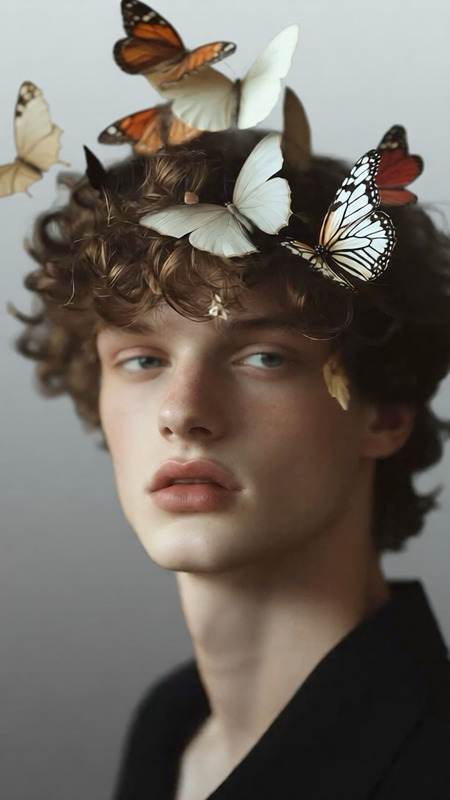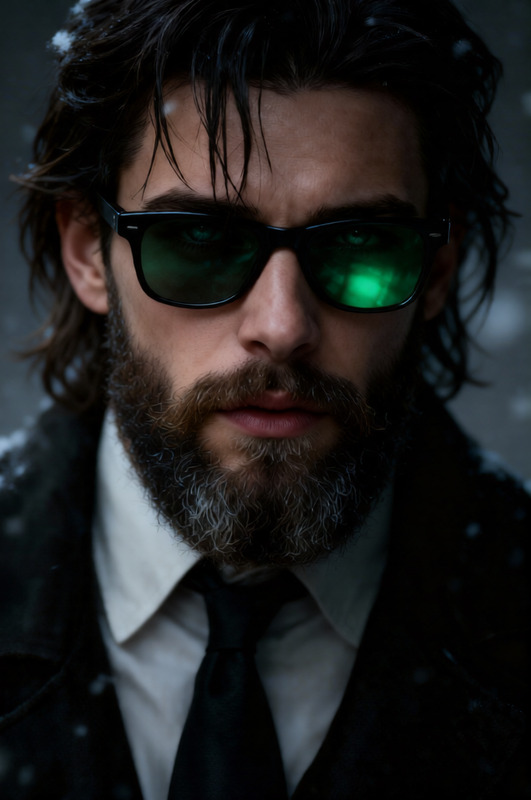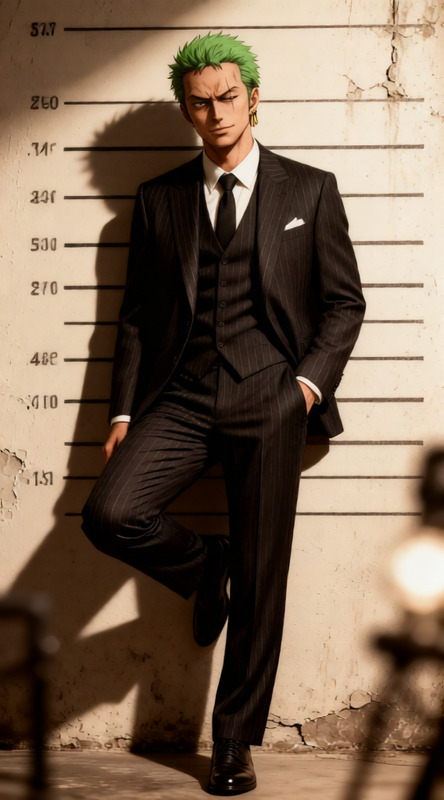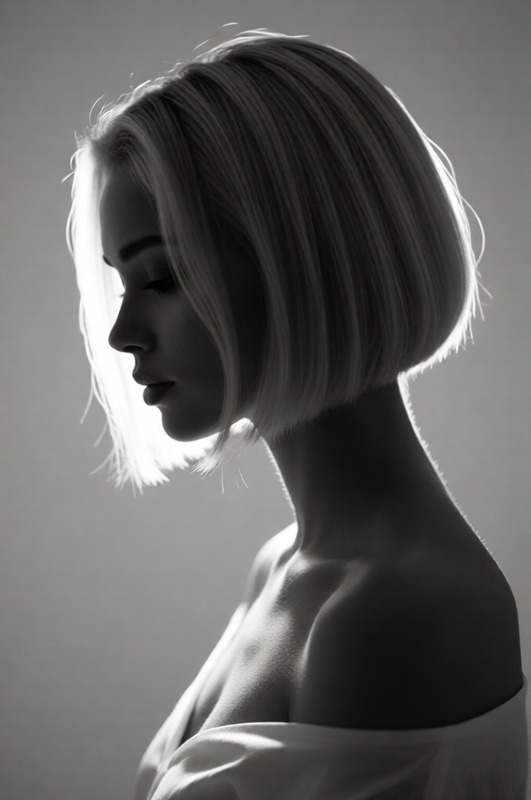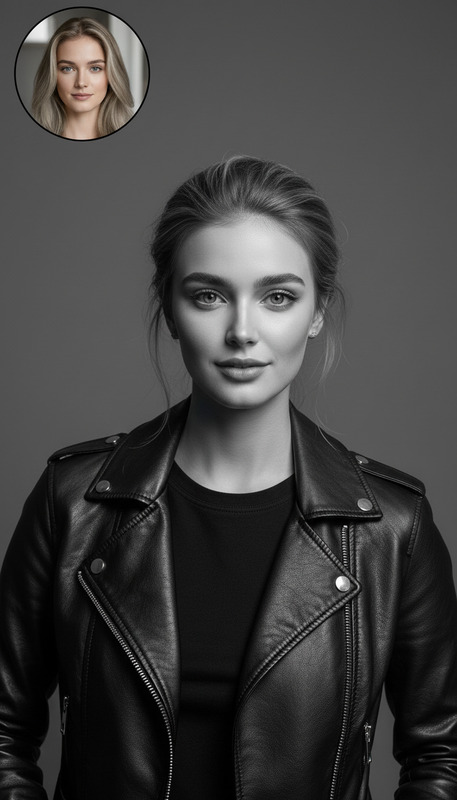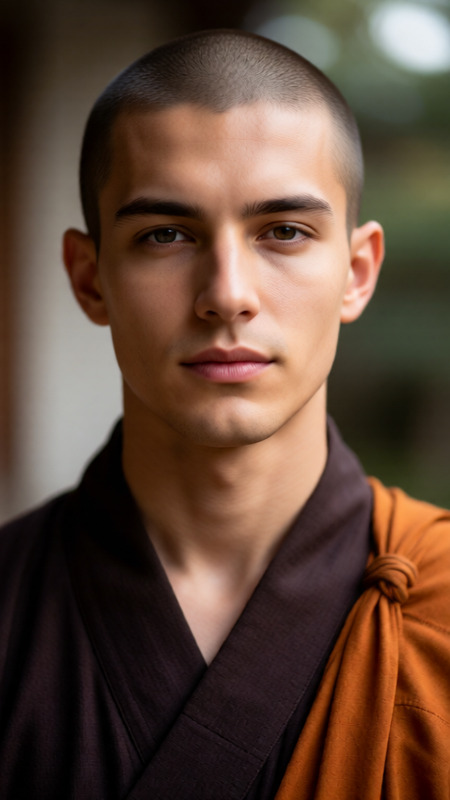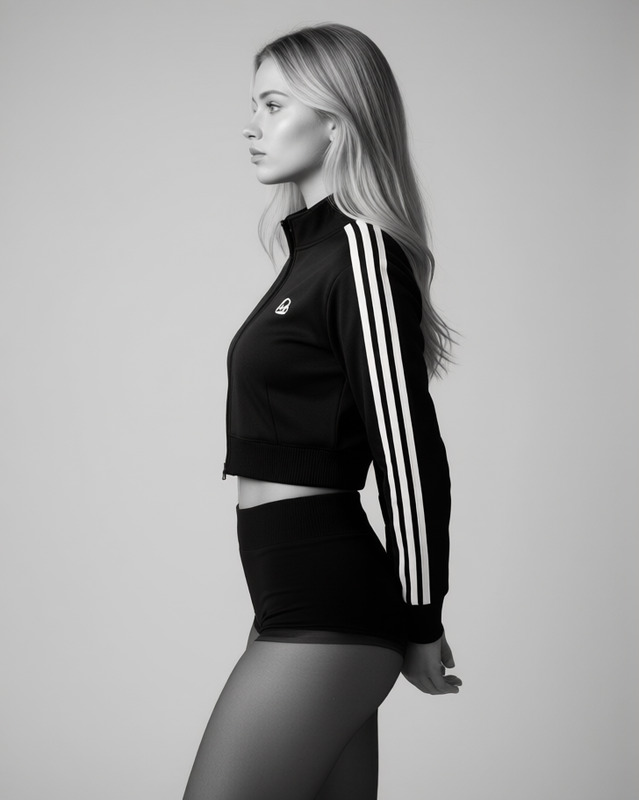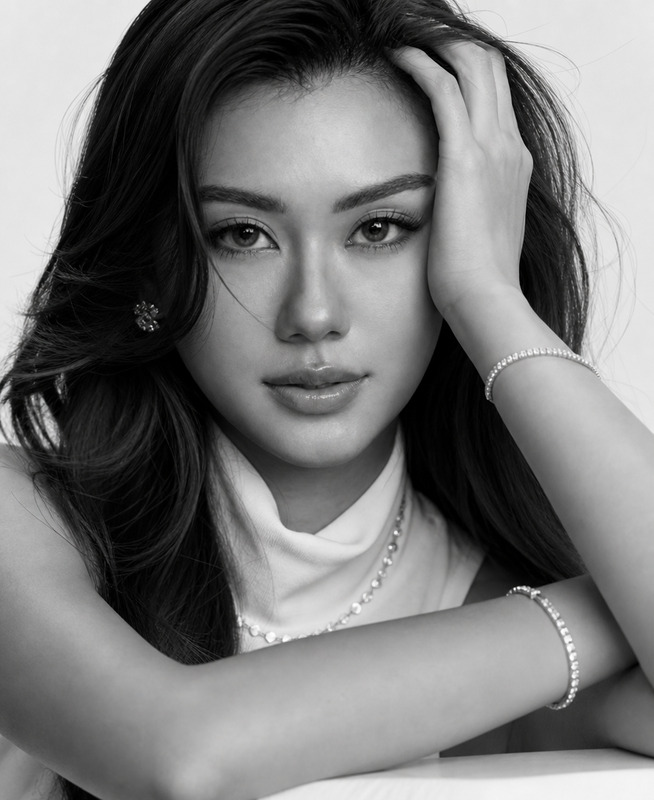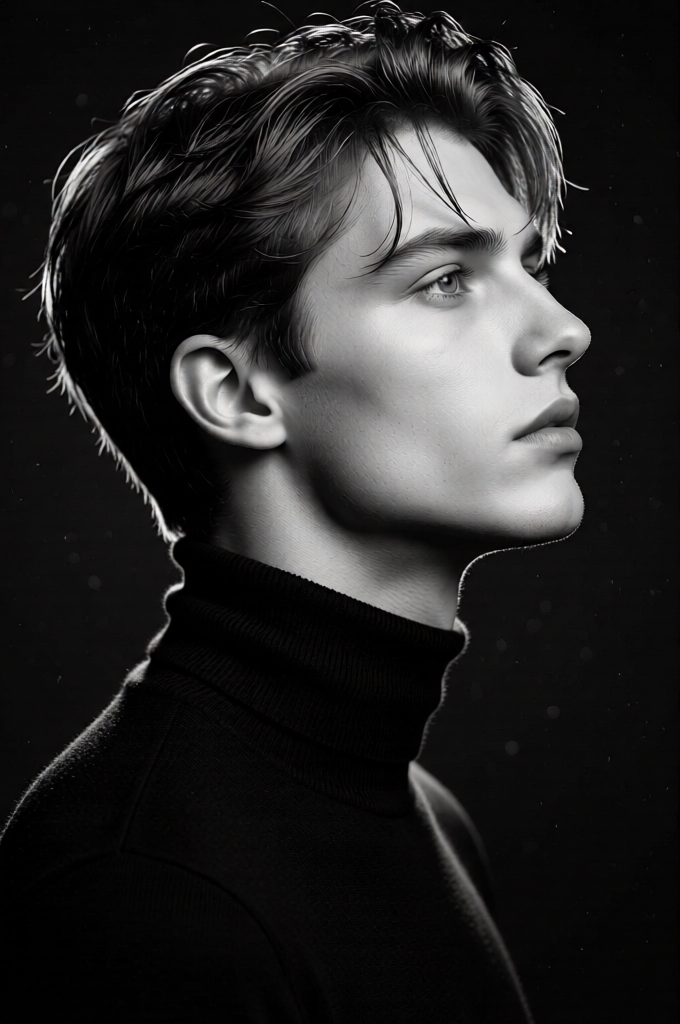
Monochrome Side Profile Identity Lock

Monochrome Side Profile Identity Lock

ai-image-editor

1 clip
24 uses

Any aspect ratio

Prompt

High-contrast black-and-white side-profile portrait (90°) of the subject using face.jpg, preserving exact facial features, proportions, hairstyle. Neutral expression, looking slightly upward. Seamless black turtleneck blending into background. No glasses, jewelry, text, or props. Rim lighting, natural skin texture, no heavy retouching. Shot 85mm, photorealistic, ultra-sharp. Output: PNG 2048×3072.

AI Image Editor Template: Turn Any Photo Into Studio-Quality Creative Assets

Use this template to quickly transform, clean up, and repurpose any image with the AI Image Editor. It’s built for creators, marketers, and builders who need production-ready visuals in minutes—not hours in Photoshop.


What This Template Is Best For

This AI Image Editor–based template is ideal when you need to:

  • Remove or replace backgrounds for products, portraits, or social posts
  • Clean up distractions (logos, objects, people) from photos in one click
  • Reframe and extend images for multiple aspect ratios (ads, thumbnails, stories)
  • Quickly generate variations of a hero image for A/B testing
  • Refresh old, low-quality visuals into sharp, modern assets

You can use it for:

  • Marketing and growth: landing pages, paid ads, email banners
  • Product and brand: hero images, app store screenshots, decks, pitch materials
  • Content and social: YouTube thumbnails, LinkedIn posts, newsletter illustrations
  • Creative projects: moodboards, concept art, mockups, client presentations

How to Remix This Template in Magic Hour

You can treat this template as a starting point and adapt it to your brand, workflow, or content style. To create your own version in Magic Hour:

  1. Start from this template

    • Open the template in Magic Hour.
    • Duplicate it to your workspace so you can safely experiment.
  2. Swap in your own source images

    • Replace the sample image with your product shots, portraits, UI mockups, or references.
    • For best results, use high-resolution images or enhance them first with the AI Image Upscaler.
  3. Define your editing goals in natural language

    • Describe what you want changed:
      • “Remove the background and replace with a clean white studio backdrop.”
      • “Erase the person in the background and fill with matching environment.”
      • “Turn this casual selfie into a professional headshot with a neutral background.”
    • The AI Image Editor understands plain English; you don’t need prompt engineering skills.
  4. Chain edits for more advanced workflows
    You can create a powerful mini-pipeline inside this template, for example:

    • Clean up → Background change → Resolution boost → Style tweak
    • Remove object → Extend canvas for a new aspect ratio → Add subtle brand colors

    For cleaner extractions and creative background changes, consider pairing with:

  5. Save your remix as a reusable template

    • Once your flow works for one image, save it.
    • Reuse it for future campaigns, product updates, or client content—just drop in new source images.

Practical Use Cases & Example Workflows

1. Performance Marketing & Paid Ads

Turn raw product photos into campaign-ready ad creatives:

  • Remove inconsistent backgrounds and replace with polished studio or lifestyle scenes
  • Generate multiple background variations for A/B tests (minimalist, colorful, textured)
  • Adapt the same hero shot to different placements (story, feed, banner, email header)

Helpful tools to combine with this template:


2. Creator Branding & Profile Photos

Polish your online presence across LinkedIn, Twitter, websites, and decks:

  • Upgrade casual photos into clean, on-brand portraits
  • Change backgrounds to office, studio, or subtle gradients
  • Remove visual clutter and unify lighting and color

For a more specialized pipeline:


3. Product & App Showcases

If you’re building SaaS, apps, or physical products:

  • Cleanly remove messy desks, reflections, or distracting objects
  • Drop devices into consistent, branded environments
  • Extend canvas to fit website hero sections or slide backgrounds

You can also:


4. Content & Social Teams

Scale content with a repeatable, fast editing pipeline:

  • Turn one core visual into 5–10 platform-specific variations
  • Replace busy or off-brand backgrounds with clean, consistent ones
  • Remove watermarks or unwanted elements from owned content (for cleanup of your own assets, pair with the Watermark Remover)

For more dynamic content, combine this template with:


5. Concept Art & Visual Exploration

If you’re exploring ideas for games, worlds, or visual directions:

  • Start from rough sketches or photos and iteratively clean, extend, and restyle
  • Remove real-world clutter and replace with fantastical or stylized elements
  • Quickly experiment with different moods: dark fantasy, anime, comic, or manga

Relevant Magic Hour tools to combine:

You can establish a workflow: generate the stylized base image → refine composition and remove artifacts with this AI Image Editor template.


Going Beyond Static Images: Turn Edited Photos Into Video

Once you’ve cleaned and perfected your images with this template, you can turn them into moving content directly in Magic Hour:


Technical Tips for Better Results

  • Start with the best source image you have

    • Higher resolution and good lighting improve edge detection and background changes
    • If your input is small or noisy, run it through the Unblur Image or Old Photo Restoration tools first
  • Be explicit in your instructions

    • Instead of: “Make it better”
      Use: “Remove the background, keep only the person, and replace the background with a soft gradient in brand colors.”
  • Think in reusable flows

    • Define once: “This is how our product shots look”
    • Save your remix of this template and have your team reuse it for every new launch

Related Magic Hour Tools for Image Editing Pipelines

To build more complete creative pipelines around this template, consider combining:

Every one of these can feed into, or be polished by, this AI Image Editor template.


How to Adapt This Template to Your Team

For teams and startups, this template can become a standardized “image styling layer” for your brand:

  • Agencies & studios:

    • Create client-specific versions (per brand) and share the same workflow with your team for consistent delivery.
  • Product & growth teams:

    • Define one or two “always-on” creative flows (product shots, founder headshots), then just swap in new inputs as your product evolves.
  • Solo creators & developers:

    • Use this template as your default cleanup-and-style pass so all your visuals—from landing pages to Twitter banners—look like they came from the same system.

Remixing is straightforward: open the template, duplicate it, swap images, update your instructions, and save your custom flow. Over time, you’ll build a small internal library of templates for different content types, all powered by Magic Hour’s AI Image Editor.

More Like This

Insufficient credits