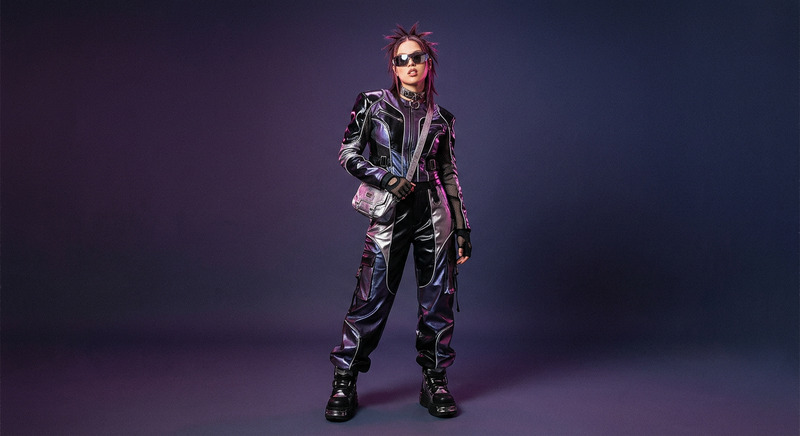
Milky
- Model
- Qwen Edit
- Image
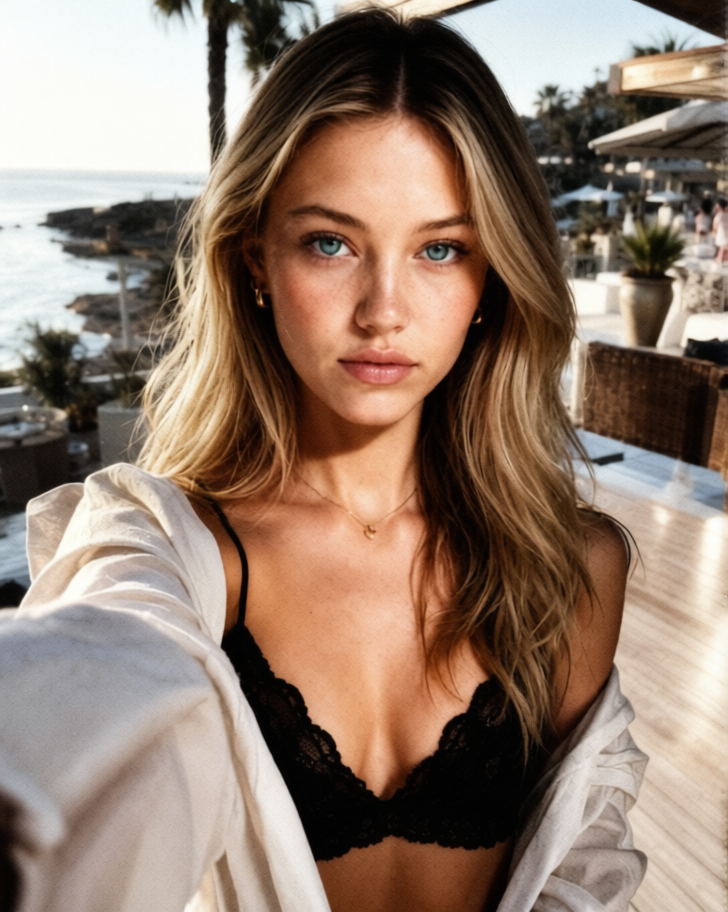
- 728 × 912 px
Prompt
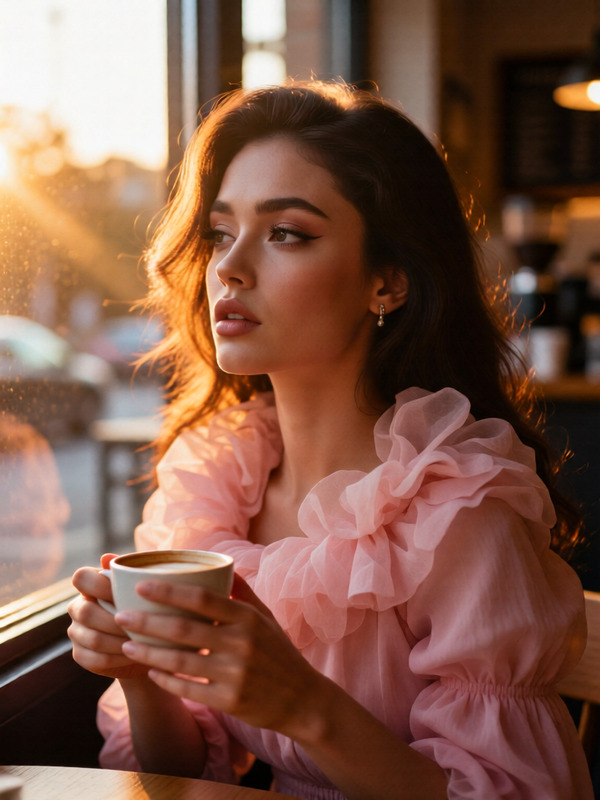
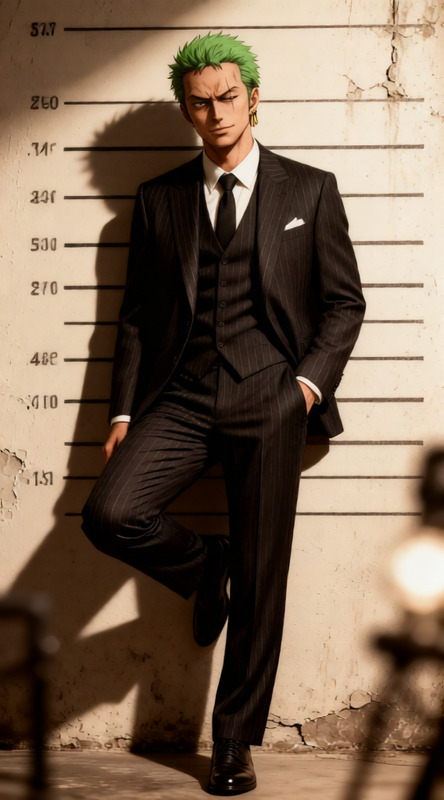
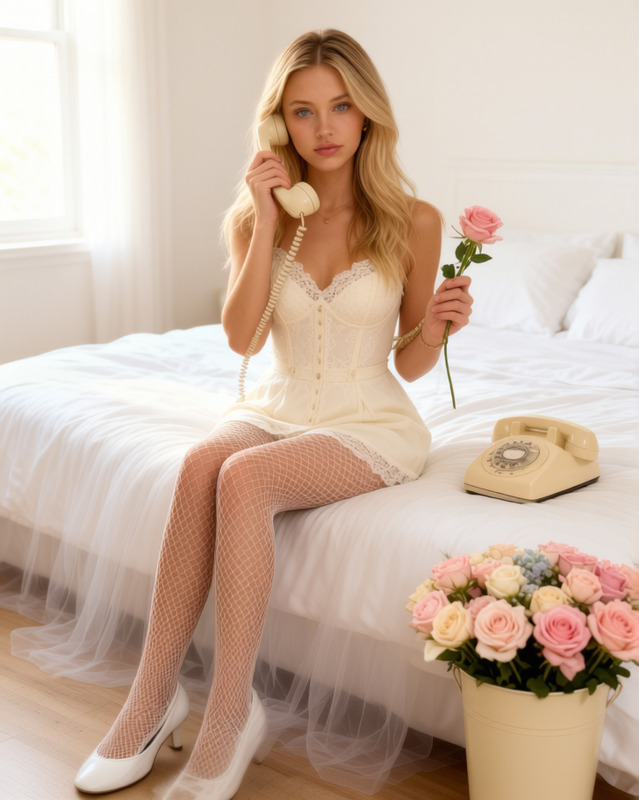
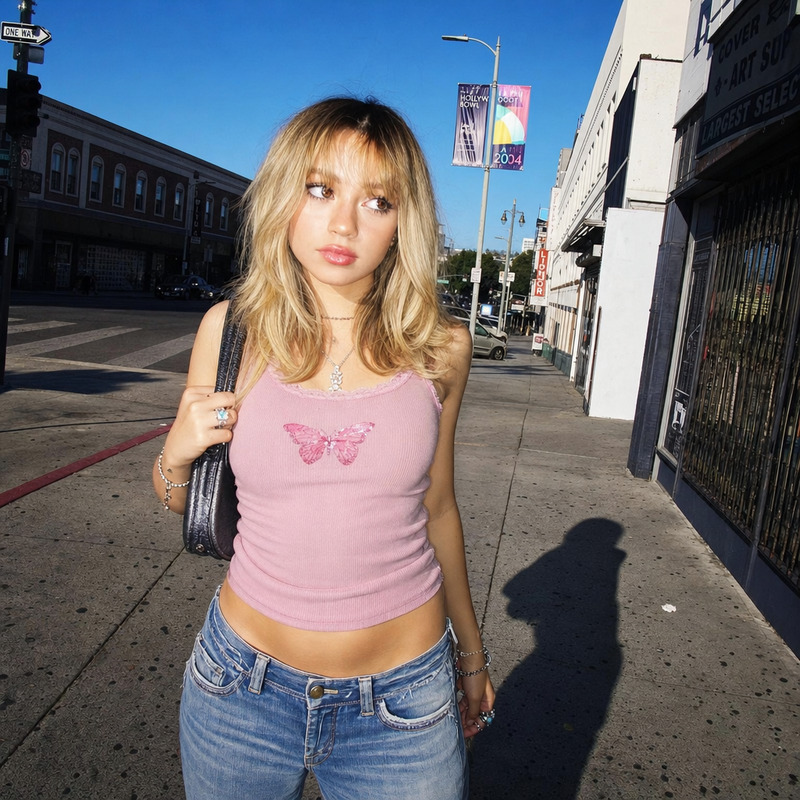
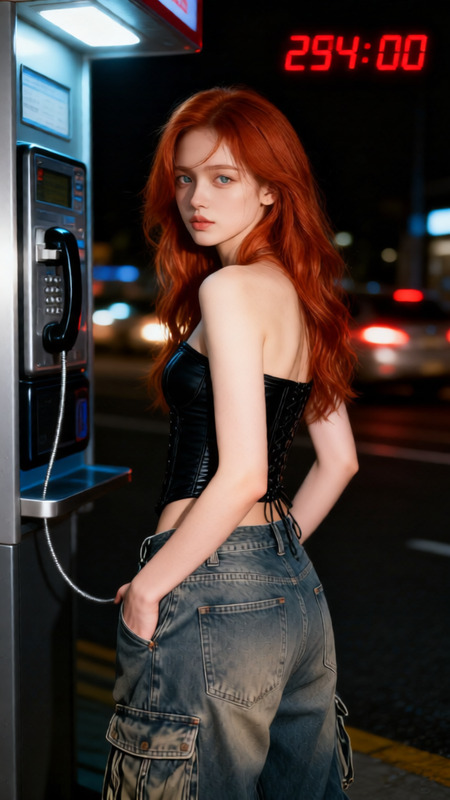
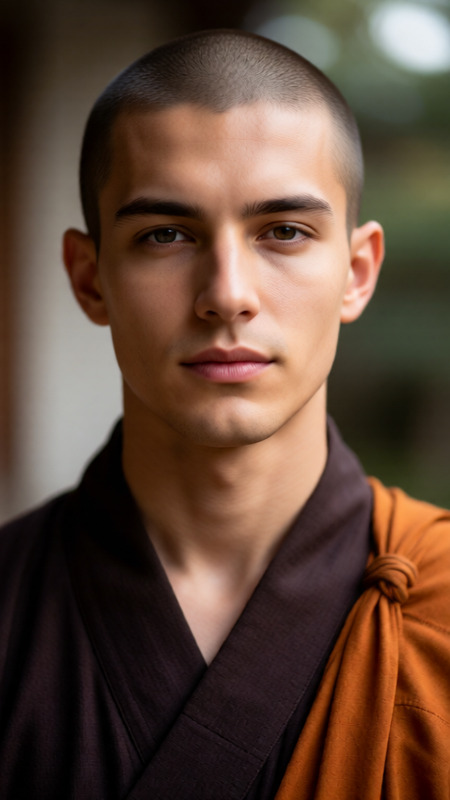
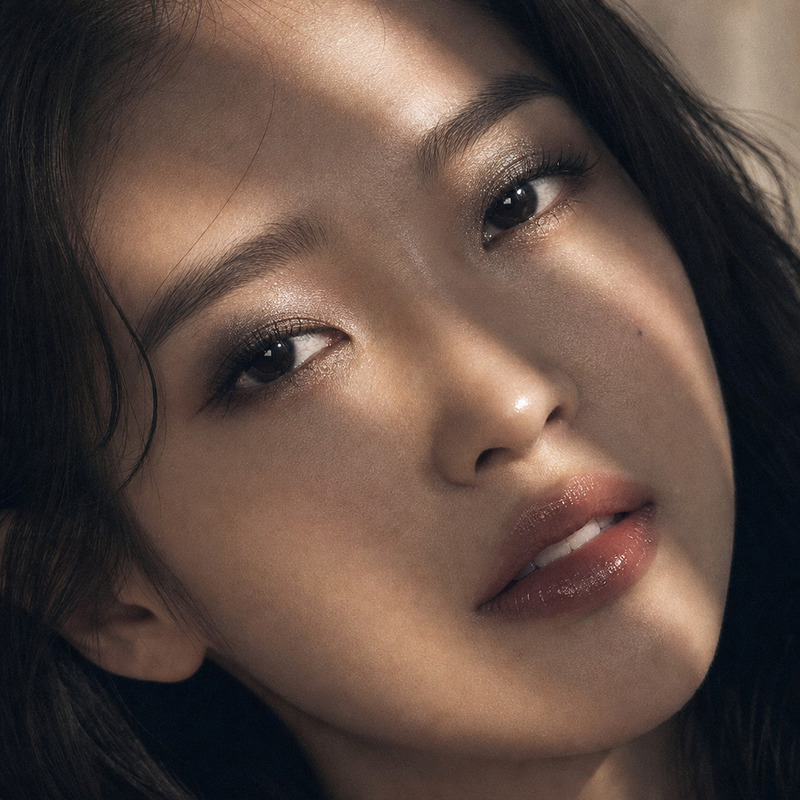
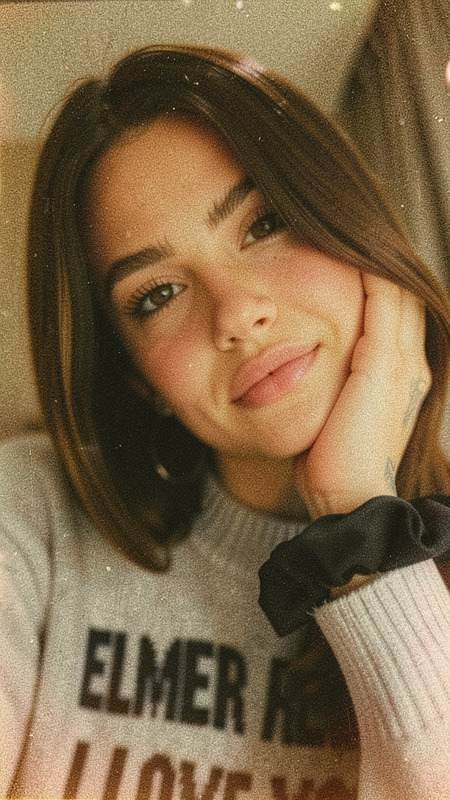
Vintage 90s analog fashion catalog aesthetic, shot on 35mm film (Kodak Portra 400H) with high-contrast direct on-camera flash and a slightly raw, candid studio feel. Ultra-realistic, photorealistic image with visible medium film grain, sharp shadows, natural skin texture, and a clean minimalist composition. Confident, sensual fashion portrait energy with strong silhouette emphasis and direct eye contact into the lens.
Any aspect ratio
Overview
Milky is a specialized AI Image Editor designed to deliver photos with a nostalgic 90s fashion catalog feel. Leveraging the qwen-edit model, it replicates the aesthetic of being shot on a 35mm film, capturing the essence of vintage photography with vivid visual grain and authentic analog details.
What It Does
This template is tailored to transform digital images into ultra-realistic, photorealistic outputs that echo the hallmark style of high-contrast, candid studio fashion shoots. It emphasizes sharp shadows, natural skin textures, and a minimalist composition while maintaining the characteristic rawness of 90s fashion imagery.
Who It's For
Fashion photographers, digital artists, and creatives seeking to infuse their work with an iconic 90s analog vibe will find Milky indispensable. It's ideal for projects aiming to evoke a strong sense of fashion history, offering authentic visual storytelling via digital means.
Summary
With Milky, transform your images into breathtaking fashion portraits reminiscent of iconic 90s magazine pages. This tool is part of our extensive range of AI editors, including the versatile AI Image Editor and the refined AI Image Generator. Explore the related functions to see how they work together to enhance your photography projects.
How-To
Choose Your Template

Customize Your Inputs

Generate and Download

Use Cases
Fashion Editorials
Social Media Campaigns
Branding Projects
Best Practices
Choose High-Resolution Images
For best results, use high-resolution images to capture the template's full effect, ensuring grain and texture are clear.Leverage Natural Lighting
Images with natural lighting work best with this template, enhancing the vintage, high-contrast look.Experiment with Silhouettes
Emphasize strong silhouette shapes in your images to match the template's energy and dynamic impact.