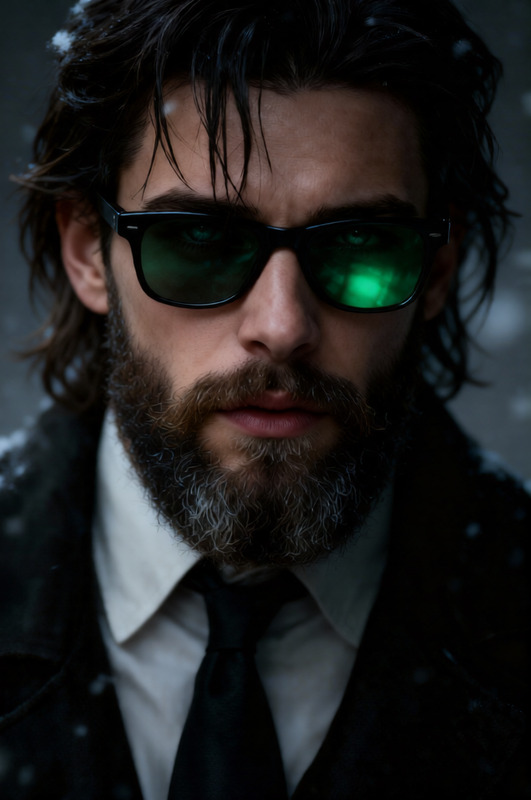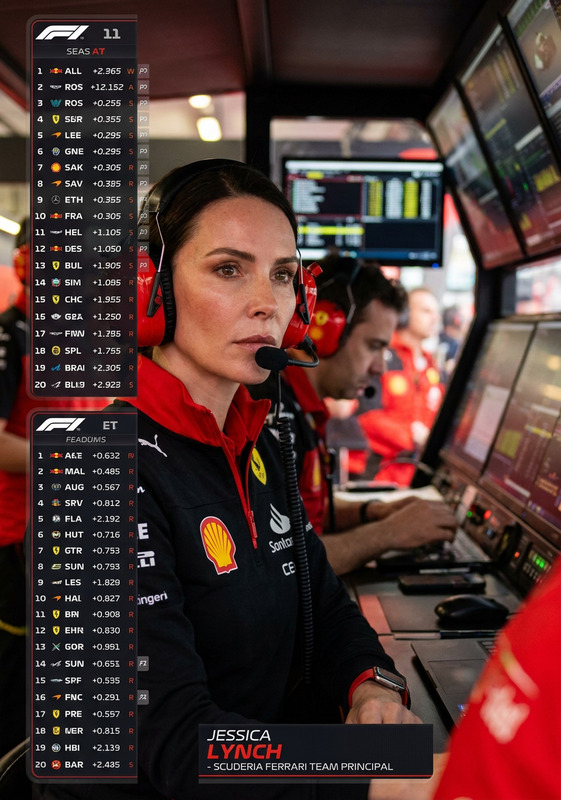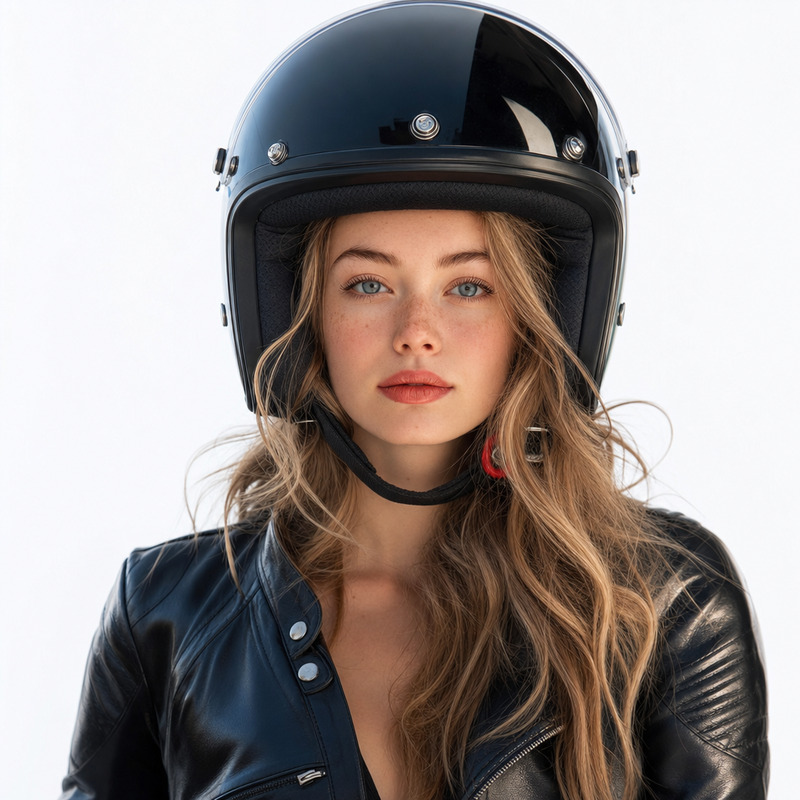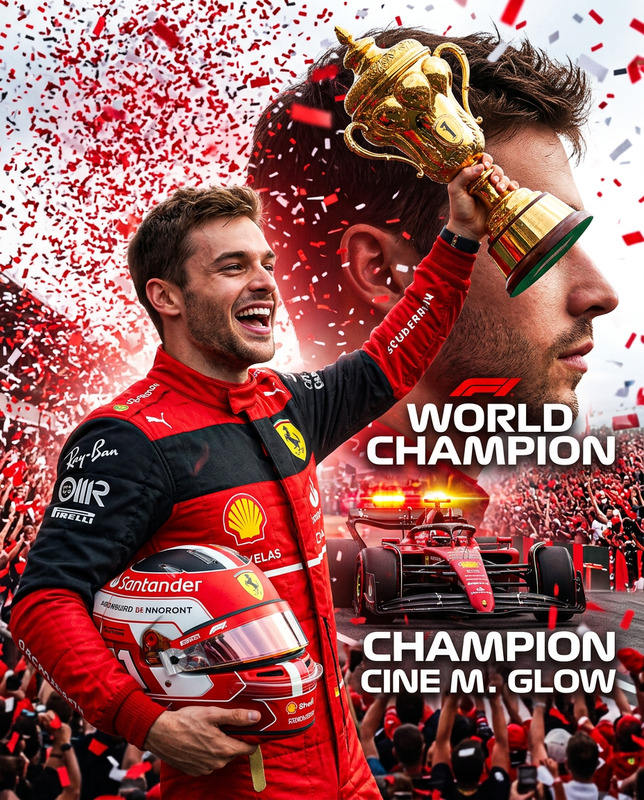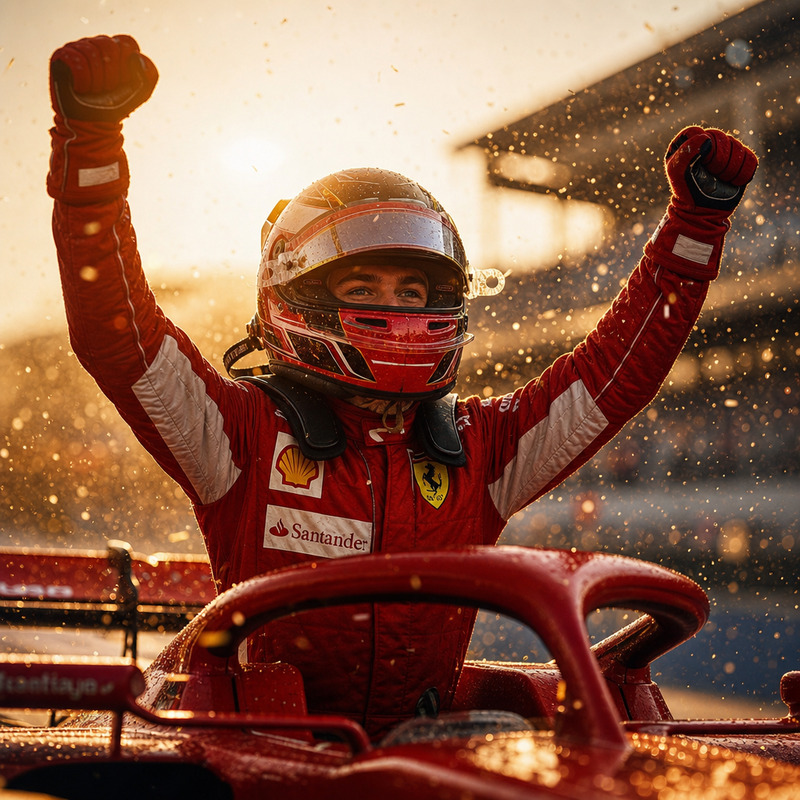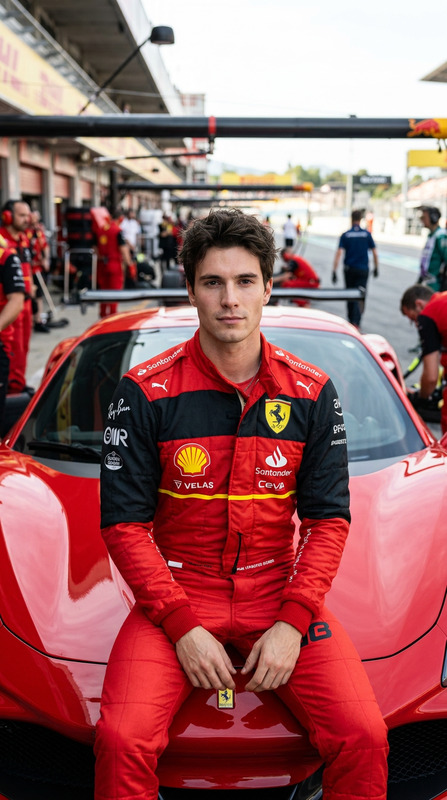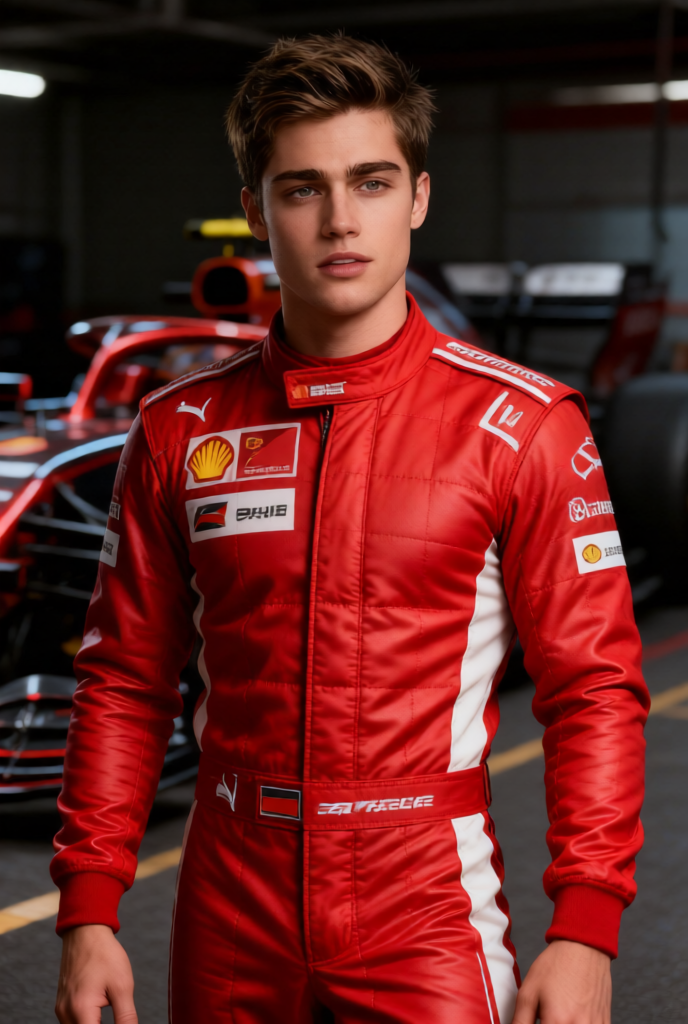
Racing Driver Portrait
- Model
- Qwen Edit
- Image
- 688 × 1024 px
Prompt
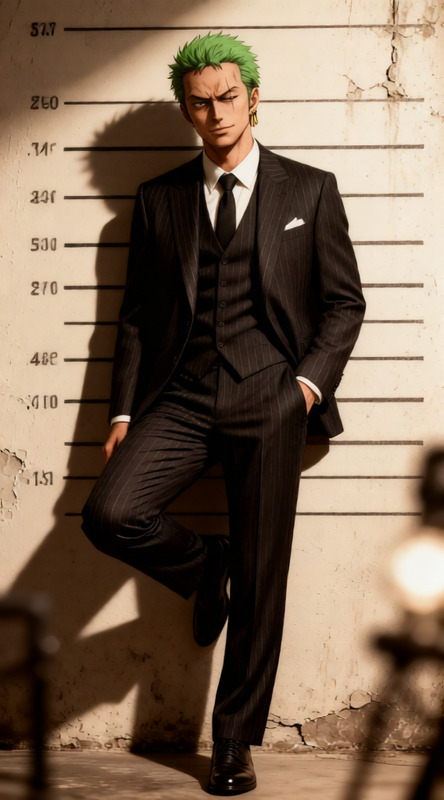
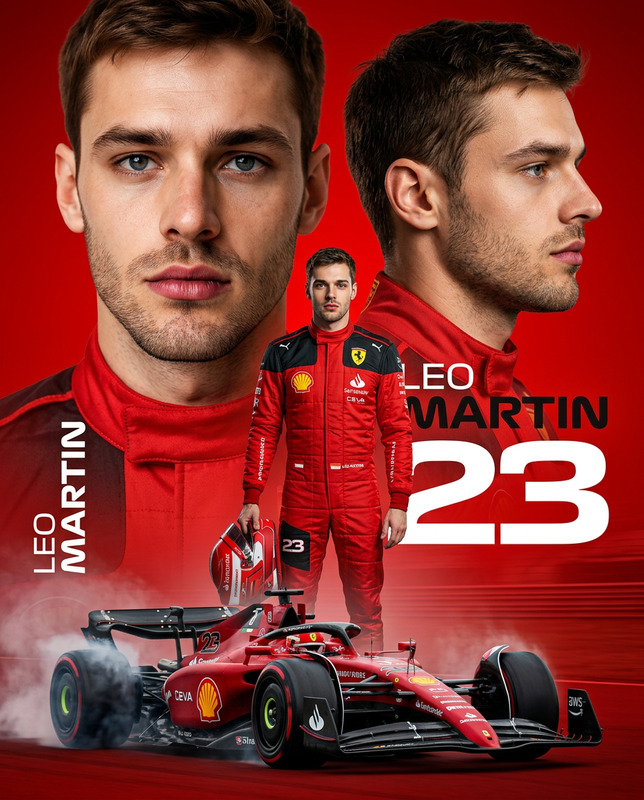
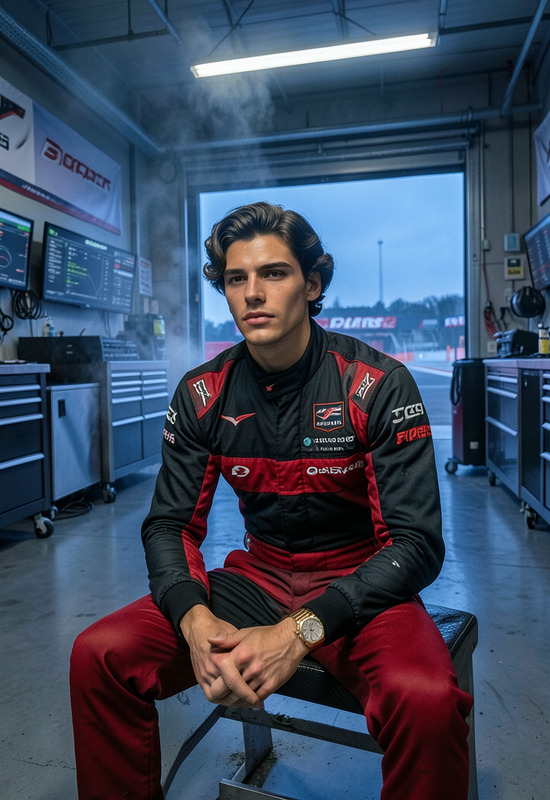
A hyper-realistic full-body portrait of a professional Formula 1 driver, wearing a sleek red racing suit inspired by elite motorsport aesthetics. The subject has a captivating gaze directed at the viewer, with precise skin detail and natural anatomy. Shot in ultra-high resolution with RAW color detail, soft diffused lighting, shallow depth of field, and cinematic CGI lighting with a subtle 3D effect. Clean composition with no text, no distortions, no artifacts, no extra or missing limbs, no watermark. High detail, photorealistic, elegant and powerful mood.
Any aspect ratio
Overview
The Racing Driver Portrait template by Magic Hour uses the qwen-edit model to craft detailed and striking full-body images. Ideal for those needing high-resolution images with a focus on realism and drama, this template transforms your photos into artful portraits of professional Formula 1 drivers.
What It Does
This AI Image Editor template specializes in generating hyper-realistic portraits. It enhances the subject with a sleek red racing suit and leverages advanced lighting techniques to produce images that are both artistic and lifelike. The result is a portrait that captures the power and elegance of the motorsport world.
Who It's For
Perfect for professional photographers, digital artists, and content creators focusing on the motorsport industry, this template caters to anyone looking to create visually engaging content. It is especially beneficial for sports promoters and motorsports enthusiasts seeking high-quality visuals for promotional materials.
Summary
With the Racing Driver Portrait template, you can easily create captivating full-body portraits with precise detail and hyper-realistic quality. Explore similar templates and tools like the AI Image Generator for broader capabilities, or use the AI Video Generator for dynamic visual storytelling.
How To
Choose Your Template

Customize Your Inputs

Generate Your Portrait

Use Cases
Motorsport Branding
- Create promotional posters
- Design iconic merchandise
Digital Art Collections
- Craft realistic character art
- Share unique artwork on social media
Sports Photography
- Transform raw photos into glamorous portraits
- Highlight athlete features in publications
Best Practices
Focus on Lighting
Utilize the template's sophisticated lighting settings to accentuate details and create mood.Avoid Background Clutter
Ensure a clean composition by keeping the background simple and neutral.Adjust Skin Details
Pay attention to skin and fabric textures for a more realistic output.